How to Declare a readonly Field in C#

Some values belong to an object from the moment it's created and should never change afterwards: its name, its ID, a service it uses. In C#, marking the field readonly makes that a rule the compiler enforces, so no method can replace the value later.
Syntax
private readonly <Type> <_name>;

public <ClassName>(<Type> <name>)
{
    <_name> = <name>;
}
| Part | What it does |
|---|---|
readonly | The field can only be set where it's declared or in a constructor of the same class |
= <name>; in the constructor | Gives the field its value as the object is created |
| Any other method | Can read the field, but not assign it |
Microsoft's readonly reference: "In a field declaration, readonly means you can only assign the field during the declaration or in a constructor in the same class."
The Example
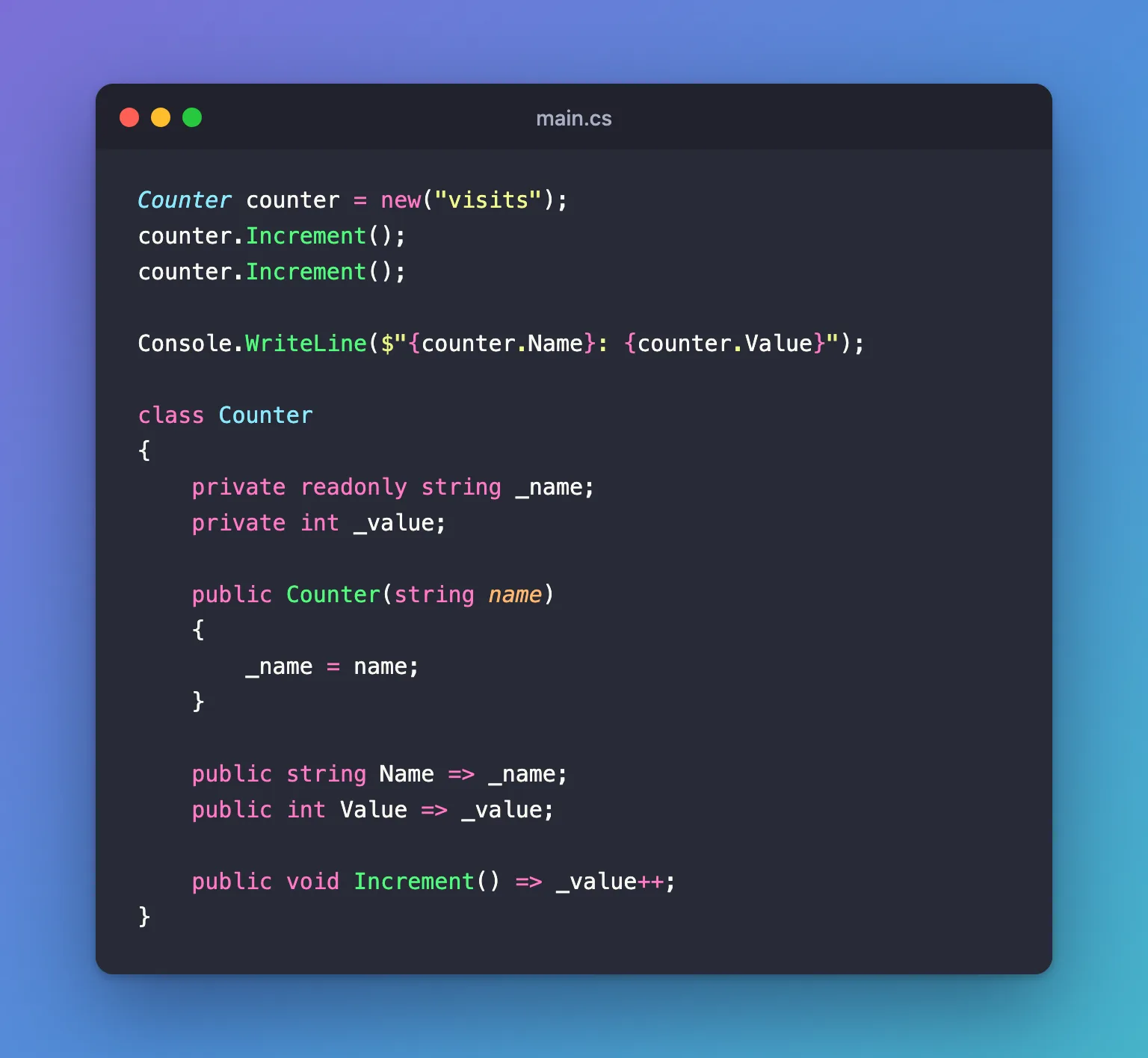
A Counter has a name that it gets when it's created and never changes, and a value that goes up each time Increment is called. Only the name is readonly.
Prerequisites
- The .NET 10 SDK or newer, which runs a single
.csfile withdotnet run. This guide uses .NET SDK 10.0.404.
Step 1: Write the Code
Create a file named main.cs in an empty folder:
Counter counter = new("visits");
counter.Increment();
counter.Increment();

Console.WriteLine($"{counter.Name}: {counter.Value}");

class Counter
{
    private readonly string _name;
    private int _value;

    public Counter(string name)
    {
        _name = name;
    }

    public string Name => _name;
    public int Value => _value;

    public void Increment() => _value++;
}
Name and Value are read-only properties written with =>: they return the fields.
Step 2: Run It
dotnet run main.cs
visits: 2

The constructor set _name to visits, and Increment changed _value twice. Changing _value is fine, because it isn't readonly.
The command is the same in zsh, bash and PowerShell.
A Method Can't Assign It
Here a Rename method tries to change the name after the object exists:
Counter counter = new("visits");
counter.Rename("clicks");

class Counter
{
    private readonly string _name;

    public Counter(string name)
    {
        _name = name;
    }

    public void Rename(string name)
    {
        _name = name;
    }
}
/Users/you/demo/main.cs(15,9): error CS0191: A readonly field cannot be assigned to (except in a constructor or init-only setter of the type in which the field is defined or a variable initializer)

The build failed. Fix the build errors and run again.
The error names the places where assigning is allowed. If the value really must change, the field shouldn't be readonly.
readonly Doesn't Freeze the Object
readonly stops the field from pointing at a different object. It doesn't stop the object itself from changing:
Team team = new();
team.Add("Ana");
team.Add("Ben");

Console.WriteLine(team.Count);

class Team
{
    private readonly List<string> _members = [];

    public void Add(string name) => _members.Add(name);

    public int Count => _members.Count;
}
2
_members is the same list the whole time, and adding to it is allowed. What readonly forbids is _members = ... outside the declaration and constructors.
Common Mistakes
| Mistake | What happens | Do this instead |
|---|---|---|
Assigning a readonly field in a method | error CS0191: A readonly field cannot be assigned to ... | Set it in the constructor, or drop readonly if it must change |
Expecting a readonly list to stay as it is | Items can still be added and removed | Expose it as a read-only collection if others mustn't change it |
Troubleshooting
| Symptom | Likely cause | Fix |
|---|---|---|
CS0191 on an assignment | The field is readonly, and this isn't its declaration or a constructor | Move the assignment into the constructor |
A readonly list changed | readonly protects the field, not the list's contents | That's expected; see above |
FAQ
What's the difference between readonly and const?
A const value is fixed when you write the code, such as 60 or "Open", and is the same for every object. A readonly field gets its value when each object is created, so two counters can have different names.
Why is the field private?
So that only the class can see it, and others read it through a property, here Name. readonly and private answer different questions: who may set it, and who may see it.
Conclusion
Mark a field readonly when an object should get its value once, in the declaration or a constructor, and keep it. Any later assignment is error CS0191, but the object the field points at, such as a list, can still change.
Additional Resources
- readonly keyword, on Microsoft Learn.
- Fields, on Microsoft Learn.
