How to Declare a Positional Record in C#

record Book(string Title, string Author, int Year); is a whole class in one line: three properties, a constructor, value-based equality and a ToString that shows the values. Its properties can't change once it's created.
Microsoft's reference lists what the compiler creates from the parameters: A public automatically implemented property for each positional parameter provided in the record declaration, which for a record is An init-only property, and A primary constructor whose parameters match the positional parameters on the record declaration.
Syntax
record <Name>(<Type1> <Property1>, <Type2> <Property2>);

<Name> <value> = new(<value1>, <value2>);
<Name> <copy> = <value> with { <Property1> = <newValue> };
| Part | What it is |
|---|---|
record <Name>(...) | Declares a class with one property per parameter |
new(<value1>, <value2>) | Creates a record, with the properties in their declared order |
<value> with { ... } | A copy with the properties you list changed |
== | Compares the properties' values |
The reference on equality: For types with the record modifier (record class, record struct, and readonly record struct), two objects are equal if they are of the same type and store the same values.
The Example
A console app called PositionalRecord creates two books with the same values and a copy with a different year, prints them, and compares the first two.
Prerequisites
- The .NET 10 SDK.
dotnet --versionprints a version that starts with10.0.
Step 1: Create a Console App
dotnet new console -n PositionalRecord
cd PositionalRecord
The template "Console App" was created successfully.

Processing post-creation actions...
Restoring /Users/you/source/PositionalRecord/PositionalRecord.csproj:
  Determining projects to restore...
  Restored /Users/you/source/PositionalRecord/PositionalRecord.csproj (in 46 ms).
Restore succeeded.
dotnet new console -n PositionalRecord creates a folder named PositionalRecord with a project file and a Program.cs, and cd moves into it. Everything this example uses is part of .NET, so there's no package to add. Open the folder in VS Code, or PositionalRecord.csproj in Visual Studio.
Step 2: Write the Code
Replace everything in Program.cs. First the books:
Book first = new("Learning C#", "Asha Rao", 2024);
Book same = new("Learning C#", "Asha Rao", 2024);
Book updated = first with { Year = 2025 };
first with { Year = 2025 } copies first and changes only the year.
Then print and compare them:
Console.WriteLine(first);
Console.WriteLine(first == same);
Console.WriteLine(updated);
And declare the record at the end of the file:
// One line: three properties, a constructor, equality and ToString.
record Book(string Title, string Author, int Year);
Step 3: Run It
Run it in VS Code's terminal, or press Ctrl+F5 in Visual Studio:
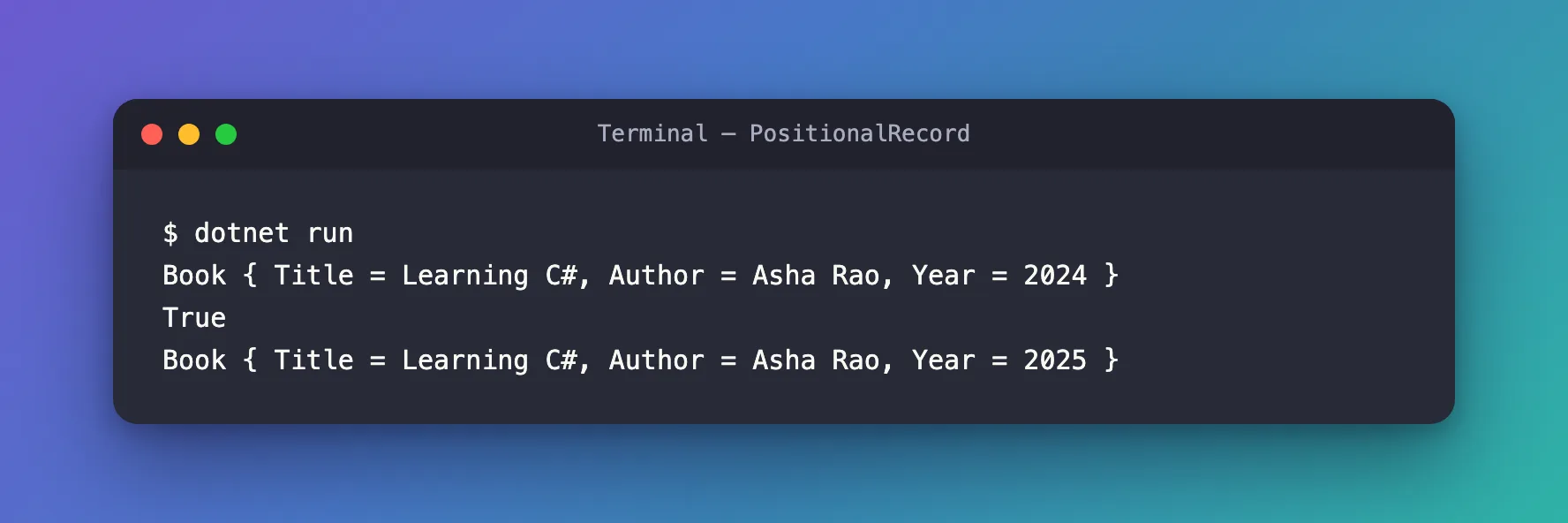
dotnet run
Book { Title = Learning C#, Author = Asha Rao, Year = 2024 }
True
Book { Title = Learning C#, Author = Asha Rao, Year = 2025 }
- The first line is the
ToStringthe compiler wrote: the type and every property with its value. True:firstandsameare two objects, but they hold the same values, so they're equal.- The last line is the copy, with the new year.
firstitself still says 2024.
The Complete File
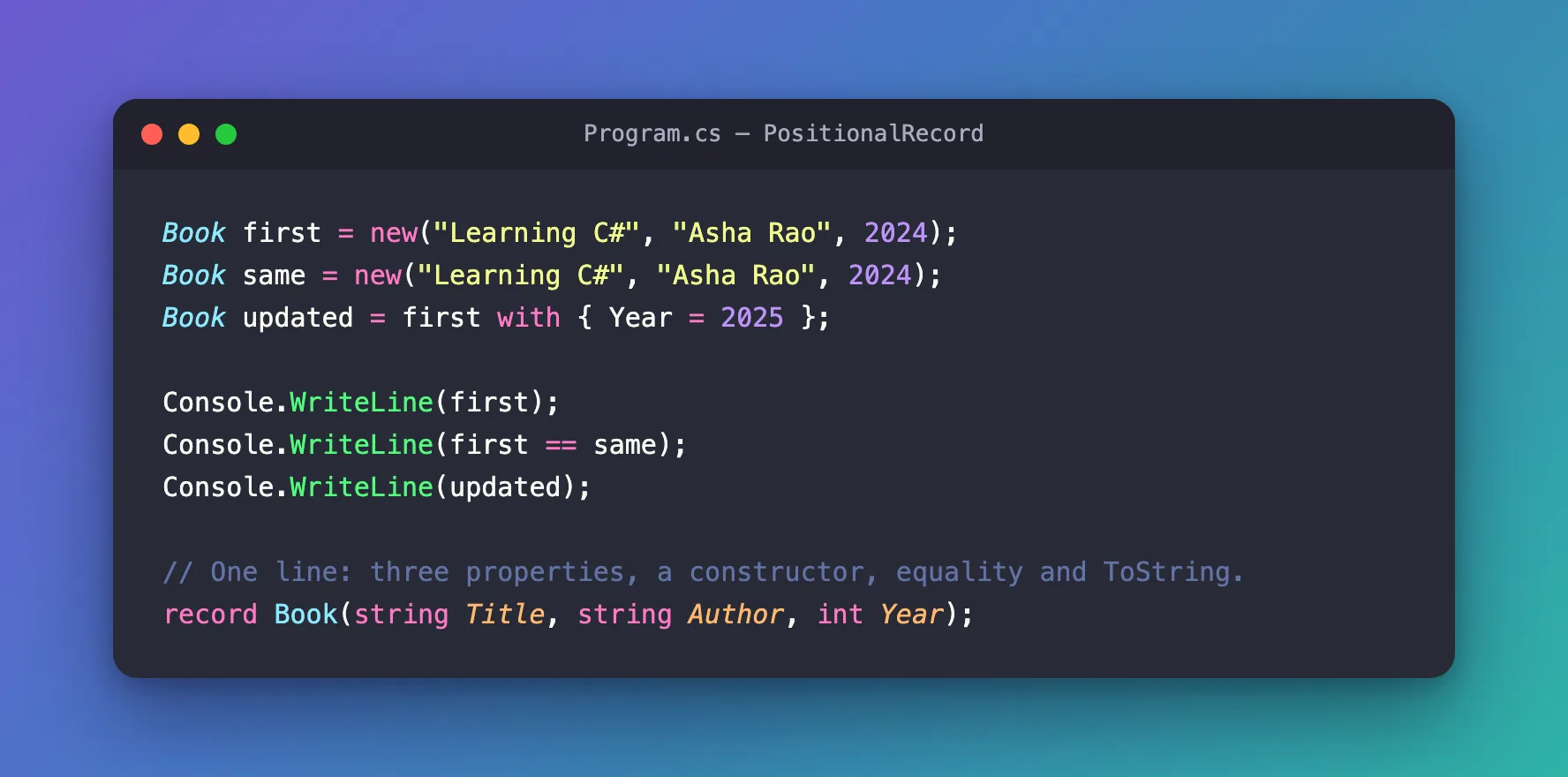
Book first = new("Learning C#", "Asha Rao", 2024);
Book same = new("Learning C#", "Asha Rao", 2024);
Book updated = first with { Year = 2025 };

Console.WriteLine(first);
Console.WriteLine(first == same);
Console.WriteLine(updated);

// One line: three properties, a constructor, equality and ToString.
record Book(string Title, string Author, int Year);
Common Mistakes
| Mistake | What happens | Do this instead |
|---|---|---|
| Changing a property after creating the record | first.Year = 2025; doesn't build: error CS8852: Init-only property or indexer 'Book.Year' can only be assigned in an object initializer, or on 'this' or 'base' in an instance constructor or an 'init' accessor. | Make a changed copy with with |
| Expecting a plain class to compare like a record | Two objects of a class with the same title compared as False: for a class, == asks whether it's the same object | Use a record when equal values should mean equal objects |
FAQ
How do I get the values back out?
A positional record can be taken apart: var (title, author, year) = first; printed Learning C# by Asha Rao, 2024.
Record or readonly record struct?
A record is a class, a reference type. The reference: A record or a record class declares a reference type... A record struct declares a value type.
Conclusion
record Book(string Title, string Author, int Year); gives you a class with init-only properties, a constructor, value equality, a readable ToString and changed copies through with. Use it for data that shouldn't change once it's created.
Additional Resources
- Records — positional syntax, equality and
with.
