How to Declare a Partial Method in C#

A partial method comes in two halves: one part of a class declares it without a body, and another part gives it one. When a simple partial method has no body anywhere, the compiler removes it, and every call to it, without an error.
Microsoft's reference: A partial member has one declaring declaration and often one implementing declaration. The declaring declaration doesn't include a body. The implementing declaration provides the body of the member. Partial methods live in partial classes, whose parts are typically in separate files.
Syntax
// The declaring part: no body, just a semicolon
partial class <Class>
{
    partial void <Method>(<parameters>);
    <access> partial <type> <OtherMethod>(<parameters>);
}

// The implementing part: the same signatures, with a body
partial class <Class>
{
    partial void <Method>(<parameters>) => <body>;
    <access> partial <type> <OtherMethod>(<parameters>) => <body>;
}
| Part | What it is |
|---|---|
partial | On both parts of the class and on both declarations of each method |
partial void <Method>(...) | No access modifier and no return value: the implementing declaration is optional |
<access> | An access modifier, such as public or private. With one, the method must be implemented |
<type> | A return type other than void. It needs an access modifier, so the method must be implemented |
The reference lists when the body is optional. A partial method isn't required to have an implementing declaration in the following cases:
- It doesn't have any accessibility modifiers (including the default private).
- It returns void.
- It doesn't have any out parameters.
- It doesn't have any of the following modifiers virtual, override, sealed, new, or extern.
Any member that doesn't conform to all those restrictions (for example, public virtual partial void method), must provide an implementation.
The Example
A console app called PartialMethod has a partial Door class in two files. Door.cs declares two partial methods and calls them, and Door.Implementation.cs implements both.
Prerequisites
- The .NET 10 SDK.
dotnet --versionprints a version that starts with10.0.
Step 1: Create a Console App
dotnet new console -n PartialMethod
cd PartialMethod
The template "Console App" was created successfully.

Processing post-creation actions...
Restoring /Users/you/source/PartialMethod/PartialMethod.csproj:
  Determining projects to restore...
  Restored /Users/you/source/PartialMethod/PartialMethod.csproj (in 42 ms).
Restore succeeded.
dotnet new console -n PartialMethod creates a folder named PartialMethod with a project file and a Program.cs, and cd moves into it. Everything this example uses is part of .NET, so there's no package to add. Open the folder in VS Code, or PartialMethod.csproj in Visual Studio.
Step 2: Write the Code
Create a file named Door.cs next to Program.cs:
// The declaring part: it declares two partial methods and calls them.
public partial class Door
{
    public void Open()
    {
        Console.WriteLine("The door opens.");
        OnOpened();
    }

    // Optional: no access modifier, returns void, no out parameters.
    // Without an implementation, the compiler removes it and the call in Open.
    partial void OnOpened();

    // Required: it has an access modifier and returns a string, so it needs an implementation.
    public partial string Describe();
}
partial void OnOpened();has no access modifier, returnsvoidand has nooutparameters, so its body is optional.Opencalls it after printing its own line.public partial string Describe();has an access modifier and returns astring, so another part ofDoormust implement it.
Then a file named Door.Implementation.cs:
// The implementing part: it gives both partial methods a body.
public partial class Door
{
    partial void OnOpened() => Console.WriteLine("A bell rings.");

    public partial string Describe() => "A wooden door with a bell.";
}
Each implementation repeats its declaration, partial included, and adds a body: here one expression after =>.
Last, replace everything in Program.cs:
Door door = new();
Console.WriteLine(door.Describe());
door.Open();
Step 3: Run It
Run it in VS Code's terminal, or press Ctrl+F5 in Visual Studio:
dotnet run
A wooden door with a bell.
The door opens.
A bell rings.
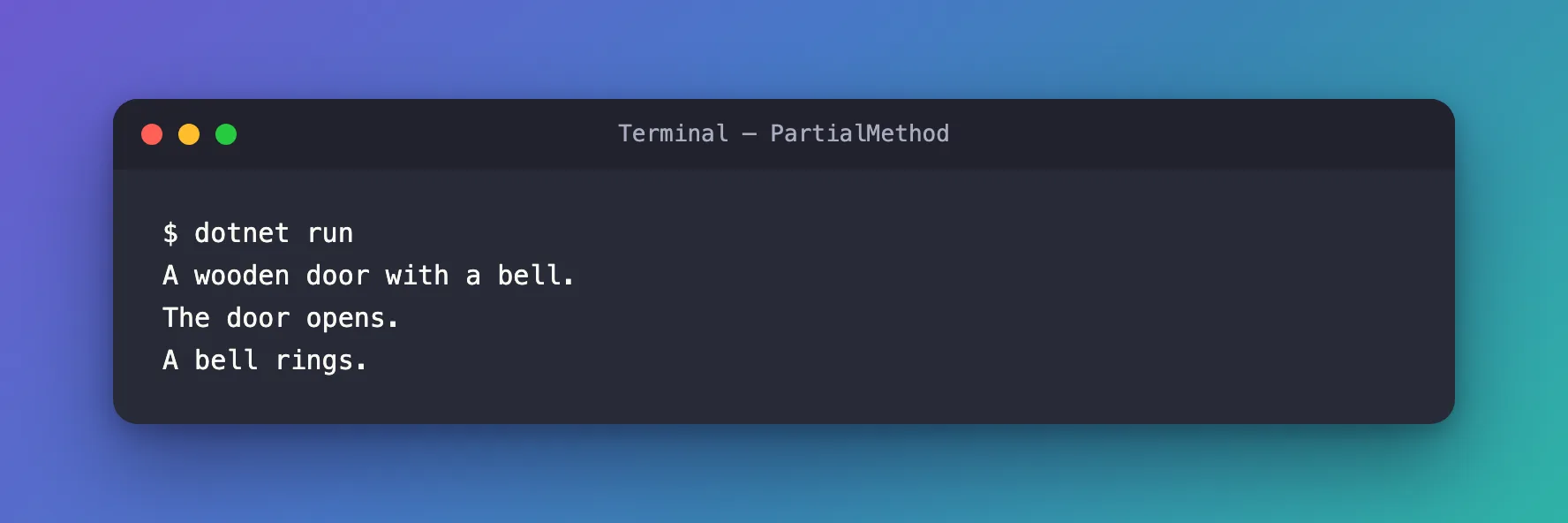
Describe returned the text from its implementation. Then Open printed The door opens. and called OnOpened, whose body in the other file printed A bell rings.
The Complete Files
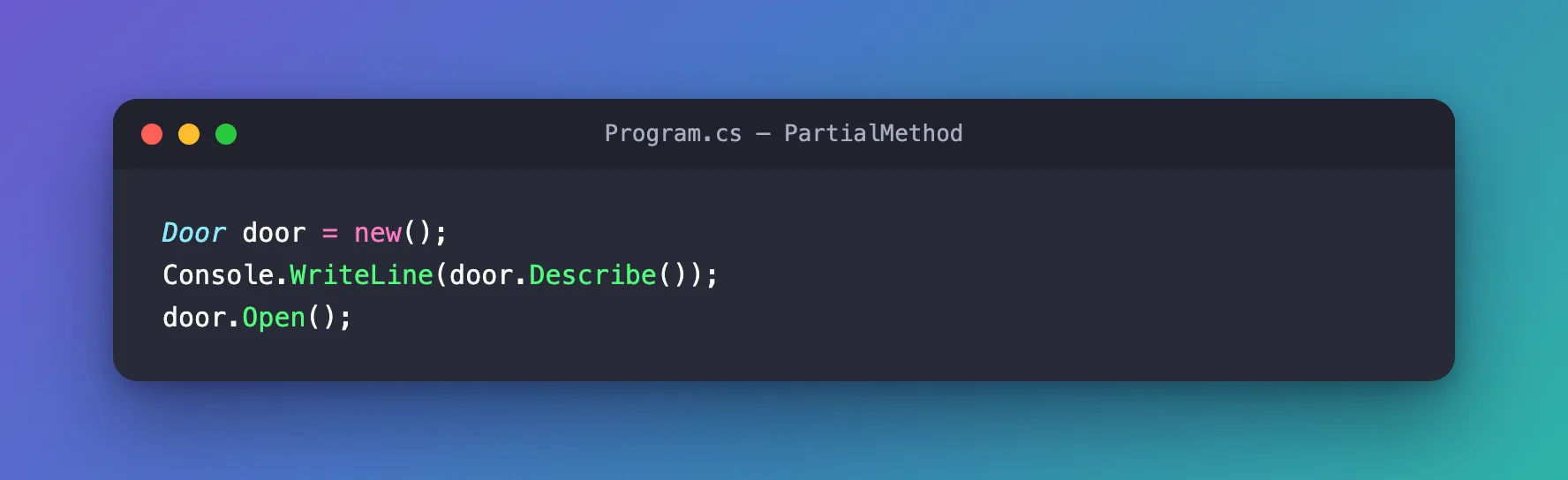
Door door = new();
Console.WriteLine(door.Describe());
door.Open();
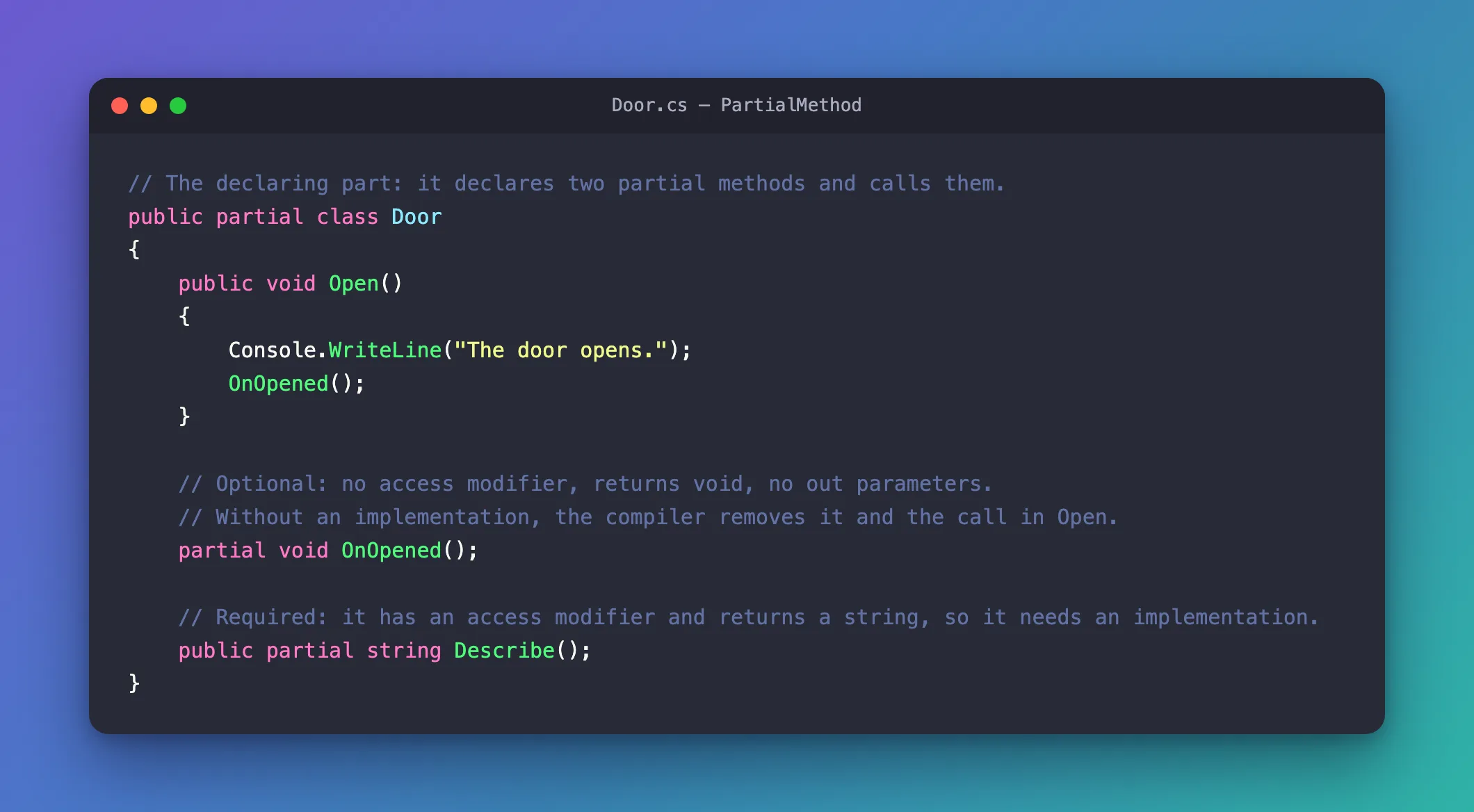
// The declaring part: it declares two partial methods and calls them.
public partial class Door
{
    public void Open()
    {
        Console.WriteLine("The door opens.");
        OnOpened();
    }

    // Optional: no access modifier, returns void, no out parameters.
    // Without an implementation, the compiler removes it and the call in Open.
    partial void OnOpened();

    // Required: it has an access modifier and returns a string, so it needs an implementation.
    public partial string Describe();
}
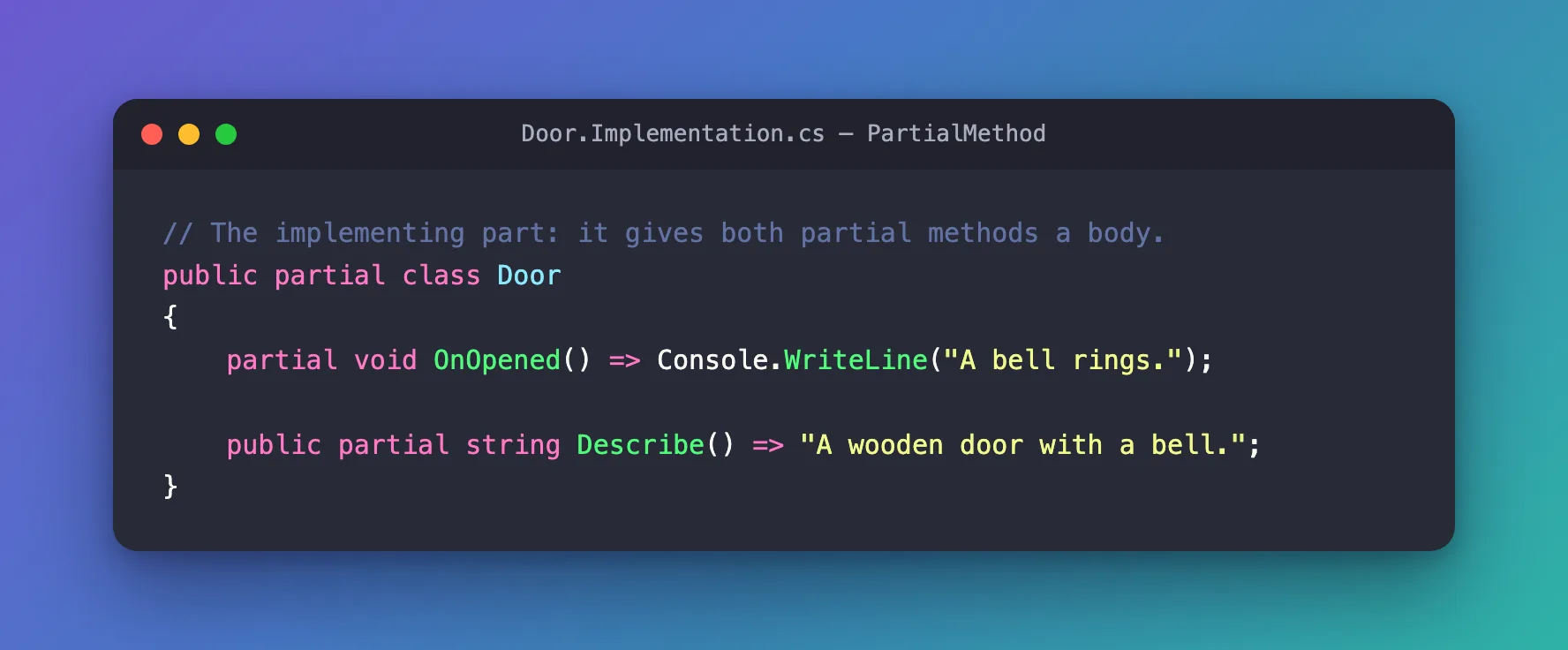
// The implementing part: it gives both partial methods a body.
public partial class Door
{
    partial void OnOpened() => Console.WriteLine("A bell rings.");

    public partial string Describe() => "A wooden door with a bell.";
}
Leave Out an Implementation
Delete the OnOpened line from Door.Implementation.cs and run the app again:
A wooden door with a bell.
The door opens.
The bell line is gone, and nothing failed. Microsoft's guide: The method and all calls to the method are removed at compile time when there's no implementation.
Now delete the Describe line too. This time the build stops, because Describe has an access modifier:
error CS8795: Partial method 'Door.Describe()' must have an implementation part because it has accessibility modifiers.
Common Mistakes
| Mistake | What happens | Do this instead |
|---|---|---|
| A return type without an access modifier | partial string Describe(); doesn't build: error CS8796: Partial method 'Door.Describe()' must have accessibility modifiers because it has a non-void return type. | Add one, such as public, to both declarations, and implement the method |
An out parameter without an access modifier | partial void TryGetColor(out string color); doesn't build: error CS8797: Partial method 'Door.TryGetColor(out string)' must have accessibility modifiers because it has 'out' parameters. | Add an access modifier, and implement the method |
| Different access modifiers in the two parts | public in one part and private in the other: error CS8799: Both partial member declarations must have identical accessibility modifiers. | Copy the declaration into the implementation, then add the body |
| A typo in the implementation's name | partial void OnOpend() doesn't build: error CS0759: No defining declaration found for implementing declaration of partial method 'Door.OnOpend()' | Use the declared name. The reference: Signatures in both parts of the partial type must match. |
FAQ
Where are partial methods used?
With tools that write code for you. The reference: Partial members enable class designers to provide member hooks for tooling such as source generators to implement. Microsoft's guide describes the split: The human developer can add the member declaration (often with attributes read by the source generator). Then: The source generator runs during compilation and provides the implementation.
Conclusion
Declare a partial method in one part of a partial class and give it a body in another, with the same signature in both. A partial void method without an access modifier may stay without a body, and its calls disappear; one with an access modifier, a return value or an out parameter must be implemented.
Additional Resources
- Partial member (C# reference) — the rules for partial methods and other partial members.
- Partial classes and members — partial types, and what happens without an implementation.
- Errors and warnings for partial declarations — CS8795, CS8796, CS8797, CS8799, CS0759 and the others.
