How to Declare a Constant with const in JavaScript

Most variables in a program are set once and never pointed anywhere else. Declaring them with const says so, and JavaScript then stops any line that tries to reassign them, which catches a whole class of mistakes early.
Syntax
const <name> = <value>;
| Part | What it does |
|---|---|
const | Declares a variable that can't be reassigned. |
<name> | The variable's name. |
<value> | Required: a const must get its value in the same line. |
MDN's const reference: "The value of a constant can't be changed through reassignment using the assignment operator, but if a constant is an object, its properties can be added, updated, or removed."
The Example
The example declares a city and a list of visited cities with const. It adds to the list, which works, and then tries to reassign the city, which doesn't.
Prerequisites
- Node.js. This guide uses Node.js 26.13.1.
Step 1: Write the Code
Create a file named main.js:
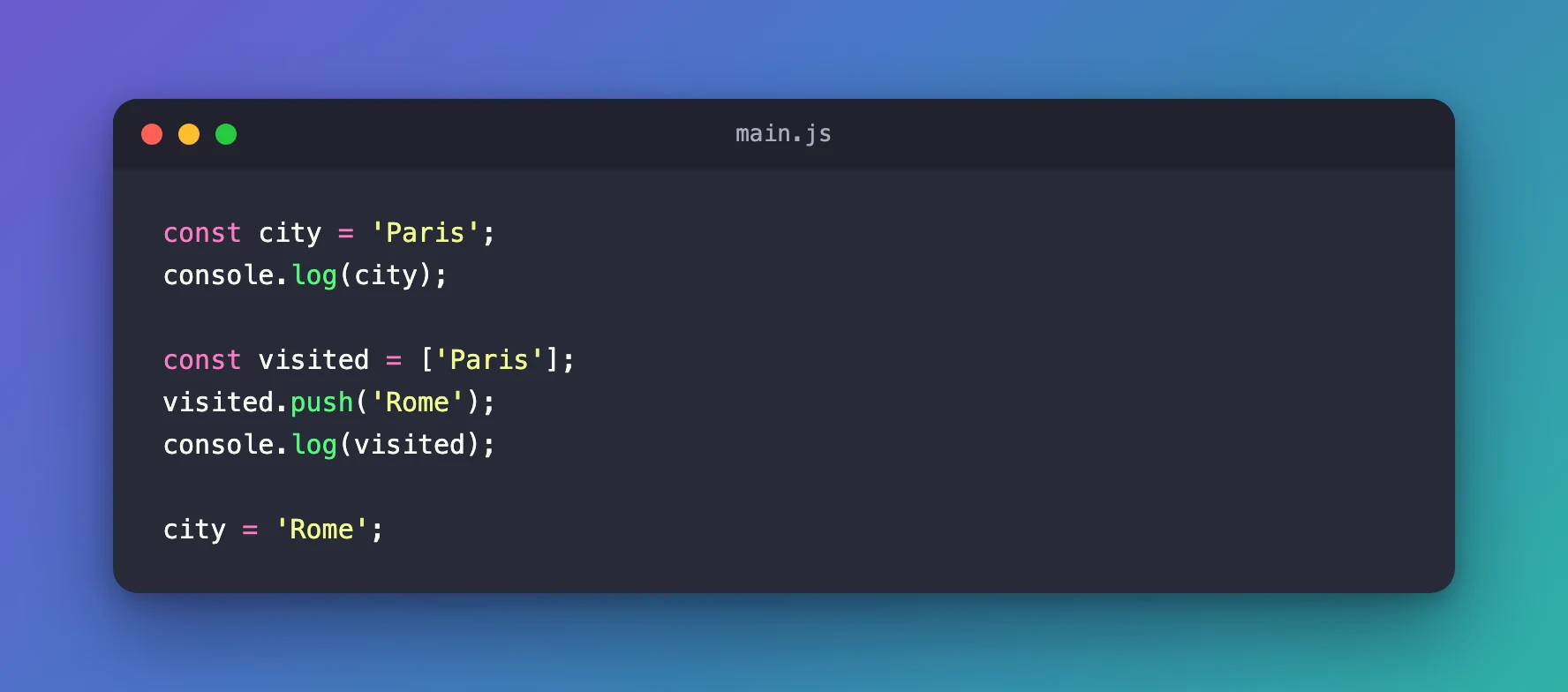
const city = 'Paris';
console.log(city);

const visited = ['Paris'];
visited.push('Rome');
console.log(visited);

city = 'Rome';
Step 2: Run It
node main.js
Paris
[ 'Paris', 'Rome' ]
/Users/Shared/you/main.js:8
city = 'Rome';
     ^

TypeError: Assignment to constant variable.
    at Object.<anonymous> (/Users/Shared/you/main.js:8:6)
    at Module._compile (node:internal/modules/cjs/loader:1968:14)
    at Object..js (node:internal/modules/cjs/loader:2108:10)
    at Module.load (node:internal/modules/cjs/loader:1690:32)
    at Module._load (node:internal/modules/cjs/loader:1480:12)
    at wrapModuleLoad (node:internal/modules/cjs/loader:261:19)
    at Module.executeUserEntryPoint [as runMain] (node:internal/modules/run_main:171:5)
    at node:internal/main/run_main_module:33:47

Node.js v26.13.1
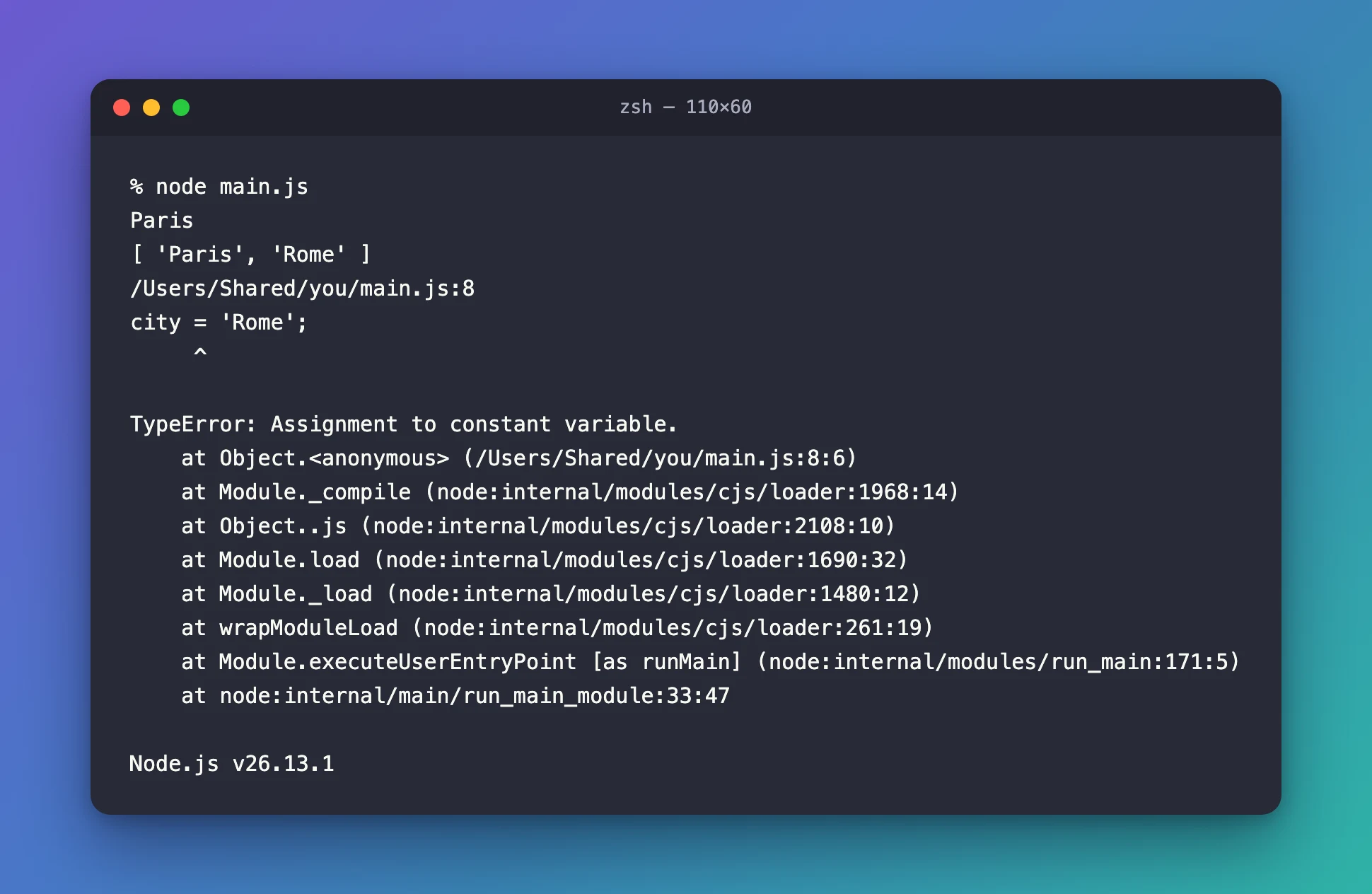
visited.push('Rome')worked:constkeepsvisitedon the same array, but the array itself can change.city = 'Rome'tried to pointcityat a new value, and Node.js stopped withTypeError: Assignment to constant variable., showing the line and the column.
The command is the same in zsh, bash and PowerShell.
When to Use let
Use let for a variable that really does change, such as a counter or a running total:
let city = 'Paris';
city = 'Rome';
console.log(city); // Rome
A good habit is const by default and let only where you reassign.
Common Mistakes
| Mistake | What happens | Do this instead |
|---|---|---|
Reassigning a const | TypeError: Assignment to constant variable. | Use let for that variable |
Declaring a const without a value, as in const x; | SyntaxError: Missing initializer in const declaration | Give it its value in the same line |
Expecting const to freeze an object or array | Its contents can still change | Use Object.freeze() when the contents must not change |
Troubleshooting
| Symptom | Likely cause | Fix |
|---|---|---|
TypeError: Assignment to constant variable. | A line assigns a new value to a const | Change the declaration to let, or stop reassigning |
SyntaxError: Missing initializer in const declaration | const has no = value | Add the value |
FAQ
Is const faster than let?
Don't choose for speed. Choose const because it tells readers, and JavaScript, that the variable won't be reassigned.
Where can I use a const variable?
Only inside the block, the { ... }, where you declared it. Outside that block it doesn't exist.
Conclusion
const declares a variable that can't be reassigned, so a stray = fails loudly. The value inside, such as an array, can still change; use let when the variable itself must change.
