How to Declare a Constant with const in C#

A const is a value that never changes: the maximum number of attempts, a VAT rate, a placeholder text. Write it once under a clear name, and the compiler stops any code from changing it.
Microsoft's reference: Use the const keyword to declare a constant field or a local constant. Constant fields and locals aren't variables and can't be modified. Constants can be numbers, Boolean values, strings, or a null reference.
Syntax
const <type> <Name> = <value>;

static class <Holder>
{
    public const <type> <Name> = <value>;
}
| Part | What it is |
|---|---|
const | Makes the value constant |
<type> | A number type, bool or string |
<value> | Something the compiler can work out while it builds: a literal such as 3, or an expression made of other constants |
public const in a class | A constant that other code reads through the class name, such as Placeholders.Password |
The reference on the value: A constant expression is an expression that the compiler can fully evaluate at compile time.
The Example
A console app called Constants uses three local constants in two messages, and a public constant kept in a class.
Prerequisites
- The .NET 10 SDK.
dotnet --versionprints a version that starts with10.0.
Step 1: Create a Console App
dotnet new console -n Constants
cd Constants
The template "Console App" was created successfully.

Processing post-creation actions...
Restoring /Users/you/source/Constants/Constants.csproj:
  Determining projects to restore...
  Restored /Users/you/source/Constants/Constants.csproj (in 44 ms).
Restore succeeded.
dotnet new console -n Constants creates a folder named Constants with a project file and a Program.cs, and cd moves into it. Everything this example uses is part of .NET, so there's no package to add. Open the folder in VS Code, or Constants.csproj in Visual Studio.
Step 2: Write the Code
Replace everything in Program.cs. First the three constants:
const int MaxAttempts = 3;
const string Greeting = "Welcome back";
const double VatRate = 0.20;
Then use them, and the class's constant:
Console.WriteLine($"{Greeting}! You have {MaxAttempts} attempts.");
Console.WriteLine($"VAT on 50.00 is {50.00 * VatRate:F2}");
Console.WriteLine($"Placeholder: {Placeholders.Password}");
{50.00 * VatRate:F2} works out the VAT and prints it with two decimal places.
Add the class at the end of the file:
static class Placeholders
{
    // A constant that other code can use through the class name.
    public const string Password = "[password removed]";
}
Step 3: Run It
Run it in VS Code's terminal, or press Ctrl+F5 in Visual Studio:
dotnet run
Welcome back! You have 3 attempts.
VAT on 50.00 is 10.00
Placeholder: [password removed]

Each constant was used like a variable, but none of them can be changed, and Placeholders.Password was read through its class's name.
The Complete File
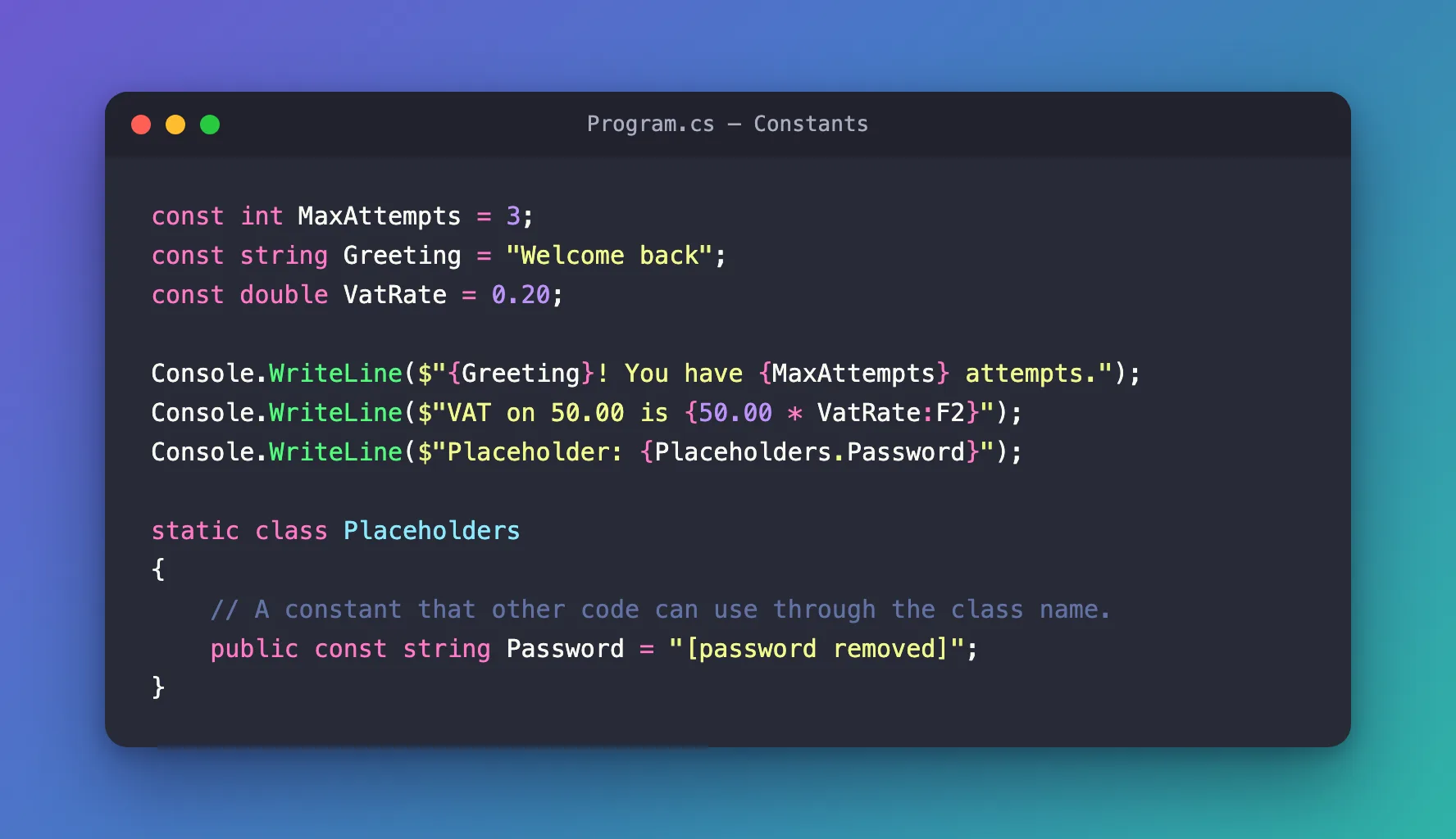
const int MaxAttempts = 3;
const string Greeting = "Welcome back";
const double VatRate = 0.20;

Console.WriteLine($"{Greeting}! You have {MaxAttempts} attempts.");
Console.WriteLine($"VAT on 50.00 is {50.00 * VatRate:F2}");
Console.WriteLine($"Placeholder: {Placeholders.Password}");

static class Placeholders
{
    // A constant that other code can use through the class name.
    public const string Password = "[password removed]";
}
Common Mistakes
| Mistake | What happens | Do this instead |
|---|---|---|
| Assigning to a constant | MaxAttempts = 4; doesn't build: error CS0131: The left-hand side of an assignment must be a variable, property or indexer | Use a normal variable for a value that changes |
| Setting a constant from something worked out while the program runs | const string Started = DateTime.UtcNow.ToString(); doesn't build: error CS0133: The expression being assigned to 'Started' must be constant | Use static readonly: public static readonly DateTime Started = DateTime.UtcNow; built and ran |
FAQ
Can a constant be an array?
No: const int[] Limits = [1, 2]; failed with error CS0133: The expression being assigned to 'Limits' must be constant. The reference: the only possible values for constants of reference types are strings and a null reference. Use static readonly for arrays.
const or static readonly?
const for values known when you write the code, static readonly for values set when the program starts. The reference: although a const field is a compile-time constant, the readonly field can be used for run-time constants.
Conclusion
const int MaxAttempts = 3; gives a fixed value a name that no code can change. Use it for numbers, text and other values the compiler can work out, and static readonly for anything decided while the program runs.
Additional Resources
- const keyword — constants and how they differ from readonly fields.
