How to Declare a Class in C#

A class describes a kind of thing your program works with: what data each one has, and what it can do. In C#, you declare the class once, then create as many objects of it as you need, each with its own data.
Syntax
class <ClassName>
{
    public <Type> <PropertyName> { get; set; }

    public <ReturnType> <MethodName>() => <expression>;
}

<ClassName> <variable> = new();
| Part | What it does |
|---|---|
class <ClassName> { ... } | Declares the class. Everything between the braces belongs to it |
public <Type> <PropertyName> { get; set; } | A property: a piece of data each object has |
public <ReturnType> <MethodName>() | A method: something each object can do, using its own data |
new() | Creates an object of the class |
Microsoft's classes guide: "A class defines a type that groups data and behavior." And: "The class declaration defines the type; it doesn't create an object. The new operator creates an instance".
The Example
A Book class has a title, which starts as Untitled, a number of pages, and a Describe method that puts the two in a sentence. The program creates two books, then a second variable for the first book.
Prerequisites
- The .NET 10 SDK or newer, which runs a single
.csfile withdotnet run. This guide uses .NET SDK 10.0.404.
Step 1: Write the Code
Create a file named main.cs in an empty folder:
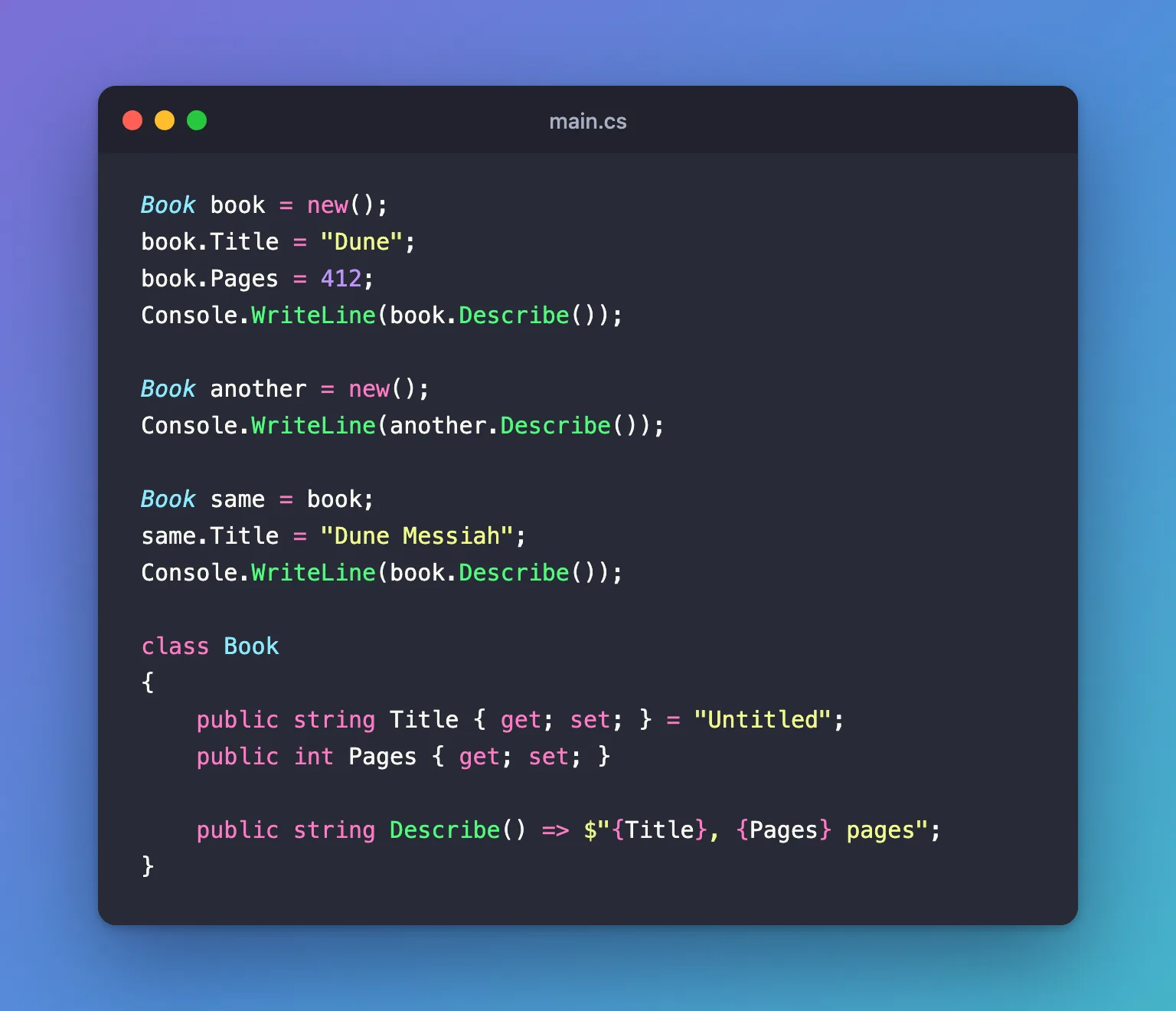
Book book = new();
book.Title = "Dune";
book.Pages = 412;
Console.WriteLine(book.Describe());

Book another = new();
Console.WriteLine(another.Describe());

Book same = book;
same.Title = "Dune Messiah";
Console.WriteLine(book.Describe());

class Book
{
    public string Title { get; set; } = "Untitled";
    public int Pages { get; set; }

    public string Describe() => $"{Title}, {Pages} pages";
}
Step 2: Run It
dotnet run main.cs
Dune, 412 pages
Untitled, 0 pages
Dune Messiah, 412 pages
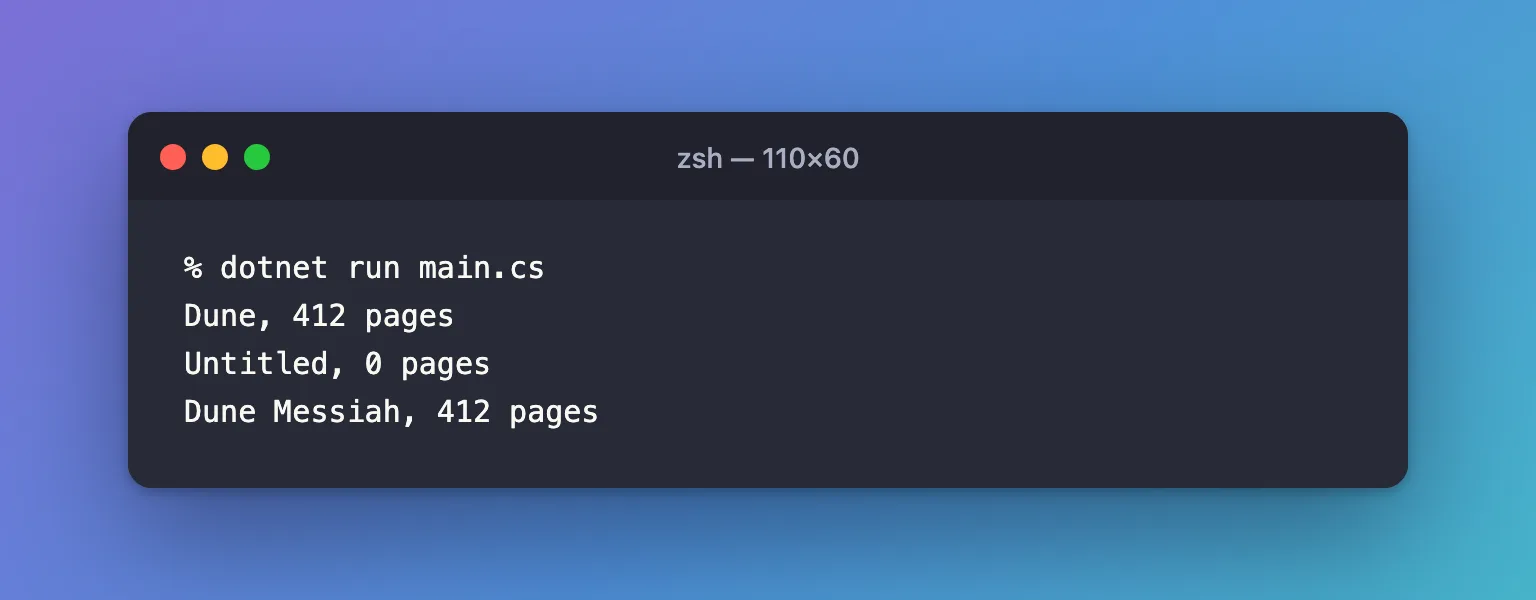
- The first book got its title and pages, and
Describeused them. - The second book is a separate object with its own data: the starting title and 0 pages.
Book same = book;didn't copy the book. Both variables refer to the same object, so changing the title throughsamechangedbooktoo.
That third result is what "reference type" means. The guide: "Classes are reference types: a variable holds a reference to an object rather than the object's data."
The command is the same in zsh, bash and PowerShell.
A Variable Needs an Object
Declaring a variable of a class type doesn't create an object. Without new, there's nothing to set a title on:
Book book;
book.Title = "Dune";

class Book
{
    public string Title { get; set; } = "Untitled";
}
/Users/you/demo/main.cs(2,1): error CS0165: Use of unassigned local variable 'book'

The build failed. Fix the build errors and run again.
Give the variable an object first: Book book = new();.
Common Mistakes
| Mistake | What happens | Do this instead |
|---|---|---|
Declaring Book book; and using it | error CS0165: Use of unassigned local variable 'book' | Book book = new(); |
Expecting Book same = book; to make a copy | Both variables change the same object | Create a new object and copy the values you need |
Troubleshooting
| Symptom | Likely cause | Fix |
|---|---|---|
CS0165 on a class variable | It was declared but never given an object | Assign new() |
| Changing one object changes "another" | Both variables refer to the same object | Create a separate object with new() |
FAQ
What's the difference between a class and an object?
The class is the description, written once: a book has a title and pages. Each object is one book, created with new, with its own title and pages.
Where do I put the class in a one-file program?
After the top-level code, as in Step 1. In a bigger project, each class usually gets its own file.
Conclusion
Declare a class with class Name { ... }, give it properties for its data and methods for what it does, and create objects of it with new(). Classes are reference types: two variables can refer to one object, and a variable without an object is error CS0165.
Additional Resources
- Classes, on Microsoft Learn.
- The new operator, on Microsoft Learn.
