How to Create an Object Literal in JavaScript

An object groups related values under names, such as a book's title, author and year. The quickest way to make one in JavaScript is an object literal: the values written out between curly braces, right where you need them.
Syntax
const <object> = {
  <name>: <value>,
  <name>: <value>,
};
| Part | What it does |
|---|---|
{ ... } | Creates a new object. |
<name>: <value> | One property: a name, a colon and its value. Commas separate the properties. |
<object> | A variable that holds the object. |
MDN's object initializer reference defines it: "An object initializer, sometimes also called an object literal, is a comma-delimited list of zero or more pairs of property names and associated values of an object, enclosed in curly braces ({})."
The Example
The example describes a book with three properties, reads two of them, adds a fourth and prints the whole object.
Prerequisites
- Node.js. This guide uses Node.js 26.13.1.
Step 1: Write the Object
Create a file named main.js:
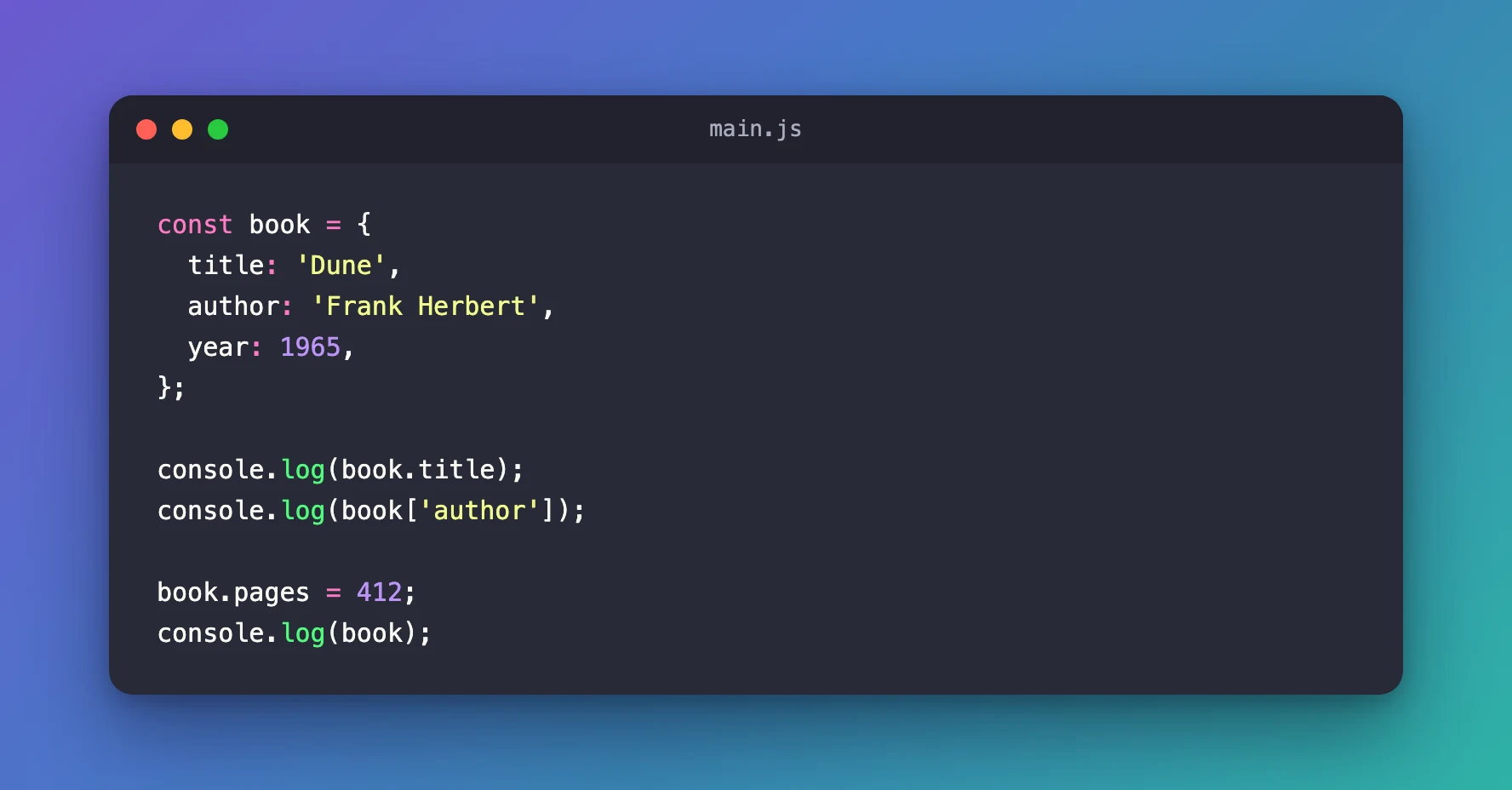
const book = {
  title: 'Dune',
  author: 'Frank Herbert',
  year: 1965,
};

console.log(book.title);
console.log(book['author']);

book.pages = 412;
console.log(book);
book.titlereads a property with dot notation.book['author']reads one with bracket notation, which takes the name as a string.book.pages = 412adds a property that wasn't there.- The comma after
1965is allowed. It makes adding the next property a one-line change.
Step 2: Run It
node main.js
Dune
Frank Herbert
{ title: 'Dune', author: 'Frank Herbert', year: 1965, pages: 412 }
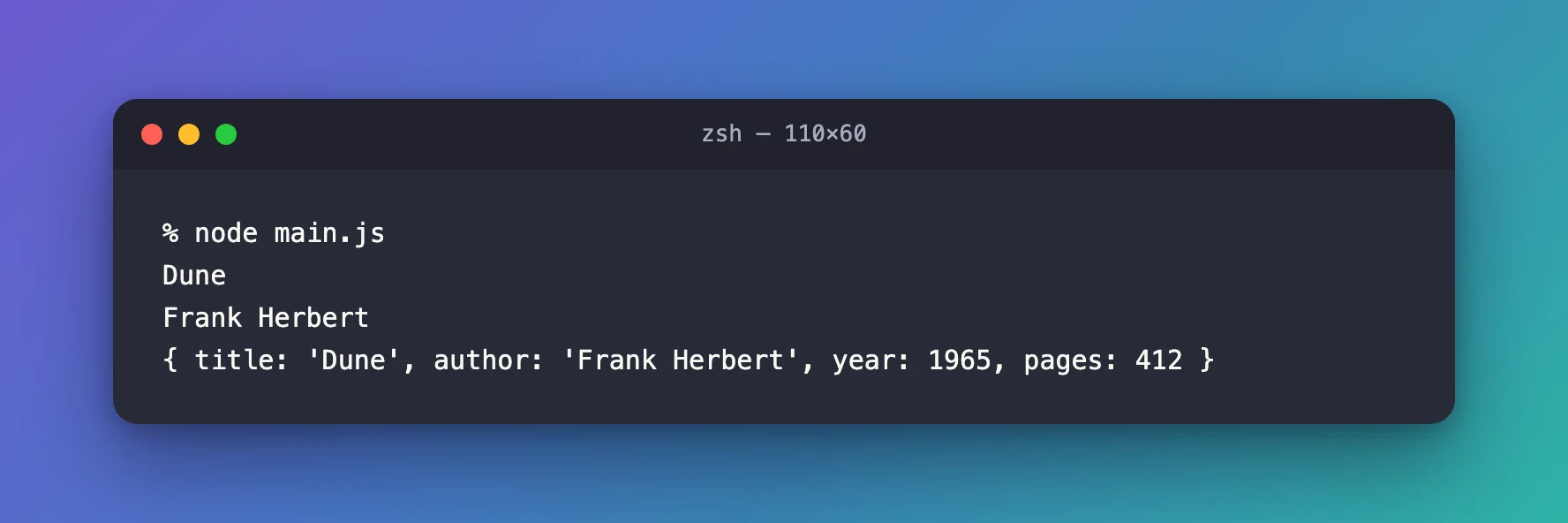
The new pages property appears at the end of the object. The command is the same in zsh, bash and PowerShell.
Dot or Brackets?
Use dot notation when you know the name as you write the code. Use brackets when the name has a space or a dash, or when it's in a variable:
const person = { 'first name': 'Ada' };
console.log(person['first name']); // Ada
Common Mistakes
| Mistake | What happens | Do this instead |
|---|---|---|
Reading a property that doesn't exist, such as book.isbn | You get undefined, with no error | Check the name, or give the object that property |
Writing = instead of : inside the braces | SyntaxError: Invalid shorthand property initializer | Write name: value |
| Using dot notation for a name with a space | A SyntaxError, such as missing ) after argument list inside console.log(...) | Use object['first name'] |
Troubleshooting
| Symptom | Likely cause | Fix |
|---|---|---|
undefined where you expected a value | The property name is misspelled or missing | Compare the name with the object's printout |
SyntaxError: Unexpected identifier 'author' | The comma before that property is missing | Put a comma after each property |
FAQ
Can I change a property of an object in a const variable?
Yes. const stops the variable from pointing at another object, but the object's properties can still change, as book.pages = 412 shows.
How do I see every property name?
Object.keys(book) returns them as an array: ['title', 'author', 'year', 'pages'].
Conclusion
Curly braces with name: value pairs create an object on the spot. Read its properties with object.name or object['name'], and assign to a new name to add one.
Additional Resources
- Object initializer, on MDN.
- Property accessors, on MDN.
