How to Create an HMAC Key for JJWT with Keys.hmacShaKeyFor

JJWT, the Java JWT library, signs HS256 tokens with a SecretKey. When your secret is stored as base64 text, Decoders.BASE64.decode turns it back into bytes and Keys.hmacShaKeyFor turns the bytes into that key, refusing any key too short to be safe.
Syntax
SecretKey key = Keys.hmacShaKeyFor(Decoders.BASE64.decode("<base64 secret>"));
| Part | What it does |
|---|---|
Decoders.BASE64.decode("<base64 secret>") | Decodes the base64 text into a byte[]. |
Keys.hmacShaKeyFor(<bytes>) | Makes a SecretKey for HMAC-SHA signing. Its algorithm follows the key length: 32 bytes give HmacSHA256, 48 HmacSHA384, 64 HmacSHA512. |
| Fewer than 32 bytes | hmacShaKeyFor throws a WeakKeyException instead of returning a key. |
The JJWT Javadoc for Keys: hmacShaKeyFor(byte[] bytes) "Creates a new SecretKey instance for use with HMAC-SHA algorithms based on the specified key byte array."
The Example
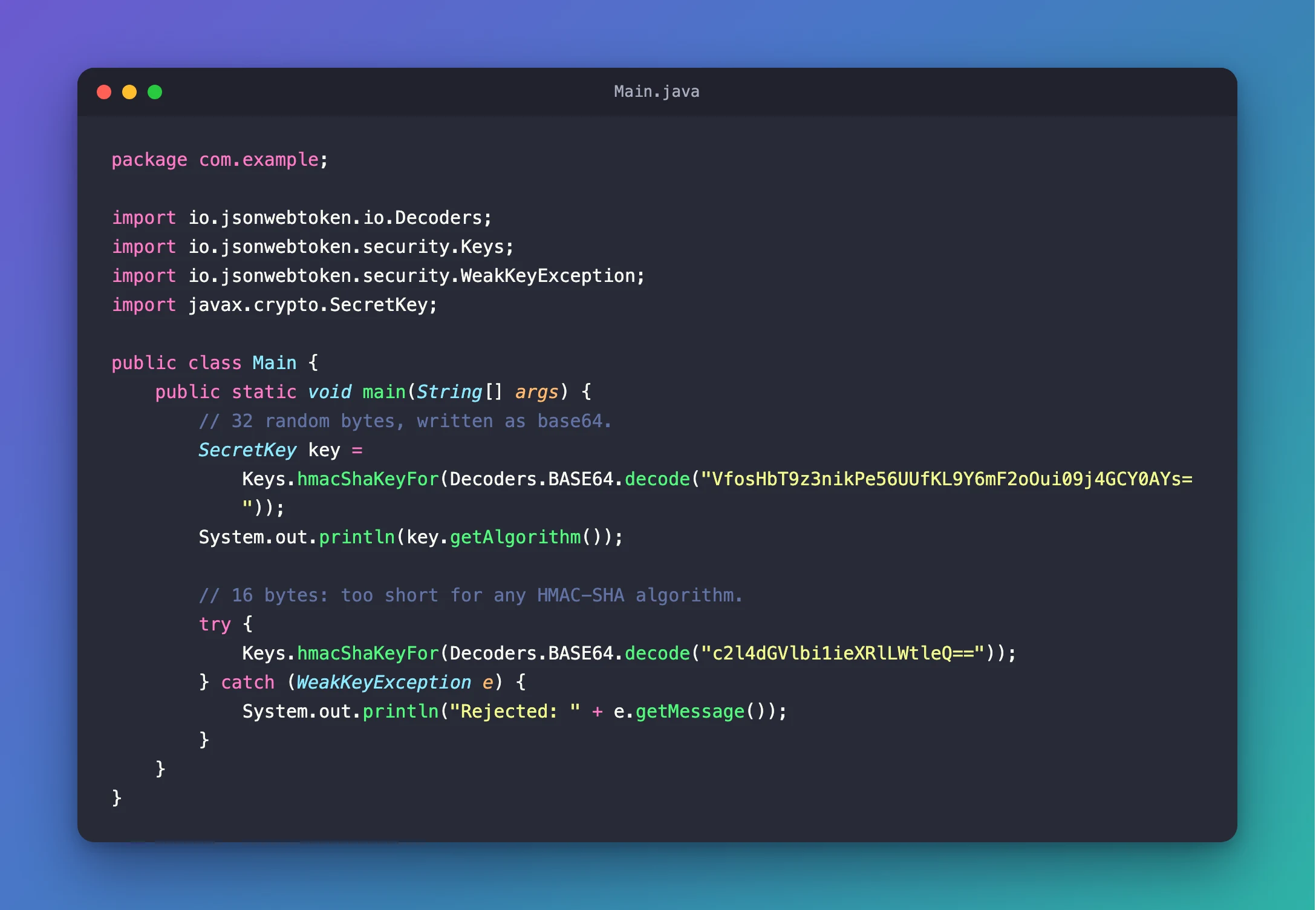
The example decodes a 32-byte base64 secret into a key and prints the key's algorithm, then tries a 16-byte secret, which JJWT rejects.
The 32-byte secret was made with openssl rand -base64 32. It sits in the code only so the example runs as it is. A real application loads its secret from configuration and never keeps it in the source.
Prerequisites
- A JDK and Maven. This guide uses JDK 25.0.5.1 and Maven 3.10.2.
Step 1: Create the Project
JJWT comes as three parts: jjwt-api, which your code uses, and jjwt-impl and jjwt-jackson, which it needs at run time. Create a folder named demo with this pom.xml in it:
<?xml version="1.0" encoding="UTF-8"?>
<project xmlns="http://maven.apache.org/POM/4.0.0"
         xmlns:xsi="http://www.w3.org/2001/XMLSchema-instance"
         xsi:schemaLocation="http://maven.apache.org/POM/4.0.0 https://maven.apache.org/xsd/maven-4.0.0.xsd">
  <modelVersion>4.0.0</modelVersion>
  <groupId>com.example</groupId>
  <artifactId>demo</artifactId>
  <version>1.0.0</version>
  <properties>
    <maven.compiler.release>25</maven.compiler.release>
    <project.build.sourceEncoding>UTF-8</project.build.sourceEncoding>
    <jjwt.version>0.13.0</jjwt.version>
  </properties>
  <dependencyManagement>
    <dependencies>
      <!-- jjwt-jackson asks for Jackson 2.12.7.1. This makes Maven use the newest Jackson 2 instead. -->
      <dependency>
        <groupId>com.fasterxml.jackson</groupId>
        <artifactId>jackson-bom</artifactId>
        <version>2.23.0</version>
        <type>pom</type>
        <scope>import</scope>
      </dependency>
    </dependencies>
  </dependencyManagement>
  <dependencies>
    <dependency>
      <groupId>io.jsonwebtoken</groupId>
      <artifactId>jjwt-api</artifactId>
      <version>${jjwt.version}</version>
    </dependency>
    <dependency>
      <groupId>io.jsonwebtoken</groupId>
      <artifactId>jjwt-impl</artifactId>
      <version>${jjwt.version}</version>
      <scope>runtime</scope>
    </dependency>
    <dependency>
      <groupId>io.jsonwebtoken</groupId>
      <artifactId>jjwt-jackson</artifactId>
      <version>${jjwt.version}</version>
      <scope>runtime</scope>
    </dependency>
  </dependencies>
  <build>
    <plugins>
      <plugin>
        <groupId>org.codehaus.mojo</groupId>
        <artifactId>exec-maven-plugin</artifactId>
        <version>3.7.0</version>
        <configuration>
          <mainClass>com.example.Main</mainClass>
        </configuration>
      </plugin>
    </plugins>
  </build>
</project>
jackson-bom makes Maven use the newest Jackson 2 release, because the version jjwt-jackson asks for is old. exec-maven-plugin runs the com.example.Main class.
Step 2: Write the Code
Inside demo, create the folders src/main/java/com/example and save this as Main.java there:
package com.example;

import io.jsonwebtoken.io.Decoders;
import io.jsonwebtoken.security.Keys;
import io.jsonwebtoken.security.WeakKeyException;
import javax.crypto.SecretKey;

public class Main {
    public static void main(String[] args) {
        // 32 random bytes, written as base64.
        SecretKey key = Keys.hmacShaKeyFor(Decoders.BASE64.decode("VfosHbT9z3nikPe56UUfKL9Y6mF2oOui09j4GCY0AYs="));
        System.out.println(key.getAlgorithm());

        // 16 bytes: too short for any HMAC-SHA algorithm.
        try {
            Keys.hmacShaKeyFor(Decoders.BASE64.decode("c2l4dGVlbi1ieXRlLWtleQ=="));
        } catch (WeakKeyException e) {
            System.out.println("Rejected: " + e.getMessage());
        }
    }
}
The second secret is the 16 characters sixteen-byte-key in base64: 128 bits, half of what HS256 needs.
Step 3: Run It
From the demo folder:
mvn -q compile exec:java
HmacSHA256
Rejected: The specified key byte array is 128 bits which is not secure enough for any JWT HMAC-SHA algorithm.  The JWT JWA Specification (RFC 7518, Section 3.2) states that keys used with HMAC-SHA algorithms MUST have a size >= 256 bits (the key size must be greater than or equal to the hash output size).  Consider using the Jwts.SIG.HS256.key() builder (or HS384.key() or HS512.key()) to create a key guaranteed to be secure enough for your preferred HMAC-SHA algorithm.  See https://tools.ietf.org/html/rfc7518#section-3.2 for more information.
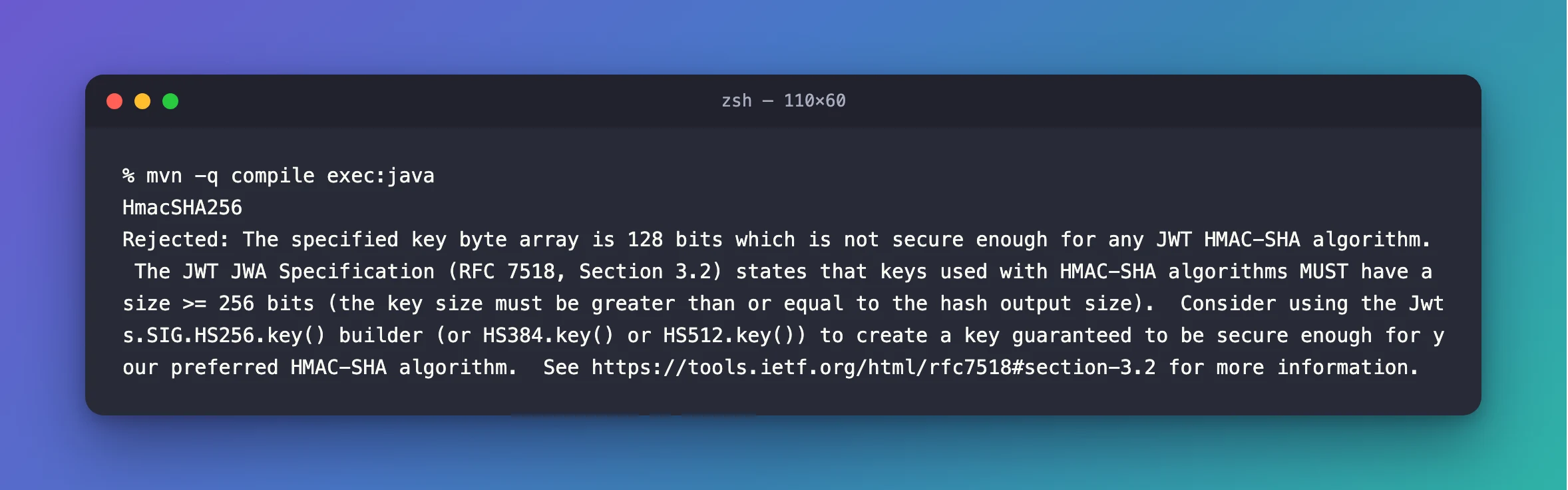
mvn -q compile exec:java compiles the code and runs it, and -q hides Maven's own messages. The 32-byte secret became an HmacSHA256 key; the 16-byte one was refused with a message that cites RFC 7518 and names the fix.
The Key Length Picks the Algorithm
The key's length decides which algorithm it's for, and the JJWT builder's signWith(key) then uses that algorithm. Keys of 32, 48 and 64 bytes gave:
| Key length | getAlgorithm() | Token header from signWith(key) |
|---|---|---|
| 32 bytes | HmacSHA256 | {"alg":"HS256"} |
| 48 bytes | HmacSHA384 | {"alg":"HS384"} |
| 64 bytes | HmacSHA512 | {"alg":"HS512"} |
Generate a Key Instead
When you don't have a secret yet, JJWT can make one: Jwts.SIG.HS256.key().build() returned an HmacSHA256 key of 32 random bytes. Store its bytes, base64-encoded, in your configuration, and load them with the code above.
Common Mistakes
| Mistake | What happens | Do this instead |
|---|---|---|
| A key shorter than 32 bytes | WeakKeyException: The specified key byte array is 128 bits which is not secure enough … | Use 32 random bytes or more |
Using a password's bytes, "…".getBytes(…) | It works if long enough, but JJWT's README warns: "It is almost always incorrect to call any variant of secretString.getBytes in any cryptographic context." | Use random bytes, stored as base64 |
| Text that isn't base64 | io.jsonwebtoken.io.DecodingException: Illegal base64 character: ' ' | Check the stored secret |
Leaving jjwt-impl out of the POM | Unable to load class named [io.jsonwebtoken.impl.security.KeysBridge] … Have you remembered to include the jjwt-impl.jar in your runtime classpath? | Keep all three JJWT dependencies |
Troubleshooting
| Symptom | Likely cause | Fix |
|---|---|---|
WeakKeyException | The decoded key is shorter than 256 bits | Generate a longer key |
DecodingException: Illegal base64 character | The secret isn't valid base64, or has spaces | Copy the secret again |
| Tokens come out as HS384 or HS512 | The key is 48 or 64 bytes long, or longer (33 to 47 bytes still give HmacSHA256) | That's expected; use a 32-byte key for HS256 |
FAQ
Why does JJWT refuse short keys?
RFC 7518 requires it, as the message says: section 3.2 states "A key of the same size as the hash output (for instance, 256 bits for "HS256") or larger MUST be used with this algorithm."
Is Decoders.BASE64 the same as java.util.Base64?
It's JJWT's own decoder, in io.jsonwebtoken.io, for standard base64 text. JJWT also has Decoders.BASE64URL for the URL-safe form.
Conclusion
Keys.hmacShaKeyFor(Decoders.BASE64.decode(secret)) turns a base64 secret into a JJWT signing key. Use at least 32 random bytes: shorter keys throw a WeakKeyException, and longer ones switch the algorithm to HS384 or HS512.
Additional Resources
- Keys, in the JJWT Javadoc.
- JJWT README, on GitHub.
