How to Create an Associative Array in PHP

An associative array stores values under names, called keys: a book's title under 'title', its year under 'year'. PHP writes it with square brackets and => between each key and its value.
Syntax
$<array> = ['<key>' => <value>, '<key>' => <value>];
$<array>['<new key>'] = <value>;
| Part | What it does |
|---|---|
[ ... ] | Creates an array. [] on its own is an empty one. |
'<key>' => <value> | One entry: a key, => and its value. |
$<array>['<key>'] | Reads a value, or, on the left of =, adds or replaces one. |
The PHP manual on arrays: "An array in PHP is actually an ordered map. A map is a type that associates values to keys."
The Example
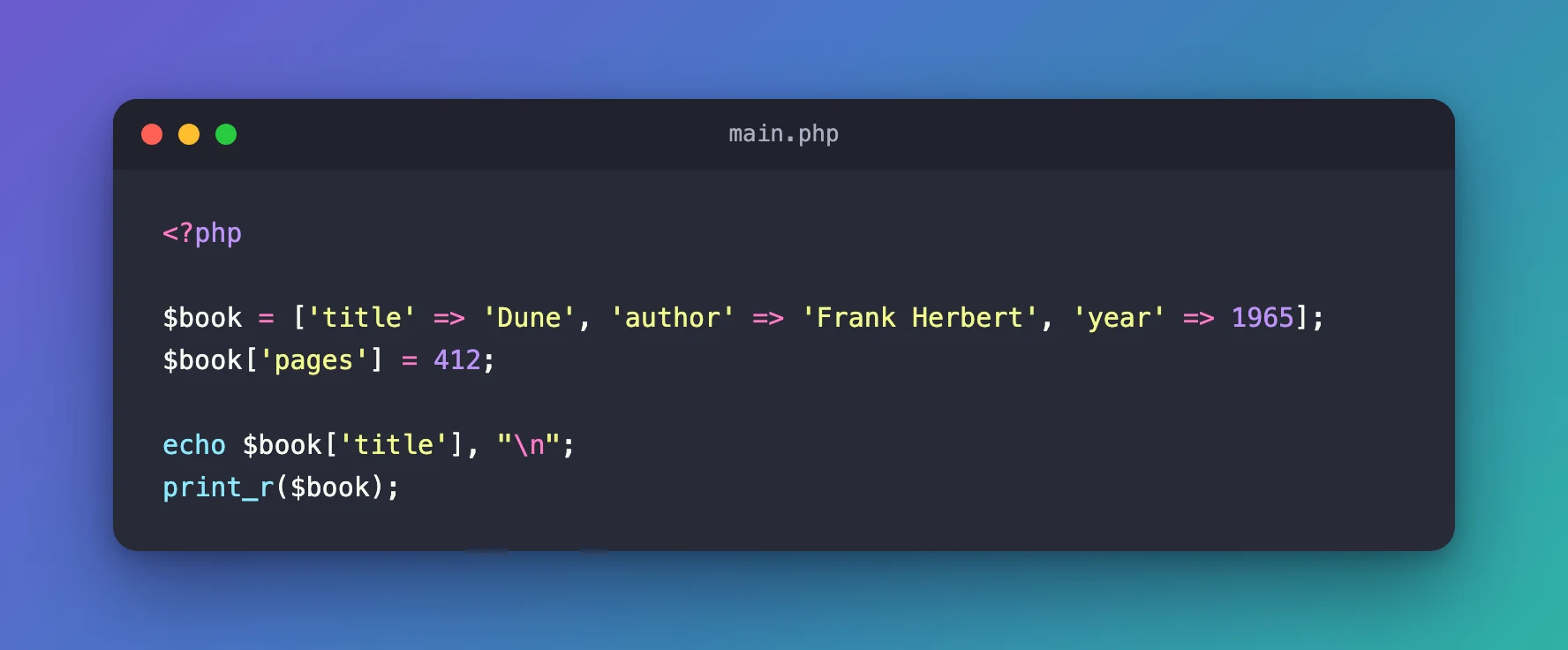
The example describes a book with three entries, adds the number of pages, reads the title and prints the whole array.
Prerequisites
- PHP for the command line. This guide uses PHP 8.6.0.
Step 1: Write the Array
Create a file named main.php:
<?php

$book = ['title' => 'Dune', 'author' => 'Frank Herbert', 'year' => 1965];
$book['pages'] = 412;

echo $book['title'], "\n";
print_r($book);
print_r prints an array in a readable layout, which is handy for checking its contents.
Step 2: Run It
php main.php
Dune
Array
(
    [title] => Dune
    [author] => Frank Herbert
    [year] => 1965
    [pages] => 412
)
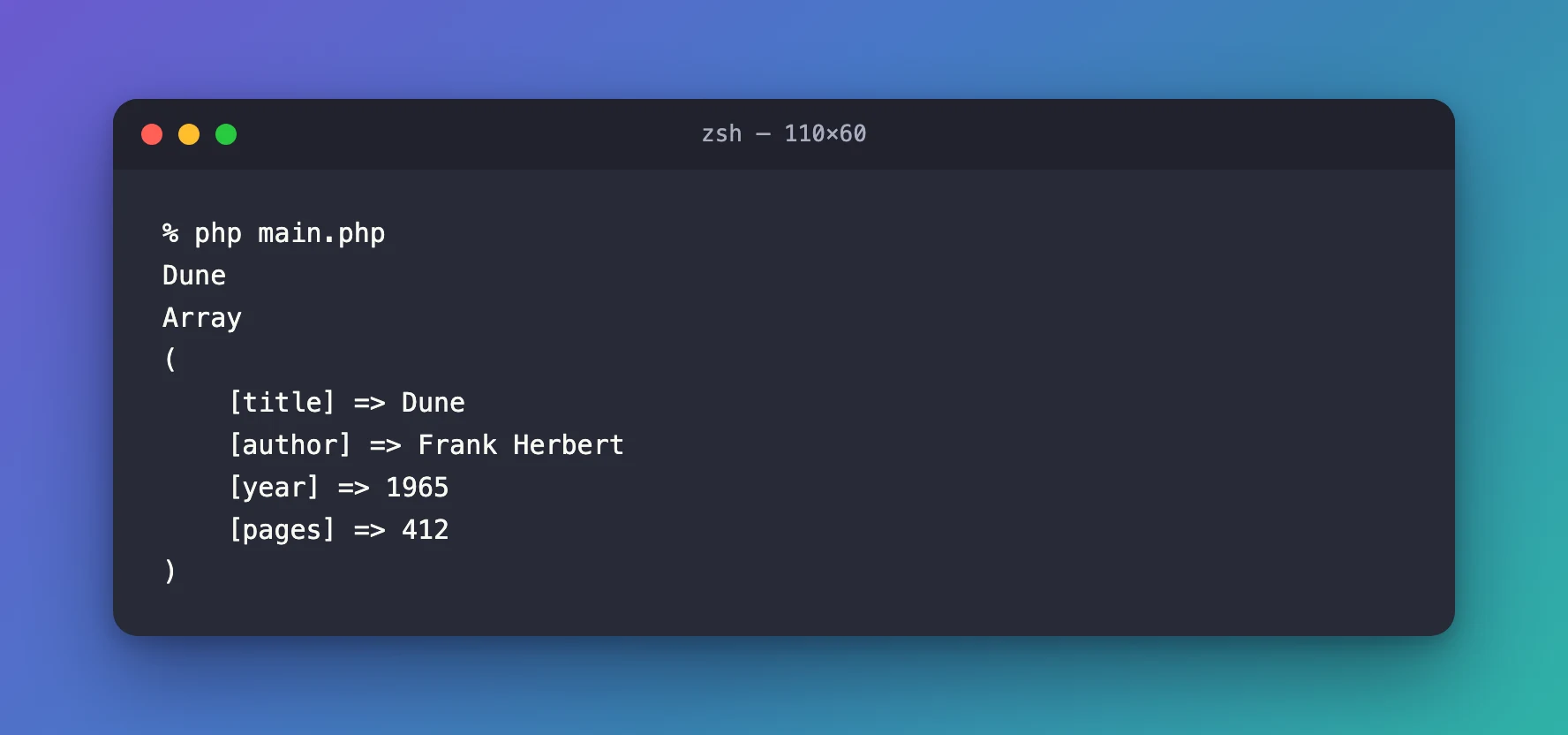
The new pages key appears last: PHP arrays keep the order you add keys in. The command is the same in zsh, bash and PowerShell.
Missing Keys
Reading a key that doesn't exist prints a warning and gives null: $book['isbn'] printed Warning: Undefined array key "isbn". The ?? operator supplies a fallback without the warning: $book['isbn'] ?? 'none' gave none.
Common Mistakes
| Mistake | What happens | Do this instead |
|---|---|---|
| Reading a missing key | Warning: Undefined array key "isbn" and null | Use $book['isbn'] ?? 'default' |
Repeating a key, as in ['a' => 1, 'a' => 2] | Only the last value is kept | Use each key once |
Writing = instead of => inside the brackets | Parse error: syntax error, unexpected token "=", expecting "]" | Write 'key' => value |
Troubleshooting
| Symptom | Likely cause | Fix |
|---|---|---|
Undefined array key | The key is misspelled or was never added | Print the array with print_r and compare |
| A value you set earlier is gone | The same key was assigned again | Use a different key |
FAQ
How do I check whether a key exists?
array_key_exists('pages', $book) returns true or false, even when the stored value is null.
Can keys be numbers?
Yes. Without explicit keys, ['red', 'green'] gets the keys 0 and 1.
Conclusion
['key' => value] creates an associative array, $array['key'] reads or sets a value, and ?? gives a fallback for missing keys. PHP keeps the keys in the order you add them.
Additional Resources
- Arrays, in the PHP manual.
