How to Create an Array in JavaScript

An array keeps several values in order, in one variable: a list of colors, of names or of allowed options. In JavaScript you write one by putting the values between square brackets.
Syntax
const <array> = [<value>, <value>, <value>];
| Part | What it does |
|---|---|
[ ... ] | Creates a new array. [] on its own is an empty one. |
<value> | One item. Commas separate the items, and they keep the order you write. |
<array>[<index>] | Reads the item at that position. The first item is at index 0. |
MDN's Array reference points out that arrays are zero-indexed: "the first element of an array is at index 0, the second is at index 1, and so on — and the last element is at the value of the array's length property minus 1."
The Example
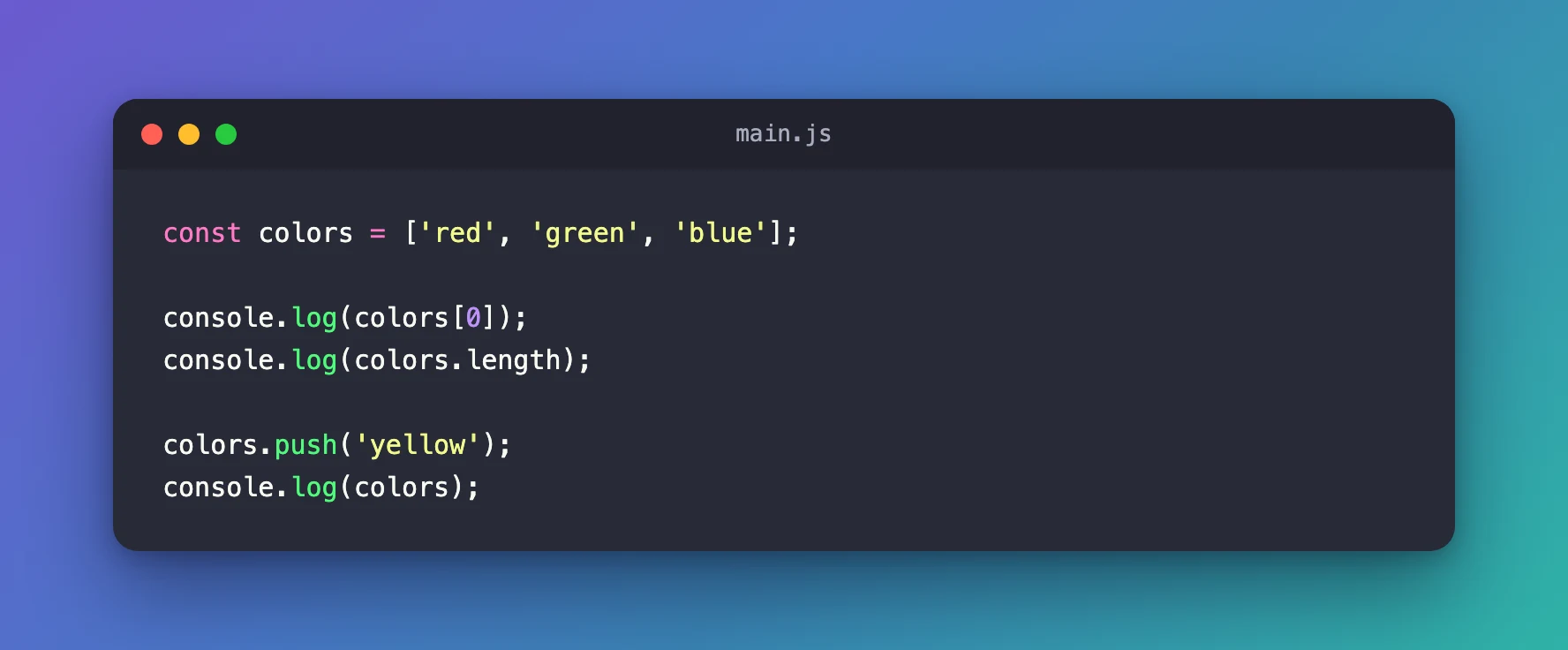
The example keeps three colors in an array, reads the first one and the count, then adds a fourth color.
Prerequisites
- Node.js. This guide uses Node.js 26.13.1.
Step 1: Write the Array
Create a file named main.js:
const colors = ['red', 'green', 'blue'];

console.log(colors[0]);
console.log(colors.length);

colors.push('yellow');
console.log(colors);
colors[0]is the first item.colors.lengthis the number of items.colors.push('yellow')adds an item at the end.
Step 2: Run It
node main.js
red
3
[ 'red', 'green', 'blue', 'yellow' ]
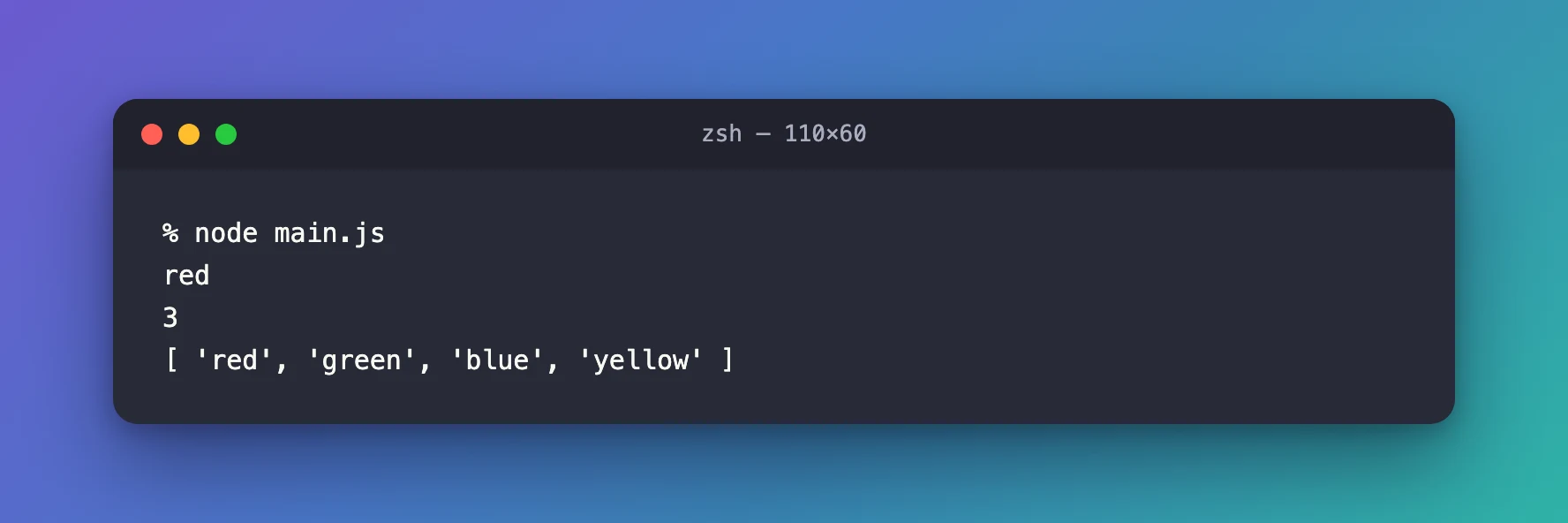
push changed the array in place, so the last line shows four colors. The command is the same in zsh, bash and PowerShell.
Reading From the End
colors.at(-1) returns the last item, and colors.at(-2) the one before it. With the three original colors, colors.at(-1) is 'blue'.
Common Mistakes
| Mistake | What happens | Do this instead |
|---|---|---|
Counting from 1, as in colors[3] for the third color | You get the fourth item, or undefined past the end | The third item is colors[2] |
Reading past the end, as in colors[10] | undefined, with no error | Check colors.length first |
Checking for an array with typeof | typeof [] is 'object' | Use Array.isArray(value) |
Troubleshooting
| Symptom | Likely cause | Fix |
|---|---|---|
undefined from an array | The index is too big, or the array is shorter than you thought | Print the array and its length |
colors[-1] gives undefined | Square brackets don't count from the end | Use colors.at(-1) |
FAQ
Can a const array get new items?
Yes. const keeps the variable on the same array, and push changes that array, as the example shows.
How do I check whether an item is in the array?
colors.includes('green') returns true or false, and colors.indexOf('blue') returns the position, or -1 when it isn't there.
Conclusion
Square brackets create an array, array[index] reads an item counting from 0, length counts the items and push adds one at the end.
Additional Resources
- Array, on MDN.
- Array.prototype.at(), on MDN.
