How to Create a using Alias in C#

Two namespaces sometimes contain a type with the same name, and C# can't tell which one you mean. A using alias settles it by giving one of them a name for your file, as in using Timer = System.Threading.Timer;. It can also shorten a long type name.
Syntax
using <Alias> = <NamespaceOrType>;
| Part | What it does |
|---|---|
<Alias> | The short name you'll use in this file. It may even be the type's own name, such as Timer. |
<NamespaceOrType> | The full name it stands for, such as System.Threading.Timer or System.Collections.Generic.List<string>. |
Write aliases at the top of the file, with the other using directives. Microsoft's using directive reference: "Create a using alias directive to make it easier to qualify an identifier to a namespace or type."
The Example
The file imports System.Timers, which has a Timer class, while System.Threading, which has another Timer, is imported automatically. An alias decides which Timer the file means. A second alias, Names, shortens List<string>.
Prerequisites
- The .NET 10 SDK or newer, which runs a single
.csfile withdotnet run. This guide uses .NET SDK 10.0.404.
Step 1: Write the Code
Create a file named main.cs in an empty folder:
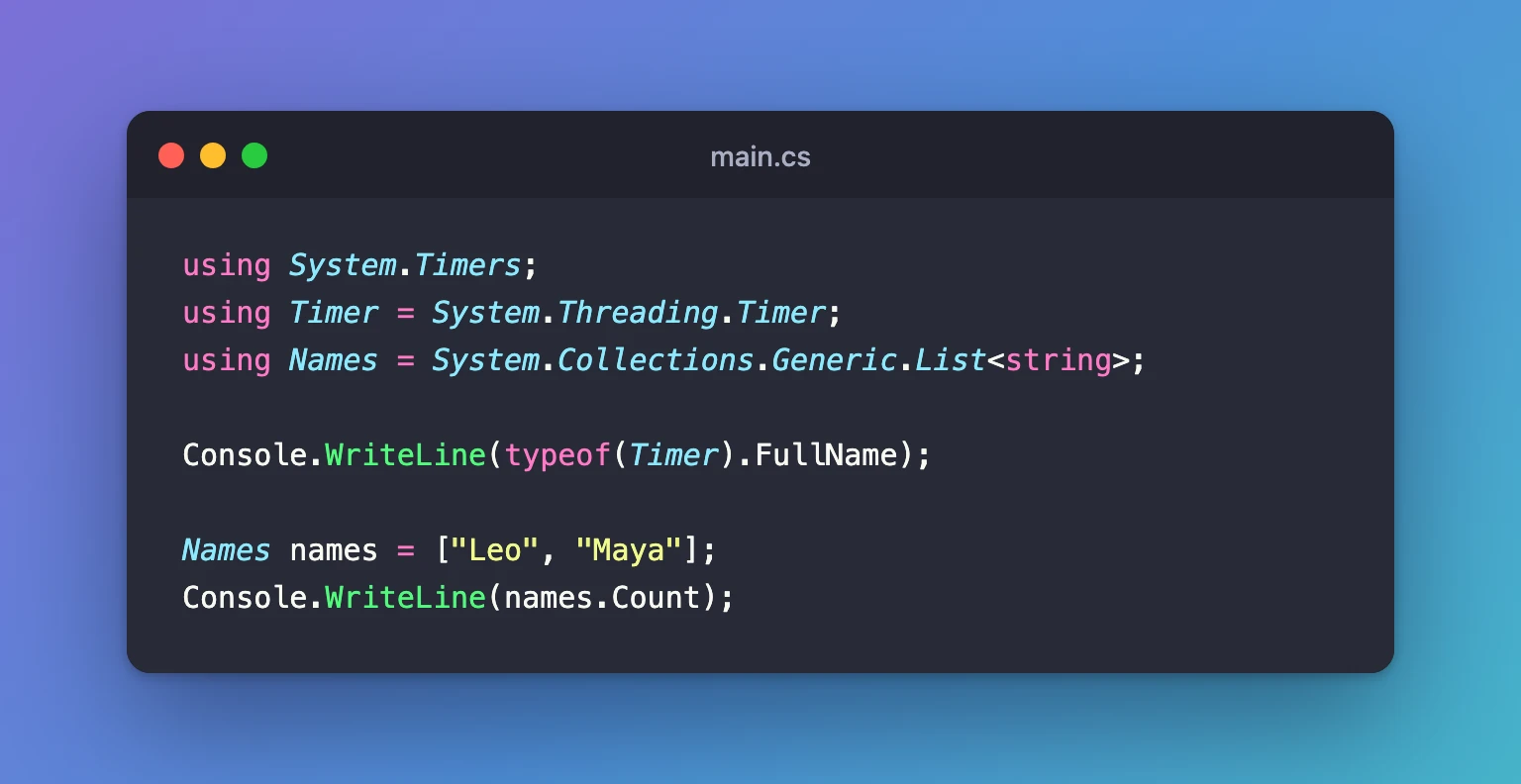
using System.Timers;
using Timer = System.Threading.Timer;
using Names = System.Collections.Generic.List<string>;

Console.WriteLine(typeof(Timer).FullName);

Names names = ["Leo", "Maya"];
Console.WriteLine(names.Count);
typeof(Timer).FullName prints the full name of the type that Timer refers to.
Step 2: Run It
dotnet run main.cs
System.Threading.Timer
2
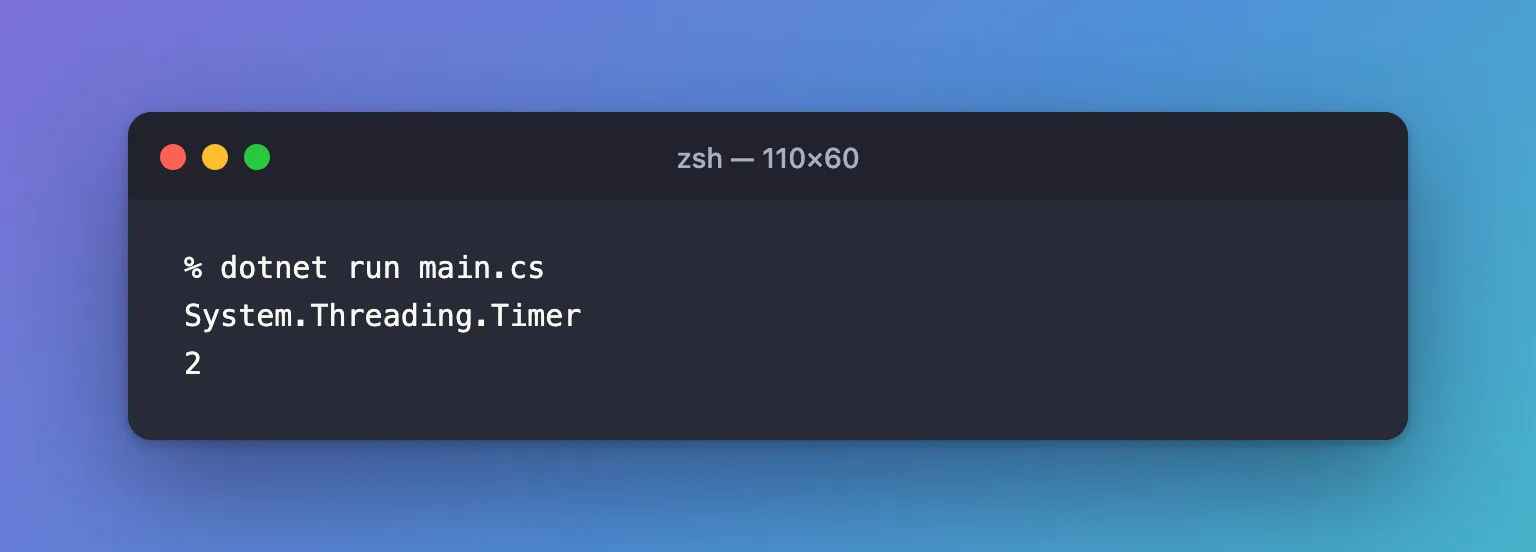
Timer meant System.Threading.Timer, as the alias said, and Names worked exactly like List<string>. The command is the same in zsh, bash and PowerShell.
The Error an Alias Fixes
Without the alias, the same file has two Timer types in scope:
using System.Timers;

Console.WriteLine(typeof(Timer).FullName);
/Users/you/demo/main.cs(3,26): error CS0104: 'Timer' is an ambiguous reference between 'System.Timers.Timer' and 'System.Threading.Timer'

The build failed. Fix the build errors and run again.
System.Threading came from the implicit using directives that single-file apps and new projects get automatically. Microsoft's using directive errors reference describes CS0104: "The compiler can't determine which type you intend to use when the same name appears in two or more namespaces imported by using directives". Its fix: "Use a fully qualified name or a namespace alias when your code references a name that exists in multiple imported namespaces."
Common Mistakes
| Mistake | What happens | Do this instead |
|---|---|---|
| Importing two namespaces with the same type name and using the bare name | error CS0104: 'Timer' is an ambiguous reference between 'System.Timers.Timer' and 'System.Threading.Timer' | Add using Timer = <the one you want>; |
Aliasing an open generic type, such as List<T> | Not allowed | Alias a closed type, such as List<string> |
| Expecting the alias to work in other files | An alias applies only to the file it's written in | Use global using for an alias that every file needs |
Troubleshooting
| Symptom | Likely cause | Fix |
|---|---|---|
CS0104 | Two imported namespaces have a type with that name | Alias the one you mean, or write its full name |
| The wrong type is used | The alias points to a different type than you thought | Print typeof(<Alias>).FullName |
FAQ
Can an alias stand for a generic type?
For a closed one, yes. The reference: "A using alias directive can't have an open generic type on the right-hand side. For example, you can't create a using alias for a List<T>, but you can create one for a List<int>."
Which types can I alias?
Since C# 12, almost any. The reference: "You can create aliases for tuple types, pointer types, and other unsafe types." So using Point = (int X, int Y); is allowed too.
Conclusion
using <Alias> = <FullName>; gives a namespace or type a name for one file. Use it to settle CS0104 name clashes, such as the two Timer classes, and to shorten long type names like List<string>.
Additional Resources
- The using alias, on Microsoft Learn.
- Resolve using directive errors, on Microsoft Learn.
