How to Create a Unique ID with Guid.NewGuid in C#

Orders, polls, uploads: many things a program creates need an ID that no other one shares. In C#, Guid.NewGuid() makes one for you, a 128-bit value written as 32 hexadecimal digits, and ToString turns it into the text form you need.
Syntax
Guid <id> = Guid.NewGuid();
string <text> = <id>.ToString("<format>");
| Part | What it does |
|---|---|
Guid.NewGuid() | Returns a new GUID, different every time you call it |
ToString() | The usual form: 32 digits in groups, joined by hyphens |
ToString("N") | The 32 digits alone, with no hyphens |
ToString("B") | The usual form, inside braces |
Microsoft's Guid.NewGuid reference: "Initializes a new instance of the Guid structure." Its remarks add: "The returned Guid is guaranteed to not equal Guid.Empty." And Guid.ToString, with a format: "Returns a string representation of the value of this Guid instance, according to the provided format specifier."
The Example
The program creates one ID and prints it three ways, then prints a second, new ID next to it.
Prerequisites
- The .NET 10 SDK or newer, which runs a single
.csfile withdotnet run. This guide uses .NET SDK 10.0.404.
Step 1: Write the Code
Create a file named main.cs in an empty folder:
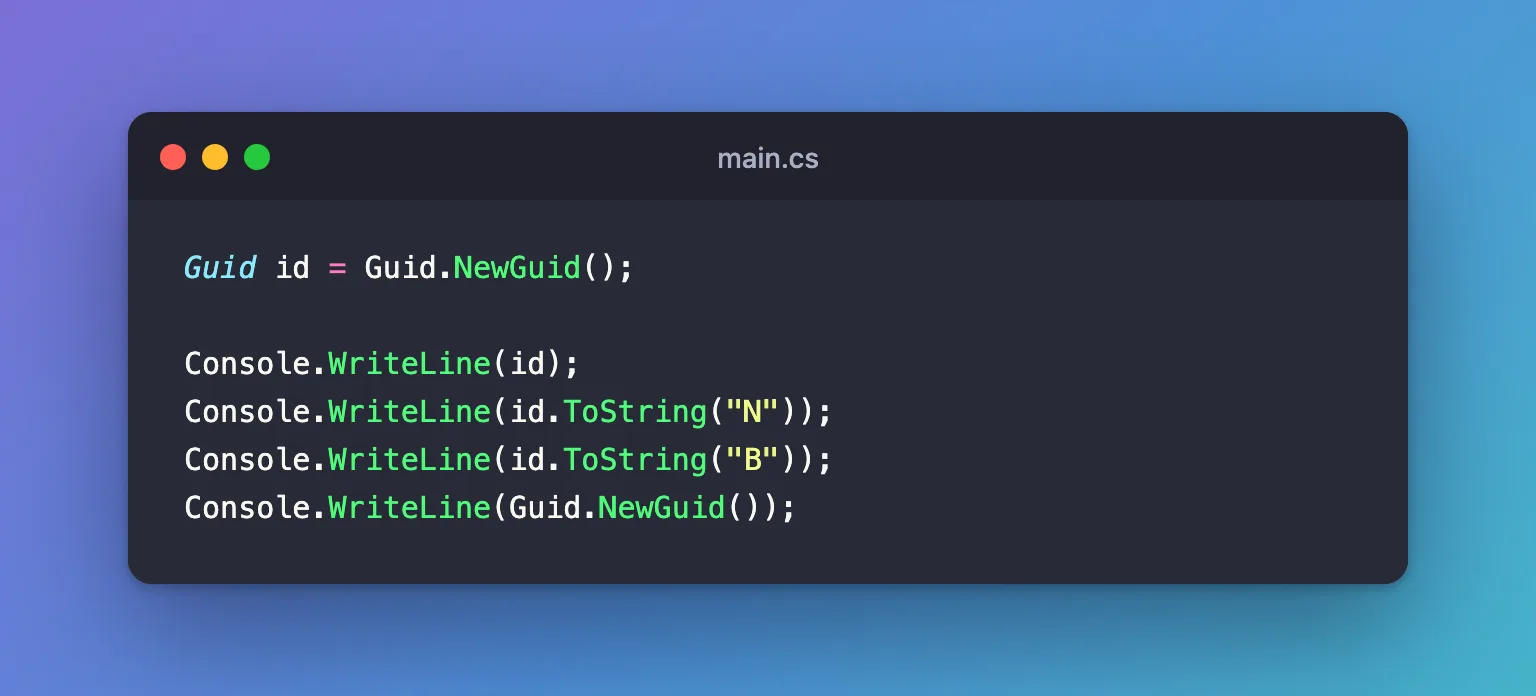
Guid id = Guid.NewGuid();

Console.WriteLine(id);
Console.WriteLine(id.ToString("N"));
Console.WriteLine(id.ToString("B"));
Console.WriteLine(Guid.NewGuid());
Step 2: Run It
dotnet run main.cs
b5ce6d3a-8cee-466c-9cc9-1ef9fe0fcfe7
b5ce6d3a8cee466c9cc91ef9fe0fcfe7
{b5ce6d3a-8cee-466c-9cc9-1ef9fe0fcfe7}
84bae0f0-61f9-4c11-867b-5f72889d9f7e
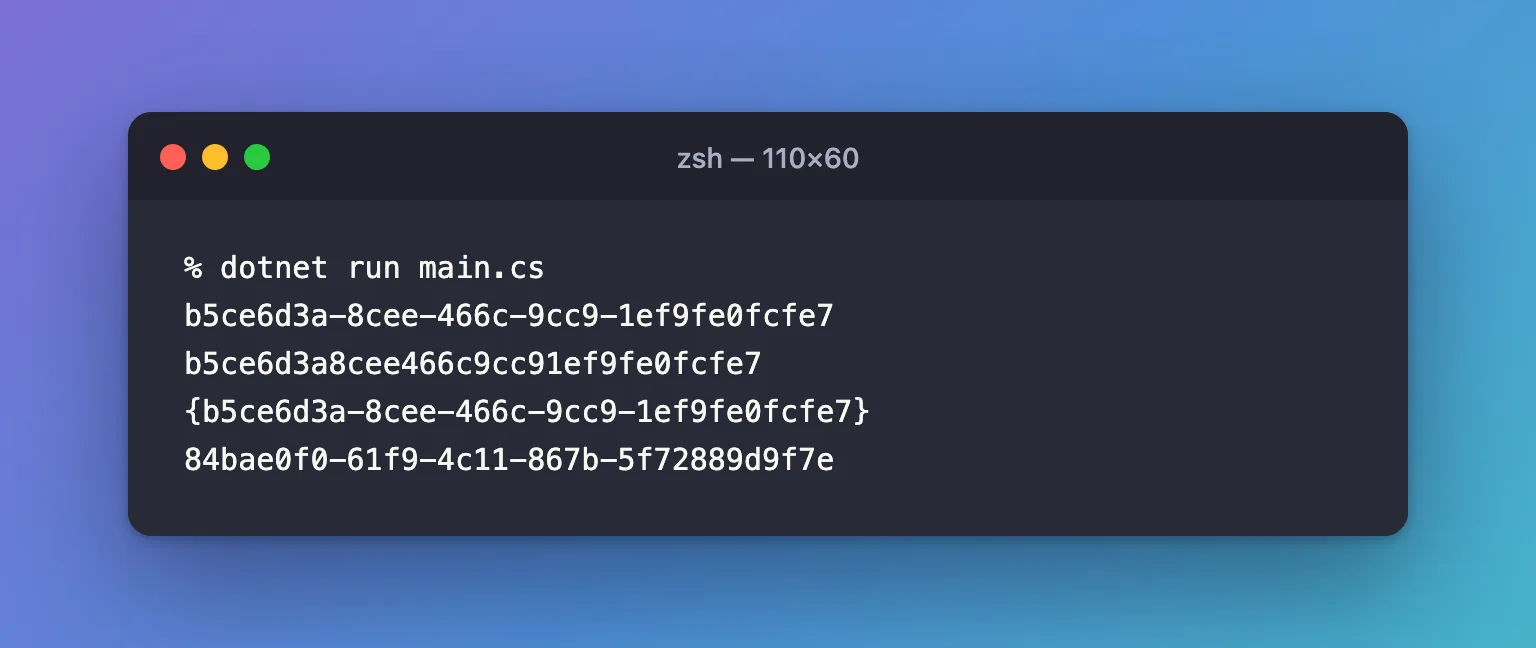
Your values will differ: every call makes a new one.
- Printing the
Guidgave the usual form, 36 characters with the hyphens. "N"gave the same digits without hyphens, and"B"the usual form in braces.- The second
Guid.NewGuid()gave a completely different value.
The command is the same in zsh, bash and PowerShell.
new Guid() Isn't a New ID
new() creates a Guid with every digit 0, the same value as Guid.Empty:
Guid id = new();

Console.WriteLine(id);
Console.WriteLine(id == Guid.Empty);
00000000-0000-0000-0000-000000000000
True
It looks like a GUID, but it's the same for everyone. Call Guid.NewGuid() whenever you need a new ID.
Common Mistakes
| Mistake | What happens | Do this instead |
|---|---|---|
Guid id = new(); for a new ID | Every digit is 0, the same as Guid.Empty | Guid.NewGuid() |
| Using a GUID as a password, token or key | Microsoft recommends against using NewGuid for cryptographic purposes | Use the RandomNumberGenerator class for secrets |
| Comparing GUIDs as text in different formats | "N" and the usual form are different strings for the same ID | Compare Guid values, or one format |
Troubleshooting
| Symptom | Likely cause | Fix |
|---|---|---|
Every record has the ID 00000000-0000-0000-0000-000000000000 | The IDs came from new Guid() or default | Use Guid.NewGuid() |
| An ID is too long for where it goes | The usual form is 36 characters | Use "N" for 32 |
FAQ
Can two calls give the same GUID?
The reference says the method "creates a Version 4 Universally Unique Identifier (UUID)", and that the value has 122 random bits. With that many, a repeat is so unlikely that GUIDs are used as IDs everywhere. It isn't a promise, though: when two equal IDs would do damage, make the database enforce uniqueness too.
Which format should I store?
The usual form with hyphens is the most common, and what ToString() gives. Pick one format and use it everywhere.
Conclusion
Guid.NewGuid() returns a new ID every time, and ToString(), ToString("N") and ToString("B") write it with hyphens, without them, or in braces. new Guid() isn't new at all: it's all zeros, and GUIDs aren't secrets.
Additional Resources
- Guid.NewGuid method, on Microsoft Learn.
- Guid.ToString method, on Microsoft Learn: every format.
