How to Create a Temporary Folder in Python with tempfile

Some files are only needed for a moment: a report you upload somewhere, or a file another library insists on reading from disk. tempfile.TemporaryDirectory, from Python's standard library, gives you a fresh, empty folder and deletes it, with everything inside, when you're done. This guide writes a file into one and checks that the folder is gone afterwards, with real output from Python 3.15.2.
Syntax
import tempfile

with tempfile.TemporaryDirectory() as <folder>:
    <work with files inside folder>
# here the folder and everything in it are deleted
| Part | What it means |
|---|---|
tempfile.TemporaryDirectory() | "Securely creates a temporary directory", in Python's words: a new folder with a random name, in your system's folder for temporary files |
with ... as <folder> | Uses it as a context manager: <folder> is the new folder's path, as a string |
The end of the with block | "The newly created temporary directory and all its contents are removed from the filesystem" |
TemporaryDirectory() also takes optional arguments: prefix and suffix for the folder's name, dir for where to create it, and delete=False to keep it after the block.
Step 1: Write a File into a Temporary Folder
The example writes a one-line report into a temporary folder, lists what the folder holds, then checks whether the folder still exists after the with block. Create temp_folder.py:
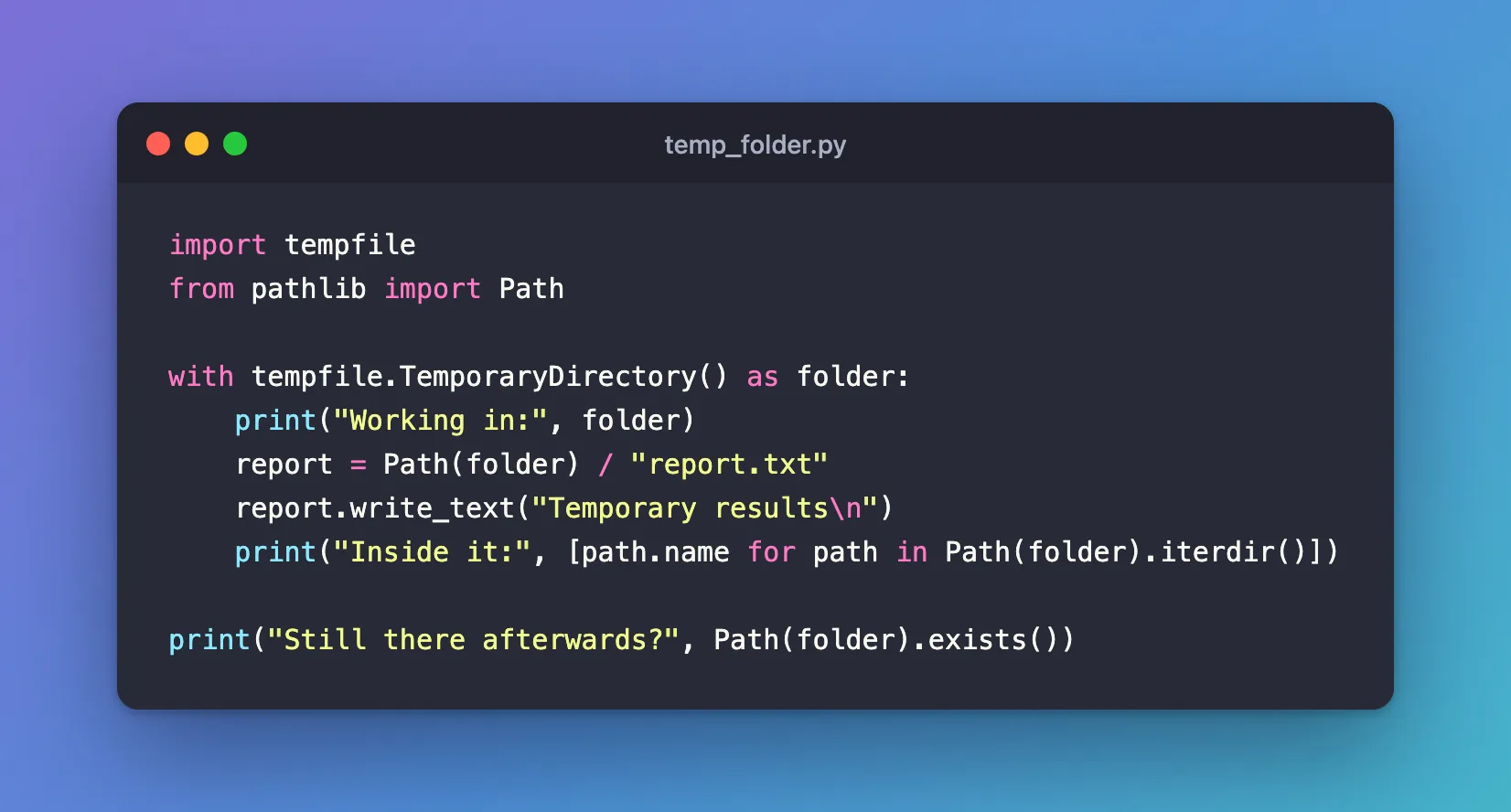
import tempfile
from pathlib import Path

with tempfile.TemporaryDirectory() as folder:
    print("Working in:", folder)
    report = Path(folder) / "report.txt"
    report.write_text("Temporary results\n")
    print("Inside it:", [path.name for path in Path(folder).iterdir()])

print("Still there afterwards?", Path(folder).exists())
| Line | What it does |
|---|---|
with tempfile.TemporaryDirectory() as folder: | Creates the folder and puts its path in folder |
Path(folder) / "report.txt" | Builds the path of a file inside it. How to Build File Paths in Python with pathlib explains the / |
report.write_text(...) | Creates the file and writes one line into it |
Path(folder).iterdir() | Lists what the folder holds |
| The last line | Runs after the block has ended, and checks whether the folder still exists |
Step 2: Run It
uv run python temp_folder.py
Working in: /var/folders/…/T/tmpqfmdqebu
Inside it: ['report.txt']
Still there afterwards? False
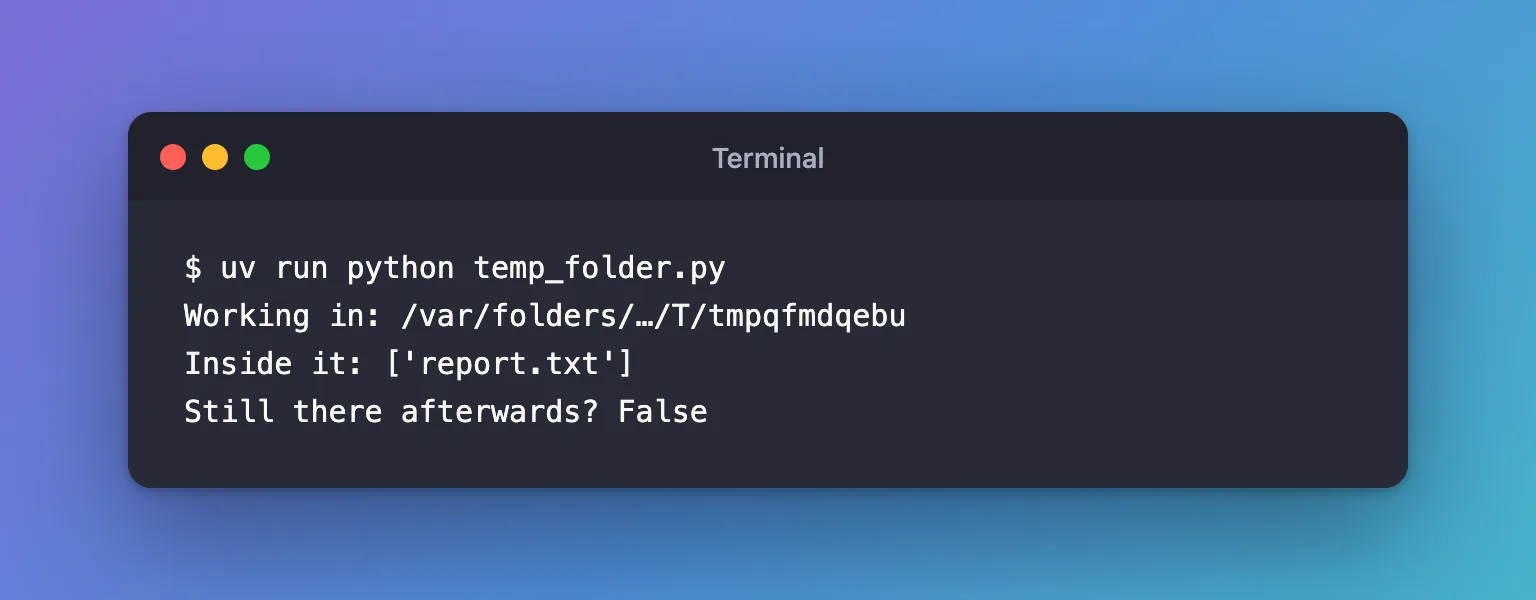
Working in:shows where Python created the folder. On a Mac it's under/var/folders, in a folder of random characters that belongs to your user account; I shortened that part to…. The last part,tmpqfmdqebu, is the folder's own random name, and yours will differ.Inside it:shows thatreport.txtwas written there.Still there afterwards? False: the folder and the file in it were deleted when thewithblock ended.
Where the Folder Is Created
Python picks the location in this order: the folder named by the TMPDIR, TEMP or TMP environment variable, whichever is set first, and otherwise a fixed list for your system:
| System | Where the temporary folder usually is |
|---|---|
| macOS | /var/folders/…/T/, which macOS sets in TMPDIR |
| Windows | %USERPROFILE%\AppData\Local\Temp |
| Linux | /tmp |
tempfile.gettempdir() returns the one Python uses on your computer.
Common Mistakes
| Mistake | What happens | Do this instead |
|---|---|---|
Using the folder after the with block | FileNotFoundError: [Errno 2] No such file or directory, because the folder is already gone | Do everything that needs the files inside the block |
| Returning the folder's path from a function | The caller gets a path to a folder that no longer exists | Do the work inside the function, or pass the files' contents back instead |
| Keeping a file open when the block ends, on Windows | Cleanup fails with a PermissionError | Close every file before the block ends, for example by opening them with with too |
Troubleshooting
| Symptom | Likely cause | Fix |
|---|---|---|
| The folder isn't deleted | It was created with delete=False | Remove delete=False, or call the object's cleanup() yourself |
| Temporary files fill up a small disk | TMPDIR points to a small drive | Point TMPDIR at a larger drive, or pass dir= to TemporaryDirectory() |
FAQ
Can I choose part of the folder's name?
Yes: tempfile.TemporaryDirectory(prefix="report-") creates a folder whose name starts with report-, followed by random characters.
Is the folder deleted if my code fails inside the block?
Yes. Leaving a with block because of an error still runs the cleanup, so the folder is removed either way.
Can other users read the folder?
Python creates it "securely using the same rules as mkdtemp()", which the documentation describes as "readable, writable, and searchable only by the creating user ID".
Conclusion
with tempfile.TemporaryDirectory() as folder: created a fresh folder under /var/folders on a Mac, report.txt was written into it, and the folder was gone as soon as the block ended. Put everything that needs the files inside the block, and Python cleans up after you.
Additional Resources
- tempfile — Generate temporary files and directories — Python's reference, including
TemporaryDirectoryand how the location is chosen. - The with statement — how context managers run their cleanup.
