How to Create a Server Certificate with a Subject Alternative Name with openssl

A server certificate needs to name the server, and today that means its Subject Alternative Name (SAN). openssl x509 -req doesn't add one unless you give it a file with the names, so here are the steps, in order.
What You Need
A CA of your own: ca.pem and ca-key.pem in a certs folder, as in How to Create a Certificate Authority with openssl. The command runs OpenSSL from the mysql:9.7 image, so you don't need to install it.
Step 1: Decide on the Names
List every name and address a client will use to connect. It has to match exactly: a name for a name, and an IP for an IP. For a server on your own computer, that's:
subjectAltName=DNS:localhost,IP:127.0.0.1
A real server would have DNS:db.example.com.
Step 2: Create the Certificate
This is one command, with five steps inside it. It's the same in bash, zsh and PowerShell:
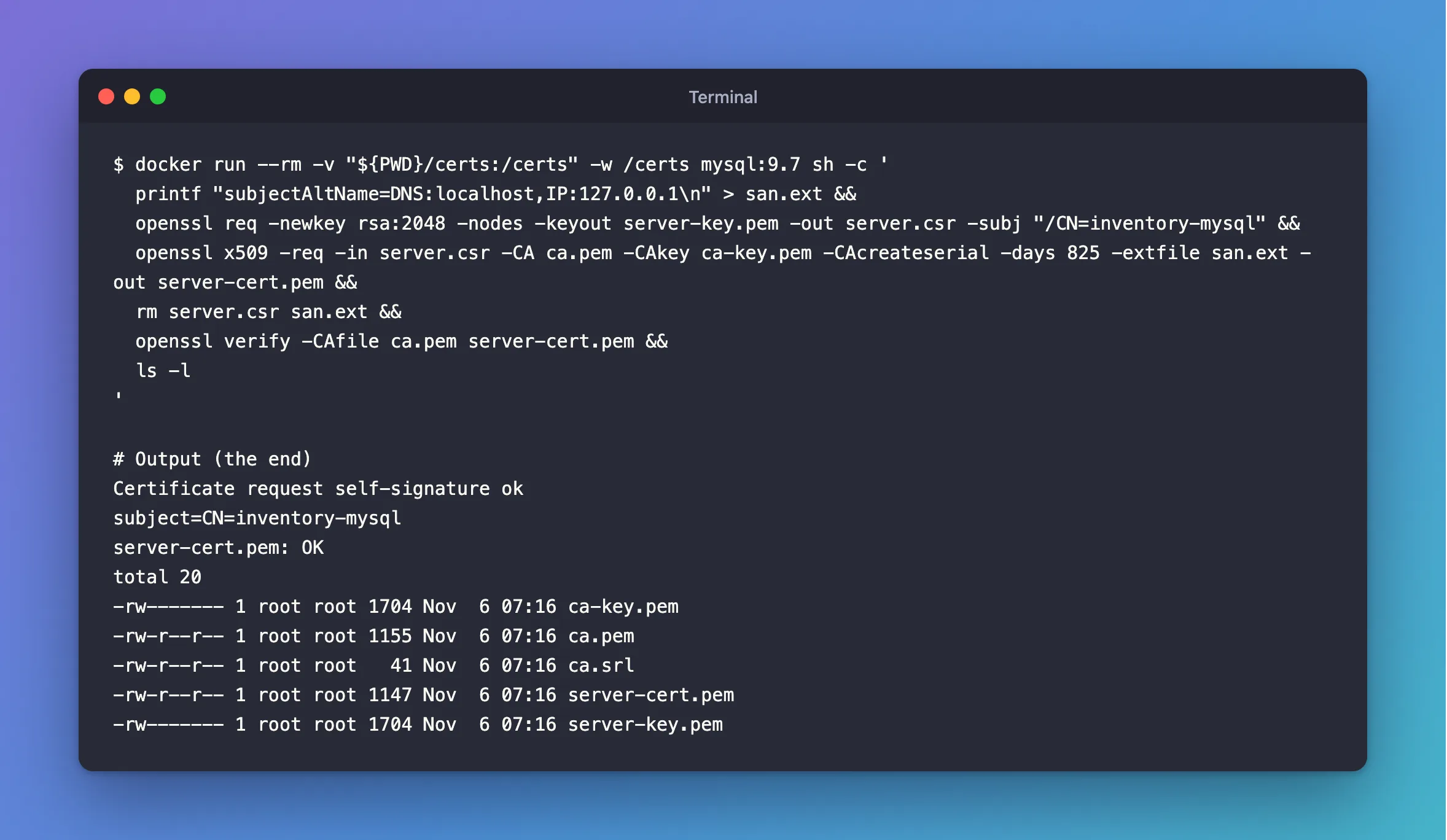
docker run --rm -v "${PWD}/certs:/certs" -w /certs mysql:9.7 sh -c '
  printf "subjectAltName=DNS:localhost,IP:127.0.0.1\n" > san.ext &&
  openssl req -newkey rsa:2048 -nodes -keyout server-key.pem -out server.csr -subj "/CN=inventory-mysql" &&
  openssl x509 -req -in server.csr -CA ca.pem -CAkey ca-key.pem -CAcreateserial -days 825 -extfile san.ext -out server-cert.pem &&
  rm server.csr san.ext &&
  openssl verify -CAfile ca.pem server-cert.pem &&
  ls -l
'
What each line does:
| Line | What it does |
|---|---|
printf … > san.ext | Writes the names to a small file |
openssl req -newkey … -out server.csr | Makes a new key, and a request for a certificate. -subj must name something other than the CA |
openssl x509 -req … -extfile san.ext | Signs the request with your CA, adding the names |
-CAcreateserial | Creates ca.srl, which keeps each certificate's serial number different |
-days 825 | Valid for about two and a quarter years |
rm server.csr san.ext | The request and the names have done their job |
openssl verify | Checks the new certificate against the CA |
Certificate request self-signature ok
subject=CN=inventory-mysql
server-cert.pem: OK
total 20
-rw------- 1 root root 1704 Nov  6 07:16 ca-key.pem
-rw-r--r-- 1 root root 1155 Nov  6 07:16 ca.pem
-rw-r--r-- 1 root root   41 Nov  6 07:16 ca.srl
-rw-r--r-- 1 root root 1147 Nov  6 07:16 server-cert.pem
-rw------- 1 root root 1704 Nov  6 07:16 server-key.pem
The owner in that list is as the container sees it. If MySQL will use this key, How to Use Your Own Certificates with the MySQL Docker Image changes it.
Step 3: Check the Names
docker run --rm -v "${PWD}/certs:/certs" -w /certs mysql:9.7 openssl x509 -in server-cert.pem -noout -subject -issuer -ext subjectAltName
subject=CN=inventory-mysql
issuer=CN=Inventory Demo CA
X509v3 Subject Alternative Name:
    DNS:localhost, IP Address:127.0.0.1
server-cert.pem is public. server-key.pem is the server's secret, so keep it private. The next time this certificate needs renewing, repeat Step 2.
Common Mistakes
| Mistake | What happens | Do this instead |
|---|---|---|
Leaving out -extfile | The certificate has no SAN, and clients that check names refuse it | Always pass it |
Putting the name only in CN | Some clients ignore it, and a SAN overrides it | Put every name in the SAN |
| Listing a name and connecting by IP | Refused | List both |
Using the CA's CN for the server | MySQL's manual warns that it doesn't work | Use a different name |
Troubleshooting
| Symptom | Likely cause | Fix |
|---|---|---|
error 79 at 1 depth lookup | The CA isn't marked as one | The fix |
| A client says the host name doesn't match | The name you connect by isn't in the SAN | The fix |
Conclusion
Three commands make a server certificate: req for the key and the request, x509 -req -extfile for the signed certificate with its names, and verify to check it.
Additional Resources
- openssl-x509 documentation —
-req,-extfileand-CAcreateserial. - x509v3_config documentation — the
subjectAltNameformat.
