How to Create a pandas DataFrame from a Dictionary

A dictionary of lists is the most direct way to type a small table in Python: each key is a column's name and each list holds that column's values. pd.DataFrame() turns it into a pandas table and works out a type for every column. This guide builds a three-row table of houses, with real output from pandas 3.1.1.
Syntax
import pandas as pd

<table> = pd.DataFrame(
    {
        "<column name>": [<value>, <value>, ...],
        "<column name>": [<value>, <value>, ...],
    }
)
| Part | What it means |
|---|---|
pd.DataFrame(...) | pandas' table: "two-dimensional, size-mutable, potentially heterogeneous tabular data" |
| The dictionary | One entry per column. pandas: "If data is a dict, column order follows insertion-order", so columns appear in the order you typed them |
| Each list | The column's values, top to bottom. All lists must be the same length |
| The row labels | Not given here, so pandas numbers the rows 0, 1, 2 and so on |
A key can also hold a NumPy array or a pandas Series instead of a list.
Step 1: Build the Table
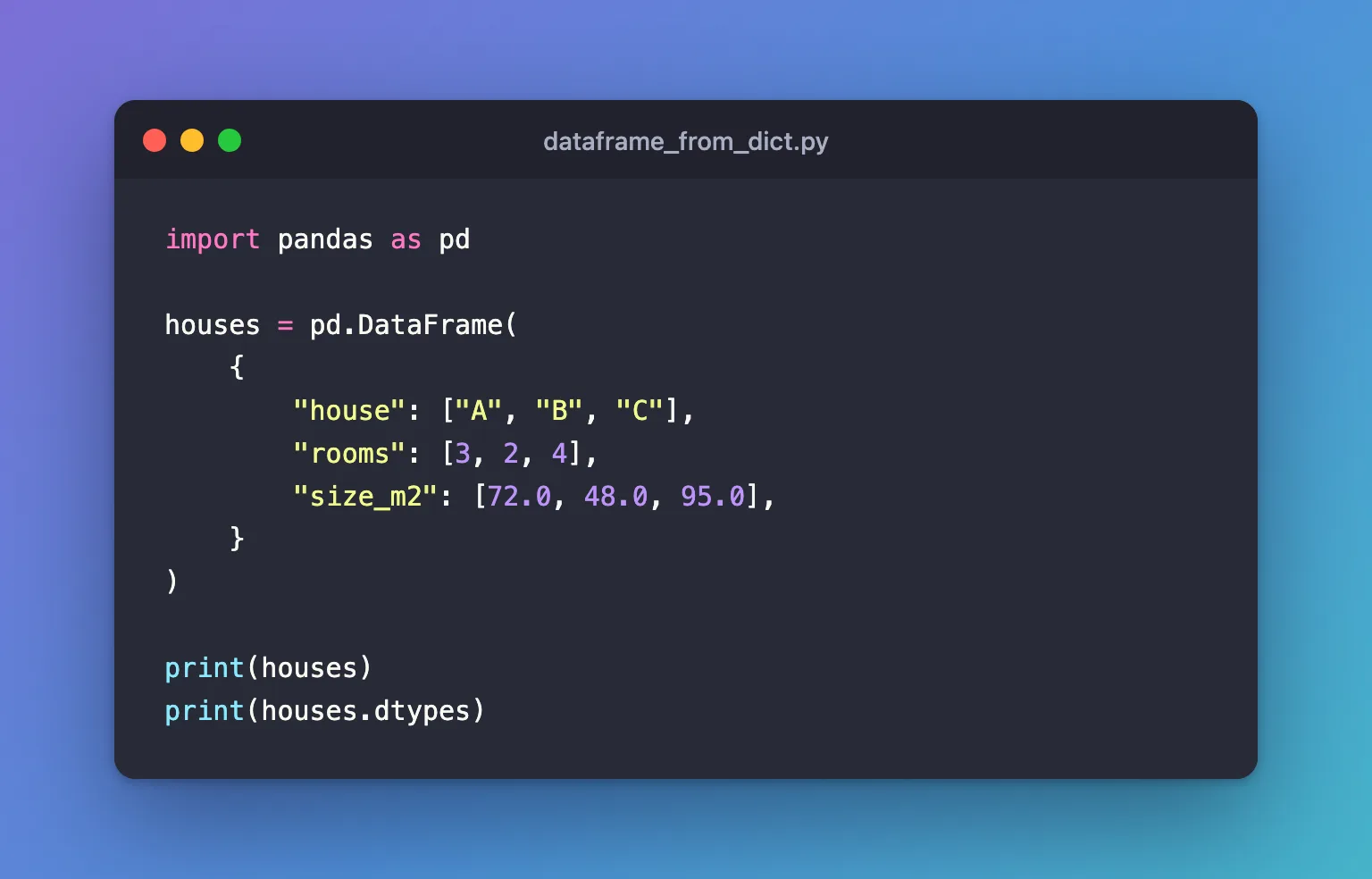
The example is three houses, each with a name, a number of rooms and a size in square metres. Create dataframe_from_dict.py:
import pandas as pd

houses = pd.DataFrame(
    {
        "house": ["A", "B", "C"],
        "rooms": [3, 2, 4],
        "size_m2": [72.0, 48.0, 95.0],
    }
)

print(houses)
print(houses.dtypes)
| Line | What it does |
|---|---|
pd.DataFrame({...}) | Builds the table from the three lists |
print(houses) | Prints the table, with its row numbers on the left |
print(houses.dtypes) | Prints each column's type |
Step 2: Run It
uv run python dataframe_from_dict.py
  house  rooms  size_m2
0     A      3     72.0
1     B      2     48.0
2     C      4     95.0
house          str
rooms        int64
size_m2    float64
dtype: object
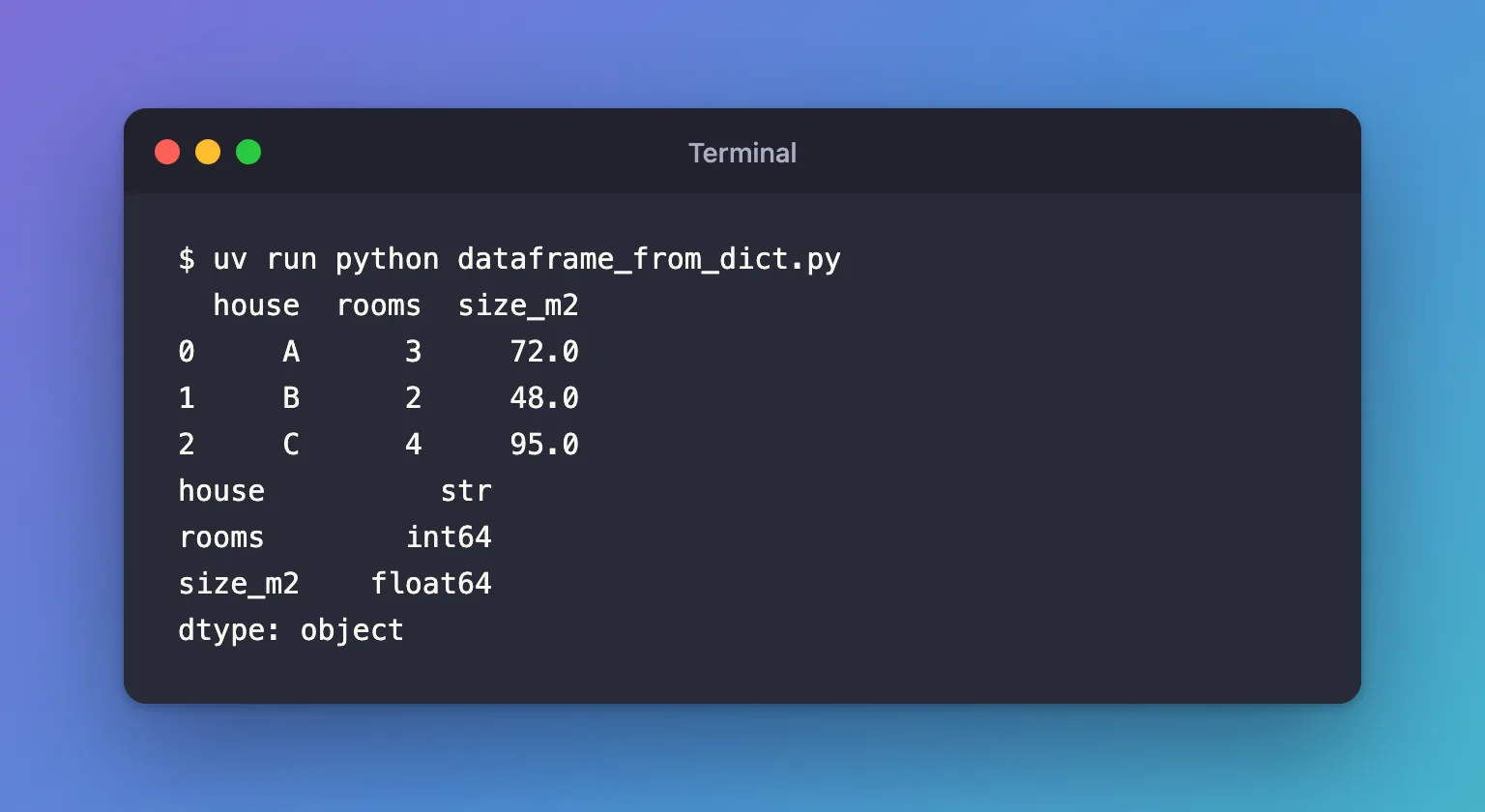
- The columns appear in the order of the dictionary, and the rows are numbered from 0.
houseisstr. pandas 3 stores text in its own string type, shown asstr; pandas 2 showedobjectfor the same column.roomsisint64because every value is a whole number, andsize_m2isfloat64because the values have decimals. pandas picks one type per column from its values.- The last line,
dtype: object, is the type of the list of types itself, not of a column.
Common Mistakes
| Mistake | What happens | Do this instead |
|---|---|---|
| Lists of different lengths | ValueError: All arrays must be of the same length | Give every column one value per row |
A dictionary of single values, such as {"house": "A", "rooms": 3} | ValueError: If using all scalar values, you must pass an index | Wrap the dictionary in a list: pd.DataFrame([{"house": "A", "rooms": 3}]) |
| Typing whole numbers for a column that needs decimals | The column becomes int64, and an empty value later turns it into float64 | Type the values with decimals, such as 72.0, from the start |
Troubleshooting
| Symptom | Likely cause | Fix |
|---|---|---|
A number column shows object | One value in its list is text, such as "3" | Make every value a number |
| Columns come out in an unexpected order | They follow the dictionary's order | Reorder the dictionary, or select columns with houses[["rooms", "house"]] |
FAQ
Can I use a list of dictionaries instead?
Yes, one dictionary per row: pd.DataFrame([{"house": "A", "rooms": 3}, {"house": "B", "rooms": 2}]). The column order then follows the first dictionary's keys.
Can I set my own row labels?
Yes, with index=: pd.DataFrame({...}, index=[10, 11, 12]). Without it, pandas numbers the rows from 0.
Why does my older code show object for text?
Before pandas 3, text columns used the general object type. pandas 3 gives them a dedicated string type, which dtypes shows as str.
Conclusion
pd.DataFrame({...}) turned a dictionary of three lists into a three-row table: columns in the dictionary's order, rows numbered from 0, and one type per column, str for text in pandas 3, int64 for whole numbers and float64 for decimals.
Additional Resources
- pandas.DataFrame — the constructor's reference, including
data,indexanddtype. - Migration guide for the new string data type — why text columns show
strin pandas 3.
