How to Create a package.json with npm init

Every Node.js project has a package.json, a small JSON file that says what the project is called, how to run it and which packages it needs. npm init writes one for you, and with -y it does so without asking a single question.
Syntax
npm init [-y]
| Part | What it does |
|---|---|
npm init | Creates a package.json in the folder you're in. On its own, it asks for each field. |
-y | Optional, also spelled --yes. Skips the questions and uses the default for every field. |
The Example
The example creates a folder for a small project named greeting-app and gives it a package.json.
Prerequisites
- Node.js, which comes with npm. Check it with
npm --version. This guide uses npm 12.2.3, which ships with Node.js 26.
Step 1: Create the Project Folder
mkdir greeting-app
cd greeting-app
How to Create a Folder in the Terminal with mkdir and How to Move into a Folder in the Terminal with cd explain these two commands. These and the next command are the same in zsh, bash and PowerShell.
Step 2: Run npm init
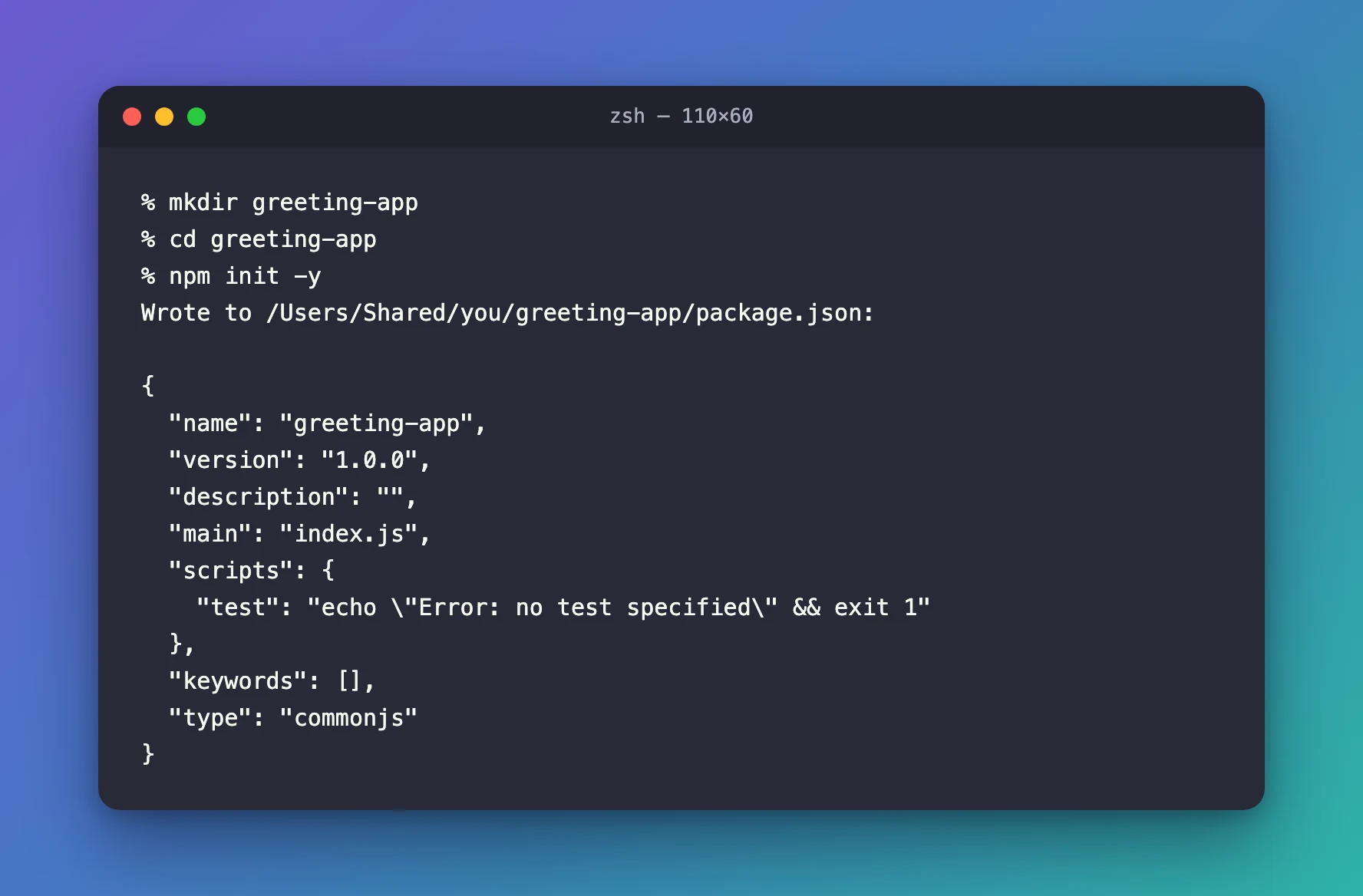
npm init -y
Wrote to /Users/Shared/you/greeting-app/package.json:

{
  "name": "greeting-app",
  "version": "1.0.0",
  "description": "",
  "main": "index.js",
  "scripts": {
    "test": "echo \"Error: no test specified\" && exit 1"
  },
  "keywords": [],
  "type": "commonjs"
}
npm prints where it wrote the file and what's in it.
What Each Field Means
| Field | Default | What it's for |
|---|---|---|
name | The folder's name | The package's name, which npm needs if you ever publish it. |
version | 1.0.0 | The package's version. |
description | Empty | One line about the project. |
main | index.js | The file other code loads when it uses this package. |
scripts | A placeholder test | Commands you run with npm run <name>. |
keywords | Empty | Words that help people find a published package. |
type | commonjs | How Node.js reads .js files: commonjs for require(), module for import. |
npm 12 writes "type": "commonjs" into every new package.json. Code that uses import needs "module" instead, which How to Use ES Modules in a Node.js Project sets with one command.
Common Mistakes
| Mistake | What happens | Do this instead |
|---|---|---|
Running npm init in the wrong folder | The package.json lands in that folder | cd into the project first and check with pwd |
Expecting npm init to install anything | It only writes package.json | Install packages afterwards with npm install |
Using import with the default "type": "commonjs" | Node.js stops with SyntaxError: Cannot use import statement outside a module | Set "type": "module" |
FAQ
Can I change the fields later?
Yes. package.json is a plain text file, so you can edit it, or set one field from the terminal with npm pkg set <field>=<value>.
What happens without -y?
npm asks for each field in turn: package name, version, description, entry point, test command, Git repository, keywords, author, license and type. It shows each default in parentheses, such as version: (1.0.0), and pressing Enter keeps it.
Does npm init overwrite an existing package.json?
No. It reads the existing file and keeps the values you set. Running npm init -y on a package.json that only had a name and a description kept both and added the missing fields.
Conclusion
npm init -y creates a package.json with npm's defaults in one step. The fields describe the project, and type decides whether its .js files use require() or import.
Additional Resources
- npm init, in the npm documentation.
- package.json, every field explained.
