How to Create a MySQL Account for Running Migrations

An app shouldn't be able to change tables, but migrations have to. So they get their own account. To find exactly which rights it needs, I applied a real set of EF Core migrations to an empty database, taking away one right each time.
What You Need
MySQL 9.7, an administrator's session, and a strong password from How to Generate a Strong Random Password in the Terminal.
Step 1: Create the Account
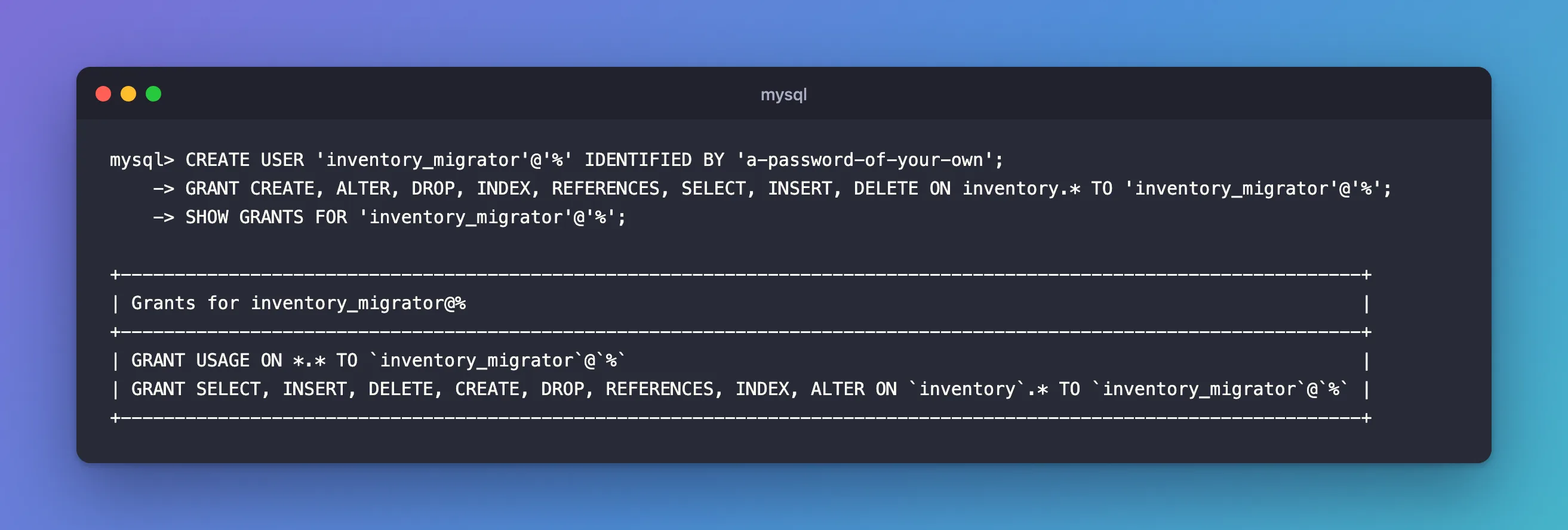
CREATE USER 'inventory_migrator'@'%' IDENTIFIED BY 'a-password-of-your-own';
GRANT CREATE, ALTER, DROP, INDEX, REFERENCES, SELECT, INSERT, DELETE ON inventory.* TO 'inventory_migrator'@'%';
SHOW GRANTS FOR 'inventory_migrator'@'%';
+-------------------------------------------------------------------------------------------------------------------+
| Grants for inventory_migrator@%                                                                                   |
+-------------------------------------------------------------------------------------------------------------------+
| GRANT USAGE ON *.* TO `inventory_migrator`@`%`                                                                    |
| GRANT SELECT, INSERT, DELETE, CREATE, DROP, REFERENCES, INDEX, ALTER ON `inventory`.* TO `inventory_migrator`@`%` |
+-------------------------------------------------------------------------------------------------------------------+
Why These Eight
I started each run with an empty database, and an account with all nine candidate rights except one. These are real runs of EF Core 10 migrations, using Oracle's provider. They create six tables, with indexes and foreign keys:
| Without | Applying | Tables left | First error |
|---|---|---|---|
CREATE | Fails | 0 | CREATE command denied … for table '__EFMigrationsHistory' |
ALTER | Fails | 4 | ALTER command denied … for table 'stock_movements' |
INDEX | Fails | 3 | INDEX command denied … for table 'categories' |
REFERENCES | Fails | 2 | REFERENCES command denied … for table 'rights_demo.categories' |
SELECT | Fails | 1 | SELECT command denied … for table '__EFMigrationsHistory' |
INSERT | Fails | 3 | INSERT command denied … for table '__EFMigrationsHistory' |
DROP | Works | 6 | None |
UPDATE | Works | 6 | None |
DELETE | Works | 6 | None |
So applying these migrations needs six rights. Then I tried rolling them all back, with dotnet ef database update 0:
| Without | Rolling back | First error |
|---|---|---|
| Nothing | Works | None |
DROP | Fails | DROP command denied … for table 'order_lines' |
DELETE | Fails | DELETE command denied … for table '__EFMigrationsHistory' |
UPDATE | Works | None |
That makes eight. UPDATE isn't on the list because none of these migrations change any rows. If one of yours does, with migrationBuilder.Sql("UPDATE …"), add it. A future migration that removes a column may need DROP going forward too, so keep it.
A Failure Leaves Half the Work Behind
Look at the "Tables left" column. MySQL can't roll back a CREATE TABLE, so a migration that fails partway leaves everything it had done so far. That's why it's worth finding the rights before a real run.
Step 2: Use It
Give the app one connection string, and the migration step another. With EF Core, How to Run EF Core Migrations with a Different Database Account shows how. It worked on a real migration, adding a column:
Applying migration '20261106062549_AddProductBarcode'.
Done.
Common Mistakes
| Mistake | What happens | Do this instead |
|---|---|---|
| Using the app's account | CREATE command denied | Use this one |
Using root | Works, with far more than it needs | Use this one |
| Keeping this password with the app's settings | A stolen app gets these rights too | Give it only to the migration step |
ON *.* | It can change every database | Name the database |
Troubleshooting
| Symptom | Likely cause | Fix |
|---|---|---|
UPDATE command denied in a migration | Your migration changes rows | Add UPDATE |
ROUTINE, TRIGGER or VIEW errors | Your migrations create those | Add CREATE ROUTINE, TRIGGER or CREATE VIEW |
| Tables left over after a failure | MySQL can't roll back DDL | Fix the rights, then drop what it left, or finish by hand |
Conclusion
These migrations need CREATE, ALTER, DROP, INDEX, REFERENCES, SELECT, INSERT, DELETE. Give those to an account only the migration step uses, and find out what yours need before a real run.
Additional Resources
- Privileges Provided by MySQL — what each right allows.
- Statements That Cause an Implicit Commit — why DDL can't be rolled back.
- Applying Migrations — how EF Core does it.
