How to Create a Logger in Python with logging.getLogger

When several parts of a program log, you want each line to say which part wrote it. logging.getLogger("orders") gives you a logger with its own name, and the name appears in every line it logs. This guide creates one, with real output from Python 3.15.2.
Syntax
logger = logging.getLogger("<name>")
| Part | What it means |
|---|---|
"<name>" | The logger's name. It appears wherever the format has %(name)s |
logger | The Logger object you log with: logger.info(...), logger.warning(...) and so on |
The logging reference: "Multiple calls to getLogger() with the same name will always return a reference to the same Logger object."
Prerequisites
- uv and Python 3. This guide uses uv 0.13.10 with Python 3.15.2, in a project made with
uv init.
Step 1: Write the Script
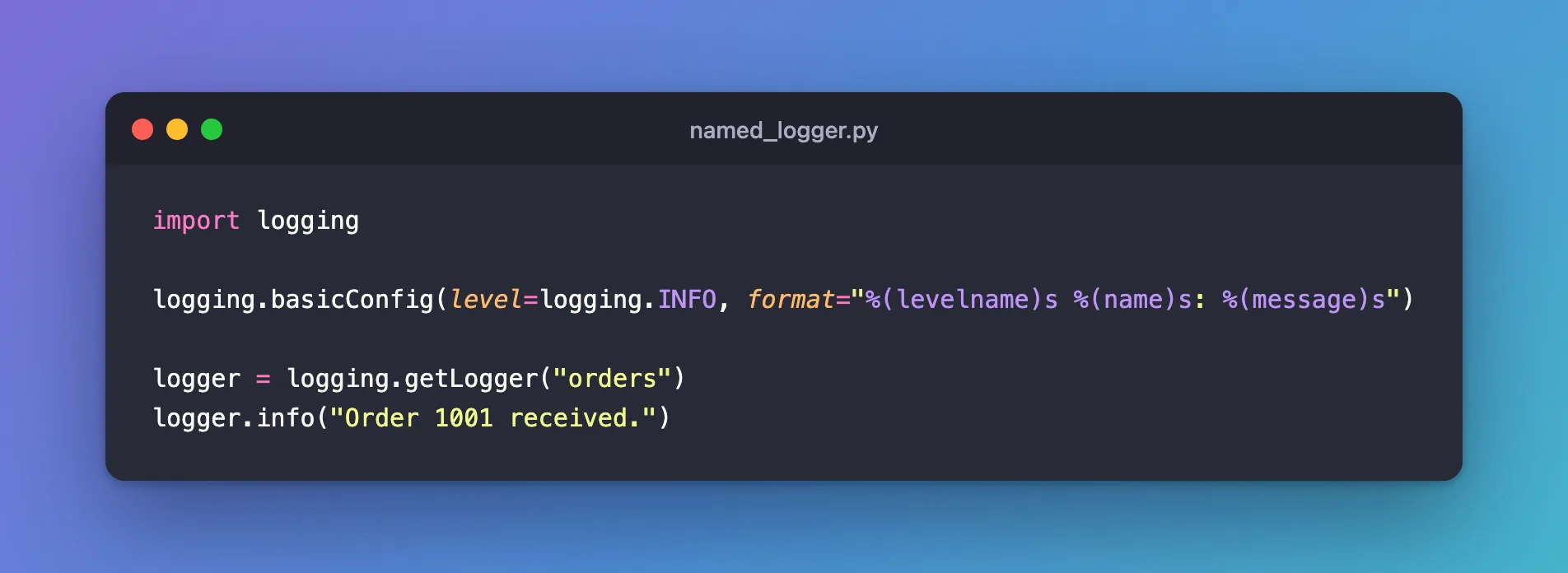
basicConfig turns logging on, and its format includes the logger's name. Then the script creates a logger named orders and logs with it.
import logging

logging.basicConfig(level=logging.INFO, format="%(levelname)s %(name)s: %(message)s")

logger = logging.getLogger("orders")
logger.info("Order 1001 received.")
Step 2: Run It
uv run python named_logger.py
INFO orders: Order 1001 received.
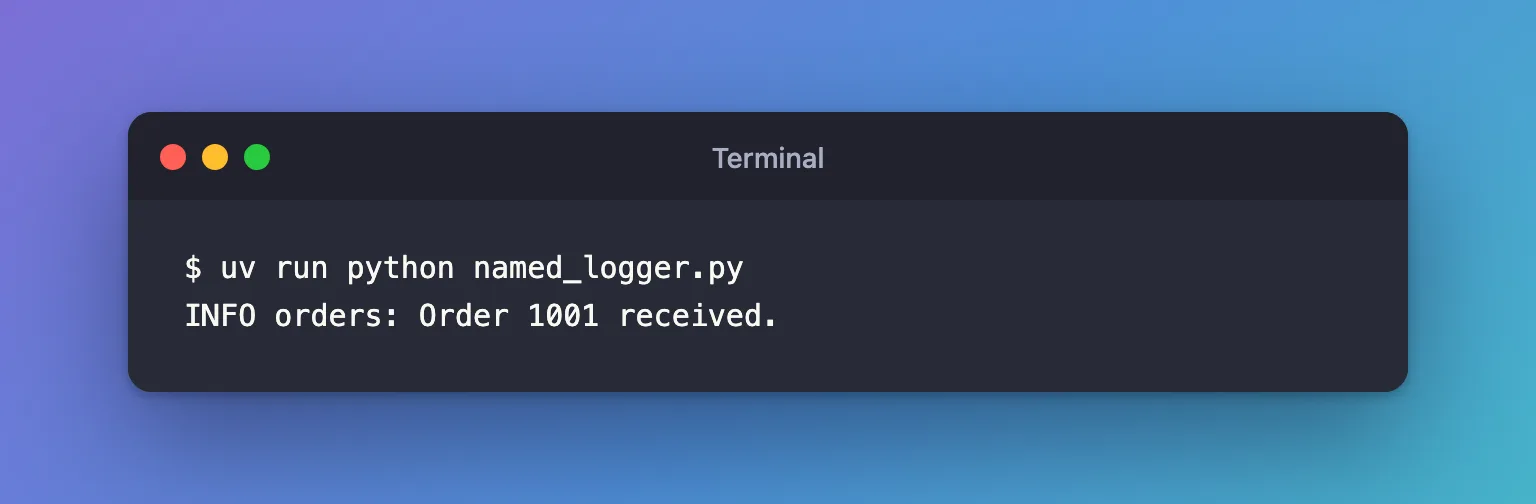
The line says orders, not root: it came from the named logger.
Common Mistakes
| Mistake | What happens | Do this instead |
|---|---|---|
Creating the logger but never calling basicConfig | Nothing is printed: the logger's level is WARNING, so info is left out | Call logging.basicConfig(level=logging.INFO) once at the start of the program |
Expecting getLogger(__name__) to name the file in a script | A file run directly has the name __main__: the line read INFO __main__: Logged with __name__. | __name__ gives the module's name when the file is imported; give a script a name of your own |
Troubleshooting
| Symptom | Likely cause | Fix |
|---|---|---|
| The name doesn't appear in the lines | The format has no %(name)s | Add %(name)s to format= in basicConfig |
FAQ
Does calling getLogger twice make two loggers?
No. logging.getLogger("orders") is logging.getLogger("orders") printed True: both calls return the same object, so any file can get the same logger by its name.
What's a good name?
The Logging HOWTO suggests a module-level logger named after the module, logging.getLogger(__name__), so the names follow your package's layout.
Conclusion
logging.getLogger("orders") returned a logger whose name showed in its line, INFO orders: Order 1001 received., so you can tell at a glance which part of a program logged it.
Additional Resources
- logging.getLogger — the function and how names form a hierarchy.
- Logging HOWTO — naming loggers.
