How to Create a JWT in Rust with jsonwebtoken encode

The jsonwebtoken crate creates JSON Web Tokens in Rust with its encode function: give it a header, your claims as a struct that serde can serialize, and an encoding key, and it returns the signed token as a String.
Syntax
let token: String = encode(&<header>, &<claims>, &<encoding key>)?;
| Part | What it does |
|---|---|
<header> | The token header. Header::default() means HS256, with typ set to JWT. |
<claims> | Your claims: any struct that derives serde's Serialize. |
<encoding key> | The key, such as EncodingKey::from_base64_secret("<base64 secret>")? for HS256. |
? | encode returns a Result, and ? passes an error on to the caller. |
The jsonwebtoken documentation for encode: "Encode the header and claims given and sign the payload using the algorithm from the header and the key." For EncodingKey::from_base64_secret: "If you have a base64 HMAC secret, use that."
The Example
The example creates a token for the user ada with the role reader, issued now and valid for 10 minutes, signs it with HS256 and prints it.
The key is 32 random bytes, made with openssl rand -base64 32 and written as base64. It sits in the code only so the example runs as it is. A real application loads its key from configuration, such as an environment variable or a secret store, and never keeps it in the source.
Prerequisites
- Rust, installed with rustup, which comes with Cargo. This guide uses Rust 1.100.0.
Step 1: Create the Project
cargo new demo
cd demo
cargo add jsonwebtoken --features rust_crypto
cargo add serde --features derive
cargo new demo creates the project, and the two cargo add commands add the crates to Cargo.toml. jsonwebtoken needs a crypto backend chosen by a feature, here rust_crypto:
    Updating crates.io index
      Adding jsonwebtoken v12.0.0 to dependencies
             Features:
             + rust_crypto
             + use_pem
             - aws_lc_rs
    Updating crates.io index
     Locking 91 packages to highest Rust 1.100.0 compatible versions
Cargo.toml now ends with:
[dependencies]
jsonwebtoken = { version = "12.0.0", features = ["rust_crypto"] }
serde = { version = "1.0.229", features = ["derive"] }
Step 2: Write the Code
Replace the contents of src/main.rs with:
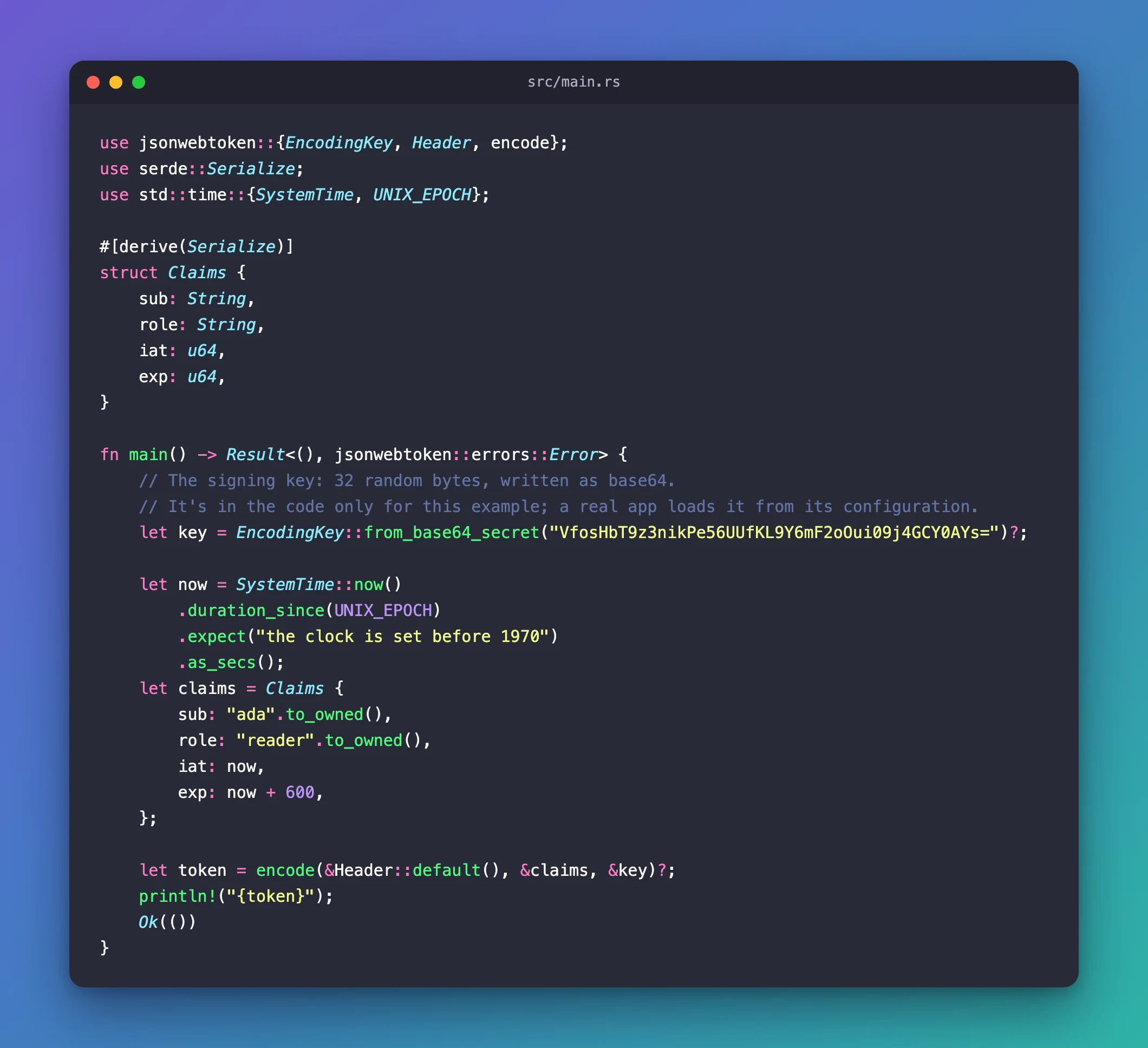
use jsonwebtoken::{EncodingKey, Header, encode};
use serde::Serialize;
use std::time::{SystemTime, UNIX_EPOCH};

#[derive(Serialize)]
struct Claims {
    sub: String,
    role: String,
    iat: u64,
    exp: u64,
}

fn main() -> Result<(), jsonwebtoken::errors::Error> {
    // The signing key: 32 random bytes, written as base64.
    // It's in the code only for this example; a real app loads it from its configuration.
    let key = EncodingKey::from_base64_secret("VfosHbT9z3nikPe56UUfKL9Y6mF2oOui09j4GCY0AYs=")?;

    let now = SystemTime::now()
        .duration_since(UNIX_EPOCH)
        .expect("the clock is set before 1970")
        .as_secs();
    let claims = Claims {
        sub: "ada".to_owned(),
        role: "reader".to_owned(),
        iat: now,
        exp: now + 600,
    };

    let token = encode(&Header::default(), &claims, &key)?;
    println!("{token}");
    Ok(())
}
from_base64_secret decodes the base64 text into the key bytes. main returns a Result, so ? can pass on an error from the key or from encode.
Step 3: Run It
cargo run -q
eyJ0eXAiOiJKV1QiLCJhbGciOiJIUzI1NiJ9.eyJzdWIiOiJhZGEiLCJyb2xlIjoicmVhZGVyIiwiaWF0IjoxNzk1NjgyNTczLCJleHAiOjE3OTU2ODMxNzN9.v1qEk8s0BKDhu6bsb1djmODlaLOrm19HxSif69LdVVw
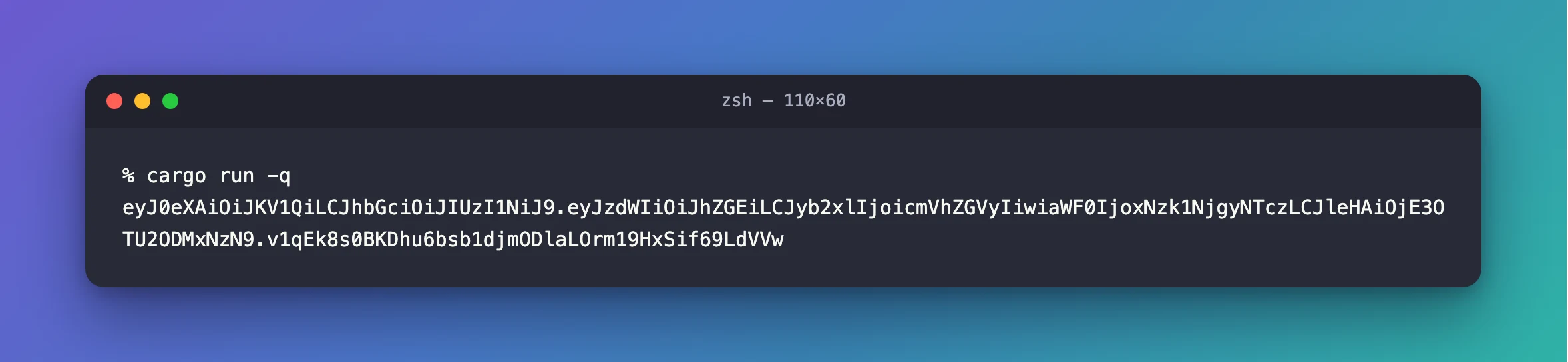
cargo run compiles the program and runs it, and -q hides Cargo's own status lines. Your token will differ, because iat and exp hold the time you run it. Decoded from base64url, the header and payload read:
{"typ":"JWT","alg":"HS256"}
{"sub":"ada","role":"reader","iat":1795682573,"exp":1795683173}
The payload's keys are the struct's field names, in the order the struct declares them.
Without a Crypto Backend
jsonwebtoken 12 signs through a crypto backend, chosen with a feature. Its README: "Two crypto backends are available via features, aws_lc_rs and rust_crypto, at most one of which must be enabled. If you select neither feature, you need to provide your own CryptoProvider." Added without a feature, with plain cargo add jsonwebtoken, the program compiled and then panicked at run time:
Could not automatically determine the process-level CryptoProvider from jsonwebtoken crate features.
Call CryptoProvider::install_default() before this point to select a provider manually, or make sure exactly one of the 'rust_crypto' and 'aws_lc_rs' features is enabled.
See the documentation of the CryptoProvider type for more information.
Common Mistakes
| Mistake | What happens | Do this instead |
|---|---|---|
| No crypto backend feature | The program panics with Could not automatically determine the process-level CryptoProvider from jsonwebtoken crate features. | Add --features rust_crypto (or aws_lc_rs) |
Forgetting #[derive(Serialize)] on the claims | error[E0277]: the trait bound `Claims: serde::Serialize` is not satisfied | Derive Serialize |
| A short key | EncodingKey::from_secret(b"short") was accepted, but RFC 7518 requires at least 256 bits for HS256 | Use 32 random bytes or more |
Troubleshooting
| Symptom | Likely cause | Fix |
|---|---|---|
Could not automatically determine the process-level CryptoProvider | No backend feature on jsonwebtoken | Enable rust_crypto or aws_lc_rs in Cargo.toml |
Base64 error: Invalid symbol 32, offset 3. | The secret isn't valid base64 | Check the stored secret |
FAQ
rust_crypto or aws_lc_rs?
Both handle HS256. As the crate's feature list on docs.rs shows, rust_crypto pulls in crates such as hmac, sha2 and rsa, while aws_lc_rs pulls in aws-lc-rs. Enable one, as the README says.
Do I need the iat claim?
No. The example sets it to show when the token was made. exp is the one claim jsonwebtoken's validation requires by default when you verify.
Conclusion
Derive Serialize on a claims struct, make an EncodingKey from your secret, and encode(&Header::default(), &claims, &key)? returns the signed HS256 token. Enable exactly one crypto backend feature, rust_crypto or aws_lc_rs, when you add the crate.
Additional Resources
- jsonwebtoken::encode and EncodingKey, on docs.rs.
- jsonwebtoken README, on GitHub.
