How to Create a JWT in Ruby with JWT.encode

The jwt gem creates JSON Web Tokens in Ruby with one call: JWT.encode(payload, key, 'HS256') turns a hash of claims into a signed token string.
Syntax
token = JWT.encode(<payload>, <key>, '<algorithm>', <headers>)
| Part | What it does |
|---|---|
<payload> | The claims, as a hash, such as { sub: 'ada', exp: ... }. |
<key> | The signing key. For HS256, the shared secret as a string of bytes. |
'<algorithm>' | The algorithm, such as 'HS256'. |
<headers> | Optional. Extra header fields, as a hash, such as { kid: 'key-2026-11' }. |
The jwt gem's README shows the HMAC form as token = JWT.encode(payload, hmac_secret, 'HS256').
The Example
The example creates a token for the user ada with the role reader, issued now and valid for 10 minutes, signs it with HS256 and prints it.
The key is 32 random bytes, made with openssl rand -base64 32 and written as base64. It sits in the code only so the example runs as it is. A real application loads its key from configuration, such as an environment variable or a secret store, and never keeps it in the source.
Prerequisites
- Ruby with Bundler. This guide uses Ruby 4.0.10 and Bundler 4.1.0.
Step 1: Create the Project
mkdir demo
cd demo
bundle init
bundle add jwt
bundle init writes an empty Gemfile, and bundle add jwt adds the gem to it and installs it:
Fetching gem metadata from https://rubygems.org/....
Resolving dependencies...
Fetching gem metadata from https://rubygems.org/....
Fetching jwt 3.3.1
Installing jwt 3.3.1
Step 2: Write the Code
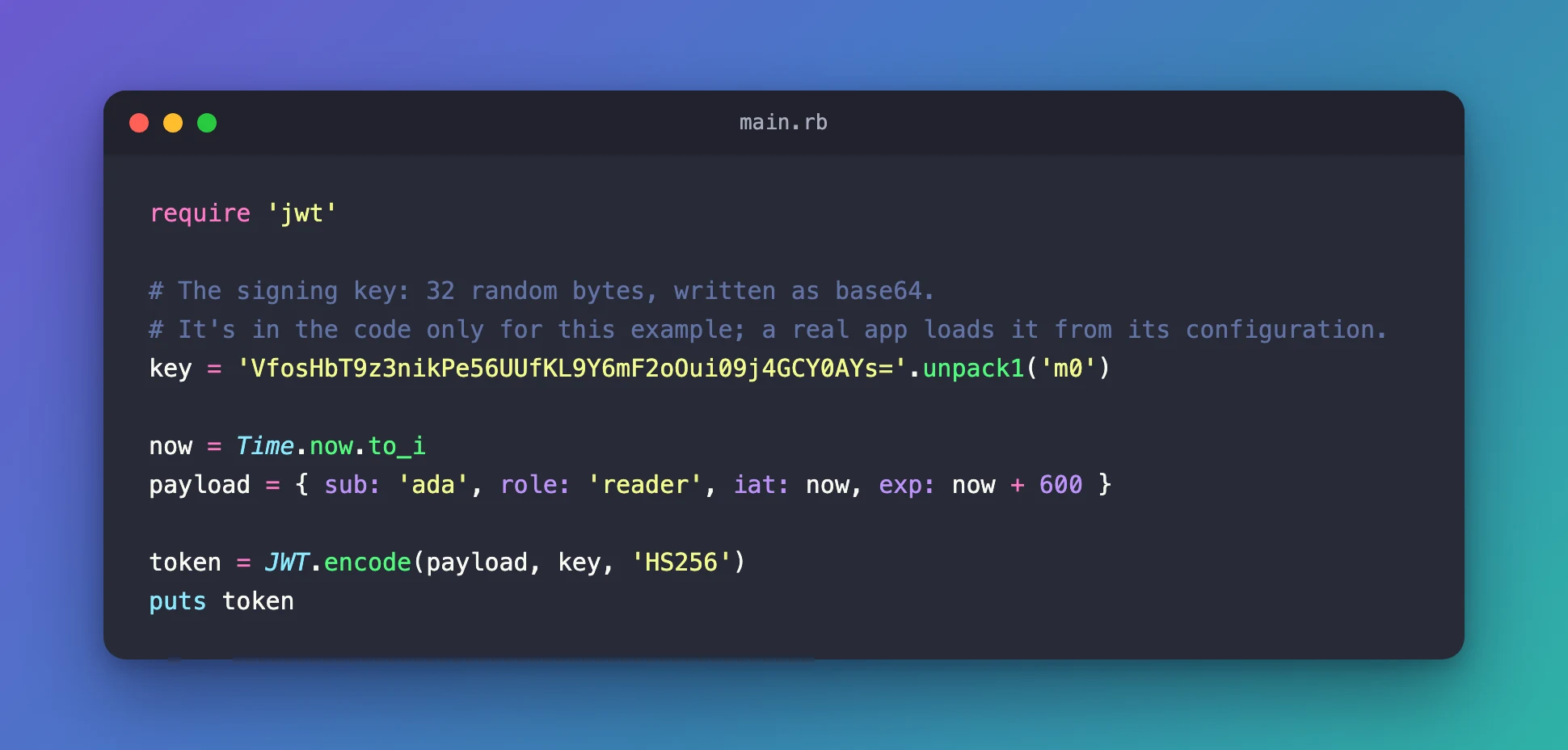
Create main.rb:
require 'jwt'

# The signing key: 32 random bytes, written as base64.
# It's in the code only for this example; a real app loads it from its configuration.
key = 'VfosHbT9z3nikPe56UUfKL9Y6mF2oOui09j4GCY0AYs='.unpack1('m0')

now = Time.now.to_i
payload = { sub: 'ada', role: 'reader', iat: now, exp: now + 600 }

token = JWT.encode(payload, key, 'HS256')
puts token
unpack1('m0') decodes the strict base64 text into the 32 key bytes. Time.now.to_i is the current Unix time, and + 600 is ten minutes later.
Step 3: Run It
bundle exec ruby main.rb
eyJhbGciOiJIUzI1NiJ9.eyJzdWIiOiJhZGEiLCJyb2xlIjoicmVhZGVyIiwiaWF0IjoxNzk1NjgyNTM4LCJleHAiOjE3OTU2ODMxMzh9.xf-_-ri9qXbsq_1A3i4QrlK3IldMELUVmAZmYlIbk2w
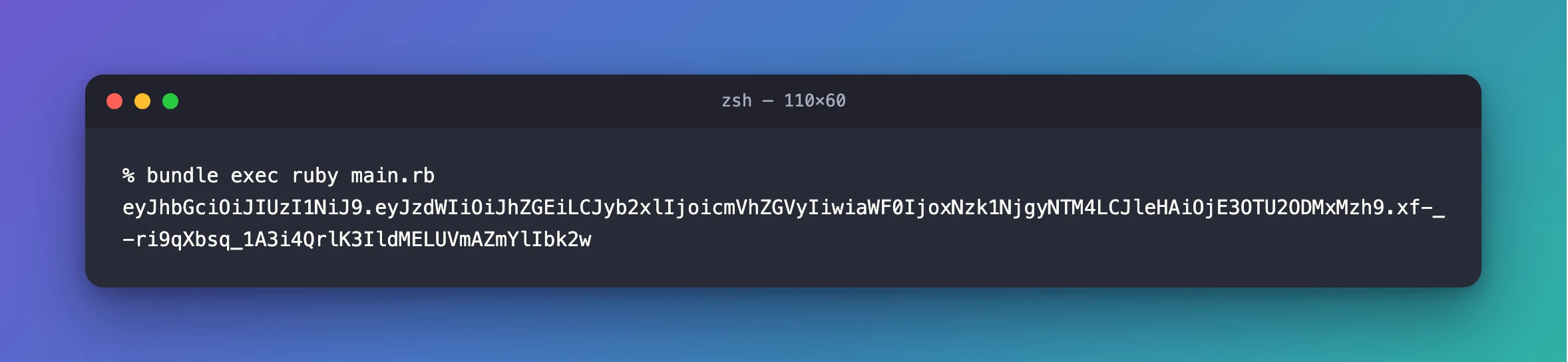
bundle exec runs the script with the gems in the Gemfile. Your token will differ, because iat and exp hold the time you run it. Decoded from base64url, the header and payload read:
{"alg":"HS256"}
{"sub":"ada","role":"reader","iat":1795682538,"exp":1795683138}
The gem wrote only alg in the header, and the symbol keys became JSON strings.
Add a Header Field
The fourth argument adds header fields. JWT.encode({ sub: 'ada' }, key, 'HS256', { kid: 'key-2026-11' }) gave this header:
{"kid":"key-2026-11","alg":"HS256"}
Common Mistakes
| Mistake | What happens | Do this instead |
|---|---|---|
A short key, such as 'short' | The gem signed with it without complaint, but RFC 7518 requires at least 256 bits for HS256 | Use 32 random bytes or more |
Writing exp as a Time, Time.now + 600 | JWT::InvalidPayload: exp claim must be a Numeric value but it is a Time | Use Time.now.to_i + 600 |
Troubleshooting
| Symptom | Likely cause | Fix |
|---|---|---|
cannot load such file -- jwt (LoadError) | The gem isn't installed, or Bundler isn't used | Run bundle add jwt, then bundle exec ruby main.rb |
The header lacks typ | The gem only writes alg | Add it with the fourth argument if a receiver needs it: { typ: 'JWT' } gave {"typ":"JWT","alg":"HS256"} |
FAQ
How long should the key be?
At least 32 bytes. RFC 7518, section 3.2: "A key of the same size as the hash output (for instance, 256 bits for "HS256") or larger MUST be used with this algorithm."
Symbol or string keys in the payload?
Either: the payload becomes JSON, where every key is a string. When you decode the token, the keys come back as strings.
Conclusion
JWT.encode(payload, key, 'HS256') turns a hash of claims into a signed JWT string. Use Time.now.to_i for the time claims, a key of at least 32 random bytes, and the fourth argument for extra header fields.
Additional Resources
- ruby-jwt README, on GitHub.
- RFC 7519: JSON Web Token.
