How to Create a Go Module with go mod init

A Go project is a module: a folder with a go.mod file that names it and records what it depends on. go mod init creates that file, and from then on go run, go build and go get all work inside the folder.
Syntax
go mod init <module-path>
| Part | What it does |
|---|---|
go mod init | Creates a go.mod file in the folder you're in. |
<module-path> | The module's name, which is also how other code would import it. For code you publish, use the address it will be downloaded from, such as github.com/<you>/<project>. For examples and local projects, example.com/<project> is a common choice. |
The Example
The example creates a module named example.com/hello-go with one file that prints a line.
Prerequisites
- Go. Check it with
go version. This guide uses Go 1.27.4.
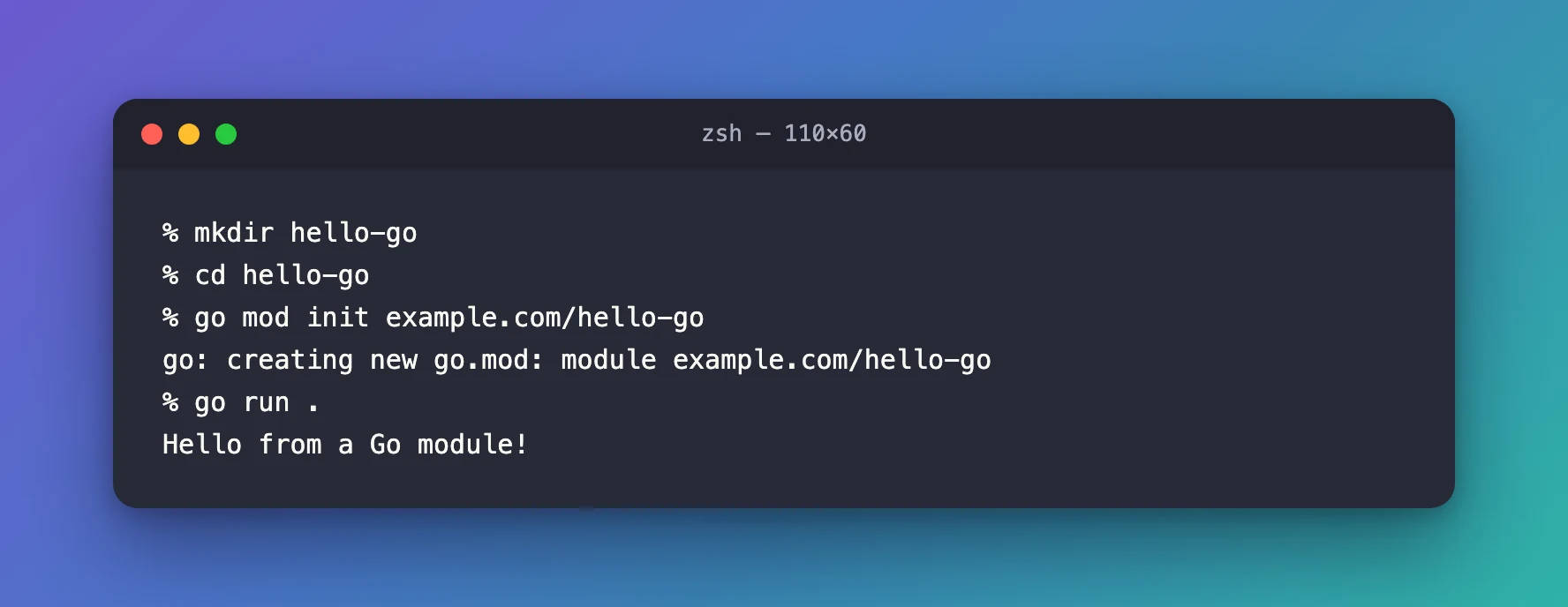
Step 1: Create the Module
mkdir hello-go
cd hello-go
go mod init example.com/hello-go
go: creating new go.mod: module example.com/hello-go
These commands, like every command here, are the same in zsh, bash and PowerShell.
Step 2: Look at go.mod
module example.com/hello-go

go 1.27.4
| Line | What it means |
|---|---|
module example.com/hello-go | The module path you chose. |
go 1.27.4 | The Go version the module is written for, taken from the Go you have. |
As you add dependencies, go get writes them into this file too.
Step 3: Add a Program and Run It
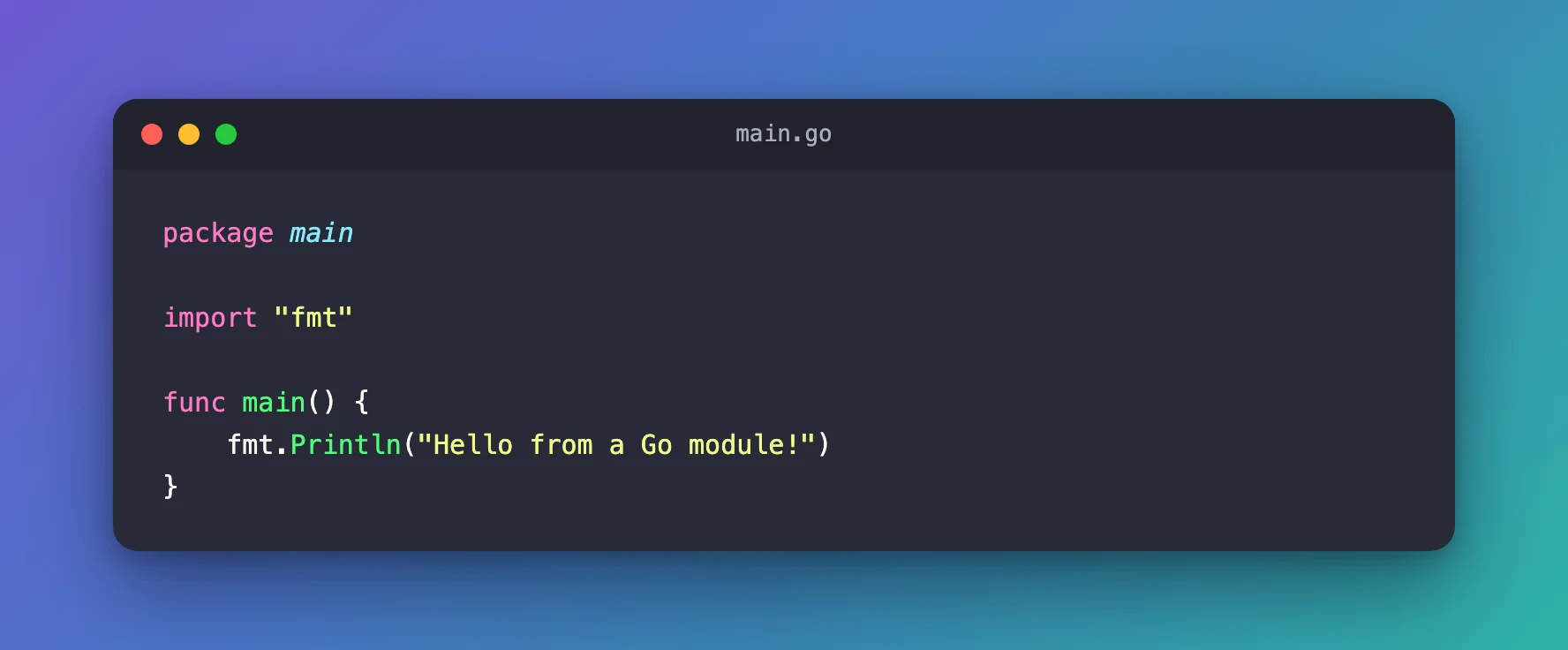
Create main.go in the folder:
package main

import "fmt"

func main() {
	fmt.Println("Hello from a Go module!")
}
go run .
Hello from a Go module!
package main with a func main makes a program you can run, and go run . compiles the package in this folder and runs it.
Common Mistakes
| Mistake | What happens | Do this instead |
|---|---|---|
Running go mod init without a path in a new folder | Go can't work out a module path and stops | Give one: go mod init example.com/hello-go |
Running go mod init again in the same folder | Go refuses, because go.mod already exists | Edit the module line instead, if you need a new name |
| Choosing a path you'll later publish under another address | Code that imports the module must change | Use the final address, such as github.com/<you>/<project>, from the start |
Troubleshooting
| Symptom | Likely cause | Fix |
|---|---|---|
go: cannot determine module path for source directory | No module path was given | go mod init <module-path> |
go: …/go.mod already exists | The folder is already a module | Use it, or edit its module line |
FAQ
Does the module path have to be a real address?
Only if other people will download the module with go get. For your own programs, any path works, and example.com is reserved for examples, so it never clashes with a real one.
Where do I put more files?
In the same folder with package main to make them part of the program, or in subfolders for separate packages that the module's code imports by <module-path>/<subfolder>.
Conclusion
go mod init <module-path> turns a folder into a Go module by writing a go.mod with the module's path and Go version. Add a main.go with package main, and go run . runs it.
Additional Resources
- go mod init, in the Go Modules Reference.
- Tutorial: Get started with Go, Go's own first module.
