How to Create a Gemfile with bundle init

A Ruby project lists the gems it uses in a file named Gemfile, and Bundler, which comes with Ruby, installs and loads exactly those gems. bundle init creates the Gemfile for a new project in one command.
Syntax
bundle init
| Part | What it does |
|---|---|
bundle | Runs Bundler, Ruby's gem manager for projects. |
init | Creates a Gemfile in the folder you're in, unless one is already there. |
The Example
The example creates a folder for a small project named number-words and gives it a Gemfile.
Prerequisites
- Ruby, which comes with Bundler. Check them with
ruby --versionandbundle --version. This guide uses Ruby 4.0.10 and Bundler 4.1.0.
Step 1: Create the Gemfile
mkdir number-words
cd number-words
bundle init
Writing new Gemfile to /Users/Shared/you/number-words/Gemfile
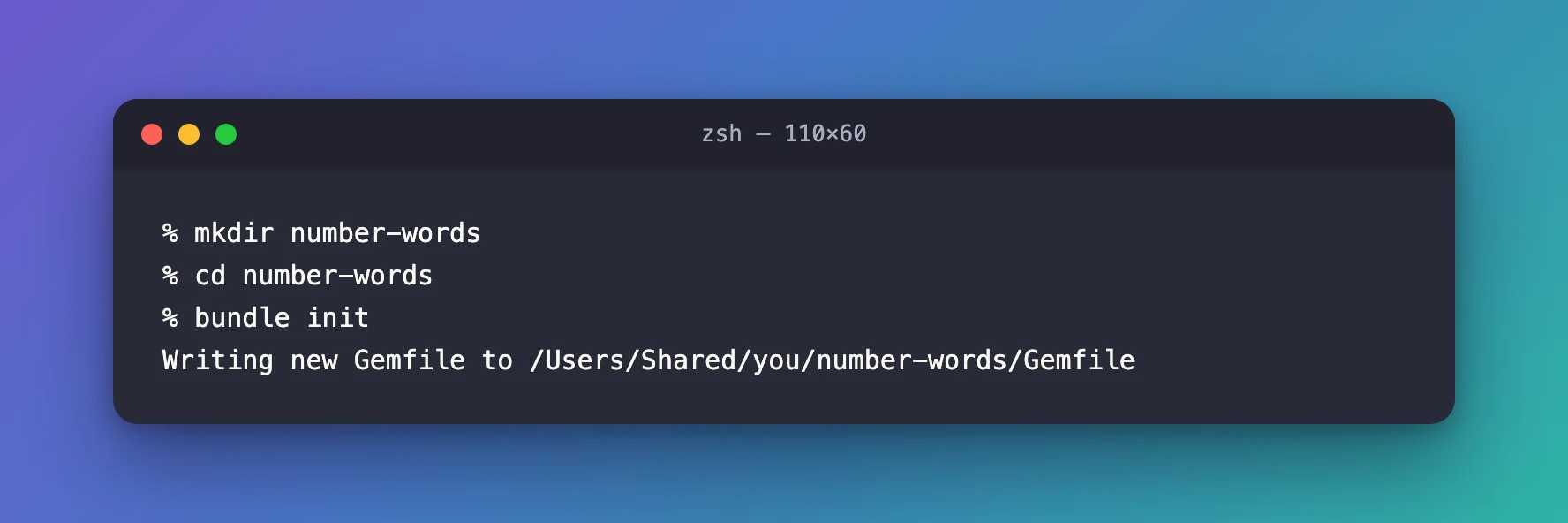
The commands are the same in zsh, bash and PowerShell.
Step 2: Look at the Gemfile
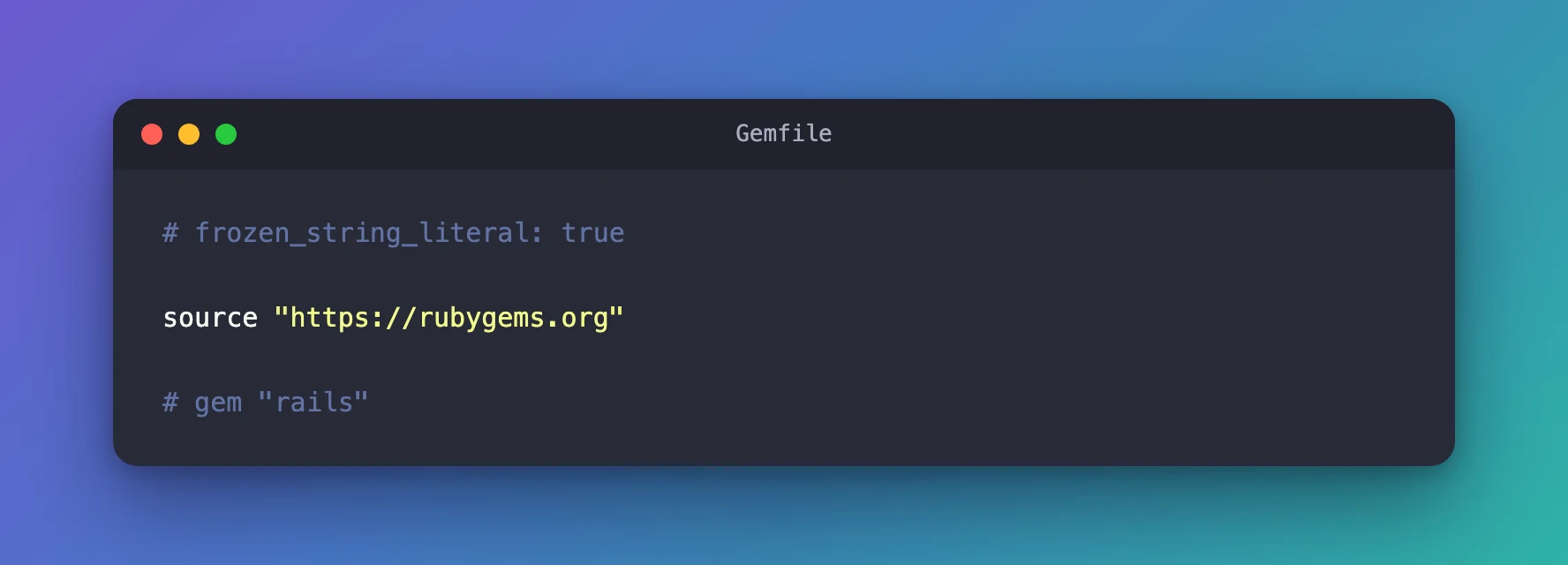
# frozen_string_literal: true

source "https://rubygems.org"

# gem "rails"
| Line | What it means |
|---|---|
# frozen_string_literal: true | A magic comment that makes the file's text values unchangeable. It's a common Ruby setting and doesn't affect which gems you get. |
source "https://rubygems.org" | Where Bundler downloads gems from: RubyGems.org, Ruby's public gem registry. |
# gem "rails" | An example, commented out with #, of how a gem is listed. |
The Gemfile is Ruby code, which is why its comments start with #. Each gem the project uses gets a gem line, which bundle add writes for you.
Common Mistakes
| Mistake | What happens | Do this instead |
|---|---|---|
Running bundle init where a Gemfile already exists | Bundler refuses and keeps the existing file | Edit the existing Gemfile, or add gems with bundle add |
| Running it in the wrong folder | The Gemfile lands there | cd into the project first |
Installing a project's gems one by one with gem install | The project doesn't record which gems and versions it needs | List them in the Gemfile with bundle add |
Troubleshooting
| Symptom | Likely cause | Fix |
|---|---|---|
Gemfile already exists at …/Gemfile | The folder already has one | Use the existing file |
command not found: bundle | Ruby, which includes Bundler, isn't installed or isn't on your PATH | Install Ruby and open a new terminal |
FAQ
What's the difference between a Gemfile and a gemspec?
A Gemfile lists the gems an application uses. A .gemspec describes a gem you publish yourself, including the gems it depends on.
Is Bundler a separate install?
No. Bundler has come with Ruby since Ruby 2.6, so bundle works as soon as Ruby does.
Conclusion
bundle init creates a Gemfile that points at RubyGems.org and is ready for your project's gems. From there, bundle add lists gems in it and installs them, and bundle exec runs your code with exactly those gems.
Additional Resources
- bundle init, in Bundler's documentation.
- Gemfile, every line a
Gemfilecan hold.
