How to Create a Folder with Directory.CreateDirectory in C#

Directory.CreateDirectory makes a folder in one line, and it creates every folder in the path that isn't there yet. If the folder already exists, it simply leaves it alone, so there's nothing to check first.
Microsoft's reference: Directory.CreateDirectory creates all directories and subdirectories in the specified path unless they already exist.
Syntax
Directory.CreateDirectory(<path>);
DirectoryInfo <folder> = Directory.CreateDirectory(<path>);
| Part | What it is |
|---|---|
<path> | The folder to create: a full path, or a relative one such as reports. It can name several levels, such as archive/2026/november |
Directory.CreateDirectory | Creates every folder in the path that isn't there yet |
DirectoryInfo <folder> | Optional. The object it returns describes the folder, such as its Name |
The reference for the return value: An object that represents the directory at the specified path. This object is returned regardless of whether a directory at the specified path already exists.
The Example
A console app called CreateFolder creates a reports folder, then archive/2026/november with all three levels at once, then calls CreateDirectory for reports again.
Prerequisites
- The .NET 10 SDK.
dotnet --versionprints a version that starts with10.0.
Step 1: Create a Console App
dotnet new console -n CreateFolder
cd CreateFolder
The template "Console App" was created successfully.

Processing post-creation actions...
Restoring /Users/you/source/CreateFolder/CreateFolder.csproj:
  Determining projects to restore...
  Restored /Users/you/source/CreateFolder/CreateFolder.csproj (in 44 ms).
Restore succeeded.
dotnet new console -n CreateFolder creates a folder named CreateFolder with a project file and a Program.cs, and cd moves into it. Everything this example uses is part of .NET, so there's no package to add. Open the folder in VS Code, or CreateFolder.csproj in Visual Studio.
Step 2: Write the Code
Replace everything in Program.cs. First, one folder:
// Create a folder. The path is relative, so it's made in the folder the app runs from.
DirectoryInfo reports = Directory.CreateDirectory("reports");
Console.WriteLine($"Created {reports.Name}: {Directory.Exists("reports")}");
reports has no folder in front of it, so it's created in the folder the app runs from: the project folder, with dotnet run. CreateDirectory returns a DirectoryInfo, whose Name is the folder's name, and Directory.Exists checks that the folder is really there.
Then several levels at once:
// Create a folder inside folders that aren't there yet: every missing folder is made.
string month = "archive/2026/november";
Directory.CreateDirectory(month);
Console.WriteLine($"{month} exists: {Directory.Exists(month)}");
Console.WriteLine($"archive exists too: {Directory.Exists("archive")}");
None of archive, 2026 and november exists yet, and / separates the levels.
Then a folder that's already there:
// A folder that's already there is fine: nothing is replaced, and nothing throws.
Directory.CreateDirectory("reports");
Console.WriteLine("Created reports again: no error");
Step 3: Run It
Run it in VS Code's terminal, or press Ctrl+F5 in Visual Studio:
dotnet run
Created reports: True
archive/2026/november exists: True
archive exists too: True
Created reports again: no error
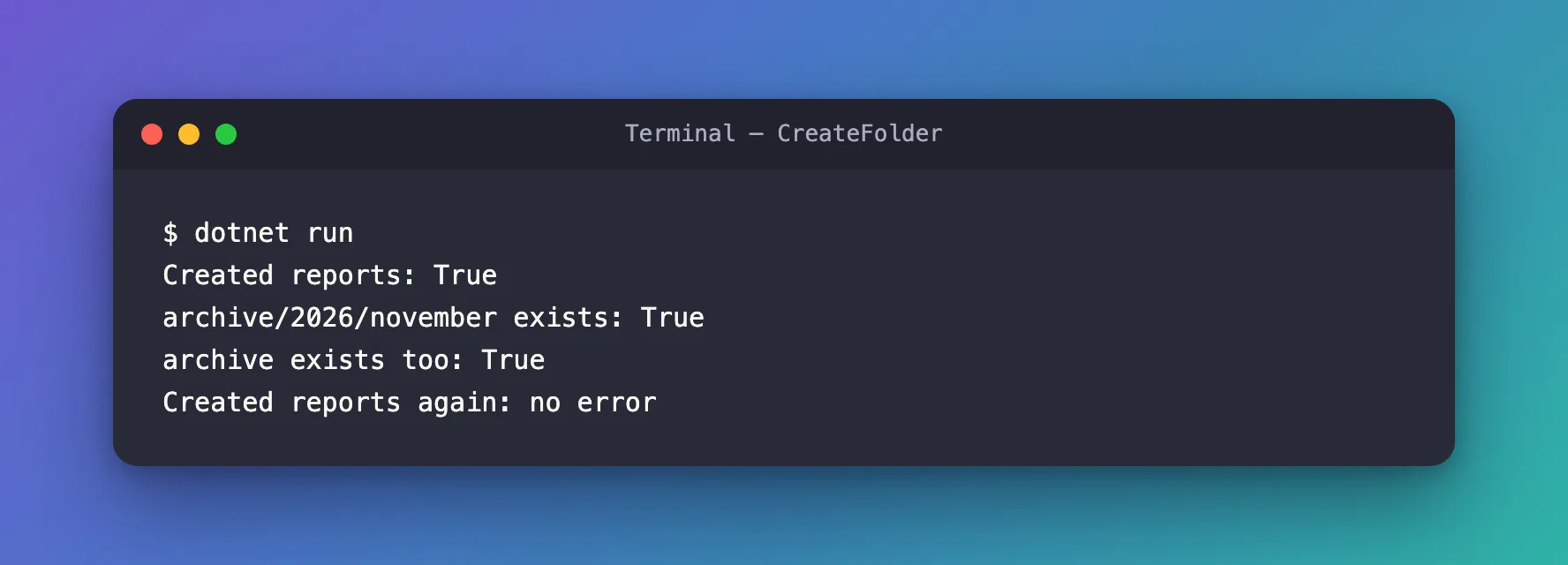
Every check printed True: the one call created archive, 2026 and november together. The second call for reports didn't throw, so the last line printed. The project folder now holds a reports folder and an archive folder with 2026/november inside.
The Complete File
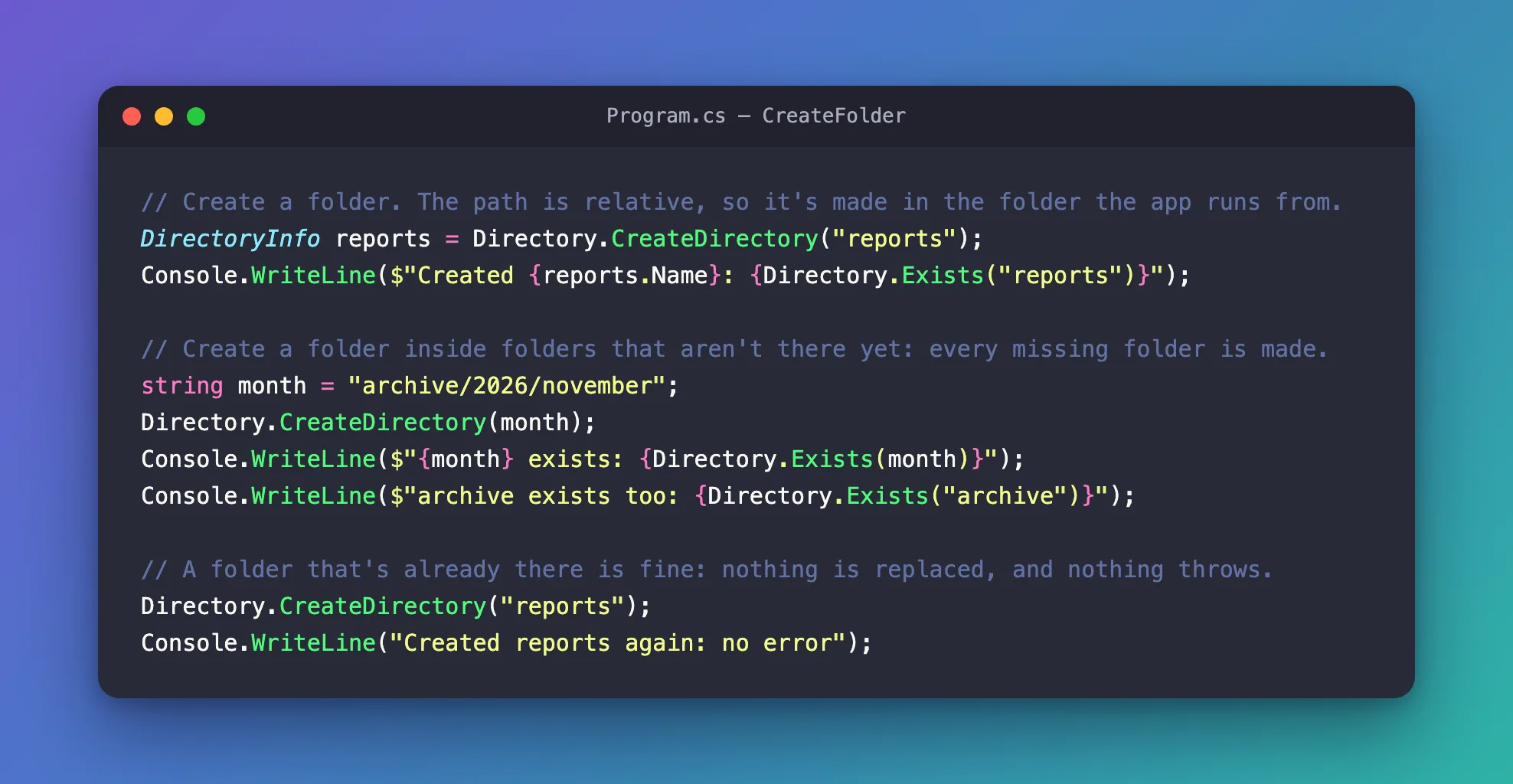
// Create a folder. The path is relative, so it's made in the folder the app runs from.
DirectoryInfo reports = Directory.CreateDirectory("reports");
Console.WriteLine($"Created {reports.Name}: {Directory.Exists("reports")}");

// Create a folder inside folders that aren't there yet: every missing folder is made.
string month = "archive/2026/november";
Directory.CreateDirectory(month);
Console.WriteLine($"{month} exists: {Directory.Exists(month)}");
Console.WriteLine($"archive exists too: {Directory.Exists("archive")}");

// A folder that's already there is fine: nothing is replaced, and nothing throws.
Directory.CreateDirectory("reports");
Console.WriteLine("Created reports again: no error");
Common Mistakes
| Mistake | What happens | Do this instead |
|---|---|---|
| Passing a file's path | Directory.CreateDirectory("logs/app.log") made a folder named app.log, so writing the log file there threw System.UnauthorizedAccessException: Access to the path '/Users/you/source/CreateFolder/logs/app.log' is denied. The reference: The path parameter specifies a directory path, not a file path. | Pass only the folder, Directory.CreateDirectory("logs"), then write logs/app.log. That created the file |
| A file with the same name is in the way | With a file named data in the folder, Directory.CreateDirectory("data") threw System.IO.IOException: The file '/Users/you/source/CreateFolder/data' already exists. | Choose another folder name, or move the file first |
| Passing an empty path | A folder name that was an empty string made Directory.CreateDirectory throw System.ArgumentException: The value cannot be an empty string. (Parameter 'path') | Check a folder name that comes from a setting or a user before you pass it |
FAQ
Do I need to check Directory.Exists first?
No. The reference: If the directory already exists, this method does not create a new directory, but it returns a DirectoryInfo object for the existing directory. The second call for reports in the example shows it.
Does creating an existing folder again empty it?
No. With reports/january.txt inside, a second Directory.CreateDirectory("reports") left the file where it was, still holding Sales: 10.
Does / work as the separator on Windows?
Yes. This example ran on macOS, and Microsoft's reference covers Windows: Windows supports either the forward slash (which is returned by the AltDirectorySeparatorChar field) or the backslash (which is returned by the DirectorySeparatorChar field) as path separator characters, while Unix-based systems support only the forward slash. So archive/2026/november names the same three folders on both.
Conclusion
Directory.CreateDirectory(path) creates a folder and every missing folder above it in one call, and leaves a folder that's already there as it is. Give it a folder's path, never a file's, and you don't need to check Directory.Exists first.
Additional Resources
- Directory.CreateDirectory — what it creates and the exceptions it throws.
- DirectoryInfo — the object it returns.
- Path.DirectorySeparatorChar — the separators on Windows and Unix.
