How to Create a Certificate Authority with openssl

A certificate authority is just a certificate that's allowed to sign others, plus its private key. For servers on your own network, one openssl command makes a private one. The part people get wrong is marking it as a CA, so this states that in the command.
What You Need
Docker, for the commands below: they run OpenSSL from the mysql:9.7 image, so they're the same on macOS, Linux and Windows. If you have OpenSSL installed, drop the docker run … part and use the rest.
Make a folder for the files, and run everything from the folder above it:
mkdir certs
Step 1: Create the CA
${PWD} means your current folder, in bash, zsh and PowerShell alike:
docker run --rm -v "${PWD}/certs:/certs" -w /certs mysql:9.7 openssl req -x509 -newkey rsa:2048 -nodes -days 3650 -keyout ca-key.pem -out ca.pem -subj "/CN=Inventory Demo CA" -addext "basicConstraints=critical,CA:TRUE" -addext "keyUsage=critical,keyCertSign,cRLSign"
The Docker part runs a throwaway container (--rm), shares certs with it (-v), and starts in that folder (-w). The OpenSSL part:
| Option | What it does |
|---|---|
req -x509 | Makes a self-signed certificate directly, without a separate request |
-newkey rsa:2048 | Creates a new 2,048-bit RSA key to go with it |
-nodes | Doesn't encrypt the key with a passphrase. Remove it if a person will always be there to type one |
-days 3650 | Valid for about 10 years |
-keyout, -out | Where to write the key and the certificate |
-subj "/CN=…" | The CA's name. It must differ from the name on the certificates it signs |
-addext "basicConstraints=critical,CA:TRUE" | Marks it as a CA |
-addext "keyUsage=…" | Allows it to sign certificates and revocation lists |
I learned about the -addext lines the hard way. Without them, whether you get a CA depends on the computer's openssl.cnf, and with an empty configuration I got a certificate that couldn't sign anything.
Step 2: Check It
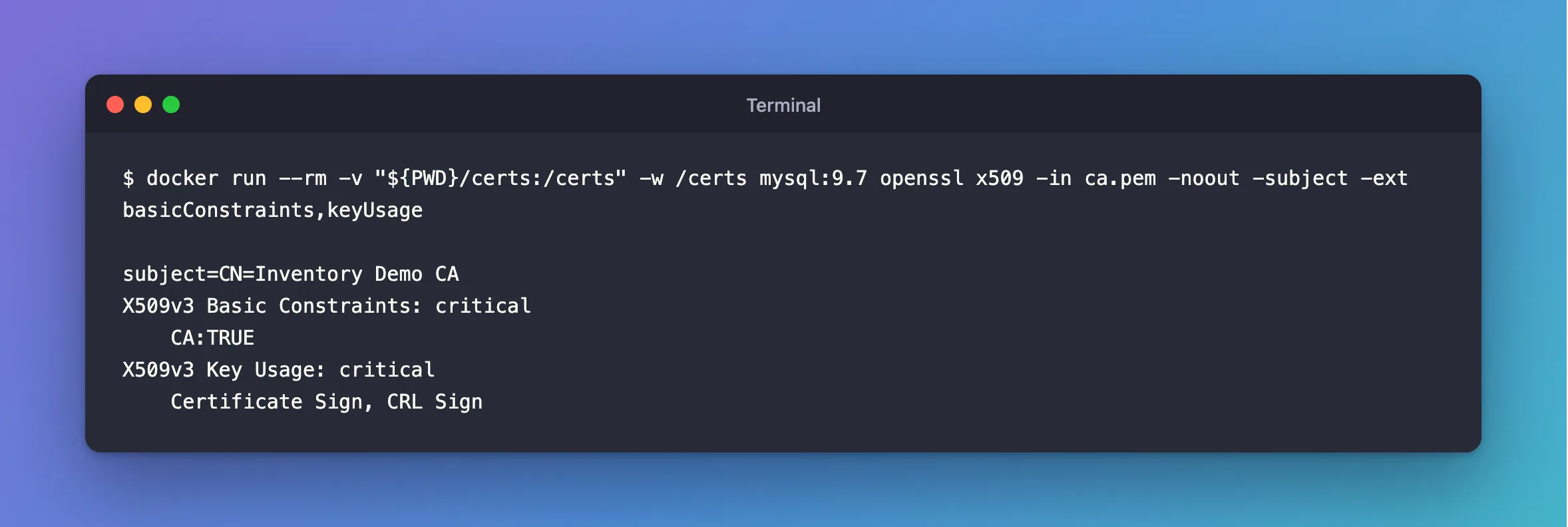
docker run --rm -v "${PWD}/certs:/certs" -w /certs mysql:9.7 openssl x509 -in ca.pem -noout -subject -ext basicConstraints,keyUsage
subject=CN=Inventory Demo CA
X509v3 Basic Constraints: critical
    CA:TRUE
X509v3 Key Usage: critical
    Certificate Sign, CRL Sign
Step 3: Keep the Two Files Apart
You now have two files, and they need opposite treatment:
ca.pemis public. Give it to every client that needs to check your servers.ca-key.pemis the secret. Anyone holding it can sign a certificate that your clients will trust. Keep it off your servers, and out of Git. If you only sign a few certificates a year, keep it offline.
Cost
OpenSSL and the MySQL image are free. A private CA is trusted only by clients you give ca.pem to, which is what you want for an internal database. A public website needs a public CA instead.
Common Mistakes
| Mistake | What happens | Do this instead |
|---|---|---|
Leaving out basicConstraints | invalid CA certificate, on some computers | State it in the command |
Using the same CN for the CA and the server | MySQL's manual warns that it doesn't work | Give each its own name |
Putting ca-key.pem on a server | A stolen server can sign anything | Keep it separate |
| Committing the folder to Git | The key is out for good | Add certs/ to .gitignore |
Troubleshooting
| Symptom | Likely cause | Fix |
|---|---|---|
On Linux, the files belong to root | The container runs as root | sudo chown them to your account |
| The CA doesn't sign what you expected | req -x509 used the wrong key file | Check -keyout, and keep each CA in its own folder |
Conclusion
One openssl req -x509 command makes a CA. State basicConstraints=critical,CA:TRUE in it, share ca.pem, and protect ca-key.pem.
Additional Resources
- Creating SSL Certificates and Keys Using openssl — MySQL's recipe, and its warning about names.
- openssl-req documentation — every option.
