How to Count the Items of a JSON Array with GetArrayLength in C#

tags.GetArrayLength() tells you how many items the JSON array tags holds, without looping over it. EnumerateArray() then gives you the items one by one.
Microsoft's reference: Gets the number of values contained within the current array value. It works only on an element whose ValueKind is Array.
Syntax
int <count> = <element>.GetArrayLength();

foreach (JsonElement <item> in <element>.EnumerateArray())
{
    <statements>
}
| Part | What it is |
|---|---|
<element> | A JsonElement that holds a JSON array |
GetArrayLength() | The number of items in it |
EnumerateArray() | The items, one JsonElement each |
The Example
A console app called JsonArrayLength parses a ticket with a tags array, counts the tags, and prints each one.
Prerequisites
- The .NET 10 SDK.
dotnet --versionprints a version that starts with10.0.
Step 1: Create a Console App
dotnet new console -n JsonArrayLength
cd JsonArrayLength
The template "Console App" was created successfully.

Processing post-creation actions...
Restoring /Users/you/source/JsonArrayLength/JsonArrayLength.csproj:
  Determining projects to restore...
  Restored /Users/you/source/JsonArrayLength/JsonArrayLength.csproj (in 44 ms).
Restore succeeded.
dotnet new console -n JsonArrayLength creates a folder named JsonArrayLength with a project file and a Program.cs, and cd moves into it. Everything this example uses is part of .NET, so there's no package to add. Open the folder in VS Code, or JsonArrayLength.csproj in Visual Studio.
Step 2: Write the Code
Replace everything in Program.cs. First parse the JSON and find the array:
using System.Text.Json;

string json = """{"owner":"asha","tags":["vpn","laptop","urgent"]}""";
using JsonDocument document = JsonDocument.Parse(json);
JsonElement tags = document.RootElement.GetProperty("tags");
using JsonDocument document keeps the document until the end of the program, and the elements it gives you work until then.
Then count and list the items:
Console.WriteLine($"Kind:  {tags.ValueKind}");
Console.WriteLine($"Items: {tags.GetArrayLength()}");

foreach (JsonElement tag in tags.EnumerateArray())
{
    Console.WriteLine($"- {tag.GetString()}");
}
Step 3: Run It
Run it in VS Code's terminal, or press Ctrl+F5 in Visual Studio:
dotnet run
Kind:  Array
Items: 3
- vpn
- laptop
- urgent
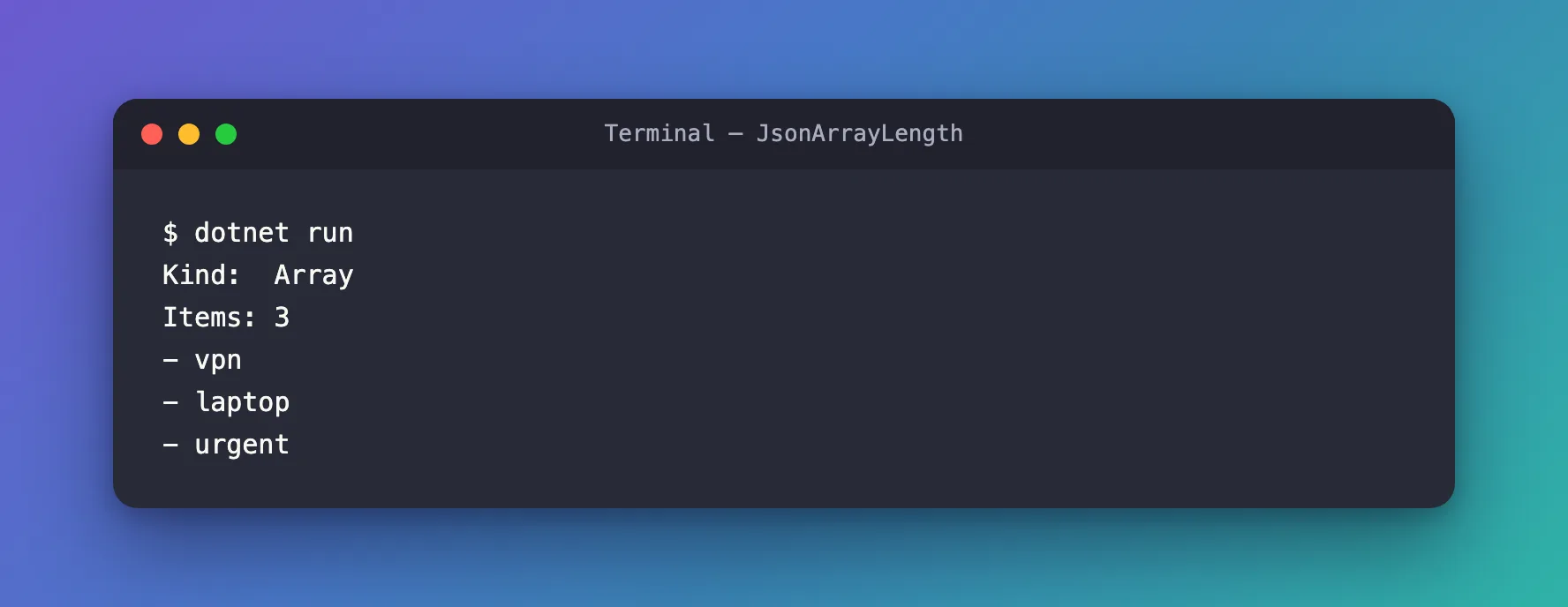
ValueKind confirmed that tags is an array, and GetArrayLength counted its 3 items before the loop listed them.
The Complete File
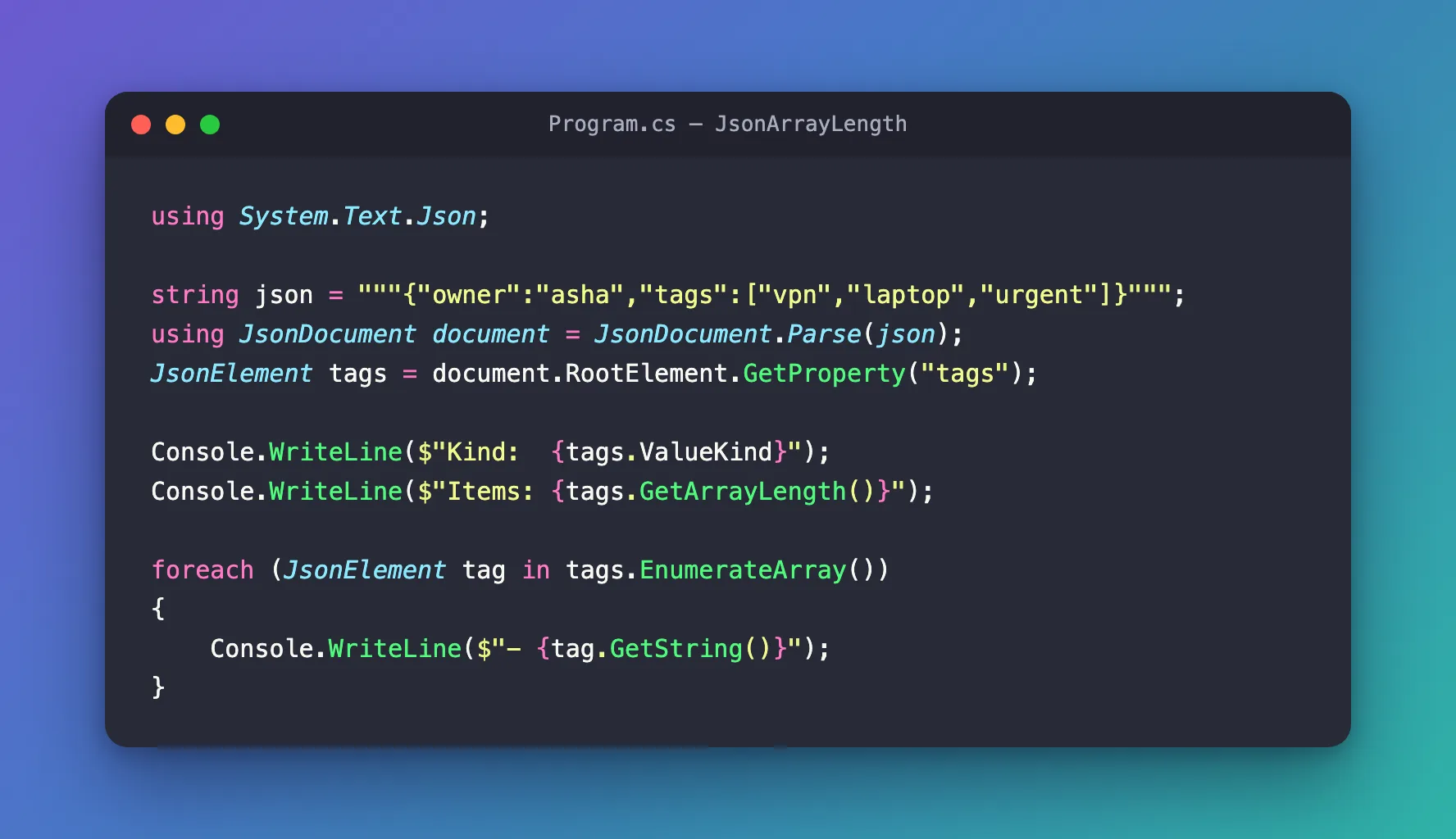
using System.Text.Json;

string json = """{"owner":"asha","tags":["vpn","laptop","urgent"]}""";
using JsonDocument document = JsonDocument.Parse(json);
JsonElement tags = document.RootElement.GetProperty("tags");

Console.WriteLine($"Kind:  {tags.ValueKind}");
Console.WriteLine($"Items: {tags.GetArrayLength()}");

foreach (JsonElement tag in tags.EnumerateArray())
{
    Console.WriteLine($"- {tag.GetString()}");
}
Common Mistakes
| Mistake | What happens | Do this instead |
|---|---|---|
| Calling it on an element that isn't an array | GetArrayLength() on the owner string threw InvalidOperationException: The requested operation requires an element of type 'Array', but the target element has type 'String'. | Check ValueKind == JsonValueKind.Array first: for owner, it was False |
| Using an element after its document is disposed | ObjectDisposedException: Cannot access a disposed object., for the object named JsonDocument. The guide: After a JsonDocument instance is disposed, you lose access to all of its JsonElement instances also. | Use the elements while the document is alive, or keep a copy with Clone() |
FAQ
What does Clone give me?
An element that no longer needs the document. The reference: Gets a JsonElement that can be safely stored beyond the lifetime of the original JsonDocument. A cloned tags array still counted 2 items after its document was disposed.
Conclusion
Call GetArrayLength() on a JsonElement that holds an array to get its item count, and EnumerateArray() to walk through the items. Check ValueKind when the JSON might hold something else, and use the elements before their JsonDocument is disposed, or Clone() them.
Additional Resources
- JsonElement.GetArrayLength — the method and its exceptions.
- Use a JSON document object model — JsonDocument and JsonElement.
