How to Count Rows in a MySQL Table

SELECT COUNT(*) FROM table tells you how many rows a table has. Add WHERE to count only some of them, or GROUP BY to count per category. There's one trap: COUNT(column) skips NULLs, so it can give a smaller number than you expect. All of it is run here on MySQL 9.7.
Prerequisites
- MySQL, and a way to run SQL. The examples use MySQL 9.7.4 in Docker, and the
mysqlclient from How to Connect to MySQL in a Docker Container. - A table with rows. The examples use
products, with eight rows, whereDescriptionis oftenNULL.
Step 1: Count Every Row
SELECT COUNT(*) FROM products;
+----------+
| COUNT(*) |
+----------+
|        8 |
+----------+
1 row in set (0.000 sec)
Step 2: Count the Rows That Match
WHERE works as it does in any SELECT:
SELECT COUNT(*) FROM products WHERE UnitPrice < 10;
+----------+
| COUNT(*) |
+----------+
|        2 |
+----------+
1 row in set (0.000 sec)
Step 3: See the Difference with a Column
COUNT(column) counts the rows where that column isn't NULL:
SELECT COUNT(Description) FROM products;
+--------------------+
| COUNT(Description) |
+--------------------+
|                  1 |
+--------------------+
1 row in set (0.000 sec)
Eight products, and one has a description. MySQL's aggregate functions page explains: "COUNT(*) is somewhat different in that it returns a count of the number of rows retrieved, whether or not they contain NULL values." So use COUNT(*) for "how many rows", and COUNT(column) for "how many have a value here".
Step 4: Count per Group
GROUP BY gives one row of results for each distinct value:
SELECT CategoryId, COUNT(*) AS Products FROM products GROUP BY CategoryId;
+------------+----------+
| CategoryId | Products |
+------------+----------+
|          1 |        4 |
|          2 |        2 |
|          5 |        2 |
+------------+----------+
3 rows in set (0.000 sec)
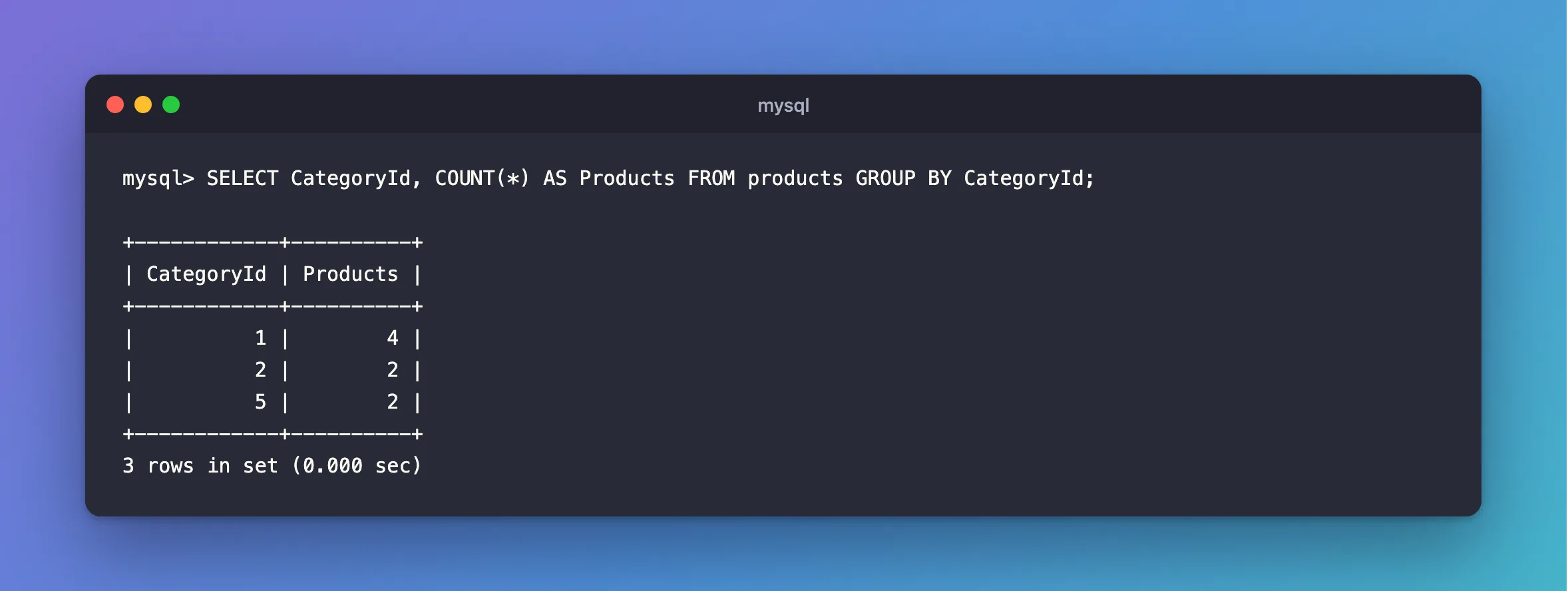
A category with no products doesn't appear here, because no row mentions it. How to Join Two Tables in MySQL gets those too.
Step 5: Get Other Totals
SUM, MIN and MAX work the same way, and they can sit in one statement:
SELECT COUNT(*) AS Total, SUM(UnitPrice) AS TotalPrice, MIN(UnitPrice) AS Lowest, MAX(UnitPrice) AS Highest FROM products;
+-------+------------+--------+---------+
| Total | TotalPrice | Lowest | Highest |
+-------+------------+--------+---------+
|     8 |     119.98 |   5.25 |   39.50 |
+-------+------------+--------+---------+
1 row in set (0.000 sec)
Common Mistakes
| Mistake | What happens | Do this instead |
|---|---|---|
COUNT(column) to count rows | Rows with NULL there get left out | Use COUNT(*) |
COUNT(*) with a LEFT JOIN | Rows with no match count as 1 | Count a column from the other table |
| Counting just to see if a row exists | MySQL counts them all | Use EXISTS or LIMIT 1 |
FAQ
Is COUNT(*) slow on a big table?
It can be. The page says: "For transactional storage engines such as InnoDB, storing an exact row count is problematic", because different transactions can see different counts. So InnoDB does real work to count them. A WHERE on an indexed column helps.
Is COUNT(1) faster than COUNT(*)?
The same page says: "InnoDB handles SELECT COUNT(*) and SELECT COUNT(1) operations in the same way. There is no performance difference."
Conclusion
Use COUNT(*) for rows, COUNT(column) for rows with a value in that column, WHERE to narrow it down and GROUP BY to split it up. SUM, MIN and MAX go right alongside.
Additional Resources
- Aggregate Function Descriptions — every function.
