How to Count Items with LINQ Count in C#

Count() tells you how many items a sequence has, and Count(condition) how many of them pass a test, such as how many tickets are still open.
Microsoft's reference describes both: Returns the number of elements in a sequence, and Returns a number that represents how many elements in the specified sequence satisfy a condition.
Syntax
int <all> = <items>.Count();
int <matching> = <items>.Count(<item> => <condition>);
| Part | What it is |
|---|---|
Count() | The number of items |
<item> => <condition> | A test for each item: only the items that pass are counted |
| The result | An int |
The Example
A console app called LinqCount counts five tickets: all of them, the open ones and the closed ones.
Prerequisites
- The .NET 10 SDK.
dotnet --versionprints a version that starts with10.0.
Step 1: Create a Console App
dotnet new console -n LinqCount
cd LinqCount
The template "Console App" was created successfully.

Processing post-creation actions...
Restoring /Users/you/source/LinqCount/LinqCount.csproj:
  Determining projects to restore...
  Restored /Users/you/source/LinqCount/LinqCount.csproj (in 47 ms).
Restore succeeded.
dotnet new console -n LinqCount creates a folder named LinqCount with a project file and a Program.cs, and cd moves into it. Everything this example uses is part of .NET, so there's no package to add. Open the folder in VS Code, or LinqCount.csproj in Visual Studio.
Step 2: Write the Code
Replace everything in Program.cs. First the tickets:
string[] tickets = ["open", "closed", "open", "waiting", "open"];
Then the three counts:
Console.WriteLine($"Tickets: {tickets.Count()}");
Console.WriteLine($"Open:    {tickets.Count(status => status == "open")}");
Console.WriteLine($"Closed:  {tickets.Count(status => status == "closed")}");
status => status == "open" is the test: only the tickets whose status is open are counted.
Step 3: Run It
Run it in VS Code's terminal, or press Ctrl+F5 in Visual Studio:
dotnet run
Tickets: 5
Open:    3
Closed:  1

Five tickets in all, three open and one closed. The fifth, waiting, passed neither test.
The Complete File
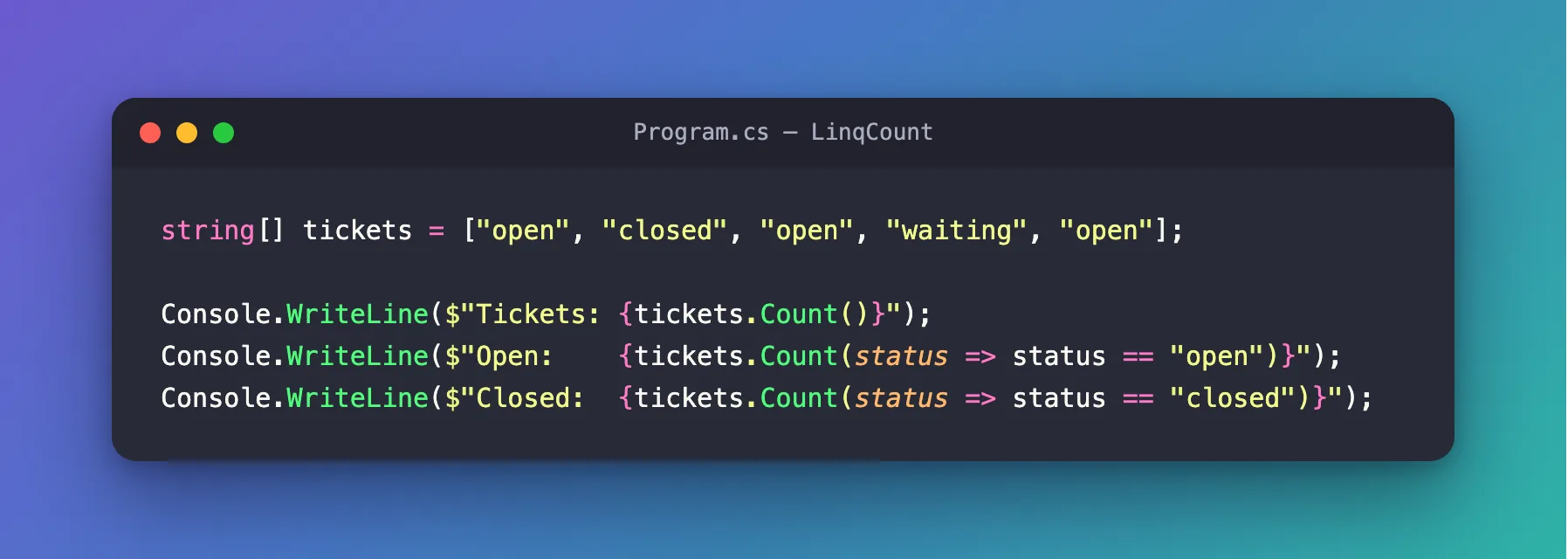
string[] tickets = ["open", "closed", "open", "waiting", "open"];

Console.WriteLine($"Tickets: {tickets.Count()}");
Console.WriteLine($"Open:    {tickets.Count(status => status == "open")}");
Console.WriteLine($"Closed:  {tickets.Count(status => status == "closed")}");
Common Mistakes
| Mistake | What happens | Do this instead |
|---|---|---|
Writing Count(...) > 0 to check whether anything matches | Count reads every item: it looked at all 5 tickets, while Any stopped after 1 | Use Any for a yes-or-no question |
Calling Count() for the size of an array or a list | It works, but the size is already there: tickets.Length and a list's Count property gave the same 5 | Use Length for arrays and Count, without brackets, for lists |
FAQ
Is Count() slow on a list?
Not for its size. The reference says that when the source implements ICollection<T>, as lists and arrays do, that implementation is used to obtain the count of elements. Otherwise, this method determines the count. With a condition, it always checks every item.
What if the count could pass about 2 billion?
The reference: Use the LongCount method when you expect and want to allow the result to be greater than MaxValue. tickets.LongCount() returned 5 as a long.
Conclusion
items.Count() is the number of items and items.Count(item => condition) the number that pass a test. For "is there at least one?", use Any, and for an array or list's size, its Length or Count property.
Additional Resources
- Enumerable.Count — both forms.
- Enumerable.LongCount — the same, as a
long.
