How to Copy a Model Version to Another Registered Model in MLflow

Some teams keep one registered model per environment, such as tumour-staging and tumour-production, and promote a version by copying it from one to the other. MlflowClient.copy_model_version does the copy, and creates the destination model the first time. This guide copies the staging model's candidate into production, with real output from MLflow 3.18.0.
Syntax
copy = MlflowClient().copy_model_version(src_model_uri, dst_name)
| Part | What it means |
|---|---|
src_model_uri | The version to copy, as a registry address: models:/<name>/<version> or models:/<name>@<alias> |
dst_name | The registered model to copy it into; it's created if it doesn't exist |
copy | The new version in the destination, with its own version number |
The reference for copy_model_version: "Copy a model version from one registered model to another as a new model version. If the destination model does not exist, it will be created."
Prerequisites
- An MLflow tracking server with a database backend at
http://127.0.0.1:8080, such asmlflow server --port 8080with its default SQLite database. The registry needs one. mlflowandscikit-learnin your project, for example withuv add mlflow scikit-learn pandas.
Step 1: Copy the Candidate into Production
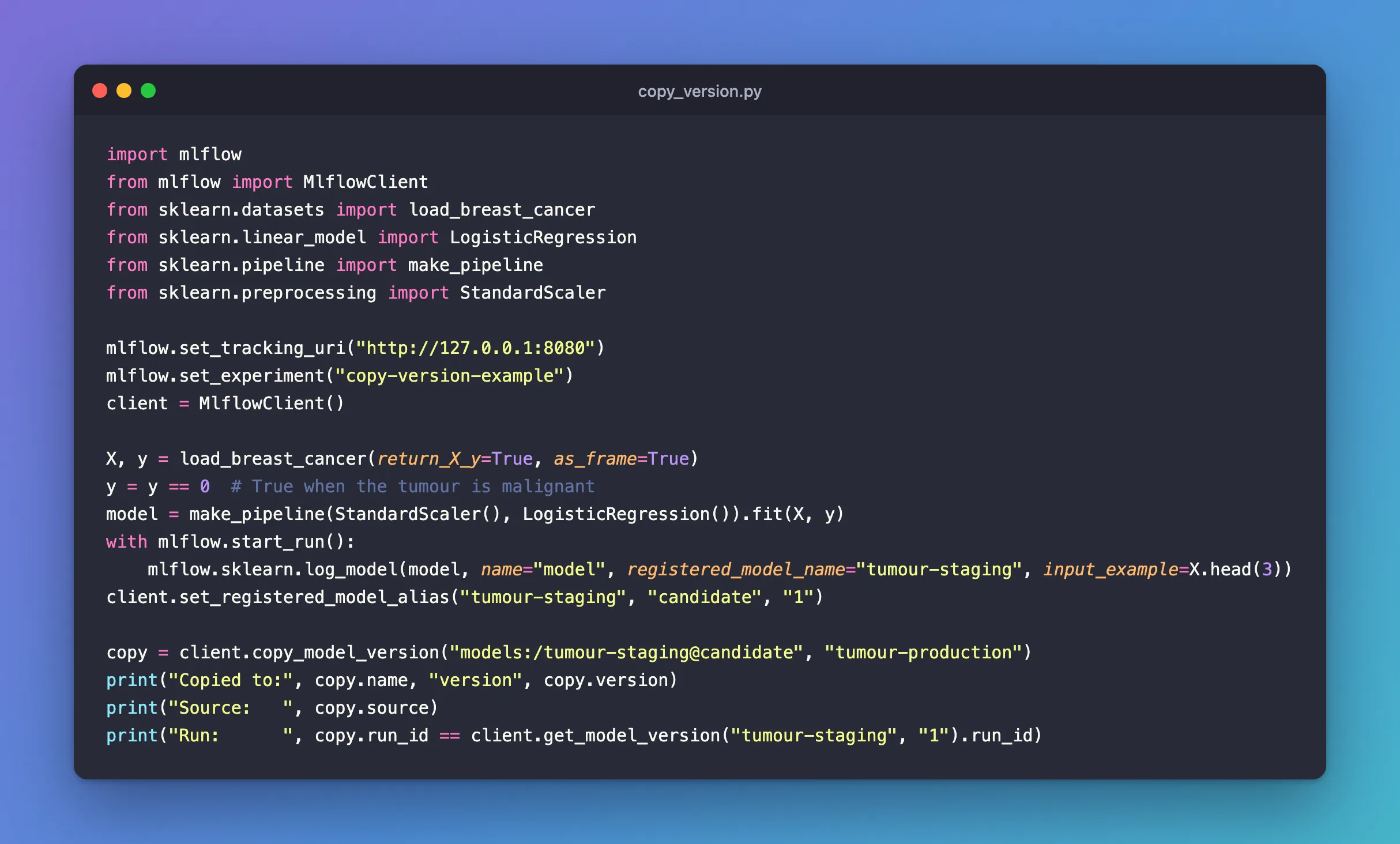
The example registers a breast cancer classifier as tumour-staging and marks version 1 as the candidate. It copies models:/tumour-staging@candidate into tumour-production, which doesn't exist yet, and prints the copy's name, version, source and whether it keeps the original's run:
import mlflow
from mlflow import MlflowClient
from sklearn.datasets import load_breast_cancer
from sklearn.linear_model import LogisticRegression
from sklearn.pipeline import make_pipeline
from sklearn.preprocessing import StandardScaler

mlflow.set_tracking_uri("http://127.0.0.1:8080")
mlflow.set_experiment("copy-version-example")
client = MlflowClient()

X, y = load_breast_cancer(return_X_y=True, as_frame=True)
y = y == 0  # True when the tumour is malignant
model = make_pipeline(StandardScaler(), LogisticRegression()).fit(X, y)
with mlflow.start_run():
    mlflow.sklearn.log_model(model, name="model", registered_model_name="tumour-staging", input_example=X.head(3))
client.set_registered_model_alias("tumour-staging", "candidate", "1")

copy = client.copy_model_version("models:/tumour-staging@candidate", "tumour-production")
print("Copied to:", copy.name, "version", copy.version)
print("Source:   ", copy.source)
print("Run:      ", copy.run_id == client.get_model_version("tumour-staging", "1").run_id)
uv run python copy_version.py
Successfully registered model 'tumour-production'.
Copied version '1' of model 'tumour-staging' to version '1' of model 'tumour-production'.
Copied to: tumour-production version 1
Source:    models:/tumour-staging/1
Run:       True
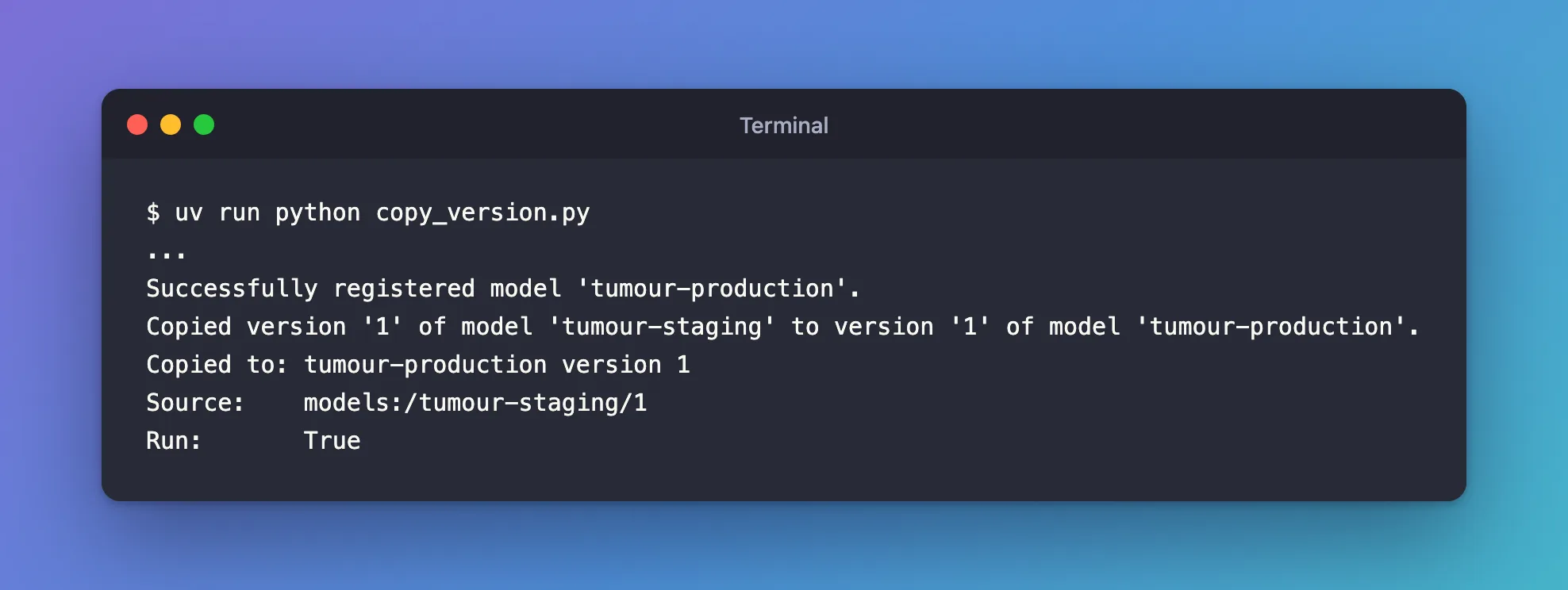
Successfully registered model 'tumour-production': the destination didn't exist, so the copy created it.Copied version '1' ... to version '1': the alias resolved to version 1, which became version 1 oftumour-production.Source: models:/tumour-staging/1: the copy points back to the version it came from, not to the logged model directly.Run: True: the copy keeps the run that trained the original.
Common Mistakes
| Mistake | What happens | Do this instead |
|---|---|---|
Copying from a logged model's address, models:/m-... | It fails with ValueError: not enough values to unpack (expected 2, got 1) | Register it first, then copy models:/<name>/<version> or models:/<name>@<alias> |
| Expecting the alias to come along | The copy in tumour-production has no aliases; candidate stays on tumour-staging | Set the aliases you need on the destination after the copy |
Troubleshooting
| Symptom | Likely cause | Fix |
|---|---|---|
Failed to fetch model version from source model URI: 'models:/tumour-staging@candidate'. Error: INVALID_PARAMETER_VALUE: Registered model alias candidate not found. | The source alias doesn't exist; nothing is copied or created | Set the alias, or copy by version number |
The copy's source doesn't lead to a logged model directly | A copy's source is the original version's address | Look up that version, and read its source |
FAQ
Can I do this in the MLflow UI?
Yes. MLflow's workflow guide: "navigate to the model version details page and select the Promote model button. This opens a modal where you can choose a registered model to which the current model version will be copied."
When should I copy instead of moving an alias?
When each environment has its own registered model, often with its own permissions. With one registered model, moving an alias such as champion is the simpler release.
Conclusion
client.copy_model_version("models:/tumour-staging@candidate", "tumour-production") created tumour-production and copied the candidate into it as version 1, keeping its run and pointing its source back to models:/tumour-staging/1.
Additional Resources
- Model Registry workflows — promoting a model across environments.
- MlflowClient.copy_model_version — the call and an example.
