How to Copy a JsonElement into a Utf8JsonWriter with WriteTo in C#

weather.WriteTo(writer) writes the whole weather JSON object, every property inside it included, into a Utf8JsonWriter. It's how you put JSON you already have inside new JSON you're writing.
Microsoft's reference: Writes the element to the specified writer as a JSON value. A Utf8JsonWriter writes JSON piece by piece, here into a MemoryStream.
Syntax
using System.Text.Json;

using Utf8JsonWriter <writer> = new(<stream>);

<writer>.WriteStartObject();
<writer>.WritePropertyName("<name>");
<element>.WriteTo(<writer>);
<writer>.WriteEndObject();
| Part | What it is |
|---|---|
Utf8JsonWriter | Writes JSON, piece by piece, into a stream |
WritePropertyName("<name>") | Writes a property name. The next value written becomes its value |
<element>.WriteTo(<writer>) | Writes the element, and everything inside it, as one JSON value |
The Example
A console app called JsonWriteTo parses a small weather object, then writes a new object that holds a source string and the whole weather object.
Prerequisites
- The .NET 10 SDK.
dotnet --versionprints a version that starts with10.0.
Step 1: Create a Console App
dotnet new console -n JsonWriteTo
cd JsonWriteTo
The template "Console App" was created successfully.

Processing post-creation actions...
Restoring /Users/you/source/JsonWriteTo/JsonWriteTo.csproj:
  Determining projects to restore...
  Restored /Users/you/source/JsonWriteTo/JsonWriteTo.csproj (in 41 ms).
Restore succeeded.
dotnet new console -n JsonWriteTo creates a folder named JsonWriteTo with a project file and a Program.cs, and cd moves into it. Everything this example uses is part of .NET, so there's no package to add. Open the folder in VS Code, or JsonWriteTo.csproj in Visual Studio.
Step 2: Write the Code
Replace everything in Program.cs. First the JSON that already exists:
using System.Text;
using System.Text.Json;

using JsonDocument document = JsonDocument.Parse("""{"city":"Oslo","temperature":4}""");
JsonElement weather = document.RootElement;
JsonDocument.Parse reads the text, and RootElement is the object at its top.
Then the new JSON, written into memory:
using MemoryStream stream = new();
using (Utf8JsonWriter writer = new(stream, new JsonWriterOptions { Indented = true }))
{
    writer.WriteStartObject();
    writer.WriteString("source", "example");
    writer.WritePropertyName("weather");

    // Copies the element, with everything inside it, into the writer.
    weather.WriteTo(writer);

    writer.WriteEndObject();
}
Indented = truewrites the JSON over several lines. The reference: Gets or sets a value that indicates whether the Utf8JsonWriter should format the JSON output, which includes indenting nested JSON tokens, adding new lines, and adding white space between property names and values.WritePropertyName("weather")writes the name thatWriteTothen gives a value.- The
usingblock disposes the writer at its closing brace. The reference forDispose: Commits any leftover JSON text that has not yet been flushed and releases all resources used by the current instance.
Then print the bytes as text:
Console.WriteLine(Encoding.UTF8.GetString(stream.ToArray()));
Step 3: Run It
Run it in VS Code's terminal, or press Ctrl+F5 in Visual Studio:
dotnet run
{
  "source": "example",
  "weather": {
    "city": "Oslo",
    "temperature": 4
  }
}
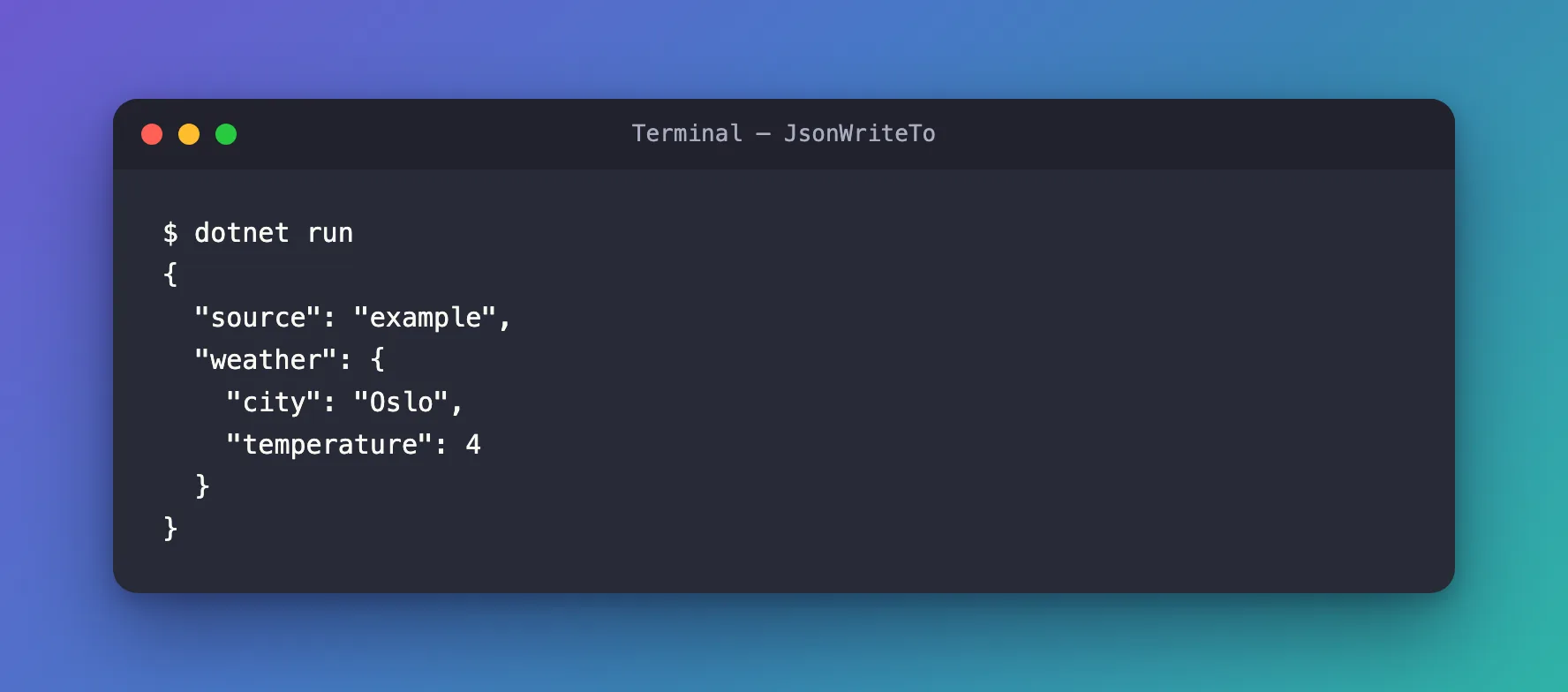
The weather object came through whole, with its two properties, as the value of weather.
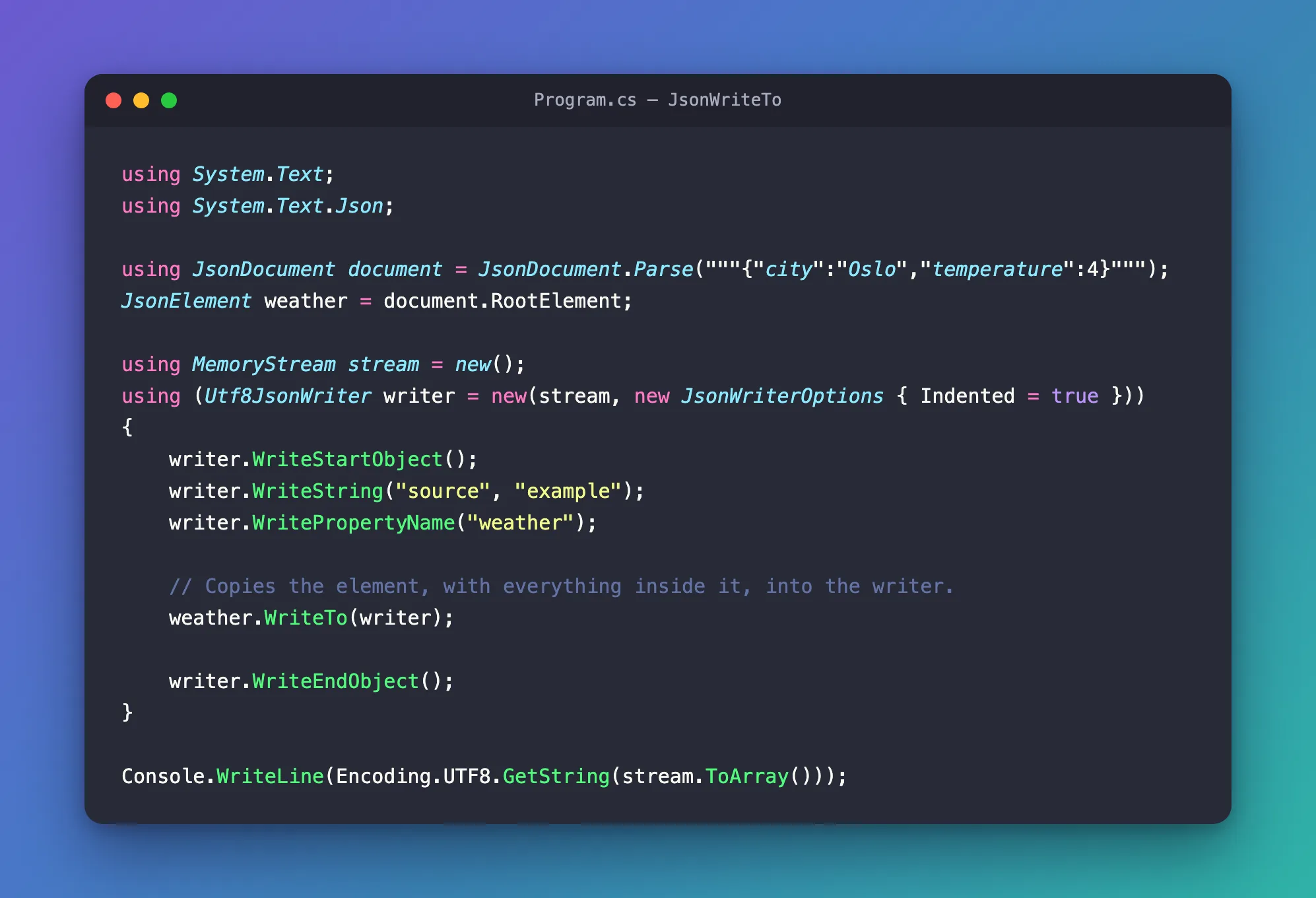
The Complete File
using System.Text;
using System.Text.Json;

using JsonDocument document = JsonDocument.Parse("""{"city":"Oslo","temperature":4}""");
JsonElement weather = document.RootElement;

using MemoryStream stream = new();
using (Utf8JsonWriter writer = new(stream, new JsonWriterOptions { Indented = true }))
{
    writer.WriteStartObject();
    writer.WriteString("source", "example");
    writer.WritePropertyName("weather");

    // Copies the element, with everything inside it, into the writer.
    weather.WriteTo(writer);

    writer.WriteEndObject();
}

Console.WriteLine(Encoding.UTF8.GetString(stream.ToArray()));
Common Mistakes
| Mistake | What happens | Do this instead |
|---|---|---|
| Reading the stream before the writer has flushed | The JSON stays inside the writer: after writing an object, the stream held 0 bytes until Flush(), and then 15 | Call Flush(), or dispose the writer as the example's using block does, before you read the stream. The reference for Flush: Commits the JSON text written so far, which makes it visible to the output destination. |
| Writing a value inside an object without a property name | WriteTo straight after WriteStartObject() threw InvalidOperationException: Cannot write the start of an object or array without a property name. Current token type is 'StartObject'. | Call WritePropertyName first |
FAQ
Why does the writer throw instead of writing the JSON?
It refuses to write JSON that isn't valid. The reference: A method that attempts to write invalid JSON when validation is enabled throws an InvalidOperationException with a context-specific error message.
Conclusion
JsonElement.WriteTo writes an existing JSON value into a Utf8JsonWriter in one call, nested properties included. Give it a property name first when you're inside an object, and flush or dispose the writer before you read what it wrote.
Additional Resources
- JsonElement.WriteTo — the method.
- How to use Utf8JsonWriter — writing JSON piece by piece.
