How to Copy a Folder in Python with shutil.copytree

Copying one file is shutil.copy; copying a folder with everything inside it, subfolders included, is shutil.copytree. This guide copies a folder of reports, with real output from Python 3.15.2.
Syntax
shutil.copytree(<source>, <destination>, dirs_exist_ok=False)
| Part | What it means |
|---|---|
<source> | The folder to copy |
<destination> | The new folder. It must not exist yet, unless dirs_exist_ok=True |
dirs_exist_ok=True | Optional. Copies into a folder that's already there |
Python's shutil reference: "Recursively copy an entire directory tree rooted at src to a directory named dst and return the destination directory."
Prerequisites
- uv and Python. This guide uses uv 0.13.10 with Python 3.15.2, in a project made with
uv init.
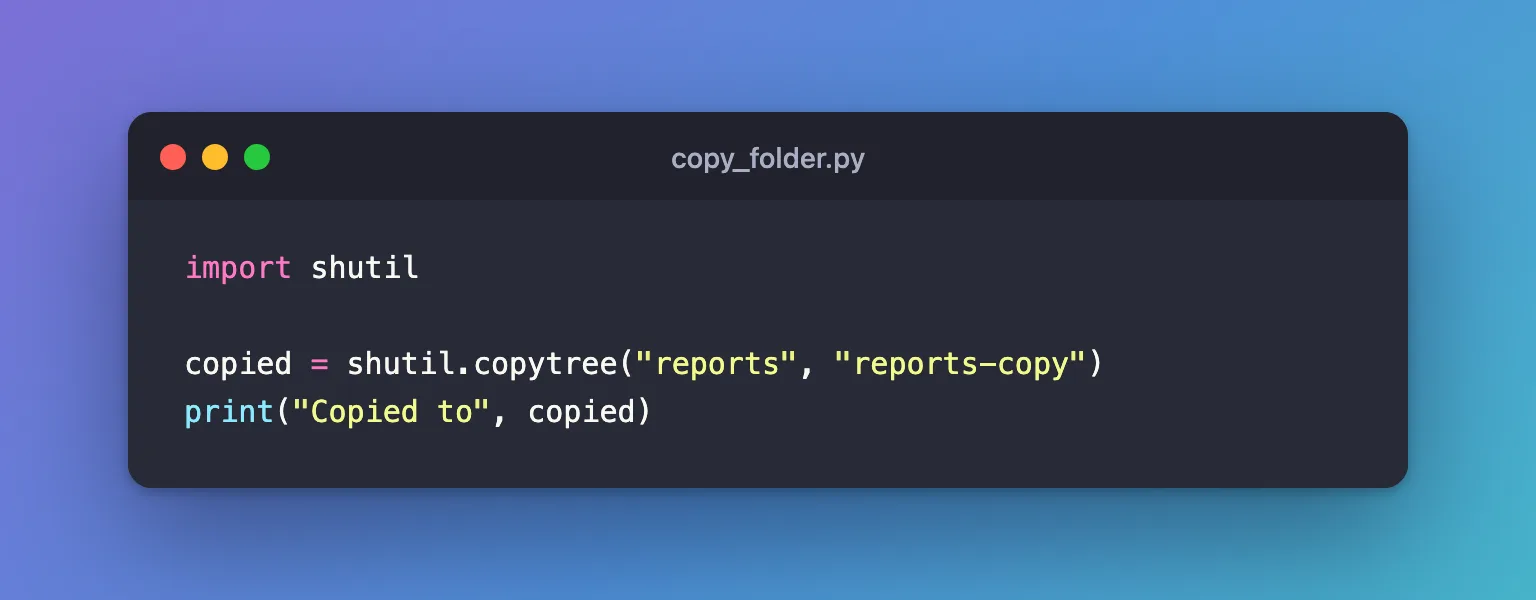
Step 1: Write the Script
The folder reports holds two files, q1.txt and q2.txt:
import shutil

copied = shutil.copytree("reports", "reports-copy")
print("Copied to", copied)
Step 2: Run It and Look Inside the Copy
uv run python copy_folder.py
Copied to reports-copy

copytree returned the new folder's path. List what's in it:
- macOS / Linux
- Windows (PowerShell)
ls reports-copy
q1.txt
q2.txt
Get-ChildItem reports-copy -Name
q1.txt
q2.txt
Both files were copied.
Common Mistakes
| Mistake | What happens | Do this instead |
|---|---|---|
| Running the copy again | The destination exists now: FileExistsError: [Errno 17] File exists: 'reports-copy' | Pick a new name each time, or pass dirs_exist_ok=True: with it, the same copy ran and returned reports-copy |
| Passing a file as the source | NotADirectoryError: [Errno 20] Not a directory: 'plan.txt' | Use shutil.copy for one file |
Troubleshooting
| Symptom | Likely cause | Fix |
|---|---|---|
FileExistsError from copytree | The destination folder already exists | Use a new name, or dirs_exist_ok=True |
FAQ
Does it copy subfolders too?
Yes. "Recursively" in the reference means the whole tree, every folder inside included.
Does it create missing parent folders of the destination?
Yes. The reference: "All intermediate directories needed to contain dst will also be created by default."
Conclusion
shutil.copytree("reports", "reports-copy") copied the folder with q1.txt and q2.txt and returned reports-copy. A second run raised FileExistsError, because the destination already existed.
Additional Resources
- shutil.copytree — every parameter.
