How to Convert Safely with the as Operator in C#

animal as Dog gives you the animal as a Dog when it is one, and null when it isn't, without an exception. You then check for null before using it.
Microsoft's reference: Use the as operator to explicitly convert the result of an expression to a given reference or nullable value type. If the conversion isn't possible, the as operator returns null. Unlike a cast expression, the as operator never throws an exception.
Syntax
<Type>? <name> = <expression> as <Type>;
| Part | What it is |
|---|---|
<expression> | The value to convert |
<Type> | A reference type, such as a class or a record, or a nullable value type such as int? |
| The result | The value as a <Type>, or null when it isn't one |
The Example
A console app called AsOperator has an array of animals, a dog and a cat, and uses as to find out which of them are dogs.
Prerequisites
- The .NET 10 SDK.
dotnet --versionprints a version that starts with10.0.
Step 1: Create a Console App
dotnet new console -n AsOperator
cd AsOperator
The template "Console App" was created successfully.

Processing post-creation actions...
Restoring /Users/you/source/AsOperator/AsOperator.csproj:
  Determining projects to restore...
  Restored /Users/you/source/AsOperator/AsOperator.csproj (in 52 ms).
Restore succeeded.
dotnet new console -n AsOperator creates a folder named AsOperator with a project file and a Program.cs, and cd moves into it. Everything this example uses is part of .NET, so there's no package to add. Open the folder in VS Code, or AsOperator.csproj in Visual Studio.
Step 2: Write the Code
Replace everything in Program.cs. First the loop:
Animal[] animals = [new Dog("Rex"), new Cat("Tom")];

foreach (Animal animal in animals)
{
    // A Dog, or null when the animal isn't one.
    Dog? dog = animal as Dog;

    if (dog is not null)
    {
        Console.WriteLine($"{dog.Name} is a dog and can fetch");
    }
    else
    {
        Console.WriteLine($"{animal.Name} isn't a dog");
    }
}
animal as Dog gives a Dog for Rex and null for Tom, and dog is not null tells the two apart.
Then the three records:
record Animal(string Name);
record Dog(string Name) : Animal(Name);
record Cat(string Name) : Animal(Name);
Dog and Cat both inherit from Animal, so an Animal[] array can hold either.
Step 3: Run It
Run it in VS Code's terminal, or press Ctrl+F5 in Visual Studio:
dotnet run
Rex is a dog and can fetch
Tom isn't a dog
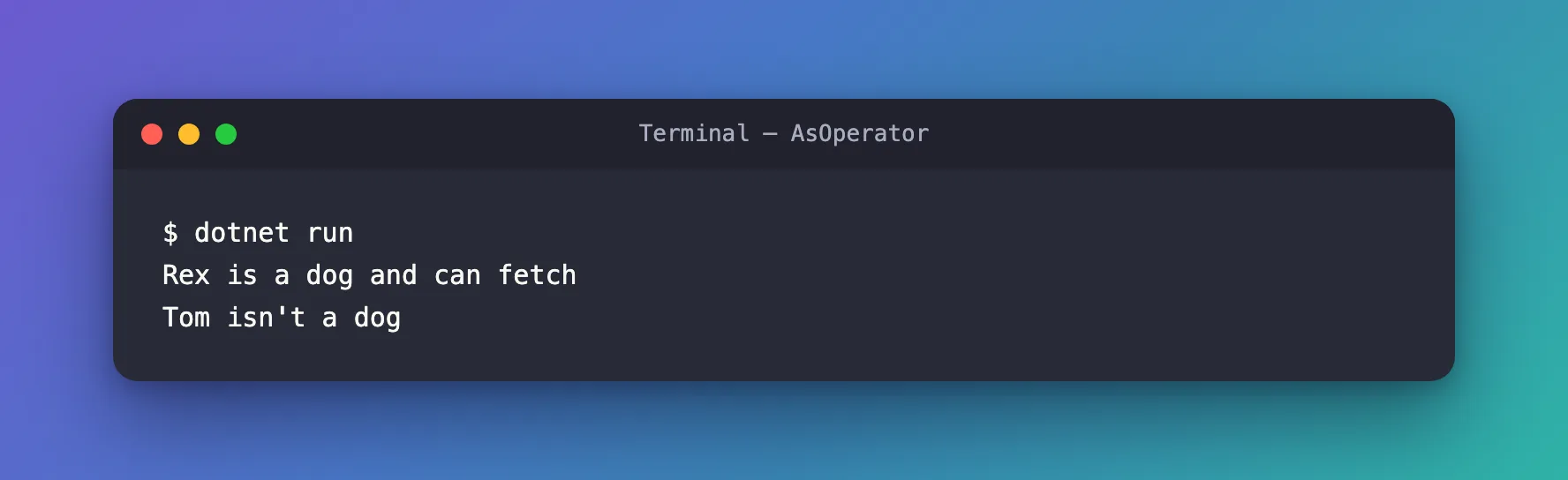
Rex converted to a Dog. Tom, a Cat, gave null and took the else branch, without an exception.
The Complete File
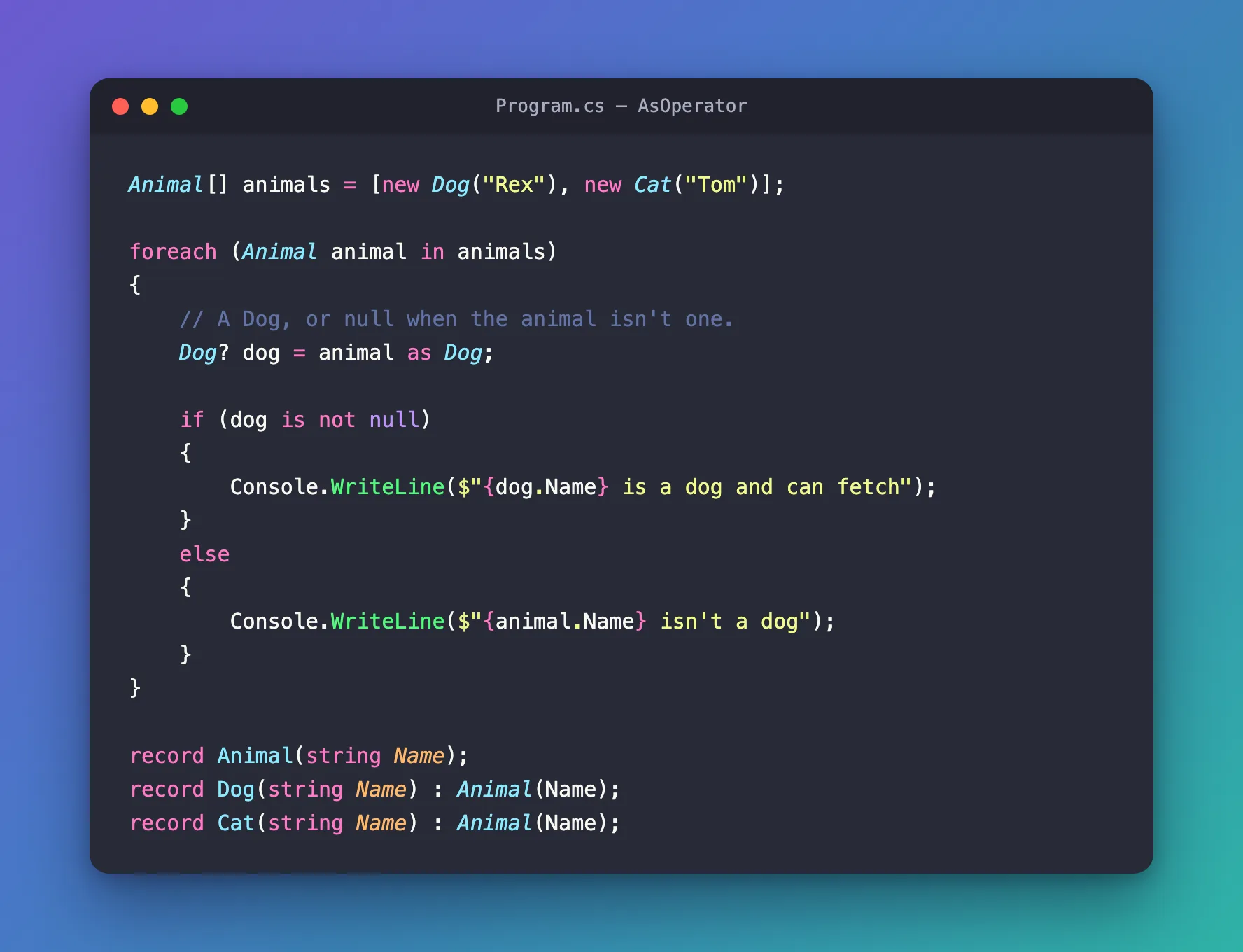
Animal[] animals = [new Dog("Rex"), new Cat("Tom")];

foreach (Animal animal in animals)
{
    // A Dog, or null when the animal isn't one.
    Dog? dog = animal as Dog;

    if (dog is not null)
    {
        Console.WriteLine($"{dog.Name} is a dog and can fetch");
    }
    else
    {
        Console.WriteLine($"{animal.Name} isn't a dog");
    }
}

record Animal(string Name);
record Dog(string Name) : Animal(Name);
record Cat(string Name) : Animal(Name);
Common Mistakes
| Mistake | What happens | Do this instead |
|---|---|---|
as with a value type such as int | boxed as int doesn't build: error CS0077: The as operator must be used with a reference type or nullable type ('int' is a non-nullable value type) | Use the nullable type: boxed as int? gave 42 |
| A cast where the value might be another type | (Dog)animal on the cat threw InvalidCastException: Unable to cast object of type 'Cat' to type 'Dog'. | Use as and check for null, or use is |
FAQ
Is there a shorter way to test and convert?
Yes, the is type pattern does both: if (animal is Dog dog) runs its block only for dogs, with dog ready to use. With Rex, it printed his name.
Conclusion
Use as to convert a value to a reference or nullable type when it might be something else: you get null instead of an exception. Check the result for null, or use is to test and convert in one step.
Additional Resources
- Type-testing operators and cast expressions — as, is and casts.
