How to Convert an Instant to a Date in Java

Modern Java code works with java.time.Instant, but some libraries still take the older java.util.Date. Date.from(instant) converts between the two, and date.toInstant() converts back.
Syntax
Date <date> = Date.from(<instant>);
Instant <instant> = <date>.toInstant();
| Part | What it does |
|---|---|
Date.from(<instant>) | Creates a Date for the same moment. |
<date>.toInstant() | Creates an Instant for the same moment. |
The JDK 25 documentation for Date.from: "Obtains an instance of Date from an Instant object." It adds: "Instant uses a precision of nanoseconds, whereas Date uses a precision of milliseconds." Anything below a millisecond is cut off.
The Example
The example converts the instant 09:30 UTC on 26 November 2026 to a Date, prints it, and converts it back.
Prerequisites
- A JDK, the Java Development Kit.
java Main.javaruns a single file without compiling it first. This guide uses OpenJDK 25.0.5.1.
Step 1: Write the Code
Create a file named Main.java:
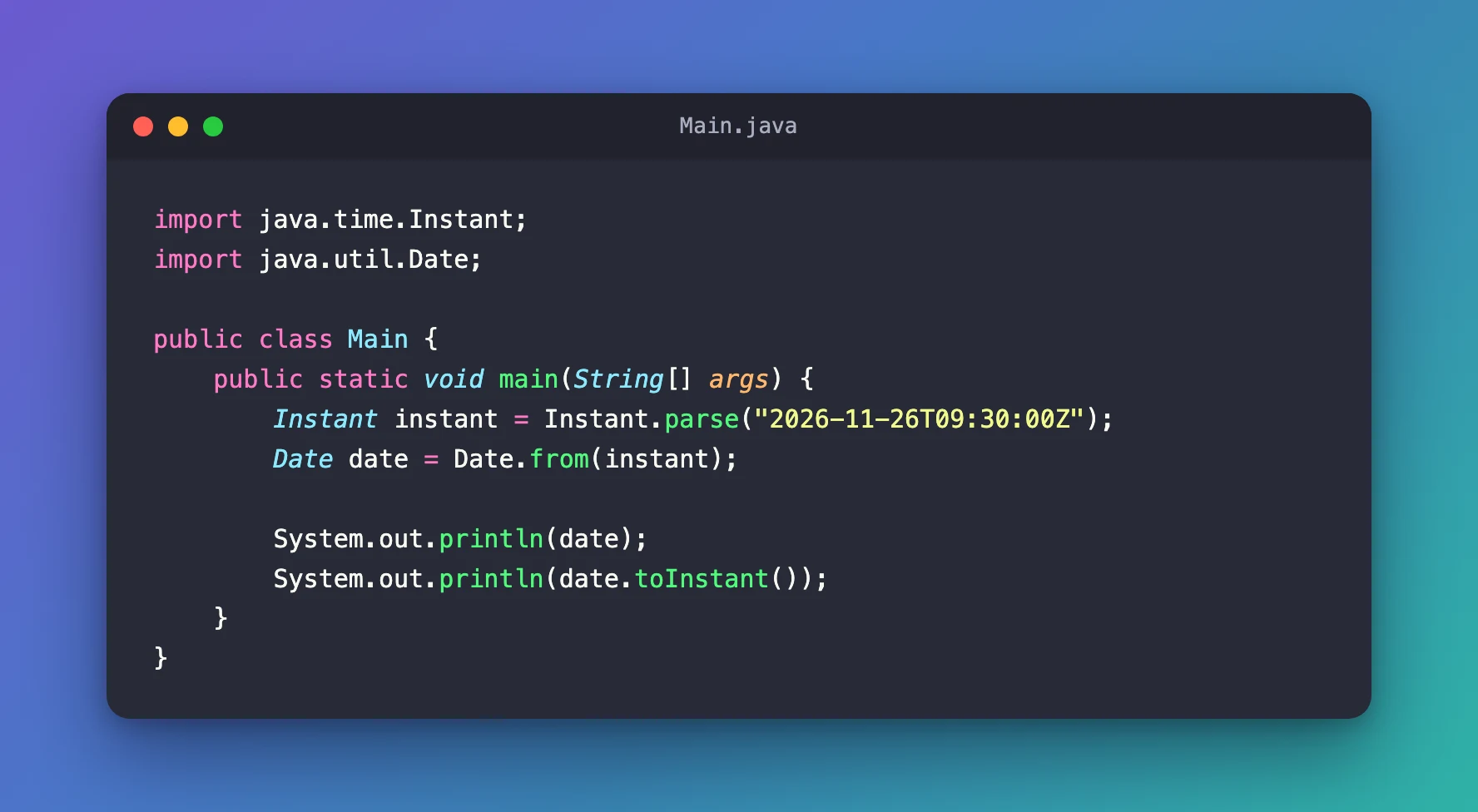
import java.time.Instant;
import java.util.Date;

public class Main {
    public static void main(String[] args) {
        Instant instant = Instant.parse("2026-11-26T09:30:00Z");
        Date date = Date.from(instant);

        System.out.println(date);
        System.out.println(date.toInstant());
    }
}
Step 2: Run It
java Main.java
Thu Nov 26 09:30:00 UTC 2026
2026-11-26T09:30:00Z
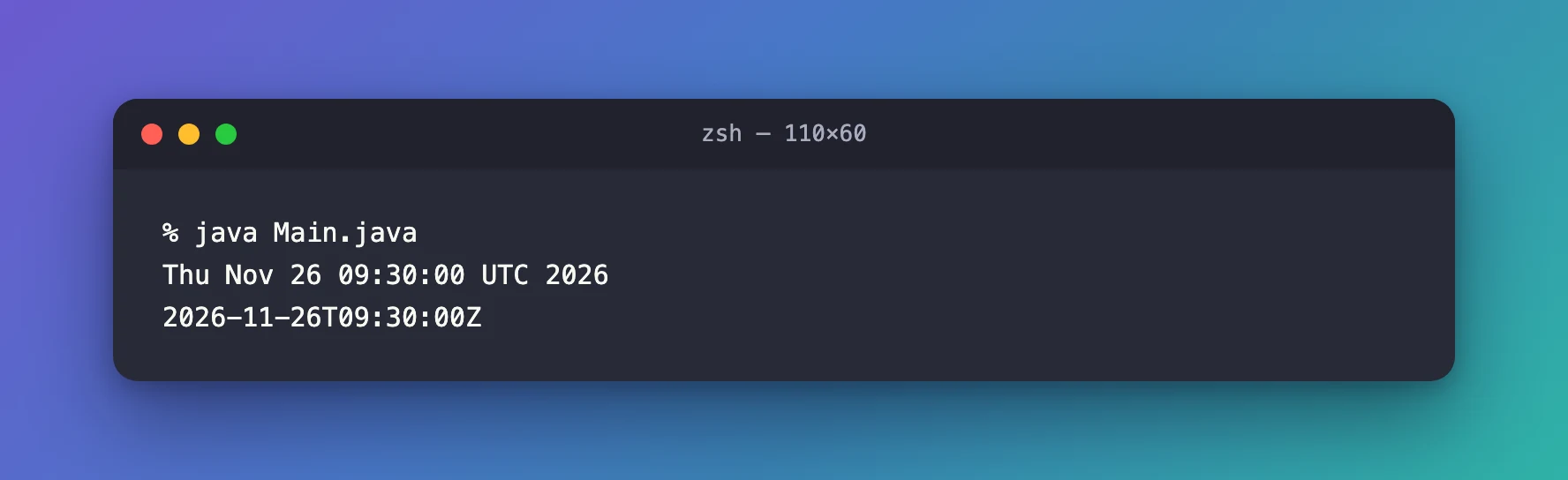
The two lines show the same moment: Date in its own format, then the Instant again after the round trip. The command is the same in zsh, bash and PowerShell.
Why a Date Prints Local Time
A Date holds only a moment, but its toString() shows it in the computer's time zone. This computer runs in UTC. With TZ=America/New_York, the same program printed the first line as Thu Nov 26 04:30:00 EST 2026, five hours earlier on the clock but the same moment. The documentation describes the format as dow mon dd hh:mm:ss zzz yyyy, where zzz is the time zone.
Common Mistakes
| Mistake | What happens | Do this instead |
|---|---|---|
Reading Date.toString() as UTC | It shows the computer's time zone | Print date.toInstant() for UTC |
| Expecting nanoseconds to survive the round trip | Date keeps only milliseconds | Keep the Instant when precision matters |
Using Date in new code | The older API is harder to use correctly | Use Instant and convert only at the library boundary |
Troubleshooting
| Symptom | Likely cause | Fix |
|---|---|---|
| A printed date is hours off | Date.toString() used the local time zone | Compare toInstant() values instead |
java.lang.IllegalArgumentException: java.lang.ArithmeticException: long overflow from Date.from | The instant is too far in the past or future for Date, such as Instant.MAX | Keep such values as Instant |
FAQ
When do I still need Date?
When a library's method takes or returns java.util.Date, as many older APIs do. Convert at that call and use Instant everywhere else.
Does converting change the moment?
No. Both types represent the same point in time; only the precision below a millisecond is lost.
Conclusion
Date.from(instant) and date.toInstant() convert between the old and new time types without changing the moment. Remember that a Date prints in local time.
Additional Resources
- Date.from(Instant), in the JDK 25 API documentation.
- Date.toString(), in the JDK 25 API documentation.
