How to Convert a String to Bytes in Java with getBytes

Many Java APIs, from hashing to base64 to network streams, work on bytes rather than text. text.getBytes(StandardCharsets.UTF_8) turns a String into a byte[], and new String(bytes, StandardCharsets.UTF_8) turns it back.
Syntax
byte[] <bytes> = <text>.getBytes(StandardCharsets.UTF_8);
String <text> = new String(<bytes>, StandardCharsets.UTF_8);
| Part | What it does |
|---|---|
getBytes(<charset>) | Encodes the string into bytes with the given character set. |
StandardCharsets.UTF_8 | The UTF-8 character set, from java.nio.charset.StandardCharsets. |
new String(<bytes>, <charset>) | Decodes bytes back into a string with the given character set. |
The Java SE 25 documentation for String.getBytes(Charset): "Encodes this String into a sequence of bytes using the given charset, storing the result into a new byte array."
The Example
The example encodes the word café with UTF-8 and with ISO-8859-1, compares the number of characters with the number of bytes in each case, and decodes the UTF-8 bytes back into the word.
Prerequisites
- A JDK, the Java Development Kit.
java Main.javaruns a single file without compiling it first. This guide uses OpenJDK 25.0.5.1.
Step 1: Write the Code
Create a file named Main.java:
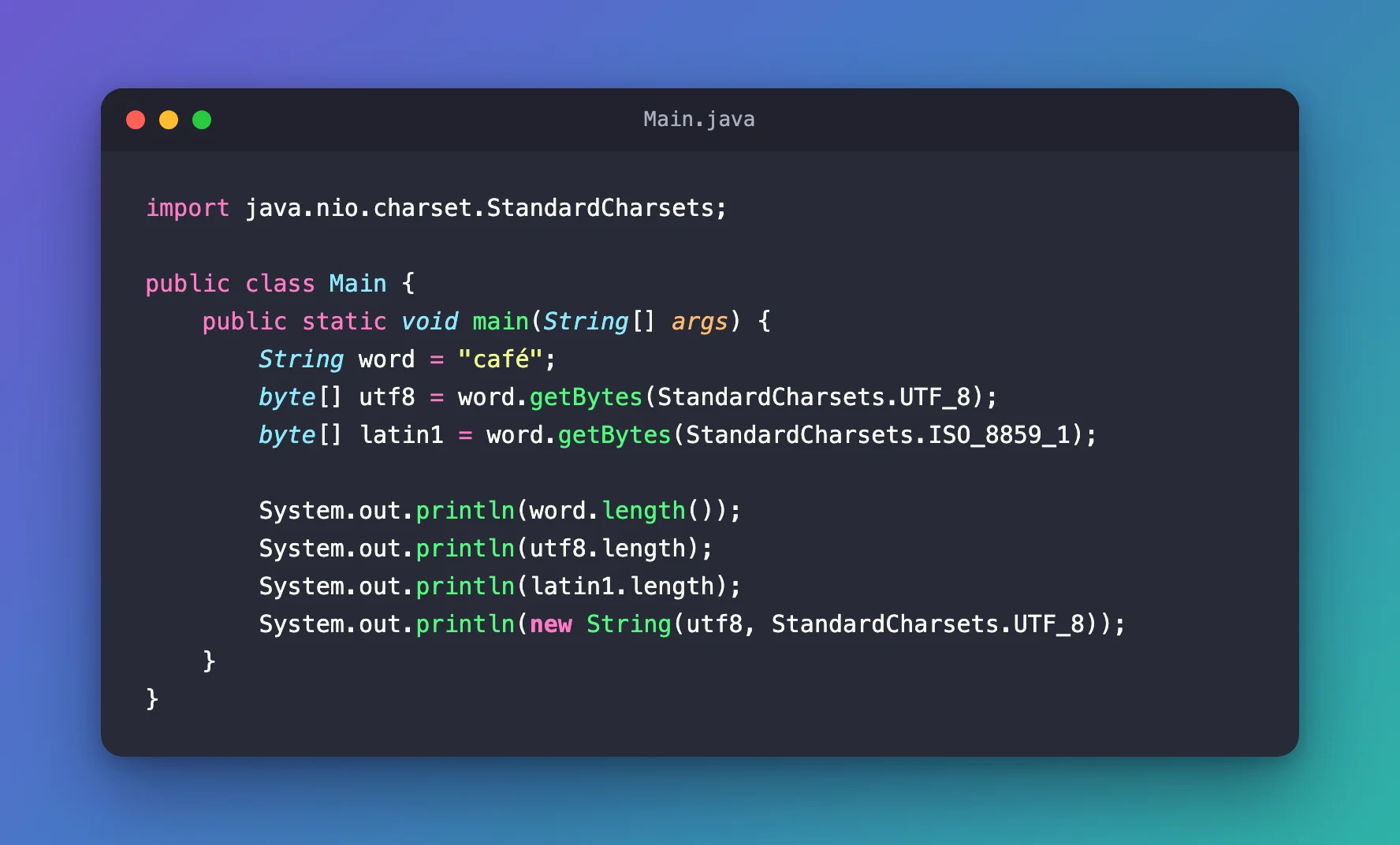
import java.nio.charset.StandardCharsets;

public class Main {
    public static void main(String[] args) {
        String word = "café";
        byte[] utf8 = word.getBytes(StandardCharsets.UTF_8);
        byte[] latin1 = word.getBytes(StandardCharsets.ISO_8859_1);

        System.out.println(word.length());
        System.out.println(utf8.length);
        System.out.println(latin1.length);
        System.out.println(new String(utf8, StandardCharsets.UTF_8));
    }
}
Step 2: Run It
java Main.java
4
5
4
café
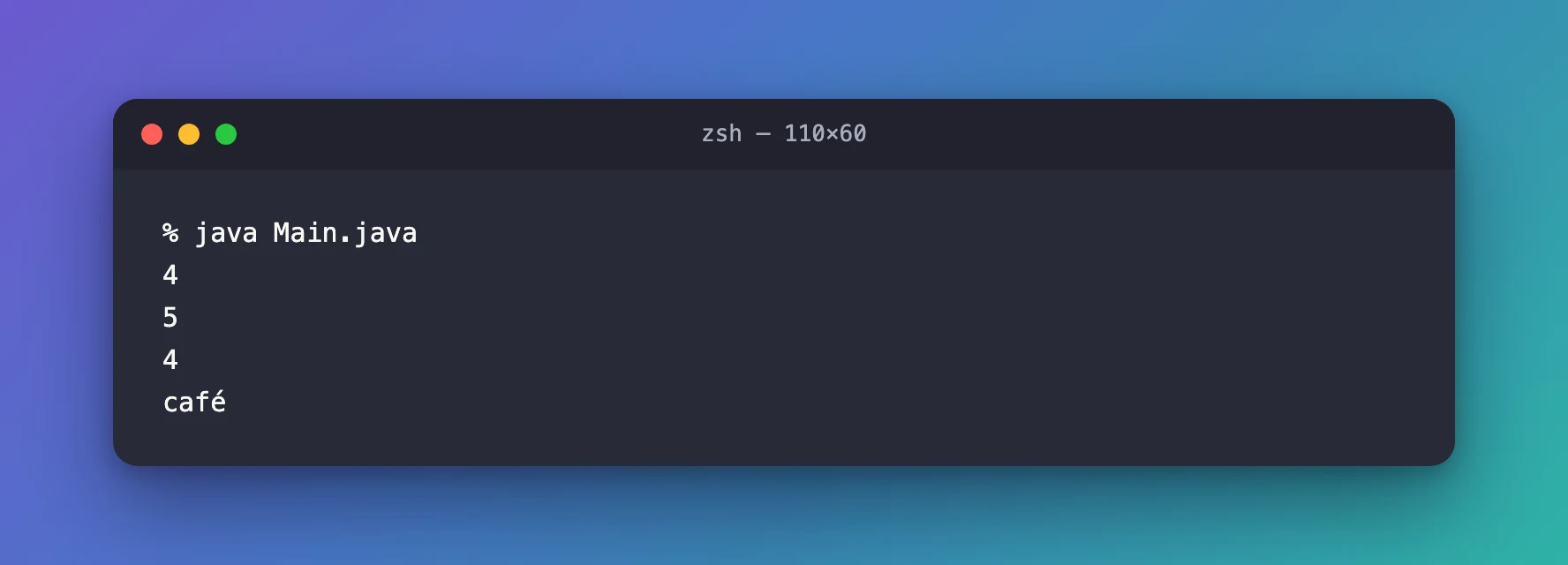
The command is the same in zsh, bash and PowerShell.
What Happened
- The word has 4 characters.
- In UTF-8 it took 5 bytes, because
éneeds two bytes in UTF-8. - In ISO-8859-1 it took 4, because that older character set stores
éin one byte. The same text gives different bytes in different character sets. new String(utf8, StandardCharsets.UTF_8)read the bytes back ascafé.
Common Mistakes
| Mistake | What happens | Do this instead |
|---|---|---|
Calling getBytes() with no charset | Java uses the default charset, which can differ between machines and Java versions | Always pass StandardCharsets.UTF_8 |
| Encoding with one charset and decoding with another | Accented letters come back wrong | Use the same charset both ways |
Turning random bytes, such as a key, into a String | Bytes that aren't valid text are replaced and lost | Keep binary data as byte[], or encode it as base64 |
Troubleshooting
| Symptom | Likely cause | Fix |
|---|---|---|
é shows as é | UTF-8 bytes were decoded as ISO-8859-1 | Decode with UTF-8 |
| A byte count differs between two machines | The code relies on the default charset | Name the charset |
FAQ
Why StandardCharsets and not the name "UTF-8"?
getBytes("UTF-8") also works, but it declares a checked UnsupportedEncodingException and a typo only shows up at run time. StandardCharsets.UTF_8 is a constant the compiler checks.
What does Java use when I don't name a charset?
The Java 25 documentation for Charset: "The default charset is UTF-8, unless changed in an implementation-specific manner." Code that names the charset doesn't depend on that.
Conclusion
text.getBytes(StandardCharsets.UTF_8) turns a string into bytes, and new String(bytes, StandardCharsets.UTF_8) turns them back. Always name the charset, because the byte count and the bytes themselves depend on it.
Additional Resources
- String.getBytes(Charset) and StandardCharsets, in the Java SE 25 documentation.
