How to Convert a String to Bytes and Back with Encoding.UTF8 in C#

Files, network requests and hashes work with bytes, not strings. Encoding.UTF8.GetBytes turns a string into UTF-8 bytes, and Encoding.UTF8.GetString turns those bytes back into the same text.
UTF-8 is the usual way to store text as bytes. Microsoft's reference on Encoding.UTF8: it encodes Unicode (UTF-16-encoded) characters into a sequence of one to four bytes per character, and ... decodes a UTF-8-encoded byte array to Unicode (UTF-16-encoded) characters. Plain English letters take one byte each; other characters take more.
Syntax
using System.Text;

byte[] <bytes> = Encoding.UTF8.GetBytes(<text>);
string <text> = Encoding.UTF8.GetString(<bytes>);
| Part | What it is |
|---|---|
using System.Text; | Brings in the Encoding class |
Encoding.UTF8 | The UTF-8 encoding |
GetBytes(<text>) | The string as an array of bytes |
GetString(<bytes>) | The bytes as a string again |
The Example
A console app called Utf8Bytes converts Café €5 into bytes, shows how many there are and what they are, and converts them back.
Prerequisites
- The .NET 10 SDK.
dotnet --versionprints a version that starts with10.0.
Step 1: Create a Console App
dotnet new console -n Utf8Bytes
cd Utf8Bytes
The template "Console App" was created successfully.

Processing post-creation actions...
Restoring /Users/you/source/Utf8Bytes/Utf8Bytes.csproj:
  Determining projects to restore...
  Restored /Users/you/source/Utf8Bytes/Utf8Bytes.csproj (in 46 ms).
Restore succeeded.
dotnet new console -n Utf8Bytes creates a folder named Utf8Bytes with a project file and a Program.cs, and cd moves into it. Everything this example uses is part of .NET, so there's no package to add. Open the folder in VS Code, or Utf8Bytes.csproj in Visual Studio.
Step 2: Write the Code
Replace everything in Program.cs. First the text and the two conversions:
using System.Text;

string text = "Café €5";

byte[] bytes = Encoding.UTF8.GetBytes(text);
string back = Encoding.UTF8.GetString(bytes);
Then print what came out:
Console.WriteLine($"{text.Length} characters, {bytes.Length} bytes");
Console.WriteLine(Convert.ToHexString(bytes));
Console.WriteLine(back);
Console.WriteLine(back == text);
text.Lengthandbytes.Lengthcount the characters and the bytes.Convert.ToHexString(bytes)shows every byte as two hexadecimal digits.back == textchecks that the round trip gave the same text.
Step 3: Run It
Run it in VS Code's terminal, or press Ctrl+F5 in Visual Studio:
dotnet run
7 characters, 10 bytes
436166C3A920E282AC35
Café €5
True
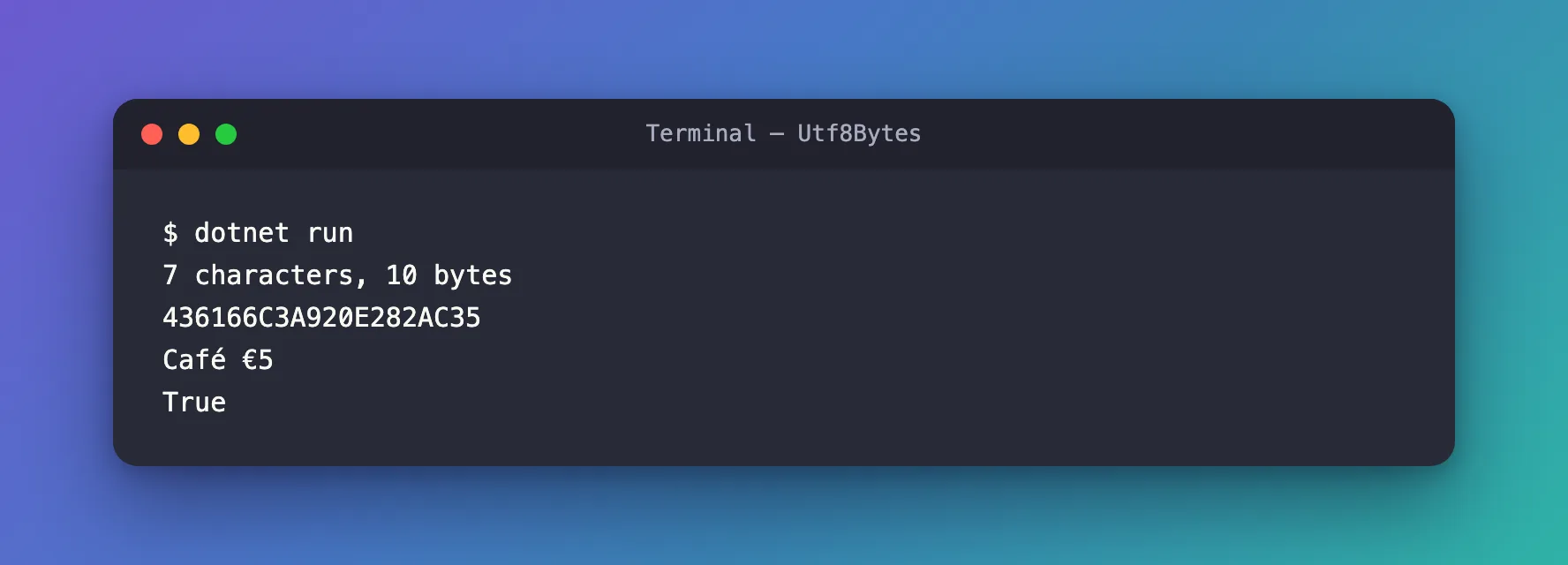
Seven characters became ten bytes:
C,a,f, the space and5took one byte each:43,61,66,20and35.étook two bytes,C3A9.€took three,E282AC.
GetString turned the ten bytes back into Café €5, and True confirms it's the same text.
The Complete File
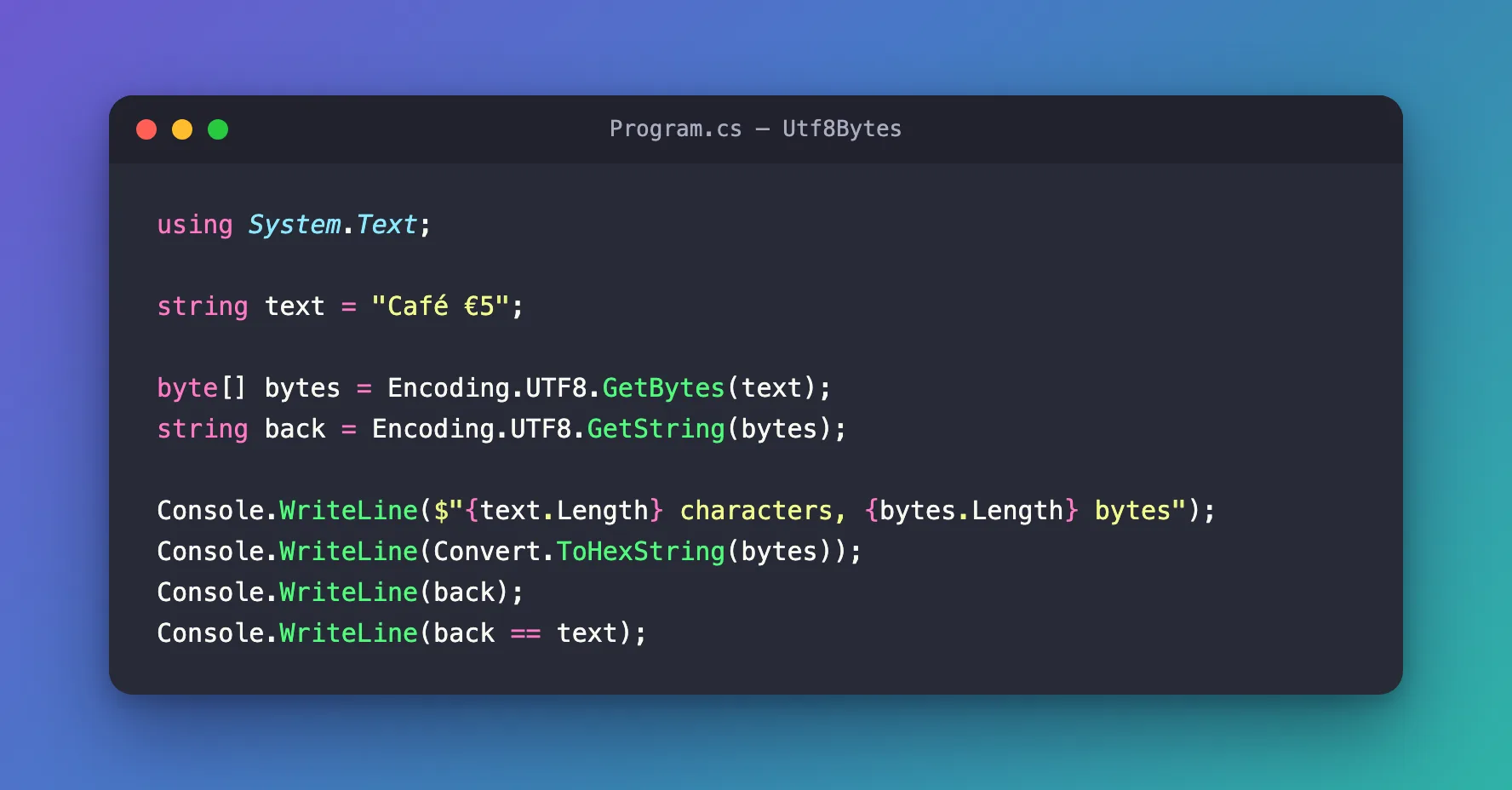
using System.Text;

string text = "Café €5";

byte[] bytes = Encoding.UTF8.GetBytes(text);
string back = Encoding.UTF8.GetString(bytes);

Console.WriteLine($"{text.Length} characters, {bytes.Length} bytes");
Console.WriteLine(Convert.ToHexString(bytes));
Console.WriteLine(back);
Console.WriteLine(back == text);
Common Mistakes
| Mistake | What happens | Do this instead |
|---|---|---|
| Decoding with another encoding than the one that encoded the bytes | The UTF-8 bytes of Café, decoded with Encoding.Latin1, gave Café | Decode with the encoding you encoded with |
Using Encoding.ASCII for text with accents | ASCII has no é: Café became the bytes 4361663F, which decode to Caf? | Use Encoding.UTF8 |
FAQ
Does GetBytes add a byte order mark?
No: the first byte was 43, the C. Encoding.UTF8.GetPreamble() returns the 3-byte mark if you need to write it at the start of a file yourself.
Can I decode a span instead of an array?
Yes, GetString also takes a ReadOnlySpan<byte>: Encoding.UTF8.GetString(utf8.AsSpan()) returned Café.
Conclusion
Encoding.UTF8.GetBytes(text) and Encoding.UTF8.GetString(bytes) convert text to UTF-8 bytes and back without losing anything. Characters outside plain English take two to four bytes, so count bytes and characters separately, and always decode with the encoding you encoded with.
Additional Resources
- Encoding.UTF8 — the UTF-8 encoding.
- Encoding.GetBytes and Encoding.GetString — every form of the two conversions.
- Convert.ToHexString — bytes as hexadecimal text.
