How to Convert a String to a Byte Slice in Go

Many Go functions, from hashing to base64 to writing to the network, take a []byte rather than a string. A conversion turns one into the other: []byte(text) gives you the string's bytes, and string(b) turns bytes back into a string.
Syntax
<bytes> := []byte(<text>)
<text> := string(<bytes>)
| Part | What it does |
|---|---|
[]byte(<text>) | A new byte slice holding the string's bytes. Go strings are UTF-8, so these are UTF-8 bytes. |
string(<bytes>) | A new string made from the bytes. |
len(<text>) | The number of bytes in the string, not the number of characters. |
The Go language specification on conversions: "Converting a value of a string type to a slice of bytes type yields a non-nil slice whose successive elements are the bytes of the string."
The Example
The example converts the word café to bytes and prints them, prints the string's length, the slice's length and the number of characters, and converts the bytes back into the word.
Prerequisites
- Go.
go runcompiles and runs a single file. This guide uses Go 1.27.4.
Step 1: Write the Code
Create a file named main.go:
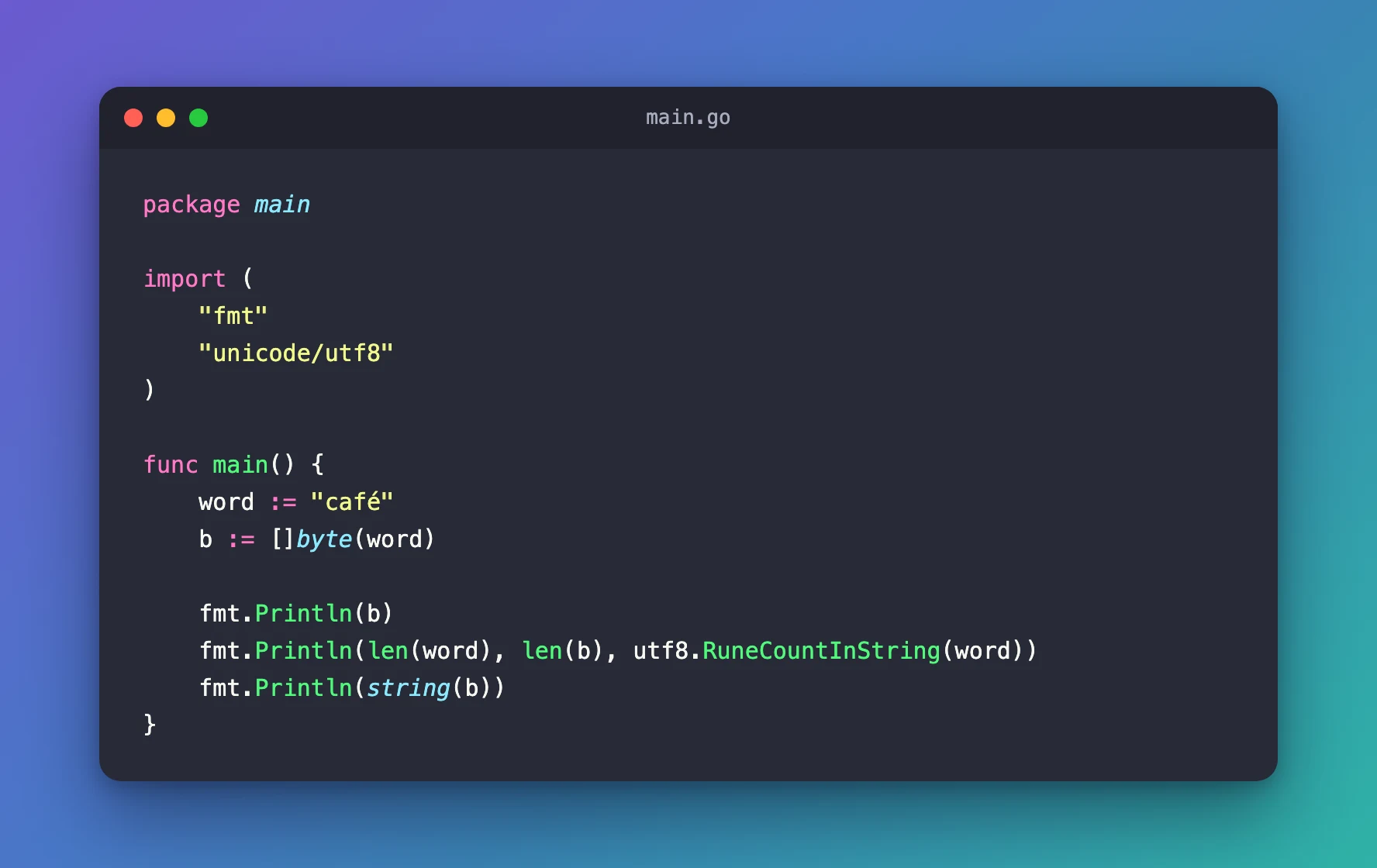
package main

import (
	"fmt"
	"unicode/utf8"
)

func main() {
	word := "café"
	b := []byte(word)

	fmt.Println(b)
	fmt.Println(len(word), len(b), utf8.RuneCountInString(word))
	fmt.Println(string(b))
}
Step 2: Run It
go run main.go
[99 97 102 195 169]
5 5 4
café
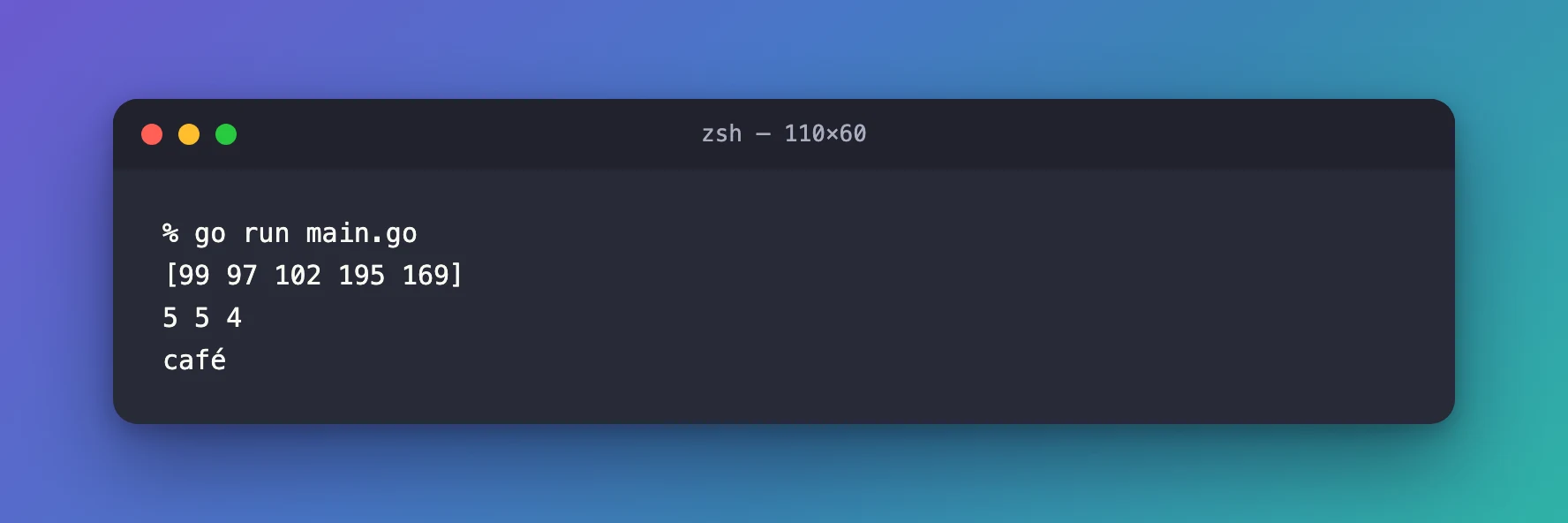
The command is the same in zsh, bash and PowerShell.
What Happened
fmt.Printlnprinted the bytes as numbers.c,aandfare one byte each, andéis two,195 169, in UTF-8.len(word)printed5, the same as the byte slice: in Go, the length of a string is its number of bytes.utf8.RuneCountInStringcounted the characters:4.string(b)turned the five bytes back intocafé.
Common Mistakes
| Mistake | What happens | Do this instead |
|---|---|---|
Using len(text) to count characters | Accented letters and emoji count as several | Use utf8.RuneCountInString(text) |
Turning a number into text with string(1815) | It gives the character with that code, ܗ, and go vet warns: conversion from int to string yields a string of one rune, not a string of digits | Use strconv.Itoa(1815) or fmt.Sprint(1815) |
| Changing the byte slice and expecting the string to change | The conversion copies the bytes | Convert back with string(b) |
Troubleshooting
| Symptom | Likely cause | Fix |
|---|---|---|
| Numbers printed instead of text | fmt.Println was given a []byte | Print string(b), or use fmt.Printf("%s\n", b) |
| A string's length is larger than its letters | It contains characters that take several bytes | Count with utf8.RuneCountInString |
FAQ
Does the conversion copy the data?
Yes. []byte(text) makes a new slice, so changing it doesn't touch the string, which can't change anyway.
What's a rune?
Go's name for one Unicode character, a code point. utf8.RuneCountInString counts them.
Conclusion
[]byte(text) and string(b) convert between strings and bytes, which many Go functions need. Remember that len on a string counts bytes, so count characters with utf8.RuneCountInString.
Additional Resources
- Conversions to and from a string type, in the Go language specification.
- Strings, bytes, runes and characters in Go, on the Go blog.
