How to Convert a Private Key to BEGIN RSA PRIVATE KEY with openssl

A private key file can start with BEGIN PRIVATE KEY or BEGIN RSA PRIVATE KEY. They hold the same key, but some software, such as the MySql.Data driver for .NET, reads only the second. One option converts it, and it's one that older guides leave out.
What You Need
An RSA private key in a file, and OpenSSL. If the key is inside a MySQL container, the image has OpenSSL.
Step 1: See Which Format You Have
The first line tells you:
head -1 client-key.pem
-----BEGIN PRIVATE KEY-----
| First line | Format | Who writes it |
|---|---|---|
-----BEGIN PRIVATE KEY----- | PKCS#8 | OpenSSL 3 and later by default, and MySQL's generated files |
-----BEGIN RSA PRIVATE KEY----- | PKCS#1, or "traditional" | OpenSSL with -traditional, and older versions |
Step 2: Convert It
openssl rsa -in client-key.pem -traditional -out client-rsa-key.pem
head -1 client-rsa-key.pem
writing RSA key
-----BEGIN RSA PRIVATE KEY-----
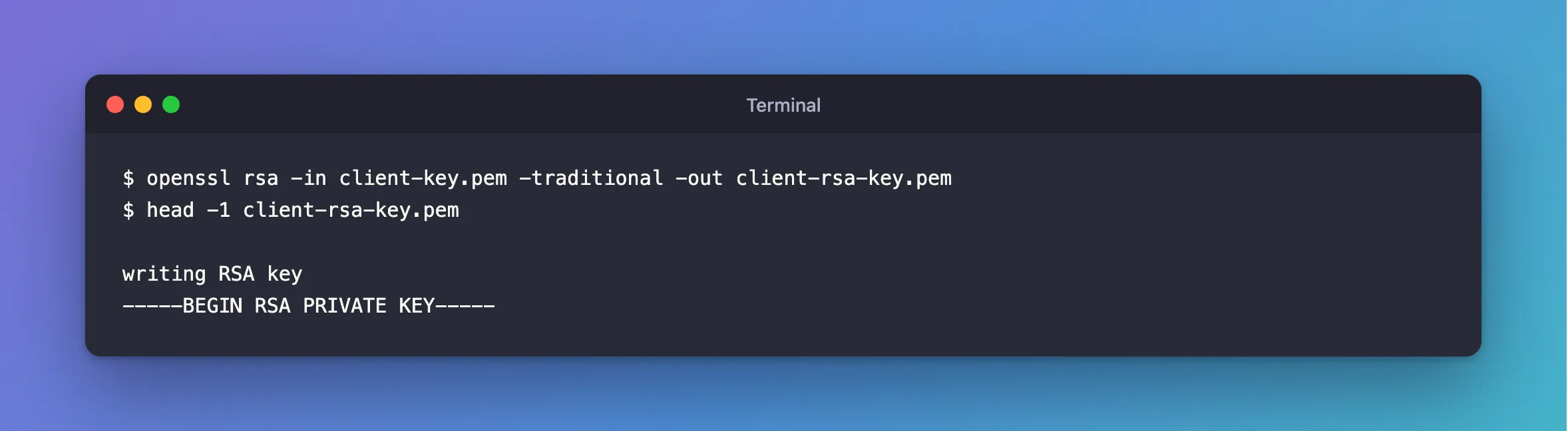
It can also write over the same file, by giving -in and -out the same name. Older guides show openssl rsa -in key.pem -out key.pem with no -traditional. I tried that on OpenSSL 4.1 and 3.5.8, and in both cases the key stayed as BEGIN PRIVATE KEY.
For a key in a MySQL container, there's no need to install anything:
docker compose exec --user mysql mysql openssl rsa -in /var/lib/mysql/client-key.pem -traditional -out /var/lib/mysql/client-rsa-key.pem
docker compose cp mysql:/var/lib/mysql/client-rsa-key.pem certs/client-key.pem
The new file is as secret as the old one, and openssl gives it the same restricted permissions. Copying a key out of a container or a server means one more place to protect.
Step 3: Use It
With MySql.Data, this is what SslKey needs:
…;SslMode=VerifyFull;SslCa=/Users/you/projects/mysql-connection-test/certs/ca.pem;SslCert=/Users/you/projects/mysql-connection-test/certs/client-cert.pem;SslKey=/Users/you/projects/mysql-connection-test/certs/client-rsa-key.pem
Connected as inventory_app@% to MySQL 9.7.4
TLS: TLSv1.2
Common Mistakes
| Mistake | What happens | Do this instead |
|---|---|---|
Leaving out -traditional | The format doesn't change on OpenSSL 3 and later | Add it |
| Editing the header lines by hand | The contents differ, so it still fails | Convert it |
| Running it on a certificate | Could not find or decode private key | Point it at the key |
Troubleshooting
| Symptom | Likely cause | Fix |
|---|---|---|
The specified file cannot be converted to a key | You're still pointing at the old file | The fix |
| A key that isn't RSA | openssl rsa only reads RSA | Create an RSA key, with -newkey rsa:2048 |
| It asks for a passphrase | The key is encrypted | Type it, and the new file has none |
Conclusion
openssl rsa -in old.pem -traditional -out new.pem writes BEGIN RSA PRIVATE KEY. Without -traditional, recent versions keep the format you started with.
Additional Resources
- openssl-rsa documentation —
-traditional. - Using PEM Certificates in Connector/NET — where
SslKeyis used.
