How to Continue an AG-UI Conversation with threadId and parentRunId

An AG-UI request carries three IDs: threadId, runId and parentRunId. When the server remembers conversations, a follow-up keeps the first, changes the second, points the third at the turn before — and carries only the new message. This guide shows each request and what the server sends back, from a real agent.
Threads, Runs and Messages
AG-UI is an open protocol between a chat front end and an agent: one POST with a JSON body, answered by a stream of events. Its request body — RunAgentInput in the protocol's types — starts with three IDs and a list of messages:
| Field | AG-UI's definition | In plain words |
|---|---|---|
threadId | ID of the conversation thread | Which conversation this is |
runId | ID of the current run | This turn: one message in, one answer out |
parentRunId | ID of the run that spawned this run (optional) | The turn this one follows |
messages | Array of messages in the conversation | What the agent should read |
The protocol's events page calls parentRunId a lineage pointer: a reference to an earlier run in the same thread, so the runs form a chain — a git-like append-only log.
Notice the definition of messages: AG-UI lets a client send the whole conversation, which is what a stateless server needs. A server that keeps its own sessions is different. Microsoft's guide for its Agent Framework says it plainly: Send only the new messages in a continuation request (Getting Started with AG-UI). This guide follows that pattern.
Prerequisites
- An AG-UI endpoint that keeps conversations between requests, such as a Microsoft Agent Framework agent with a session store (How to Keep Conversation History in a Microsoft Agent Framework AG-UI Server).
- A way to send HTTP requests. The examples use an
.httpfile, which runs in VS Code with the REST Client extension and in Visual Studio. The agent is the Dewiride Service Desk agent from Part 4 of the Microsoft Agent Framework series.
Step 1: Start a Conversation
The first request names the conversation and the run, and carries the first message:
POST {{baseUrl}}/api/agents/service-desk
Content-Type: application/json
Accept: text/event-stream

{
  "threadId": "thread-2",
  "runId": "run-1",
  "messages": [
    {
      "id": "message-1",
      "role": "user",
      "content": "My laptop won't connect to the office Wi-Fi. What should I do?"
    }
  ]
}
The stream opens with RUN_STARTED, which repeats the IDs, and ends with RUN_FINISHED:
data: {"type":"RUN_STARTED","threadId":"thread-2","runId":"run-1"}

data: {"type":"RUN_FINISHED","threadId":"thread-2","runId":"run-1","outcome":{"type":"success"},"usage":[{"model":"gpt-5.6-luna-2026-07-09","inputTokens":254,"outputTokens":60,"totalTokens":314,"reasoningTokens":41,"cachedInputTokens":0}]}
The text events in between spell out a question back: Which operating system is your laptop using: Windows or macOS?
Step 2: Send the Follow-Up
Answer the question in the same conversation. Three things change and one stays:
POST {{baseUrl}}/api/agents/service-desk
Content-Type: application/json
Accept: text/event-stream

{
  "threadId": "thread-2",
  "runId": "run-2",
  "parentRunId": "run-1",
  "messages": [
    {
      "id": "message-2",
      "role": "user",
      "content": "It's a Windows 11 laptop."
    }
  ]
}
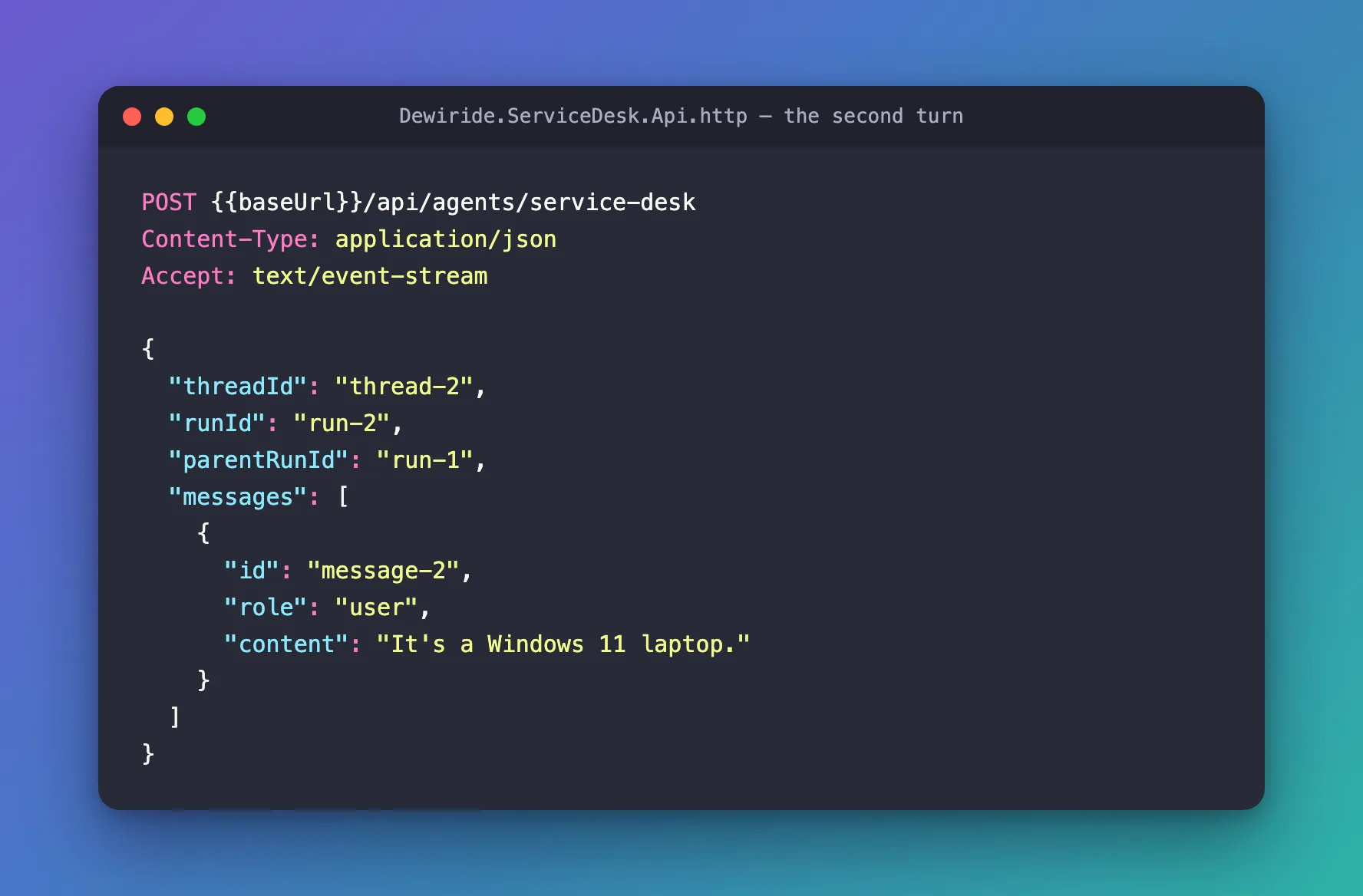
| Field | First turn | Follow-up | Why |
|---|---|---|---|
threadId | thread-2 | thread-2 | The same conversation |
runId | run-1 | run-2 | A new turn gets a new ID |
parentRunId | — | run-1 | The turn this one follows |
messages | the question | only the answer to the agent's question | The server already has the rest |
RUN_STARTED confirms the chain, and the answer shows that the agent remembered:
data: {"type":"RUN_STARTED","threadId":"thread-2","runId":"run-2","parentRunId":"run-1"}
Try these steps on your Windows 11 laptop:

1. Make sure Wi-Fi is enabled:
   - Select the network, sound, or battery icon on the taskbar.
   - Confirm Wi-Fi is on and Airplane mode is off.

2. Select the office Wi-Fi network and choose Connect. Enter your normal work sign-in details if prompted. Do not share your password.

3. If it still fails, forget and reconnect:
   - Settings > Network & internet > Wi-Fi > Manage known networks.
   - Select the office network > Forget.
   - Reconnect to it from the Wi-Fi list.

4. Restart the laptop and try again. If possible, check whether nearby colleagues can connect.

5. If you connect but have no internet, temporarily disconnect from any VPN and try opening a website.

6. If the problem continues, raise a ticket with the IT Service Desk. Include the Wi-Fi network name, the exact error message, and whether other devices can connect.
Step 3: Keep the Chain Going
Every further turn moves the same two fields one step along:
{
  "threadId": "thread-2",
  "runId": "run-3",
  "parentRunId": "run-2",
  "messages": [
    {
      "id": "message-3",
      "role": "user",
      "content": "I tried all of that, and it still won't connect."
    }
  ]
}
The response starts with "runId":"run-3","parentRunId":"run-2", and the agent, knowing the basic fixes were done, moved straight on to the ticket and what to put in it. The chain now reads run-1 → run-2 → run-3.
Let the Server Choose the threadId
You don't have to invent a threadId. Leave it out of the first request, and a Microsoft Agent Framework server creates one and sends it back in RUN_STARTED. I sent a first turn with only messages:
{
  "messages": [
    {
      "id": "message-1",
      "role": "user",
      "content": "My laptop won't connect to the office Wi-Fi. What should I do?"
    }
  ]
}
data: {"type":"RUN_STARTED","threadId":"1a69ef730fc744a8a2300de4cbd61238","runId":""}
The server chose the threadId. Sending the follow-up with that threadId continued the conversation — the agent answered with Windows 11 steps. But look at runId: it came back empty. The server doesn't make one up, so a follow-up has no previous runId to name in parentRunId. Always send your own runId, even when you let the server pick the threadId.
What the Server Does with Each Field
This is how MapAGUIServer in Microsoft Agent Framework handles them — I read its source for version 1.26.0 and checked each point in the runs above:
| Field | What the server does |
|---|---|
threadId | Looks up the conversation's session in the session store, or creates a new session; generates an ID when it is missing |
runId | Repeats it in RUN_STARTED and RUN_FINISHED |
parentRunId | Repeats it in RUN_STARTED and records it in tracing; the session is found by threadId alone |
messages | Turns every message into input for the agent |
That last row is why a follow-up must carry only the new message. Resent messages reach the model a second time (Fixed: AG-UI Agent Receives the Conversation Twice).
Common Mistakes
| Mistake | What happens | Do this instead |
|---|---|---|
A new threadId for the follow-up | A new conversation starts, and the agent forgets | Keep the threadId |
| Resending earlier messages | The agent reads them twice | Send only the new message |
Leaving out runId | RUN_STARTED reports an empty runId, and the next turn can't name its parent | Send a new runId with every request |
Treating threadId as a secret | Anyone who knows it may continue the conversation, unless the server isolates users | Rely on sign-in and session isolation on the server, never on the ID |
Troubleshooting
| Symptom | Likely cause | Fix |
|---|---|---|
| The agent forgets the previous turn | A different threadId, or the server keeps no sessions | Check the threadId, and that the server has a session store |
"runId":"" in RUN_STARTED | The request had no runId | Add one |
| Answers repeat themselves and token use jumps | Earlier messages were resent | Send only the new message |
FAQ
Does parentRunId change what the agent remembers?
Not in Microsoft Agent Framework 1.26.0: the session is chosen by threadId. parentRunId records the lineage, and Microsoft's guide asks for it on every continuation, so send it.
What should a chat page store?
The threadId of each conversation and the runId of its last turn — the values for the next request. It can keep the messages too, for display, but it sends only the new one.
Is AG-UI wrong to put the whole conversation in messages?
No. The field fits both kinds of server. A stateless server needs the history in every request; a server with sessions already has it, so you send only what's new.
Conclusion
A follow-up keeps the threadId, takes a new runId, sets parentRunId to the previous run, and sends only the new message. If you let the server choose the threadId, read it from RUN_STARTED — and still send your own runId.
Additional Resources
- AG-UI types: RunAgentInput — every field of the request.
- AG-UI events —
RUN_STARTEDand the lineage pointer. - Getting Started with AG-UI: Conversation continuity — Microsoft's rules for follow-ups.
