How to Connect to MySQL in a Docker Container with the mysql Client

The official MySQL Docker image already contains the mysql command-line client, so you don't need to install anything on your computer to run SQL. One docker compose exec command opens the client inside the running container. This guide signs in, runs the first few queries every new database deserves, and shows the small things that confuse beginners.
What This Command Does
docker compose exec mysql mysql --user=inventory_app --password inventory
It looks like it says "mysql" twice, but each word has its own job:
| Part of the command | What it does |
|---|---|
docker compose exec | Runs a command inside a container that Compose started |
mysql (first) | The service name from compose.yaml |
mysql (second) | The program to run: the MySQL command-line client |
--user=inventory_app | The MySQL account to sign in as |
--password | Ask for the password at a prompt, so it's never typed into the command |
inventory | The database to use once you're in |
The command works unchanged in bash, zsh and PowerShell. Only running a whole .sql file needs a different line in PowerShell.
Prerequisites
- MySQL running in Docker with Compose: How to Run MySQL in Docker with Docker Compose.
docker compose psshould show the service as(healthy). - The account's password. In that set-up, it's the value of
MYSQL_PASSWORDin your.envfile. - A terminal in the project folder, the one with
compose.yaml.
Step 1: Open the Client
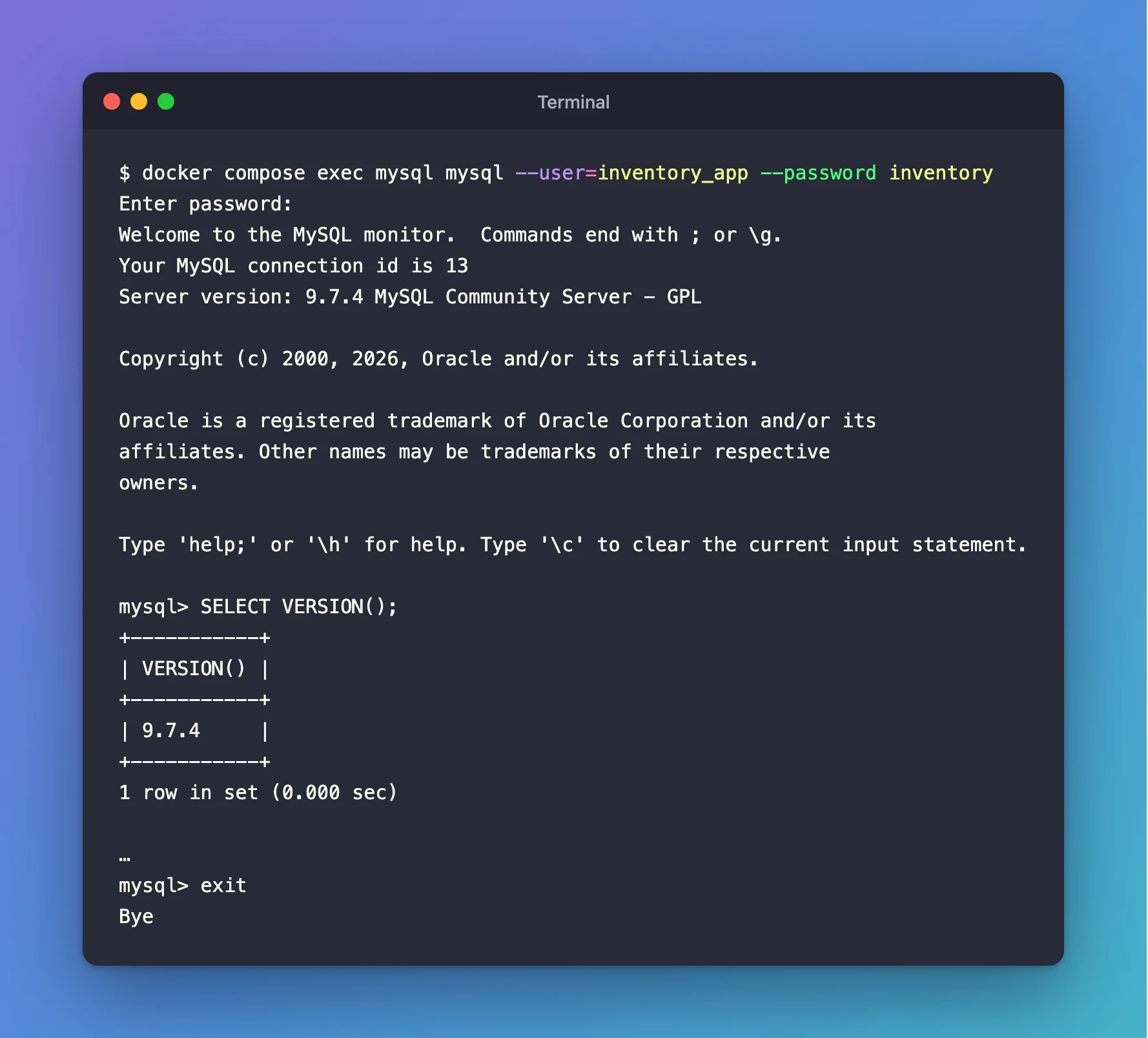
docker compose exec mysql mysql --user=inventory_app --password inventory
The client asks for the password. Paste it and press Enter. Nothing appears while you type or paste, which is normal for password prompts.
Enter password:
Welcome to the MySQL monitor.  Commands end with ; or \g.
Your MySQL connection id is 13
Server version: 9.7.4 MySQL Community Server - GPL

Copyright (c) 2000, 2026, Oracle and/or its affiliates.

Oracle is a registered trademark of Oracle Corporation and/or its
affiliates. Other names may be trademarks of their respective
owners.

Type 'help;' or '\h' for help. Type '\c' to clear the current input statement.

mysql>
mysql> is the client's prompt: MySQL is waiting for SQL. Server version: 9.7.4 already tells you which MySQL you reached.
Step 2: Run Your First Queries
Type each statement at the mysql> prompt and end it with a semicolon ;.
Which MySQL version is this?
SELECT VERSION();
+-----------+
| VERSION() |
+-----------+
| 9.7.4     |
+-----------+
1 row in set (0.000 sec)
Which account am I signed in as?
SELECT CURRENT_USER();
+-----------------+
| CURRENT_USER()  |
+-----------------+
| inventory_app@% |
+-----------------+
1 row in set (0.000 sec)
An account is a user name plus the host it may connect from. % means "from anywhere", and that's how the image creates MYSQL_USER.
Which databases can I see?
SHOW DATABASES;
+--------------------+
| Database           |
+--------------------+
| information_schema |
| inventory          |
| performance_schema |
+--------------------+
3 rows in set (0.000 sec)
inventory is the database the container created. The other two are built-in, read-only views of the server: information_schema describes databases and tables, and performance_schema holds runtime statistics.
What am I allowed to do?
SHOW GRANTS;
+--------------------------------------------------------------+
| Grants for inventory_app@%                                   |
+--------------------------------------------------------------+
| GRANT USAGE ON *.* TO `inventory_app`@`%`                    |
| GRANT ALL PRIVILEGES ON `inventory`.* TO `inventory_app`@`%` |
+--------------------------------------------------------------+
2 rows in set (0.000 sec)
USAGE ON *.* means "may sign in, nothing more", and ALL PRIVILEGES ON inventory.* gives full rights on the inventory database only. The account can't touch any other database, which is the safe set-up for an app.
Step 3: Leave the Client
exit
Bye
You're back at your normal terminal prompt. MySQL itself keeps running.
Run One Query Without Staying In
For a single quick query, add --execute. The client signs in, runs it, prints the result and exits:
docker compose exec mysql mysql --user=inventory_app --password --execute="SELECT VERSION();" inventory
Enter password:
+-----------+
| VERSION() |
+-----------+
| 9.7.4     |
+-----------+
Run a SQL File
To run every statement in a .sql file, send the file to the client as its input. This example file holds two queries:
SELECT VERSION();
SHOW TABLES;
Two things change from the commands above, because the input now comes from a file instead of your keyboard:
-T.docker compose execnormally connects your terminal to the command. Docker's reference describes the option as "Disable pseudo-TTY allocation. By default 'docker compose exec' allocates a TTY." Without a terminal, the file can flow into the client.- The password. With no terminal,
--passwordon its own can't ask you for it: it reads the first line of your file as the password and fails. So the command lets a shell inside the container fill the password in fromMYSQL_PASSWORD, the variablecompose.yamlalready passes to the container.
- bash / zsh
- PowerShell
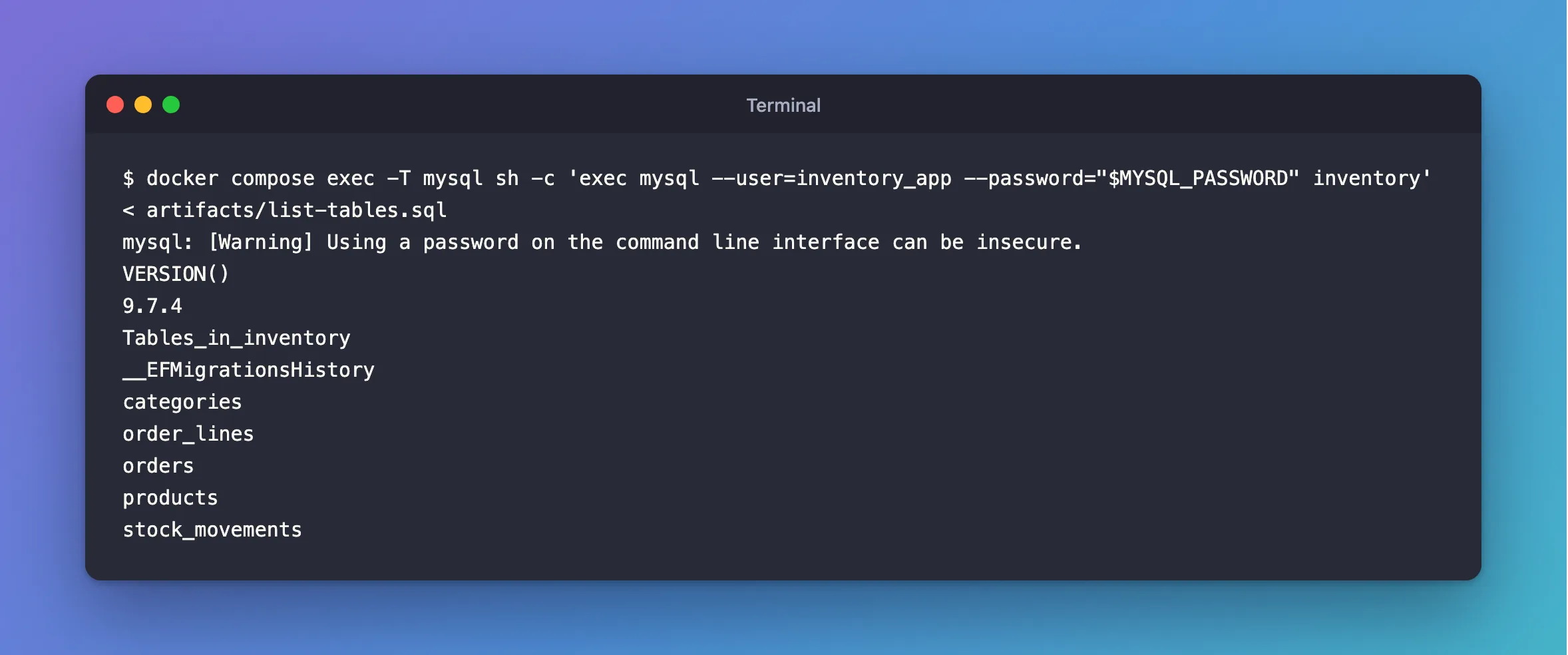
docker compose exec -T mysql sh -c 'exec mysql --user=inventory_app --password="$MYSQL_PASSWORD" inventory' < artifacts/list-tables.sql
Get-Content artifacts/list-tables.sql -Raw | docker compose exec -T mysql sh -c 'exec mysql --user=inventory_app --password="$MYSQL_PASSWORD" inventory'
mysql: [Warning] Using a password on the command line interface can be insecure.
VERSION()
9.7.4
Tables_in_inventory
__EFMigrationsHistory
categories
order_lines
orders
products
stock_movements
Here is what each new part does:
| Part of the command | What it does |
|---|---|
-T | Runs the client without a terminal, so it reads the file |
sh -c '…' | Runs a shell inside the container, which knows MYSQL_PASSWORD |
Single quotes around 'exec mysql …' | Stop your own shell from filling in $MYSQL_PASSWORD; the container's shell does it |
exec mysql | Replaces that shell with the client, so the client's exit code is the command's exit code |
< artifacts/list-tables.sql (bash, zsh) | Sends the file to the command as its input |
Get-Content … -Raw | (PowerShell) | Reads the whole file and pipes it to the command, because PowerShell has no < |
The warning is expected: the password is on the client's command line inside the container, where a program such as ps could see it. The only other program in this container is MySQL itself, so for a local development database that's an acceptable trade. The password never appears in your own shell or its history.
Two more things differ from an interactive session, both described on the manual's batch mode page:
- Results are plain text, without the boxes. "The default output format is different (more concise) when you run mysql in batch mode." Add
-taftermysqlto get the boxes back. - The first error stops the file. "If you want the script to continue even if some of the statements in it produce errors, you should use the
--forcecommand-line option." Statements before the error have already run.
This is how you run a SQL script that someone else wrote, such as a migration script generated by EF Core. Fixed: ERROR 1064 in an EF Core Idempotent Migration Script uses it.
Connect to a Container Not Started by Compose
docker compose exec needs the service name and must run in the project folder. For a container started any other way, use plain docker exec with the container name, and add -it (interactive, with a terminal) so the password prompt works:
docker exec -it dewiride-inventory-mysql-1 mysql --user=inventory_app --password --execute="SELECT CURRENT_USER();" inventory
Enter password:
+-----------------+
| CURRENT_USER()  |
+-----------------+
| inventory_app@% |
+-----------------+

What's next:
    Try Docker Debug for seamless, persistent debugging tools in any container or image → docker debug dewiride-inventory-mysql-1
    Learn more at https://docs.docker.com/go/debug-cli/
The "What's next" lines are a tip from Docker Desktop, not part of MySQL's answer. docker ps lists your container names.
Common Mistakes
| Mistake | What happens | Do this instead |
|---|---|---|
Typing the password into the command (--password=secret) | MySQL warns Using a password on the command line interface can be insecure., and the password stays in your shell history | Use --password alone and type it at the prompt |
| Forgetting the semicolon | The client shows -> and waits for more | Type ; and press Enter |
| Running the command outside the project folder | Compose can't find the mysql service | cd into the folder with compose.yaml first |
Signing in as root for everyday work | You can change or drop anything by mistake | Use the app account; keep root for administration |
That -> prompt looks like this. The statement runs as soon as the semicolon arrives:
mysql> SELECT VERSION()
    -> ;
+-----------+
| VERSION() |
+-----------+
| 9.7.4     |
+-----------+
1 row in set (0.000 sec)
Troubleshooting
| Symptom | Likely cause | Fix |
|---|---|---|
ERROR 1045 (28000): Access denied for user | Wrong password, or the password in .env changed after the first start | Check .env; see Fixed: ERROR 1045 (28000): Access denied for user |
service "mysql" is not running | MySQL is stopped | docker compose start --wait, then try again |
Enter password: ERROR 1045 (28000): Access denied for user 'inventory_app'@'localhost' (using password: YES) while running a .sql file | With -T, --password alone read the file's first line as the password | Use the command in Run a SQL File, which reads the container's MYSQL_PASSWORD |
| Accented letters or emoji vanish as you type them | The container has no locale, so the client only accepts plain ASCII | Start the client with docker compose exec -e LANG=C.utf8 …, see Fixed: Accented Letters Disappear When Typed into the mysql Client |
FAQ
Do I need to install MySQL on my computer?
No. The client runs inside the container, which already has it. Your computer only needs Docker.
Which password does the prompt want?
The password of the account in --user. For inventory_app in this set-up, it's the MYSQL_PASSWORD value in .env; for root, it's MYSQL_ROOT_PASSWORD.
Can I use a graphical tool instead?
Yes. Because the port is published on 127.0.0.1:3306, a desktop database tool on the same computer can connect to host 127.0.0.1, port 3306, with the same account. The command-line client is just the quickest way, with nothing to install.
Conclusion
docker compose exec mysql mysql --user=inventory_app --password inventory opens the MySQL client that ships inside the official image. SELECT VERSION(), SELECT CURRENT_USER(), SHOW DATABASES and SHOW GRANTS confirm which server you reached, who you are and what you may do, and exit leaves. For a single query, --execute does it in one line, and a whole .sql file goes in through docker compose exec -T.
Additional Resources
- docker compose exec — running commands in a running service.
- mysql — The MySQL Command-Line Client (MySQL 9.7) — every client option, including
--execute. - SHOW GRANTS Statement (MySQL 9.7) — reading an account's privileges.
