How to Connect to an MCP Server in C# with the MCP C# SDK

An MCP server offers tools that any MCP client can use, and the official MCP C# SDK makes a .NET app one of those clients. This guide connects a console app to a remote MCP server over Streamable HTTP, and asks the server which tools it has.
Syntax
McpClient <client> = await McpClient.CreateAsync(
    new HttpClientTransport(new HttpClientTransportOptions
    {
        Endpoint = new Uri("<endpoint>"),
        TransportMode = HttpTransportMode.StreamableHttp,
    }),
    new McpClientOptions { ProtocolVersion = "<version>" });

IList<McpClientTool> <tools> = await <client>.ListToolsAsync();
| Part | What it is |
|---|---|
<client> | The connection to the server, an McpClient. The SDK reference describes CreateAsync as the method that Creates an McpClient, connecting it to the specified server. Dispose it when you're done, with await using |
HttpClientTransport | How the client reaches a server over HTTP. A server on the same machine, started as a program, uses StdioClientTransport instead |
<endpoint> | The server's MCP address, a full https URL |
TransportMode | Which kind of HTTP. StreamableHttp is what the SDK's documentation calls the recommended transport for remote servers; the default, AutoDetect, tries it first and falls back to an older style |
<version> | The MCP protocol version the server supports, such as 2025-06-18. Optional: without it, the client probes for the newest revision first, and logs a warning when the server doesn't support it |
<tools> | The server's tools. ListToolsAsync Retrieves a list of available tools from the server, each as an McpClientTool |
The Example
A console app connects to the Microsoft Learn MCP server, https://learn.microsoft.com/api/mcp, which needs no account and no key. It prints the protocol version the two sides agreed on, then the name and title of each tool the server offers.
Prerequisites
- The .NET 10 SDK.
dotnet --versionprints a version that starts with10.0.
Step 1: Create a Console App
In a terminal, in the folder where you keep your projects, run:
dotnet new console -n McpToolList
cd McpToolList
dotnet add package ModelContextProtocol.Core --version 2.4.0
The SDK comes in several packages. Its Getting Started guide recommends ModelContextProtocol.Core when You only need the client or low-level server APIs and want the minimum set of dependencies. Version 2.4.0 is the newest stable release. Open the McpToolList folder in VS Code, or McpToolList.csproj in Visual Studio.
Step 2: Connect and List the Tools
Replace everything in Program.cs with:
using ModelContextProtocol.Client;

// Say where the server is, and that it speaks MCP over Streamable HTTP.
HttpClientTransport transport = new(new HttpClientTransportOptions
{
    Endpoint = new Uri("https://learn.microsoft.com/api/mcp"),
    TransportMode = HttpTransportMode.StreamableHttp,
});

// Connect, with the protocol version the server supports.
await using McpClient client = await McpClient.CreateAsync(
    transport,
    new McpClientOptions { ProtocolVersion = "2025-06-18" });

Console.WriteLine($"Connected over MCP {client.NegotiatedProtocolVersion}.");

// Ask the server which tools it offers.
IList<McpClientTool> tools = await client.ListToolsAsync();
foreach (McpClientTool tool in tools)
{
    Console.WriteLine($"- {tool.Name} ({tool.Title})");
}
HttpClientTransportholds the address and the transport mode. Creating it doesn't contact the server yet.McpClient.CreateAsyncconnects: it sends the protocol's first request and agrees on a version with the server.await usingdisconnects at the end of the program, and ends the session on the server.NegotiatedProtocolVersionis the version the two sides agreed on.ListToolsAsyncsends the protocol'stools/listrequest. EachMcpClientToolhas the tool'sName, which a model uses to call it, and aTitlefor people.
Run the app:
- VS Code
- Visual Studio
In the terminal, in the McpToolList folder, run:
dotnet run
Press Ctrl+F5 (Debug > Start Without Debugging). The output appears in a console window.
Connected over MCP 2025-06-18.
- microsoft_docs_search (Microsoft Docs Search)
- microsoft_code_sample_search (Microsoft Code Sample Search)
- microsoft_docs_fetch (Microsoft Docs Fetch)
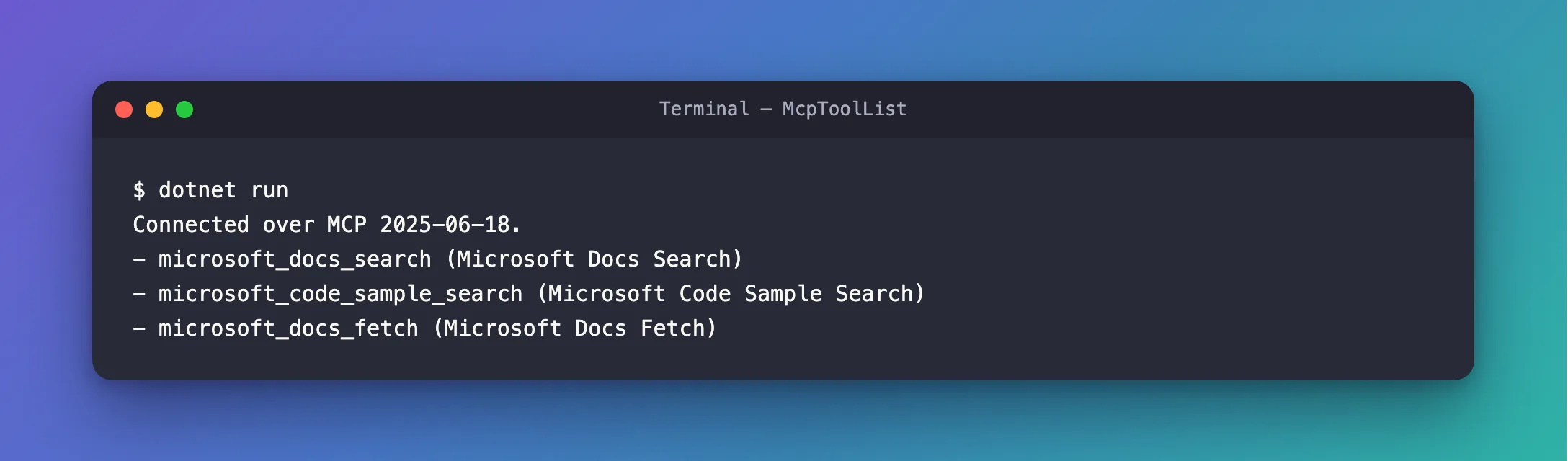
The client and the server agreed on 2025-06-18, and the server offers three tools: a documentation search, a code sample search and one that fetches a whole page.
The Complete File
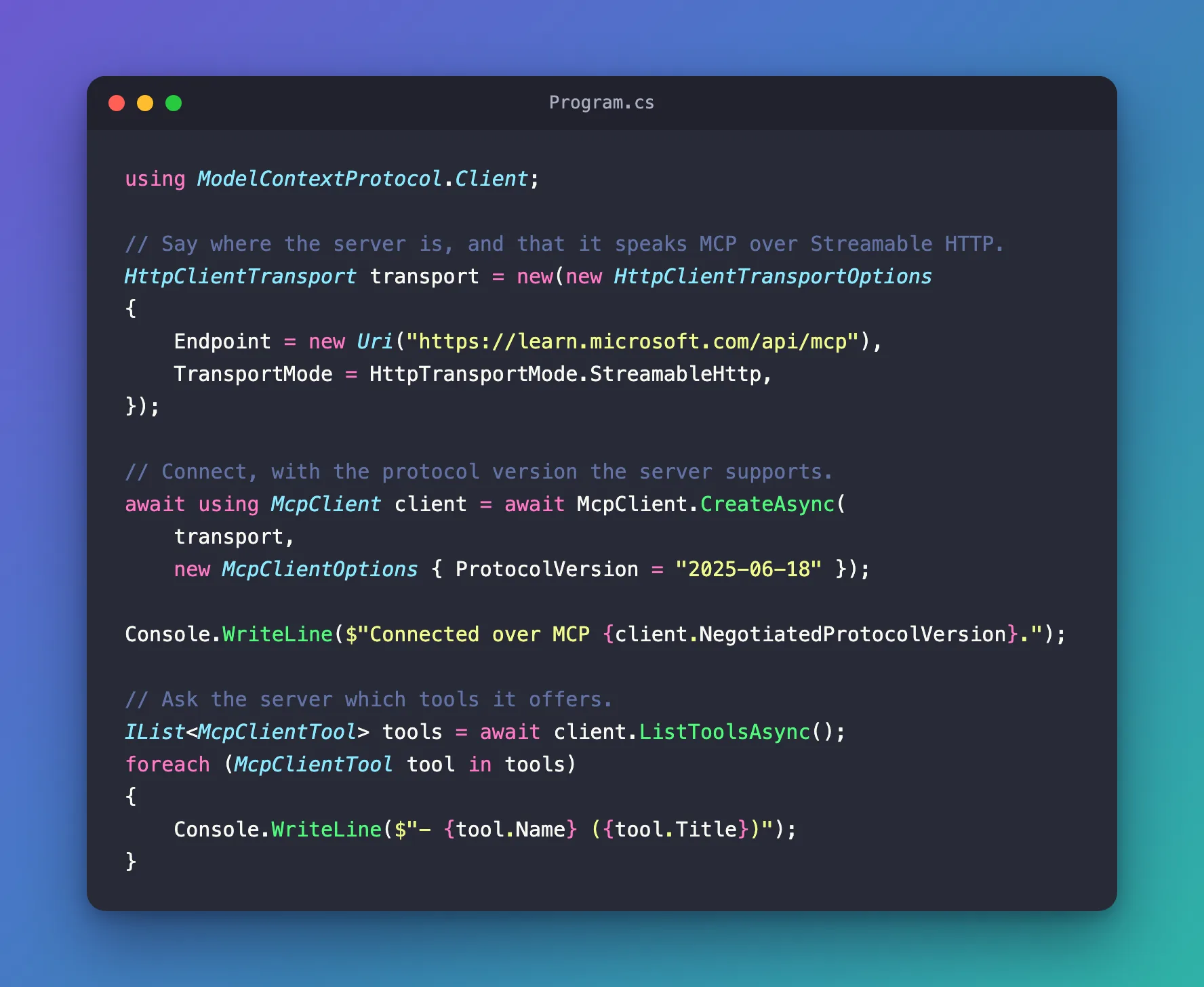
The file from Step 2 is the whole program:
Common Mistakes
| Mistake | What happens | Do this instead |
|---|---|---|
Leaving out ProtocolVersion | Before connecting, the client tries the newest protocol revision; a server that doesn't support it answers with an error, and the SDK logs a warning before falling back | Set the version the server supports |
| Setting a version the server doesn't speak | The connection fails with McpException: Server protocol version mismatch | Connect once without it and read NegotiatedProtocolVersion |
Forgetting await using | The client never tells the server that the session is over | Dispose the client when you're done |
| Copying the tool list into your code | The code breaks when the server renames or changes a tool | List the tools every time you connect |
Troubleshooting
| Symptom | Likely cause | Fix |
|---|---|---|
warn: … request failed for method 'server/discover': Method 'server/discover' is not available. (-32601). | ProtocolVersion isn't set, and the server predates the newest revision | Fixed: Request failed for method 'server/discover' |
HttpRequestException with 405 (Method Not Allowed) | The endpoint isn't the server's MCP address, such as a mistyped path | Use the address from the server's documentation |
ArgumentException from Endpoint | The address isn't absolute, or doesn't start with http or https | Write the full URL |
FAQ
Where do I see what the SDK does?
Pass an ILoggerFactory as the third argument of CreateAsync. With a console logger, the SDK writes a line when it connects and a warning when something goes wrong. An ASP.NET Core app can pass the factory it already has.
How do I connect to a server on my own machine?
When the server is a program you start, such as a Node.js or Python package, use StdioClientTransport with the command that starts it instead of HttpClientTransport. The rest of the code stays the same.
Can I keep one client for a long time?
Yes. A web app usually connects once and keeps the client for as long as it runs, then disposes it when it stops. Pass your own long-lived HttpClient to HttpClientTransport when you do, so you control its settings.
Conclusion
McpClient.CreateAsync with an HttpClientTransport connects a .NET app to a remote MCP server, and ListToolsAsync asks the server which tools it offers. Set TransportMode to StreamableHttp for a remote server, set ProtocolVersion to the version the server speaks, and dispose the client with await using.
Additional Resources
- MCP C# SDK: Getting Started — the packages, and a first client.
- MCP C# SDK: Transports — Streamable HTTP, stdio and the other transports.
- McpClient —
CreateAsync,ListToolsAsyncand the rest of the client. - Microsoft Learn MCP Server overview — the server used in this example.
