How to Configure a One-to-Many Relationship in EF Core

One category has many products; each product belongs to one category. That's a one-to-many relationship, the most common shape in any database. EF Core can discover it from your classes alone, and it's worth knowing exactly what it decides for you before you configure anything. This guide models it in C#, shows the MySQL foreign key, index and delete rule EF Core creates by convention, and then configures the same relationship explicitly.
The Two Sides
EF Core's one-to-many page names them:
- The principal: the "one" side, here
Category. - The dependent: the "many" side, here
Product. It holds the foreign key,CategoryId, which points to the principal's key.
Prerequisites
- A .NET C# project using EF Core. The examples use EF Core 10 with Oracle's
MySql.EntityFrameworkCoreand MySQL 9.7, from How to Connect a .NET C# Web API to a MySQL Database — Part 1. - The EF Core tools: How to Install dotnet-ef as a Local Tool in a .NET C# Project.
Step 1: Write the Classes
The category gets a collection of its products:
namespace Dewiride.Inventory.Data.Entities;

/// <summary>
/// A group of products, such as "Cables". Stored in the categories table.
/// </summary>
public sealed class Category
{
    public int Id { get; set; }

    public required string Name { get; set; }

    public DateTime CreatedAtUtc { get; set; }

    public ICollection<Product> Products { get; } = [];
}
The product gets the foreign key and a reference back:
public int CategoryId { get; set; }

public Category Category { get; set; } = null!;
ICollection<Product> Productsis a collection navigation: from a category, all its products. Initializing it with[]means it's nevernull.int CategoryIdis the foreign key: the column that stores which category a product belongs to.Category Categoryis a reference navigation: from a product, its category.= null!tells the compiler that EF Core fills it when the category is loaded.
Step 2: See What the Convention Creates
With only the classes and their DbSets, no configuration at all, the first migration contained:
CategoryId = table.Column<int>(type: "int", nullable: false),
…
table.ForeignKey(
    name: "FK_Products_Categories_CategoryId",
    column: x => x.CategoryId,
    principalTable: "Categories",
    principalColumn: "Id",
    onDelete: ReferentialAction.Cascade);
…
migrationBuilder.CreateIndex(
    name: "IX_Products_CategoryId",
    table: "Products",
    column: "CategoryId");
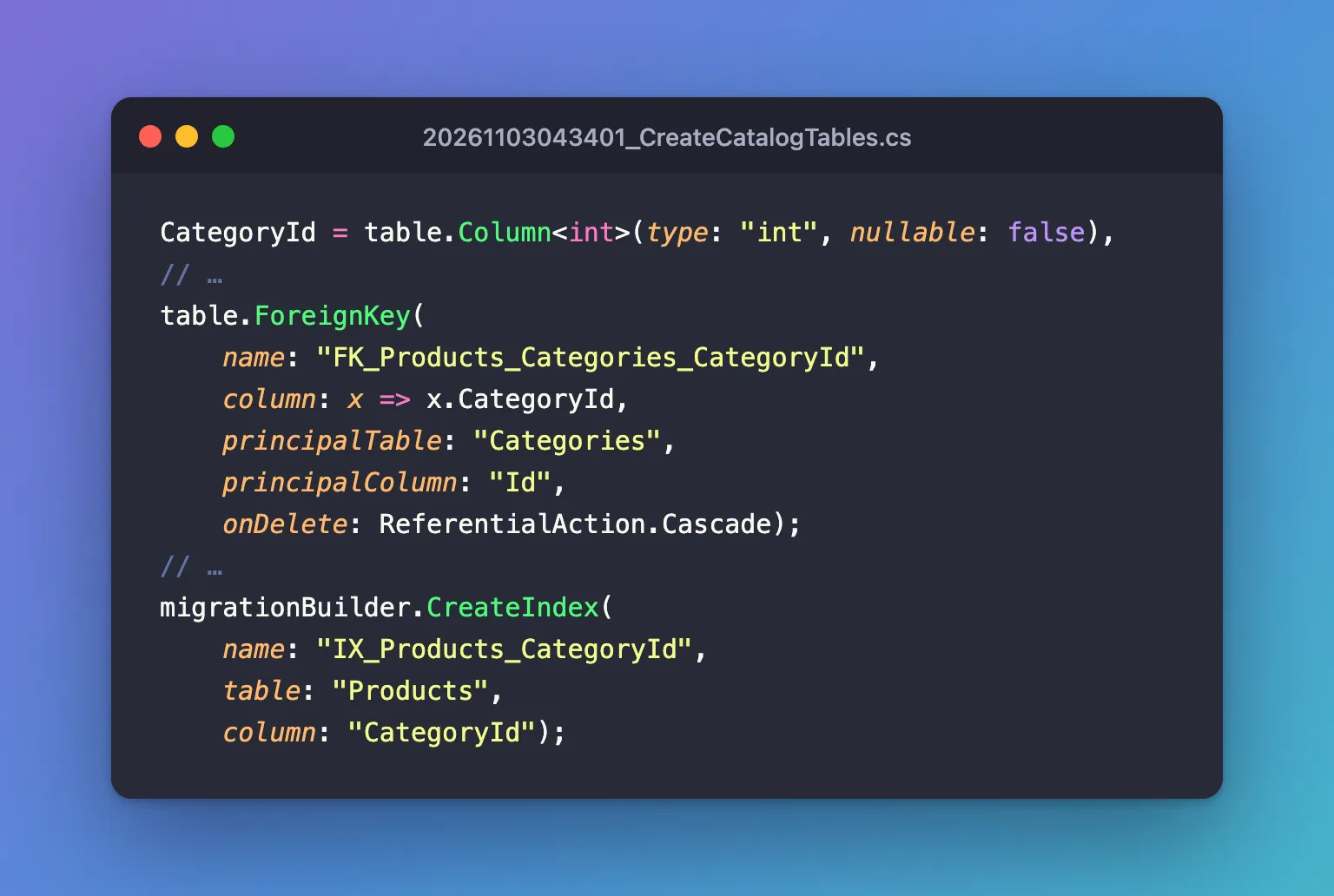
EF Core worked out three things from the classes, as its docs describe: "This relationship is discovered by convention." It found:
- The foreign key:
Product.CategoryId, because of its name. "Post.BlogIdis discovered as a foreign key of the dependent referencing theBlog.Idprimary key of the principal." - That it's required: "The relationship is discovered as required because
Post.BlogIdis not nullable." That made the delete ruleCascade, the default for required relationships. - An index on the foreign key: "By convention, an index is created in each property (or set of properties) that are used as a foreign key."
Step 3: Configure It Explicitly
Explicit configuration documents the relationship and lets you change what the convention chose. In the product's configuration:
builder.HasOne(p => p.Category)
    .WithMany(c => c.Products)
    .HasForeignKey(p => p.CategoryId)
    .OnDelete(DeleteBehavior.Restrict);
Read it as a sentence: a product has one category, which has many products, linked by the foreign key CategoryId; on delete of a category, restrict.
What did the explicit configuration change? The migration it produced answers exactly:
migrationBuilder.DropForeignKey(
    name: "FK_products_categories_CategoryId",
    table: "products");

migrationBuilder.AddForeignKey(
    name: "FK_products_categories_CategoryId",
    table: "products",
    column: "CategoryId",
    principalTable: "categories",
    principalColumn: "Id",
    onDelete: ReferentialAction.Restrict);
Only the delete rule changed. The navigations, the foreign key and the index from HasOne, WithMany and HasForeignKey were exactly what the convention had already set up. How to Choose What Happens on Delete in EF Core shows what Restrict does in MySQL.
You can also configure it from the other side, starting with the category: HasMany(c => c.Products).WithOne(p => p.Category). The docs say both directions are equivalent: "Neither of these options is better than the other; they both result in exactly the same configuration." Pick one side per relationship, and keep it there.
Variations
| Situation | How to write it |
|---|---|
| The relationship is optional: a product may have no category | Make the foreign key nullable, int? CategoryId |
| No navigation from the category to its products | Leave out Products, and write .WithMany() with no argument |
| The foreign key has a name EF Core doesn't recognise | HasForeignKey(p => p.TheColumnName) is required |
The second row is common: a stock movement points to its product, but a product doesn't need a list of every movement it ever had. That relationship in this app is builder.HasOne(m => m.Product).WithMany().HasForeignKey(m => m.ProductId).
Common Mistakes
| Mistake | What happens | Do this instead |
|---|---|---|
A foreign key name EF Core can't match, without HasForeignKey | EF Core creates a second, shadow foreign key column | Name it <Navigation>Id, or configure it |
| Configuring the same relationship from both sides | Two places that can drift | Configure each relationship once |
Leaving the convention's Cascade without thinking | Deleting a category deletes its products | Choose OnDelete deliberately |
| A collection navigation without an initializer | NullReferenceException when adding to it | Initialize it, as with = [] |
FAQ
Why is there an index on CategoryId I didn't ask for?
EF Core creates one for every foreign key by convention, and MySQL needs one anyway: it requires an index on foreign key columns.
Do I need both navigations?
No. Each navigation is optional; keep the ones your code uses. The foreign key property is what the database needs.
Conclusion
A one-to-many relationship in EF Core is a foreign key property on the "many" side plus optional navigations. From CategoryId, Category and Products alone, EF Core discovers the relationship, makes it required because the key isn't nullable, adds an index, and picks ON DELETE CASCADE. HasOne(...).WithMany(...).HasForeignKey(...) states the same explicitly, and OnDelete is where you change what the convention chose.
Additional Resources
- One-to-many relationships — every variation, with and without navigations.
- Cascade Delete — delete behaviors.
