How to Compare Numbers with <, >, <= and >= in C#

Is the person old enough? Is the quantity between 1 and 10? Questions like these come down to comparing two numbers. In C#, four operators do it, <, >, <= and >=, and each gives true or false.
Syntax
bool <result> = <left> < <right>;
bool <result> = <left> > <right>;
bool <result> = <left> <= <right>;
bool <result> = <left> >= <right>;
| Operator | true when |
|---|---|
< | The left value is less than the right one |
> | The left value is greater than the right one |
<= | The left value is less than the right one, or equal to it |
>= | The left value is greater than the right one, or equal to it |
Microsoft's comparison operators reference: "The < (less than), > (greater than), <= (less than or equal), and >= (greater than or equal) comparison, also known as relational, operators compare their operands."
The Example
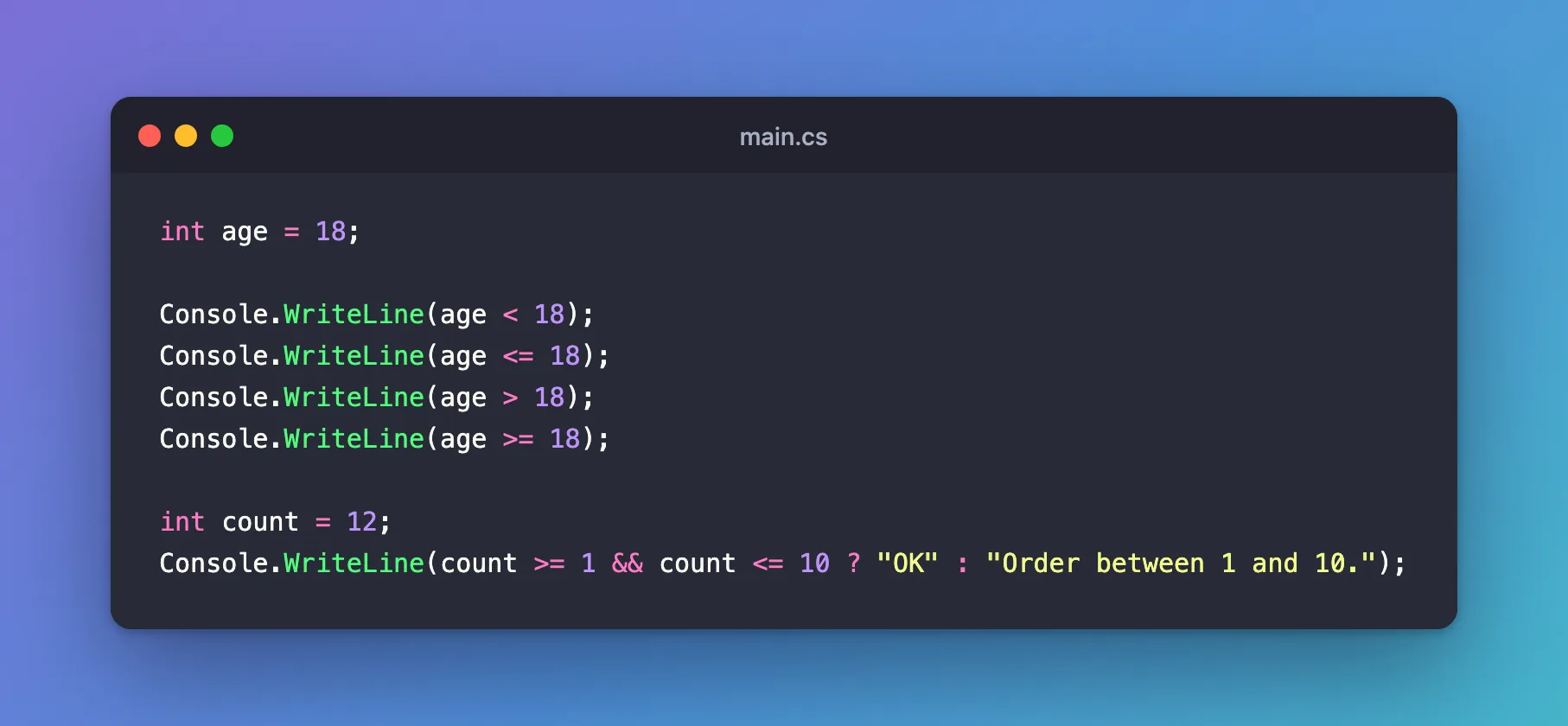
The program compares an age of exactly 18 with 18 using all four operators, which shows the difference between "less than" and "less than or equal". Then it checks whether an order of 12 is between 1 and 10.
Prerequisites
- The .NET 10 SDK or newer, which runs a single
.csfile withdotnet run. This guide uses .NET SDK 10.0.404.
Step 1: Write the Code
Create a file named main.cs in an empty folder:
int age = 18;

Console.WriteLine(age < 18);
Console.WriteLine(age <= 18);
Console.WriteLine(age > 18);
Console.WriteLine(age >= 18);

int count = 12;
Console.WriteLine(count >= 1 && count <= 10 ? "OK" : "Order between 1 and 10.");
&& is true only when both comparisons are, and ? : picks one of two texts.
Step 2: Run It
dotnet run main.cs
False
True
False
True
Order between 1 and 10.
- 18 isn't less than 18, so
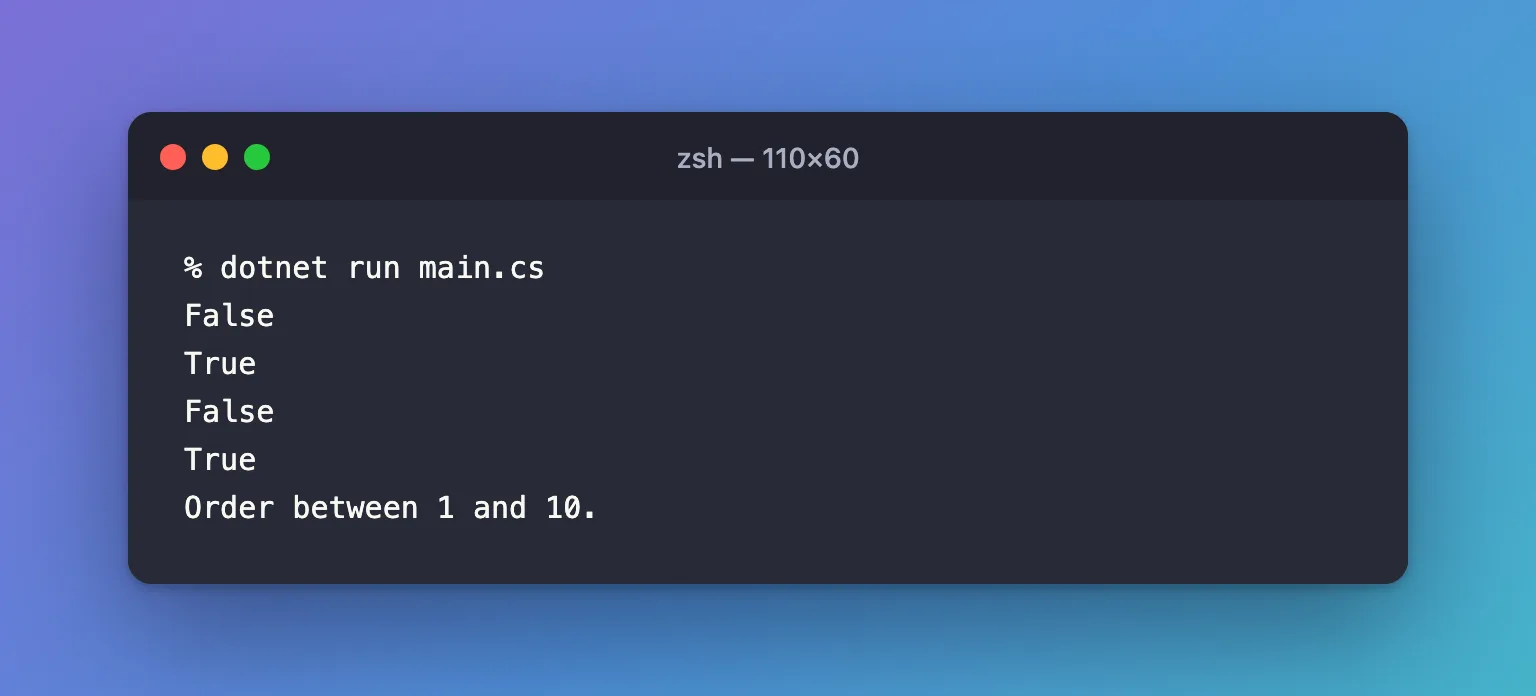
age < 18isFalse, butage <= 18isTrue: the=lets the equal case through. - In the same way,
age > 18isFalseandage >= 18isTrue. - 12 is at least 1 but not at most 10, so the range check failed.
The command is the same in zsh, bash and PowerShell.
A Range Needs Two Comparisons
The way a range is written in maths, 1 <= count <= 10, doesn't work in C#:
int count = 12;
Console.WriteLine(1 <= count <= 10);
/Users/you/demo/main.cs(2,19): error CS0019: Operator '<=' cannot be applied to operands of type 'bool' and 'int'

The build failed. Fix the build errors and run again.
C# works out 1 <= count first, which is a bool, and then can't compare that bool with 10. Write two comparisons and join them with &&, as in Step 1.
Strings Don't Use These Operators
< doesn't compare text:
Console.WriteLine("apple" < "banana");
/Users/you/demo/main.cs(1,19): error CS0019: Operator '<' cannot be applied to operands of type 'string' and 'string'

The build failed. Fix the build errors and run again.
Use string.Compare, which returns a number below 0 when the first string comes first:
Console.WriteLine(string.Compare("apple", "banana", StringComparison.Ordinal) < 0);
True
Common Mistakes
| Mistake | What happens | Do this instead |
|---|---|---|
1 <= count <= 10 | error CS0019: Operator '<=' cannot be applied to operands of type 'bool' and 'int' | count >= 1 && count <= 10 |
Using < where the limit itself is allowed | The limit is rejected: 18 < 18 is false | Use <= or >= |
"apple" < "banana" | error CS0019: Operator '<' cannot be applied to operands of type 'string' and 'string' | string.Compare(a, b, StringComparison.Ordinal) < 0 |
Troubleshooting
| Symptom | Likely cause | Fix |
|---|---|---|
CS0019 ... 'bool' and 'int' | Two comparisons chained without && | Split them and join with && |
| A value right at the limit is rejected | < or > instead of <= or >= | Add the = |
FAQ
Do these operators work on other types?
On every number type, and on some others too: 'a' < 'b', 2.5 >= 2.5, and new DateTime(2026, 1, 1) < new DateTime(2026, 2, 1) all printed True.
How do I check that a number is outside a range?
Turn both comparisons around and join them with ||, so one is enough: count < 1 || count > 10 was True for 12 and False for 5.
Conclusion
<, >, <= and >= compare two numbers and give true or false, and only the = versions let the limit itself through. A range needs two comparisons joined by &&, and strings need string.Compare.
Additional Resources
- Comparison operators, on Microsoft Learn.
- String.Compare method, on Microsoft Learn.
