How to Compare Enum Values in C#

An enum gives a fixed set of values names, such as Sunny, Cloudy and Rainy, so code says Weather.Rainy instead of a mystery number like 2. In C#, compare enum values with == and != against those names.
Syntax
enum <EnumName>
{
    <Member1>,
    <Member2>,
}

if (<value> == <EnumName>.<Member>)
{
    <statements>
}
| Part | What it does |
|---|---|
enum <EnumName> { ... } | Declares the enum and its named members. |
<value> == <EnumName>.<Member> | true when the value is that member. != is true when it isn't. |
<EnumName>.<Member> | Always written with the enum's name in front, such as Weather.Rainy. |
Microsoft's enumeration types reference: "An enumeration type (or enum type) is a value type defined by a set of named constants of the underlying integral numeric type."
The Example
A Weather enum has three members. Today's weather is Rainy: the example compares it with == and != and prints it.
Prerequisites
- The .NET 10 SDK or newer, which runs a single
.csfile withdotnet run. This guide uses .NET SDK 10.0.404.
Step 1: Write the Code
Create a file named main.cs in an empty folder:
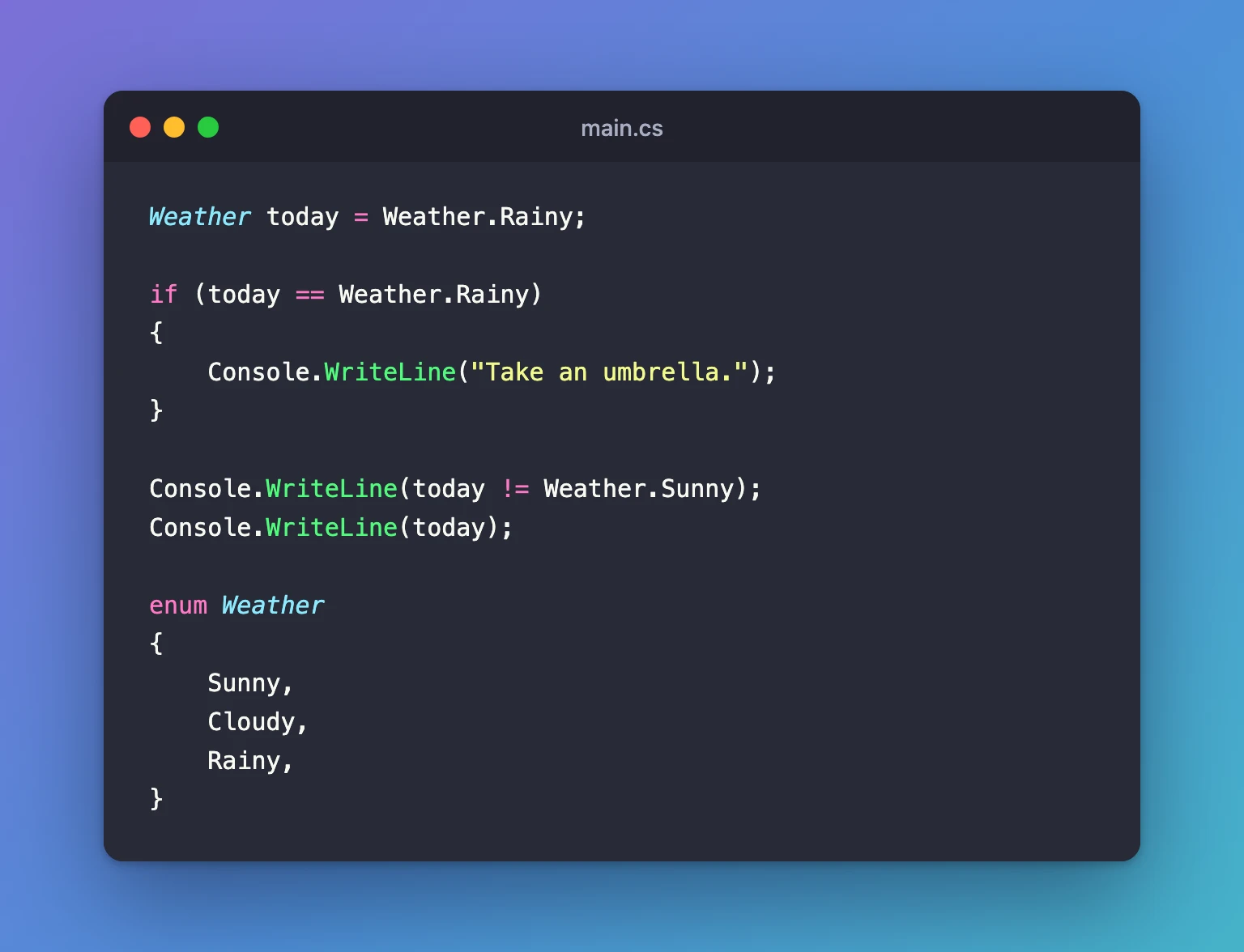
Weather today = Weather.Rainy;

if (today == Weather.Rainy)
{
    Console.WriteLine("Take an umbrella.");
}

Console.WriteLine(today != Weather.Sunny);
Console.WriteLine(today);

enum Weather
{
    Sunny,
    Cloudy,
    Rainy,
}
In a file with top-level statements, the enum goes below the code that uses it.
Step 2: Run It
dotnet run main.cs
Take an umbrella.
True
Rainy
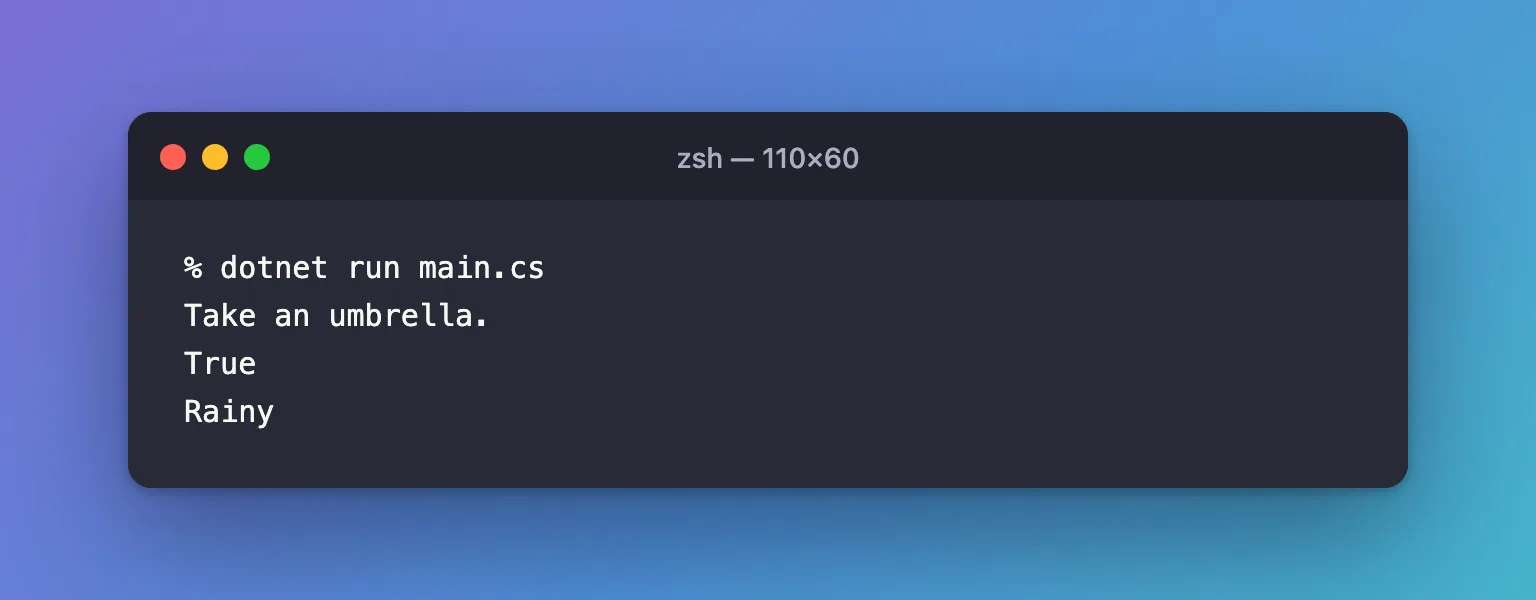
today == Weather.Rainy was true, and today != Weather.Sunny printed True. Printing an enum value writes its name, Rainy, not its number. The command is the same in zsh, bash and PowerShell.
What Happens When You Compare with a Number
Behind the names, the members are numbers: Sunny is 0, Cloudy 1 and Rainy 2. The reference: "By default, the associated constant values of enum members are of type int. They start with zero and increase by one following the definition text order." But C# won't compare an enum with a number:
Weather today = Weather.Rainy;
Console.WriteLine(today == 2);

enum Weather
{
    Sunny,
    Cloudy,
    Rainy,
}
/Users/you/demo/main.cs(2,19): error CS0019: Operator '==' cannot be applied to operands of type 'Weather' and 'int'

The build failed. Fix the build errors and run again.
That's deliberate: it keeps you from mixing up enums and plain numbers. When you really need the number, cast it. (int)today is 2, and (Weather)1 is Cloudy. Both printed exactly that in a quick check. The reference: "For any enumeration type, explicit conversions exist between the enumeration type and its underlying integral type."
Common Mistakes
| Mistake | What happens | Do this instead |
|---|---|---|
Comparing with a number, as in today == 2 | error CS0019: Operator '==' cannot be applied to operands of type 'Weather' and 'int' | Compare with the member: today == Weather.Rainy |
| Reordering or inserting members in an enum whose numbers are stored elsewhere | Stored numbers now mean different members | Give members explicit values, such as Rainy = 2, once numbers are saved |
Comparing with 0 and expecting an error | today == 0 compiles: the constant 0 converts to any enum type | Compare with a named member instead |
Troubleshooting
| Symptom | Likely cause | Fix |
|---|---|---|
CS0019 with an enum and int | Comparing an enum with a number | Compare with a member, or cast with (int) |
| A number prints where you expected a name | The value was cast to int | Print the enum value itself |
FAQ
Why does today == 0 compile when today == 2 doesn't?
Zero is special. The reference: "C# allows implicit conversions from the literal value 0 to any enum type, and from const values equal to zero." A quick check with today == 0 built fine and printed False, because Rainy isn't 0.
Can I use a switch on an enum?
Yes. A switch statement or expression with case Weather.Sunny: and the other members is a tidy alternative to a chain of if and else if comparisons.
Conclusion
Compare enum values with == and != against named members, as in today == Weather.Rainy. Printing a value shows its name, a cast gives its number, and comparing with a plain number other than 0 stops the build with CS0019.
Additional Resources
- Enumeration types, on Microsoft Learn.
