How to Commit a .env.example File in a Next.js Project

A .env.example file tells the next developer which settings your Next.js app needs, without giving away your values. But create-next-app's .gitignore ignores every file whose name starts with .env — the example included. One line, !.env.example, brings it back into Git while .env.local stays private.
Why an Example File
A Next.js app reads its settings from environment variables, and on your machine they usually live in .env.local. That file holds your values, sometimes secrets, so it never goes into Git. Next.js's own guide puts it strongly: The default create-next-app template ensures all .env files are added to your .gitignore. You almost never want to commit these files to your repository.
But then nobody can see which settings the app needs. The usual answer is a second file, .env.example, with the same names and example values, which is committed. Next.js doesn't load it: it reads only .env, .env.local and the files for a mode, such as .env.production. So the example is pure documentation.
Prerequisites
- A Next.js app in a Git repository. The examples use one made with create-next-app 16.4.6.
- Git, and a terminal in the app's folder.
Step 1: Create the Two Files
The example file, with names and safe example values, and a comment for each:
# The address of the API this app calls.
API_URL=http://localhost:5000

# The name the app shows in the browser tab.
SITE_NAME="My App"
And your own copy, .env.local, with your real values:
API_URL=http://localhost:5000
SITE_NAME="My App"
Step 2: See That Git Ignores Both
git status --short
git check-ignore -v .env.example .env.local
.gitignore:34:.env*	.env.example
.gitignore:34:.env*	.env.local
git status --short printed nothing: Git doesn't see either new file. git check-ignore -v says why, for each file: the rule .env* on line 34 of .gitignore. That line comes from create-next-app:
# env files (can opt-in for committing if needed)
.env*
* matches anything, so .env* covers .env.local, .env.production and .env.example alike. The comment above it already hints at the fix: you can opt in.
Step 3: Let .env.example Through
Add one line below .env*:
# env files (can opt-in for committing if needed)
.env*
!.env.example
A ! at the start of a line turns a pattern around: files matching it are not ignored, even if an earlier line ignored them. The order matters — the ! line must come after the .env* line it overrides.
Step 4: Check It
git check-ignore -v .env.example .env.local
git status --short
.gitignore:35:!.env.example	.env.example
.gitignore:34:.env*	.env.local
 M .gitignore
?? .env.example
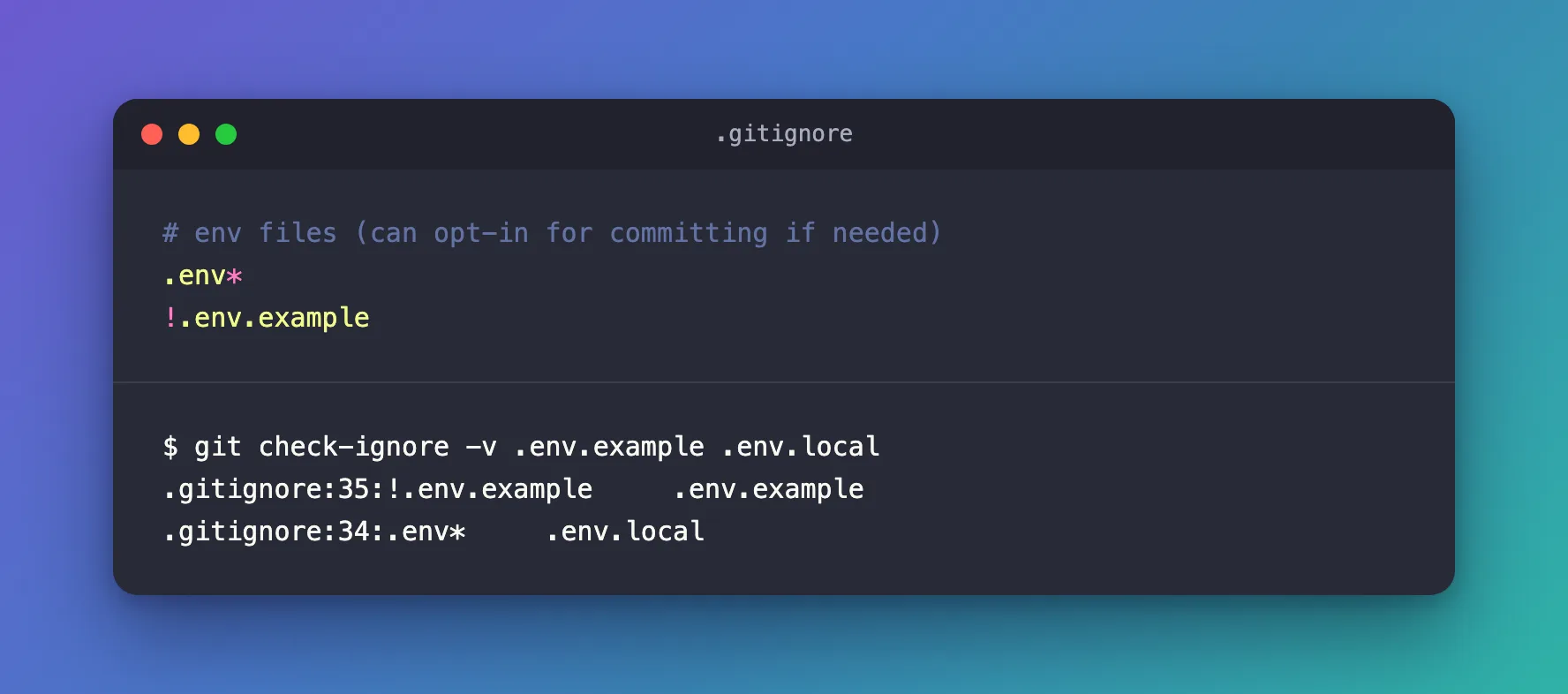
.env.example now matches the ! rule on line 35, so it isn't ignored, and git status lists it as a new file (??). .env.local is still ignored by line 34.
Step 5: Commit
git add .gitignore .env.example
git commit -m "Commit .env.example"
git ls-files | grep env
.env.example
Of the env files, only the example is in the repository. A new developer copies it to .env.local and fills in their own values.
Common Mistakes
| Mistake | What happens | Do this instead |
|---|---|---|
Putting !.env.example above .env* | The later .env* line ignores the file again | Put the ! line after .env* |
Deleting the .env* line to commit the example | .env.local and its secrets can end up in Git | Keep .env* and add the exception |
Real values or secrets in .env.example | They become part of the repository's history | Use example values only |
Troubleshooting
| Symptom | Likely cause | Fix |
|---|---|---|
git status still doesn't show .env.example | The ! line is above .env*, or has a typo | Run git check-ignore -v .env.example to see which line matches |
.env.local shows up in git status | The .env* line was removed or changed | Restore .env* in .gitignore |
| A secret was committed by mistake | The file was added before the rule existed | Change the secret right away; removing it later doesn't erase it from history |
FAQ
Does Next.js read .env.example?
No. It loads .env, .env.local and the mode files such as .env.development and .env.production, and lists the ones it loaded when it starts — - Environments: .env.local.
Should the example hold real defaults?
Only values that are safe to share and work on a new machine, such as a local address. Never secrets.
Conclusion
create-next-app's .gitignore ignores every .env file, which keeps your secrets out of Git — and your .env.example with them. Add !.env.example below .env*, check it with git check-ignore -v, and commit the example; .env.local stays on your machine.
Additional Resources
- Next.js: Environment variables — which
.envfiles Next.js loads, and in which order. - Git: gitignore — patterns, including
!exceptions. - Git: check-ignore — finding the rule that ignores a file.
