How to Check Which .NET SDKs and Runtimes Are Installed for C# Development

Before you create or build a C# project, it helps to know which .NET versions your computer has. One dotnet command answers each question: which SDK your project will use, which SDKs and runtimes are installed, and whether any of them needs an update. This guide runs each one on a Mac with .NET 10 and explains every line of output.
SDK or Runtime?
.NET comes in two kinds of downloads, and the commands below list them separately:
| What it's for | Who needs it | |
|---|---|---|
| SDK (Software Development Kit) | Creating, building and testing projects: the dotnet new, dotnet build and dotnet run commands, the C# compiler | Developers |
| Runtime | Running a .NET app that's already built | Every computer that runs the app |
Microsoft's install check page adds the detail that matters most: "Installing an SDK installs the corresponding runtime." A developer machine with the SDK can always run the apps it builds.
Prerequisites
- A terminal: Terminal on macOS, Windows Terminal or PowerShell on Windows, any shell on Linux. Every command works the same in all of them.
- .NET installed, or a suspicion that it is. If the very first command fails with "command not found", see Troubleshooting below.
Step 1: Which SDK Will My Commands Use?
dotnet --version
10.0.403
This is the SDK that dotnet commands use in the current folder. Microsoft's dotnet command reference is precise about it: it "Prints out the version of the .NET SDK used by dotnet commands, which may be affected by a global.json file." With no global.json, it's the newest SDK installed. Inside a project that pins an SDK with global.json, it can be a different one, so run it from your project's folder when that's what you want to know.
How to read the number 10.0.403:
| Part | Here | Meaning |
|---|---|---|
| Major | 10 | .NET 10 |
| Minor | 0 | .NET 10.0 |
| Feature band | 4 (the hundreds) | The SDK's feature release: 10.0.1xx, 10.0.2xx, 10.0.3xx, 10.0.4xx and so on |
| Patch | 03 | The third patch of the 10.0.4xx band |
The global.json overview uses the same names: in x.y.znn, "x is the major version", "y is the minor version", "z is the feature band" and "nn is the patch version".
Step 2: List Every Installed SDK
dotnet --list-sdks
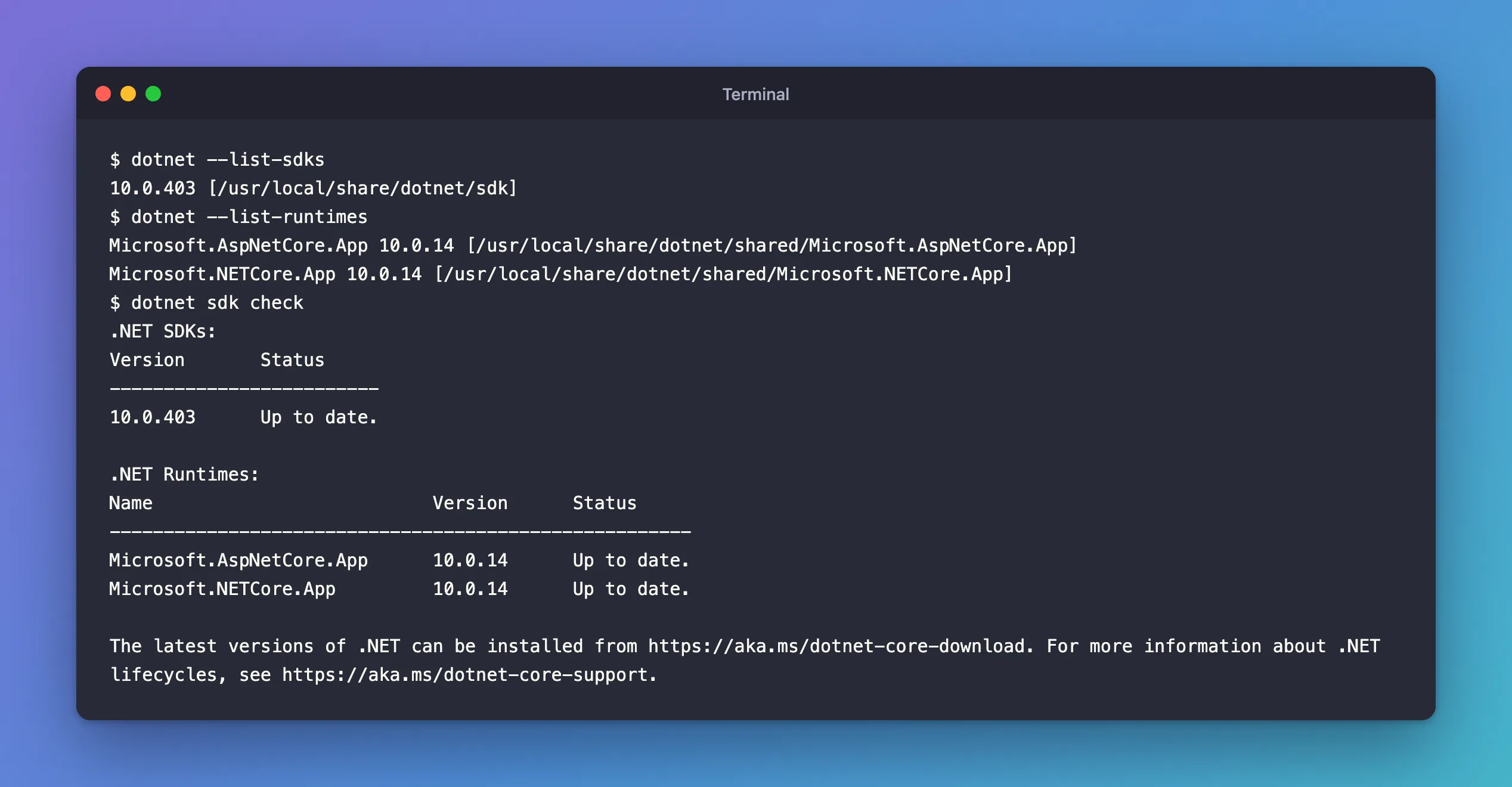
10.0.403 [/usr/local/share/dotnet/sdk]
One line per SDK: its version and, in brackets, the folder it's installed in. This Mac has exactly one, the newest .NET 10 SDK. A computer that has had several Visual Studio or .NET updates often shows a long list here.
Step 3: List Every Installed Runtime
dotnet --list-runtimes
Microsoft.AspNetCore.App 10.0.14 [/usr/local/share/dotnet/shared/Microsoft.AspNetCore.App]
Microsoft.NETCore.App 10.0.14 [/usr/local/share/dotnet/shared/Microsoft.NETCore.App]
There are two runtimes, both version 10.0.14, because an app can need more than the basics:
Microsoft.NETCore.Appis the .NET runtime itself: what every .NET app needs, from a console program up.Microsoft.AspNetCore.Appadds ASP.NET Core, which web apps and web APIs need. On Windows you may also seeMicrosoft.WindowsDesktop.App, for Windows Forms and WPF apps.
The runtime's version (10.0.14) is different from the SDK's (10.0.403). That's expected: they're numbered separately, and SDK 10.0.403 ships with runtime 10.0.14.
Step 4: See Everything at Once
dotnet --info combines both lists with details about your computer:
dotnet --info
.NET SDK:
 Version:           10.0.403
 Commit:            5a2162bea6
 Workload version:  10.0.400-manifests.a00bebb6
 MSBuild version:   18.9.15+5a2162bea

Runtime Environment:
 OS Name:     Mac OS X
 OS Version:  26.7
 OS Platform: Darwin
 RID:         osx-arm64
 Base Path:   /usr/local/share/dotnet/sdk/10.0.403/

.NET workloads installed:
There are no installed workloads to display.
Configured to use workload sets when installing new manifests.
No workload sets are installed. Run "dotnet workload restore" to install a workload set.

Host:
  Version:      10.0.14
  Architecture: arm64
  Commit:       0427b9abbe

.NET SDKs installed:
  10.0.403 [/usr/local/share/dotnet/sdk]

.NET runtimes installed:
  Microsoft.AspNetCore.App 10.0.14 [/usr/local/share/dotnet/shared/Microsoft.AspNetCore.App]
  Microsoft.NETCore.App 10.0.14 [/usr/local/share/dotnet/shared/Microsoft.NETCore.App]

Other architectures found:
  None

Environment variables:
  Not set

global.json file:
  Not found

Learn more:
  https://aka.ms/dotnet/info

Download .NET:
  https://aka.ms/dotnet/download
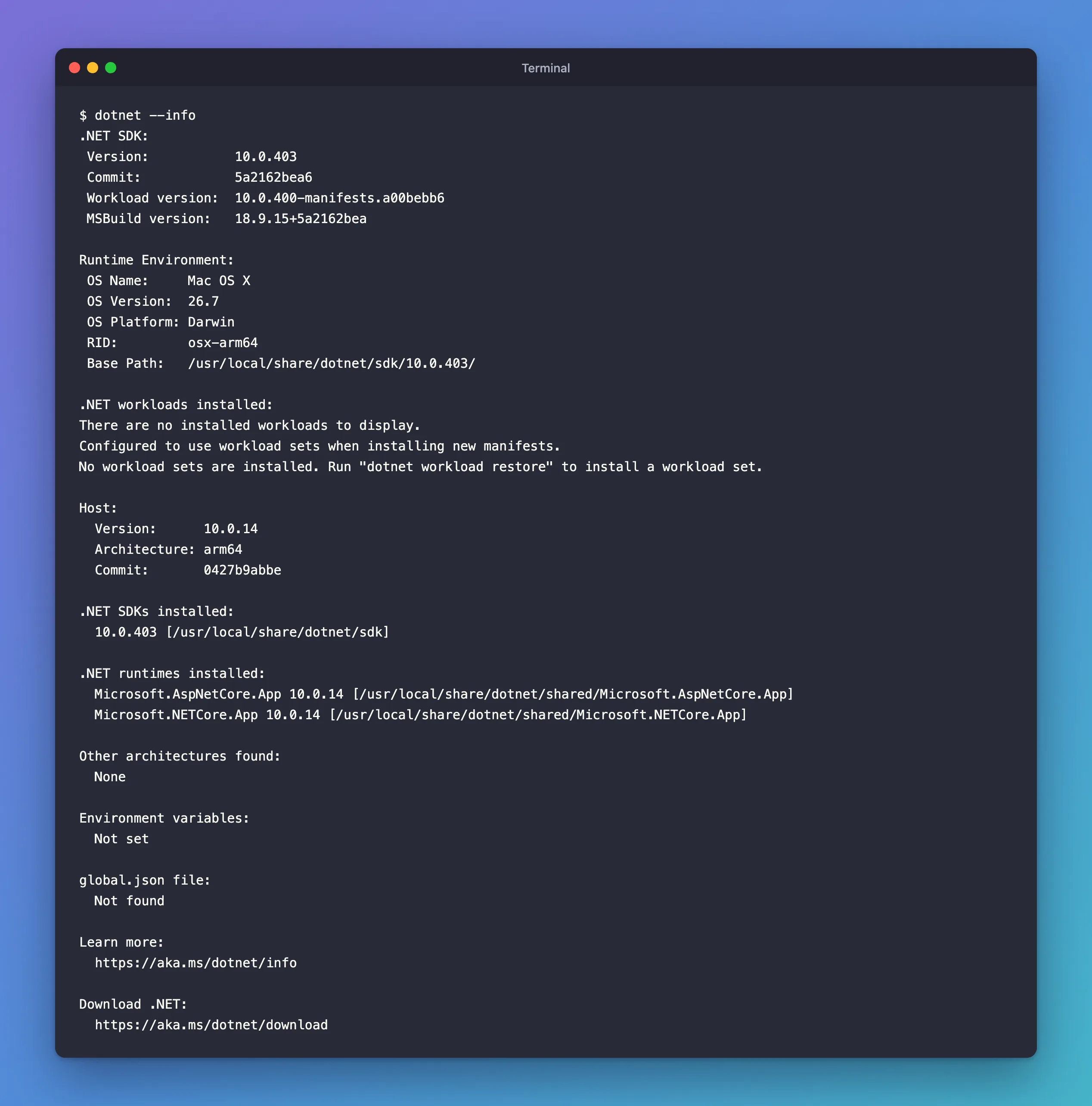
The sections worth knowing:
- .NET SDK: the SDK in use, as in Step 1, and the MSBuild version inside it.
- Runtime Environment: the operating system and the RID (runtime identifier), here
osx-arm64: macOS on an Apple processor. You'll meet RIDs again when you publish an app for a specific platform. - .NET workloads installed: optional add-ons, such as the ones for mobile apps. A web API needs none.
- Host: the
dotnetprogram itself, version10.0.14, forarm64. - global.json file: whether a
global.jsonpins the SDK for this folder. "Not found" means the newest SDK is used.
When you ask for help on a forum or open an issue, paste this output: it answers most of the questions people would ask you first.
Step 5: Check for Updates
dotnet sdk check compares what you have with what Microsoft has released:
dotnet sdk check
.NET SDKs:
Version       Status
-------------------------
10.0.403      Up to date.

.NET Runtimes:
Name                          Version      Status
------------------------------------------------------
Microsoft.AspNetCore.App      10.0.14      Up to date.
Microsoft.NETCore.App         10.0.14      Up to date.


The latest versions of .NET can be installed from https://aka.ms/dotnet-core-download. For more information about .NET lifecycles, see https://aka.ms/dotnet-core-support.
Microsoft's command page says that within each feature band it tells you "The latest available version of the .NET SDK and .NET Runtime" and "Whether your installed versions are up-to-date or out of support." Everything here is current. When a patch comes out, the Status column says so, and the link at the bottom leads to the download. The command needs an internet connection, because it reads Microsoft's list of releases.
Common Mistakes
| Mistake | What happens | Do this instead |
|---|---|---|
Reading dotnet --version in your home folder | You see the newest SDK, not the one your project's global.json picks | Run it in the project's folder |
| Comparing the SDK and runtime numbers | 10.0.403 and 10.0.14 look out of step | They're numbered separately; compare like with like |
| Assuming a runtime-only machine can build | dotnet build fails: the runtime has no compiler | Install the SDK on machines that build |
Troubleshooting
| Symptom | Likely cause | Fix |
|---|---|---|
command not found: dotnet | .NET isn't installed, or its folder isn't on your PATH | Check whether /usr/local/share/dotnet/dotnet (macOS) or C:\Program Files\dotnet\dotnet.exe (Windows) exists, then install from Microsoft's download page |
A compatible .NET SDK was not found. | A global.json asks for an SDK you don't have | See the related fixes post below |
FAQ
Do I need to keep old SDKs?
Usually not. Microsoft's page on removing .NET versions says: "In general, you only need the latest SDK and latest patch version of the runtimes required for your application." Newer SDKs can still build projects that target older .NET versions.
Why does dotnet --version fail while --list-sdks works?
--version has to pick an SDK for the current folder, so it fails when a global.json asks for a version that isn't installed. --list-sdks only lists what's there.
Which version does my project run on?
The target framework in the project file, such as <TargetFramework>net10.0</TargetFramework>, picks the runtime. The SDK only builds it. A .NET 10 SDK can build a net8.0 project, which then needs a .NET 8 runtime to run.
Conclusion
dotnet --version shows the SDK a folder uses, dotnet --list-sdks and dotnet --list-runtimes list everything installed, dotnet --info adds the details people ask for in bug reports, and dotnet sdk check tells you whether anything needs an update. On this Mac the answer is one SDK, 10.0.403, with the 10.0.14 runtimes, all up to date.
Additional Resources
- How to check that .NET is already installed — the same checks on Windows, macOS and Linux.
- dotnet command — every option of
dotnetitself. - dotnet sdk check — the update check.
