How to Check Whether Any Item Matches with LINQ Any in C#

Any answers yes or no: does this list have any items, or any item that passes a test? It stops at the first item that settles the answer, which also makes it the cheapest way to ask.
Microsoft's reference describes its two forms: Determines whether a sequence contains any elements, and Determines whether any element of a sequence satisfies a condition. Any is a LINQ method. A new console app can use it straight away, because the project's implicit using directives include System.Linq.
Syntax
bool <hasItems> = <items>.Any();
bool <hasMatch> = <items>.Any(<item> => <condition>);
| Part | What it is |
|---|---|
<items> | An array, a list or any other sequence |
Any() | true when there's at least one item |
<item> => <condition> | A test for each item, written as a lambda. Any returns true as soon as one item passes |
The reference on stopping early: The enumeration of source is stopped as soon as the result can be determined.
The Example
A console app called LinqAny asks four questions: whether a list of scores and an empty list of names have any items, and whether any score is below 50 or above 95.
Prerequisites
- The .NET 10 SDK.
dotnet --versionprints a version that starts with10.0.
Step 1: Create a Console App
dotnet new console -n LinqAny
cd LinqAny
The template "Console App" was created successfully.

Processing post-creation actions...
Restoring /Users/you/source/LinqAny/LinqAny.csproj:
  Determining projects to restore...
  Restored /Users/you/source/LinqAny/LinqAny.csproj (in 48 ms).
Restore succeeded.
dotnet new console -n LinqAny creates a folder named LinqAny with a project file and a Program.cs, and cd moves into it. Everything this example uses is part of .NET, so there's no package to add. Open the folder in VS Code, or LinqAny.csproj in Visual Studio.
Step 2: Write the Code
Replace everything in Program.cs. First the two lists:
int[] scores = [72, 85, 49, 91];
string[] names = [];
Then the four questions:
Console.WriteLine($"Any scores at all:  {scores.Any()}");
Console.WriteLine($"Any names at all:   {names.Any()}");
Console.WriteLine($"Any score below 50: {scores.Any(score => score < 50)}");
Console.WriteLine($"Any score above 95: {scores.Any(score => score > 95)}");
scores.Any()checks for any items at all.scores.Any(score => score < 50)checks each score until one is below 50.
Step 3: Run It
Run it in VS Code's terminal, or press Ctrl+F5 in Visual Studio:
dotnet run
Any scores at all:  True
Any names at all:   False
Any score below 50: True
Any score above 95: False
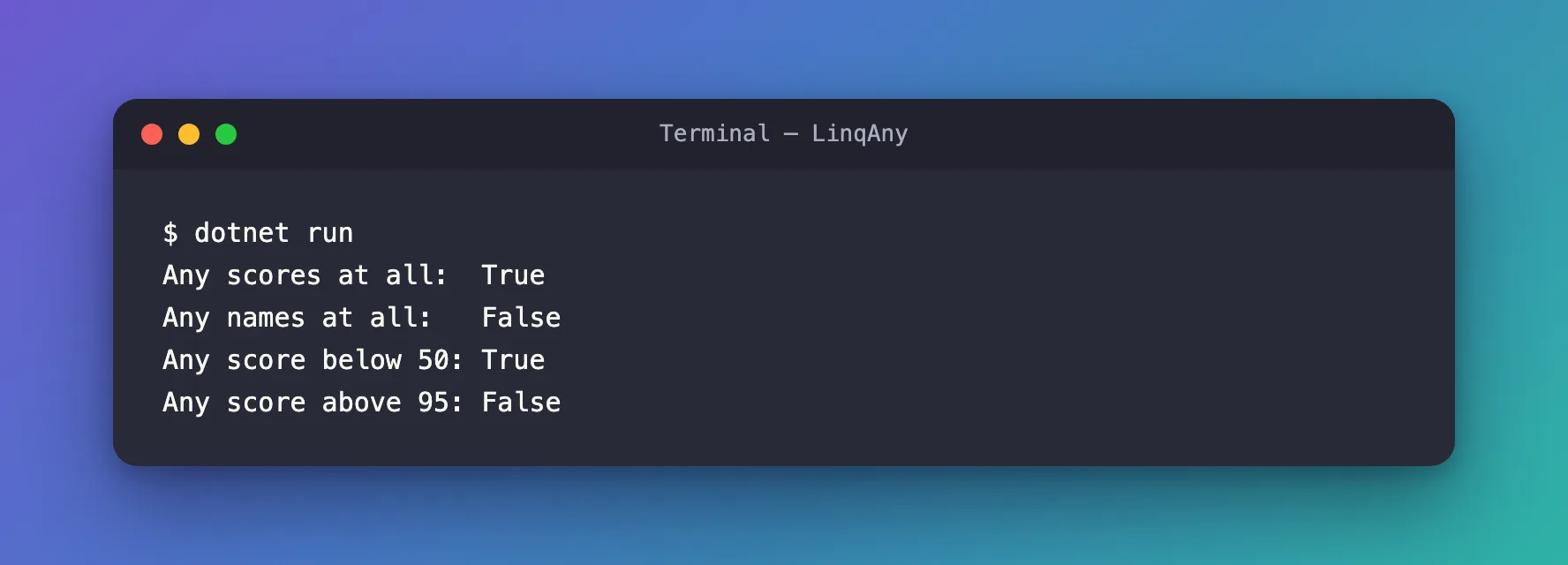
The scores list has items and the empty names list doesn't. One score, 49, is below 50, so the third answer is True. None is above 95.
The Complete File
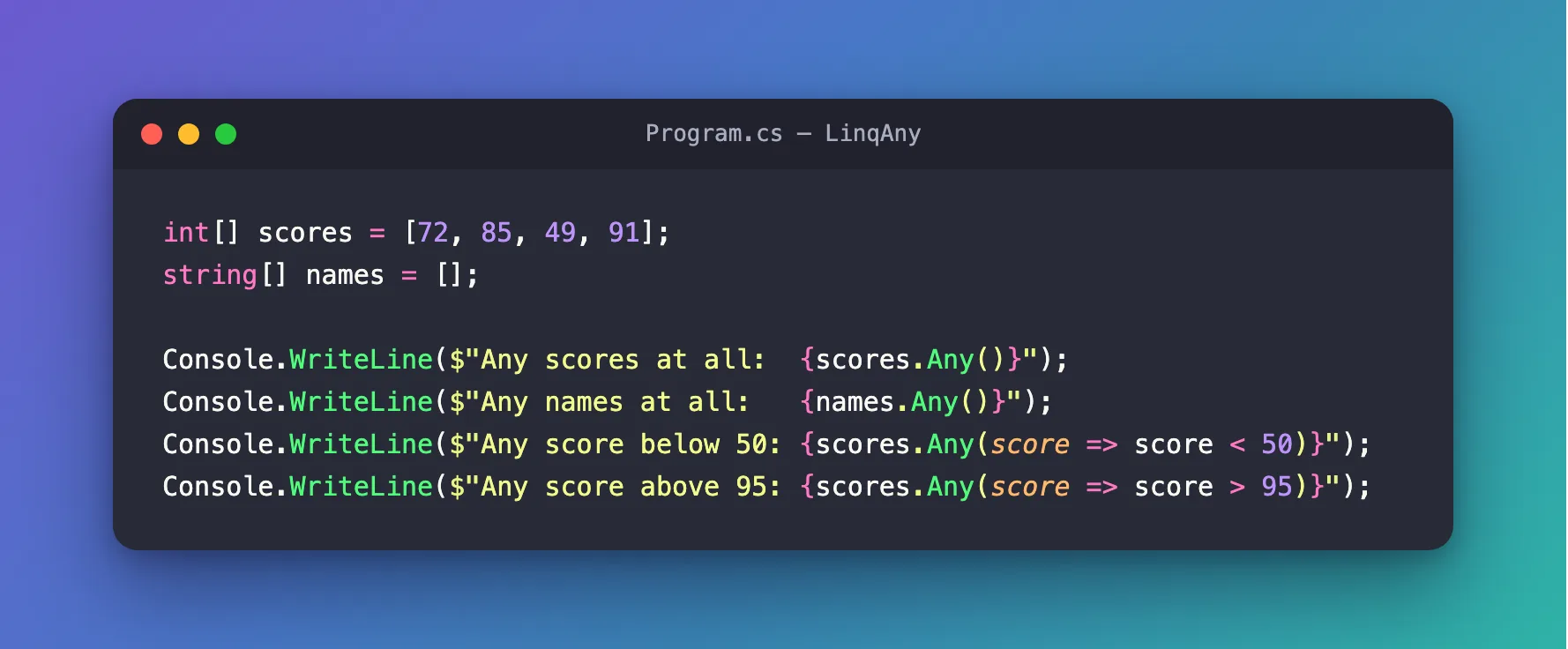
int[] scores = [72, 85, 49, 91];
string[] names = [];

Console.WriteLine($"Any scores at all:  {scores.Any()}");
Console.WriteLine($"Any names at all:   {names.Any()}");
Console.WriteLine($"Any score below 50: {scores.Any(score => score < 50)}");
Console.WriteLine($"Any score above 95: {scores.Any(score => score > 95)}");
Common Mistakes
| Mistake | What happens | Do this instead |
|---|---|---|
Writing Count(...) > 0 to see whether anything matches | Count reads every item: it checked all 4 scores, while Any stopped after the first one, 72 | Use Any |
Calling Any on a list that is null | ArgumentNullException: Value cannot be null. (Parameter 'source') | Make sure the list exists, or check it for null first |
FAQ
How do I check that every item passes?
Use All: scores.All(score => score >= 49) returned True, because no score is below 49.
Why doesn't the example need a using line for LINQ?
A console project has implicit using directives, and System.Linq is one of them. In a project without them, add using System.Linq; at the top.
Conclusion
items.Any() tells you whether a sequence has items, and items.Any(item => condition) whether any item passes a test, stopping at the first one that does. For "does every item pass?", use All.
Additional Resources
- Enumerable.Any — both forms.
- Enumerable.All — the every-item check.
