How to Check Whether a File or Folder Exists in Python with pathlib

Before a script reads a file or writes into a folder, it often has to know whether that file or folder is there. Path.is_file() and Path.is_dir() answer that, and they also tell a file from a folder. This guide checks a file, a folder and a name that doesn't exist, with real output from Python 3.15.2.
Syntax
<path>.is_file()
<path>.is_dir()
| Part | What it means |
|---|---|
<path> | A Path object, such as Path("plan.txt") |
.is_file() | True when the path is an existing file |
.is_dir() | True when the path is an existing folder |
Python's pathlib reference: "Return True if the path points to a regular file. False will be returned if the path is invalid, inaccessible or missing, or if it points to something other than a regular file."
Prerequisites
- uv and Python. This guide uses uv 0.13.10 with Python 3.15.2, in a project made with
uv init.
Step 1: Write the Script
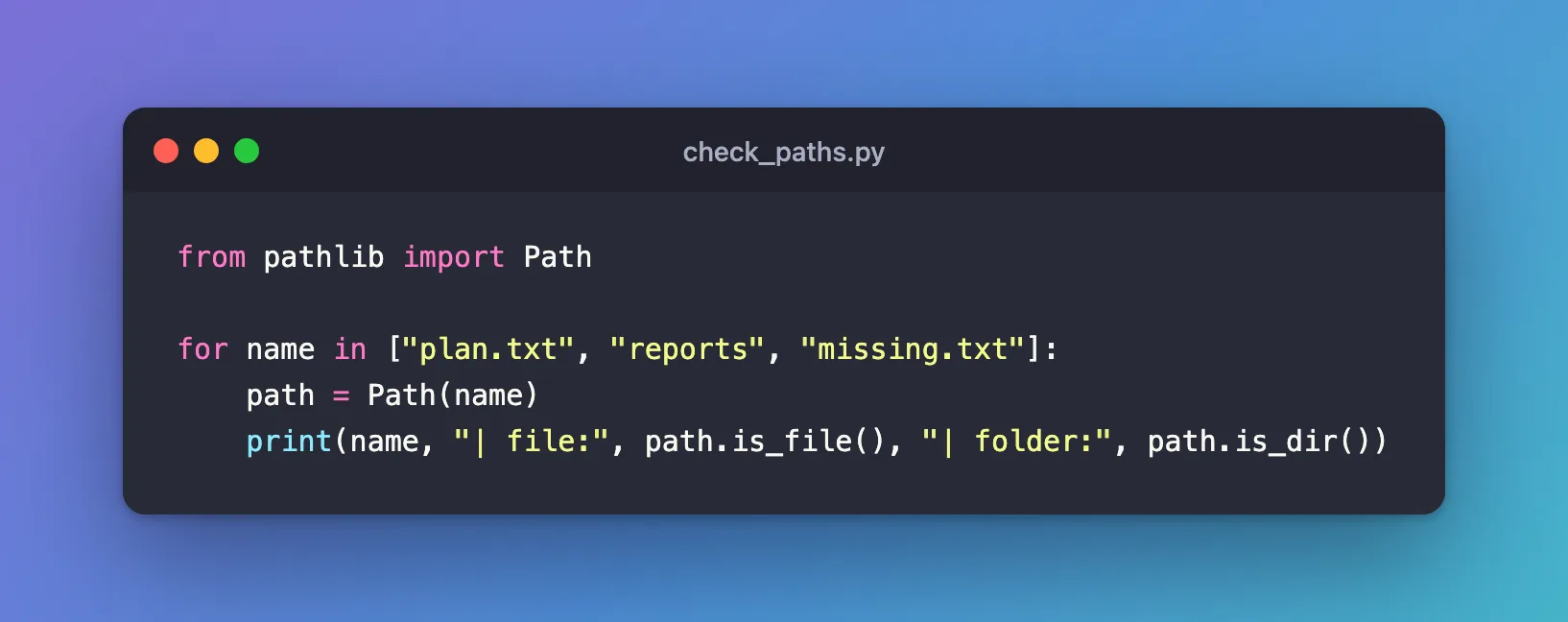
The project folder holds a file, plan.txt, and a folder, reports. There's no missing.txt.
from pathlib import Path

for name in ["plan.txt", "reports", "missing.txt"]:
    path = Path(name)
    print(name, "| file:", path.is_file(), "| folder:", path.is_dir())
Step 2: Run It
uv run python check_paths.py
plan.txt | file: True | folder: False
reports | file: False | folder: True
missing.txt | file: False | folder: False
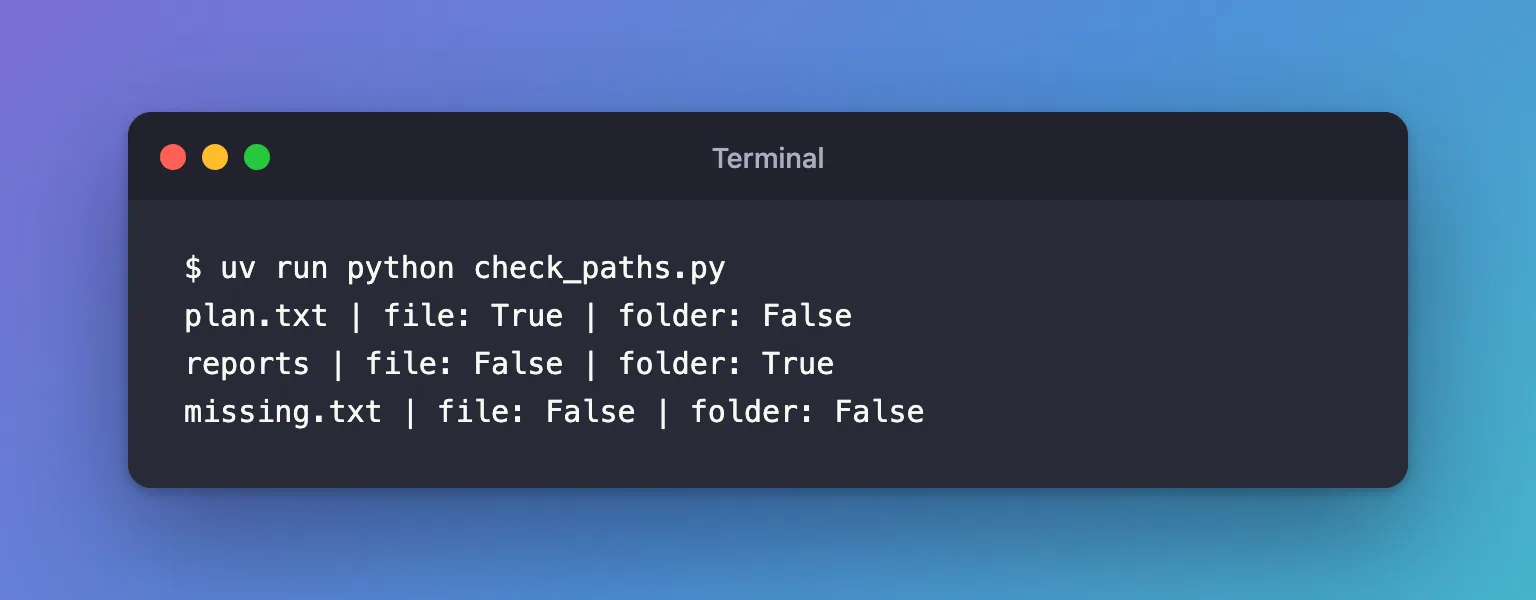
plan.txt is a file, reports is a folder, and missing.txt is neither, so both checks are False.
Common Mistakes
| Mistake | What happens | Do this instead |
|---|---|---|
Checking is_file() on a folder you're about to write into | It's False for folders, as reports shows | Use is_dir() for folders |
Treating False as "missing" | False also means "not that kind": reports isn't a file but exists | Check the kind you need |
Troubleshooting
| Symptom | Likely cause | Fix |
|---|---|---|
is_file() is False for a file you can see | A relative path, looked up in the folder you ran the script from | Run it from the file's folder, or build the path from the script's folder |
FAQ
What about exists()?
Path.exists() is True for files and folders alike: for plan.txt, reports and missing.txt it gave True, True and False. Use it when either is fine.
Do the checks raise an error for a missing path?
No: as missing.txt shows, they return False.
Conclusion
is_file() was True only for plan.txt, and is_dir() only for reports; for missing.txt, both were False.
Additional Resources
- pathlib —
is_file,is_dir,existsand the other checks.
