How to Check When a MySQL Server Certificate Expires

When a MySQL server's certificate runs out, the clients that check it stop connecting, and the ones that don't carry on. So it's worth knowing the date before that day comes. MySQL will tell you, from any session.
Step 1: Ask MySQL
Any account can run this:
SHOW GLOBAL STATUS LIKE 'Ssl_server_not%';
+-----------------------+--------------------------+
| Variable_name         | Value                    |
+-----------------------+--------------------------+
| Ssl_server_not_after  | Feb  8 06:18:35 2029 GMT |
| Ssl_server_not_before | Nov  6 06:18:35 2026 GMT |
+-----------------------+--------------------------+
2 rows in set (0.001 sec)
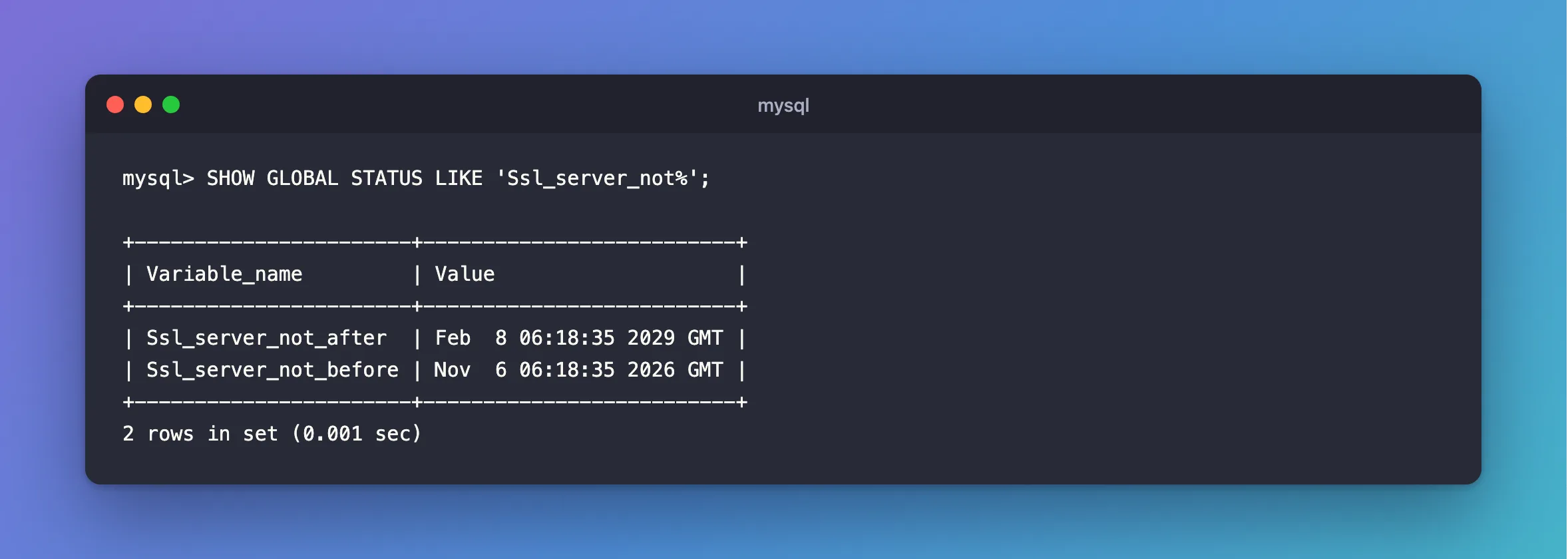
This is the certificate MySQL has loaded, which is what clients get. If someone has replaced the file without reloading it, this still shows the old one.
Step 2: Read the File
To see what a restart or a reload would give you:
docker compose exec mysql openssl x509 -in /var/lib/mysql/server-cert.pem -noout -enddate
notAfter=Feb 8 06:18:35 2029 GMT
If that date differs from Ssl_server_not_after, MySQL needs a reload.
Step 3: Check It from a Script
-checkend takes a number of seconds, and sets its exit code. 2,592,000 is 30 days:
docker compose exec mysql openssl x509 -in /var/lib/mysql/server-cert.pem -noout -checkend 2592000
Certificate will not expire
It says Certificate will expire and exits with 1 when the date falls within that time, including one that has already gone. So a monitoring job only needs to look at the exit code.
How Long They Last
| Where the certificate came from | How long it lasts |
|---|---|
| MySQL's automatic one | Ten years, as the manual says |
| One you made | Whatever you put in -days |
| A managed server | Your provider's schedule, so watch for their notices |
Common Mistakes
| Mistake | What happens | Do this instead |
|---|---|---|
| Assuming a client would tell you | SslMode=Required connects to an expired certificate with no complaint | Check the date yourself |
| Reading only the file | MySQL may still be using an older one | Compare with Ssl_server_not_after |
| Checking the CA and not the server's certificate | They end on different dates | Check both |
Troubleshooting
| Symptom | Likely cause | Fix |
|---|---|---|
| Both values are empty | The server has no working TLS right now | The fix |
certificate expired on, from a client | It has passed | The fix |
MY-015011 … certificate has expired in the log | MySQL noticed at startup | The fix |
Conclusion
SHOW GLOBAL STATUS LIKE 'Ssl_server_not%' gives the dates of the certificate in use, from any session. Put openssl x509 -checkend in a monitoring job, so you hear about it weeks ahead.
Additional Resources
- Server Status Variables —
Ssl_server_not_after. - openssl-x509 documentation —
-checkend.
