How to Check the MySQL Character Set and Collation

The character set decides which characters MySQL can store, and the collation decides how it compares and sorts them. Get them wrong and emoji fail to save, or café and cafe turn out to be "equal" when you didn't expect it. This guide checks both at the server, database and connection level, and proves what the default utf8mb4_0900_ai_ci really does.
Character Set vs Collation
- A character set is the list of characters MySQL can store, and how it turns them into bytes.
utf8mb4is full Unicode: every language, plus emoji. MySQL's manual says it "requires a maximum of four bytes per multibyte character". - A collation is the set of rules for comparing and sorting text in a character set.
utf8mb4_0900_ai_ciis MySQL's default.
The collation's name describes its rules. The manual's table of suffixes:
| Part | Meaning |
|---|---|
utf8mb4 | The character set it belongs to |
0900 | Based on version 9.0.0 of the Unicode Collation Algorithm |
_ai | Accent-insensitive: é equals e |
_ci | Case-insensitive: A equals a |
_as, _cs | The opposites: accent-sensitive, case-sensitive |
Prerequisites
- A running MySQL server. The examples use MySQL 9.7.4 in Docker, from How to Run MySQL in Docker with Docker Compose.
- The mysql client: How to Connect to MySQL in a Docker Container with the mysql Client.
Step 1: Check the Server's Defaults
SELECT @@character_set_server, @@collation_server;
+------------------------+--------------------+
| @@character_set_server | @@collation_server |
+------------------------+--------------------+
| utf8mb4                | utf8mb4_0900_ai_ci |
+------------------------+--------------------+
1 row in set (0.000 sec)
These are what a new database gets if you don't choose anything else. MySQL 9.7 already defaults to full Unicode.
Step 2: Check a Database
Each database has its own default, which new tables in it inherit. The quickest look:
SHOW CREATE DATABASE inventory;
+-----------+-------------------------------------------------------------------------------------------------------------------------------------+
| Database  | Create Database                                                                                                                     |
+-----------+-------------------------------------------------------------------------------------------------------------------------------------+
| inventory | CREATE DATABASE `inventory` /*!40100 DEFAULT CHARACTER SET utf8mb4 COLLATE utf8mb4_0900_ai_ci */ /*!80016 DEFAULT ENCRYPTION='N' */ |
+-----------+-------------------------------------------------------------------------------------------------------------------------------------+
1 row in set (0.000 sec)
Or as a neat table, from information_schema, MySQL's built-in catalog:
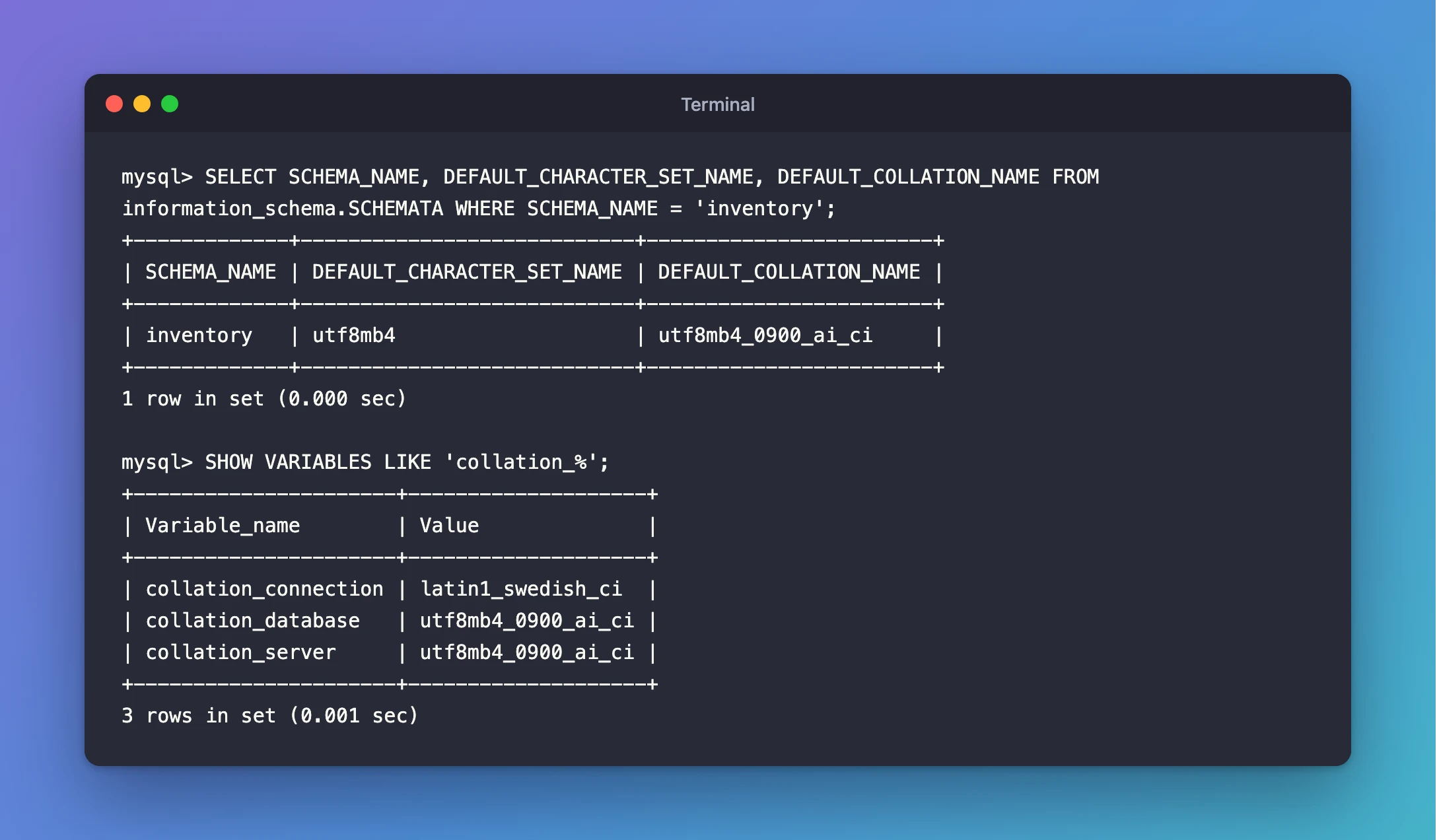
SELECT SCHEMA_NAME, DEFAULT_CHARACTER_SET_NAME, DEFAULT_COLLATION_NAME FROM information_schema.SCHEMATA WHERE SCHEMA_NAME = 'inventory';
+-------------+----------------------------+------------------------+
| SCHEMA_NAME | DEFAULT_CHARACTER_SET_NAME | DEFAULT_COLLATION_NAME |
+-------------+----------------------------+------------------------+
| inventory   | utf8mb4                    | utf8mb4_0900_ai_ci     |
+-------------+----------------------------+------------------------+
1 row in set (0.000 sec)
Step 3: Check Your Connection
Your connection has its own character set: the encoding your client and MySQL use to talk to each other. Check what your session uses:
SHOW VARIABLES LIKE 'character_set_%';
+--------------------------+--------------------------------+
| Variable_name            | Value                          |
+--------------------------+--------------------------------+
| character_set_client     | latin1                         |
| character_set_connection | latin1                         |
| character_set_database   | utf8mb4                        |
| character_set_filesystem | binary                         |
| character_set_results    | latin1                         |
| character_set_server     | utf8mb4                        |
| character_set_system     | utf8mb3                        |
| character_sets_dir       | /usr/share/mysql-9.7/charsets/ |
+--------------------------+--------------------------------+
8 rows in set (0.001 sec)
SHOW VARIABLES LIKE 'collation_%';
+----------------------+--------------------+
| Variable_name        | Value              |
+----------------------+--------------------+
| collation_connection | latin1_swedish_ci  |
| collation_database   | utf8mb4_0900_ai_ci |
| collation_server     | utf8mb4_0900_ai_ci |
+----------------------+--------------------+
3 rows in set (0.001 sec)
The server and database use Unicode, but this connection uses latin1, an old Western European set. That's the mysql client inside the Docker container. MySQL's manual says each client can "autodetect which character set to use based on the operating system setting, such as the value of the LANG or LC_ALL locale environment variable". The container sets no locale, so the client fell back to latin1. As a result, accented letters you type are silently dropped.
Open the client with a UTF-8 locale instead:
docker compose exec -e LANG=C.utf8 mysql mysql --user=inventory_app --password inventory
and the client's status command now shows Unicode everywhere:
Server characterset:	utf8mb4
Db     characterset:	utf8mb4
Client characterset:	utf8mb4
Conn.  characterset:	utf8mb4
Fixed: Accented Letters Disappear When Typed into the mysql Client in a Docker Container tells the whole story. Applications aren't affected: they connect through their own driver with their own setting.
Step 4: See Characters vs Bytes
In a utf8mb4 session, é is one character stored in two bytes:
SELECT 'café' AS word, CHAR_LENGTH('café') AS characters, LENGTH('café') AS bytes;
+-------+------------+-------+
| word  | characters | bytes |
+-------+------------+-------+
| café  |          4 |     5 |
+-------+------------+-------+
1 row in set (0.000 sec)
CHAR_LENGTH counts characters, and LENGTH counts bytes. That difference matters when you size columns later: VARCHAR(100) means 100 characters, which can take up to 400 bytes in utf8mb4.
Step 5: See What _ai_ci Means
Compare text under the default collation:
SELECT 'café' = 'cafe' AS accent_ignored, 'Café' = 'cafe' AS case_ignored;
+----------------+--------------+
| accent_ignored | case_ignored |
+----------------+--------------+
|              1 |            1 |
+----------------+--------------+
1 row in set (0.000 sec)
1 means true: café equals cafe, and Café equals cafe. That's usually what you want in a search box. Now ask for an accent- and case-sensitive collation with COLLATE:
SELECT 'café' = 'cafe' COLLATE utf8mb4_0900_as_cs AS accent_sensitive, 'Café' = 'café' COLLATE utf8mb4_0900_as_cs AS case_sensitive;
+------------------+----------------+
| accent_sensitive | case_sensitive |
+------------------+----------------+
|                0 |              0 |
+------------------+----------------+
1 row in set (0.000 sec)
Both comparisons are now false. The collation, not the data, decides whether two pieces of text count as the same. So a unique column with the default collation won't let you store both Café and cafe.
Common Mistakes
| Mistake | What happens | Do this instead |
|---|---|---|
Writing utf8 in SQL or tools | By default MySQL 9.7 reads it as utf8mb3, which can't store emoji | Always write utf8mb4 |
| Assuming the server's charset is the connection's | The client may talk latin1, as the container's client did | Check SHOW VARIABLES LIKE 'character_set_%' in your session |
Expecting 'Café' <> 'cafe' | With _ai_ci they're equal, so a unique key rejects the second one | Choose an _as_cs collation for columns where case or accents must differ |
| Sizing a column in bytes | VARCHAR(n) counts characters, not bytes | Count characters; remember each can take up to 4 bytes |
Troubleshooting
| Symptom | Likely cause | Fix |
|---|---|---|
| Accented letters vanish as you type them in the container's client | The container's locale is POSIX | Start the client with -e LANG=C.utf8 |
| Emoji fail to save | The column or table uses utf8mb3 (or utf8) | Use utf8mb4 |
A search finds cafe when you typed café | The default collation is accent-insensitive | That's by design; use an _as collation if accents must count |
FAQ
Is utf8mb4_0900_ai_ci a good default for a new app?
Yes, for most apps. It stores every character, including emoji, and compares text the way people expect in searches. Choose a stricter collation only for columns where case or accents must count, such as some codes.
What's the difference between utf8mb4 and utf8mb3?
utf8mb4 uses up to four bytes per character and supports all of Unicode. utf8mb3 uses up to three and supports only the "Basic Multilingual Plane", so no emoji. MySQL's manual says utf8 is now "a deprecated alias whose interpretation in SQL statements is controlled by the INTERPRET_UTF8_AS_UTF8MB4 SQL mode", and by default it still means utf8mb3.
Do tables and columns have their own character set too?
Yes. Each table and each text column can have its own character set and collation; when you don't set one, they inherit the database's. You'll see that once tables exist, with SHOW CREATE TABLE.
Conclusion
MySQL 9.7 defaults to utf8mb4 with the utf8mb4_0900_ai_ci collation for the server and new databases. SHOW CREATE DATABASE and information_schema.SCHEMATA confirm it for a database, and SHOW VARIABLES LIKE 'character_set_%' reveals your connection's set. In the Docker container's client, that's latin1 until you start it with LANG=C.utf8. _ai_ci means accents and letter case are ignored when comparing text.
Additional Resources
- Collation Naming Conventions (MySQL 9.7) —
_ai,_ciand the UCA version in the name. - The utf8mb4 Character Set (MySQL 9.7) — what utf8mb4 supports.
- The utf8 Character Set (Deprecated alias) (MySQL 9.7) — why to always write utf8mb4.
- Connection Character Sets and Collations (MySQL 9.7) — how clients choose their character set.
