How to Check the Docker Version and That Docker Is Running with docker version

Before you follow a Docker tutorial, two questions matter: which Docker do you have, and is it running? docker version answers both, because it asks the Docker engine for its version as well as printing the command line's own. This guide reads both, with real output from Docker 29.9.3 on Docker Desktop 4.100.1.
Syntax
docker version
docker version --format '{{.Server.Version}}'
| Part | What it means |
|---|---|
docker version | The client's version and the engine's (the server's) |
--format '{{.Server.Version}}' | Only the engine's version |
The reference: "The version command prints the current version number for all independently versioned Docker components." The same commands work in PowerShell.
Prerequisites
- Docker: Docker Desktop on Mac or Windows.
Step 1: Show Both Versions
docker version
Client:
 Version:           29.9.3
 API version:       1.56
 Go version:        go1.26.10
 Git commit:        5457199
 Built:             Tue Nov  3 21:41:57 2026
 OS/Arch:           darwin/arm64
 Context:           desktop-linux
Server: Docker Desktop 4.100.1 (247138)
 Engine:
  Version:          29.9.3
  API version:      1.56 (minimum version 1.40)
  Go version:       go1.26.10
  Git commit:       70efc0e
  Built:            Tue Nov  3 21:41:25 2026
  OS/Arch:          linux/arm64
  Experimental:     false
 containerd:
  Version:          v2.4.2
  GitCommit:        b7a25261e029d68978bbf290df0a62fc819b3c51
 runc:
  Version:          1.5.3
  GitCommit:        v1.5.3-0-g46365c62
 docker-init:
  Version:          0.19.0
  GitCommit:        de40ad0
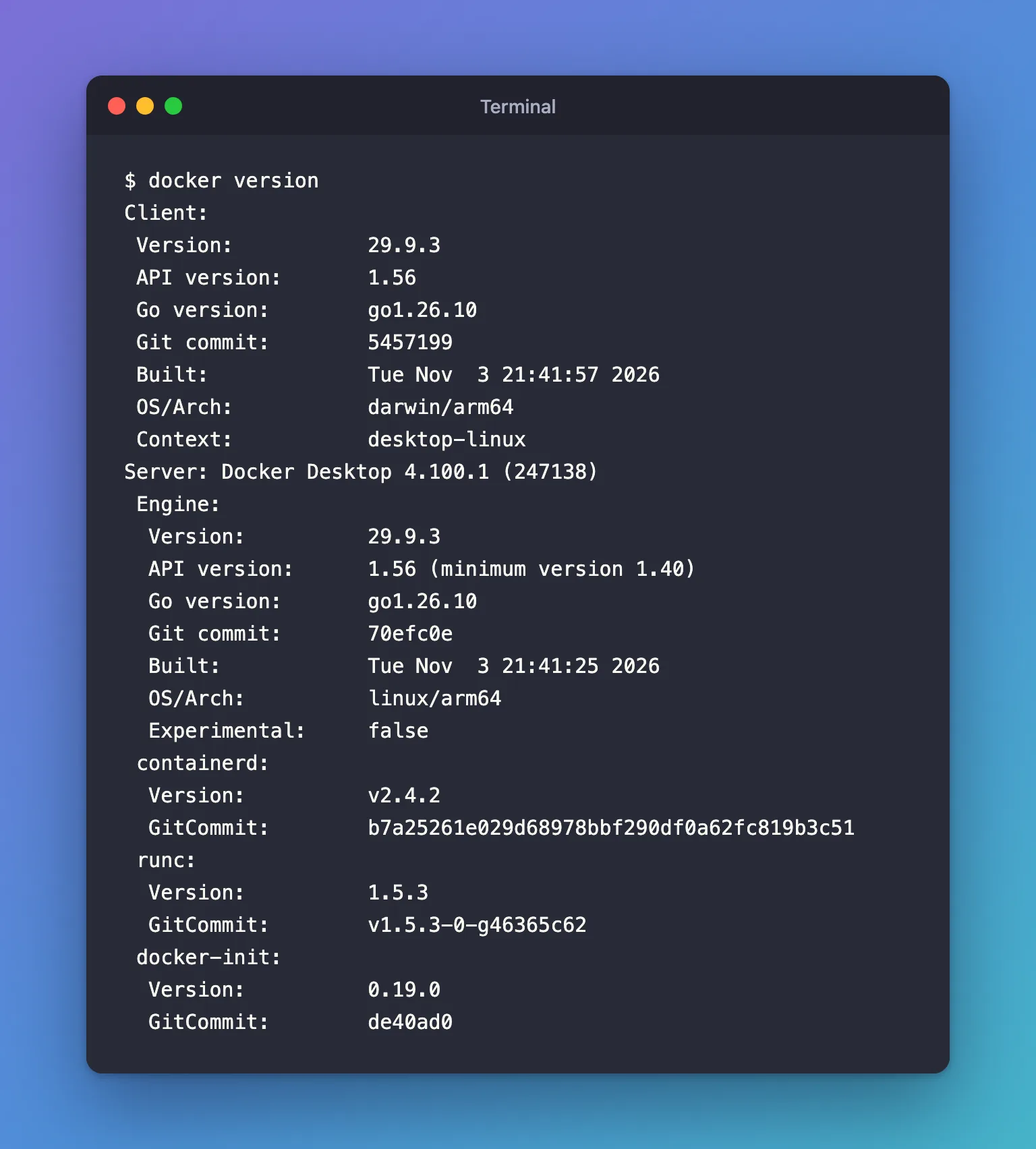
Client: thedockercommand itself, 29.9.3, running on the Mac (darwin/arm64).Server: the engine inside Docker Desktop 4.100.1, also 29.9.3, running on Linux. Its section appears only when the engine answers, so aServersection means Docker is running. Pointed at a socket where no engine listens,docker versionprinted theClientsection and thenfailed to connect to the docker API at unix:///tmp/no-engine-here.sock; check if the path is correct and if the daemon is running.
Step 2: Print Only the Engine's Version
docker version --format '{{.Server.Version}}'
29.9.3
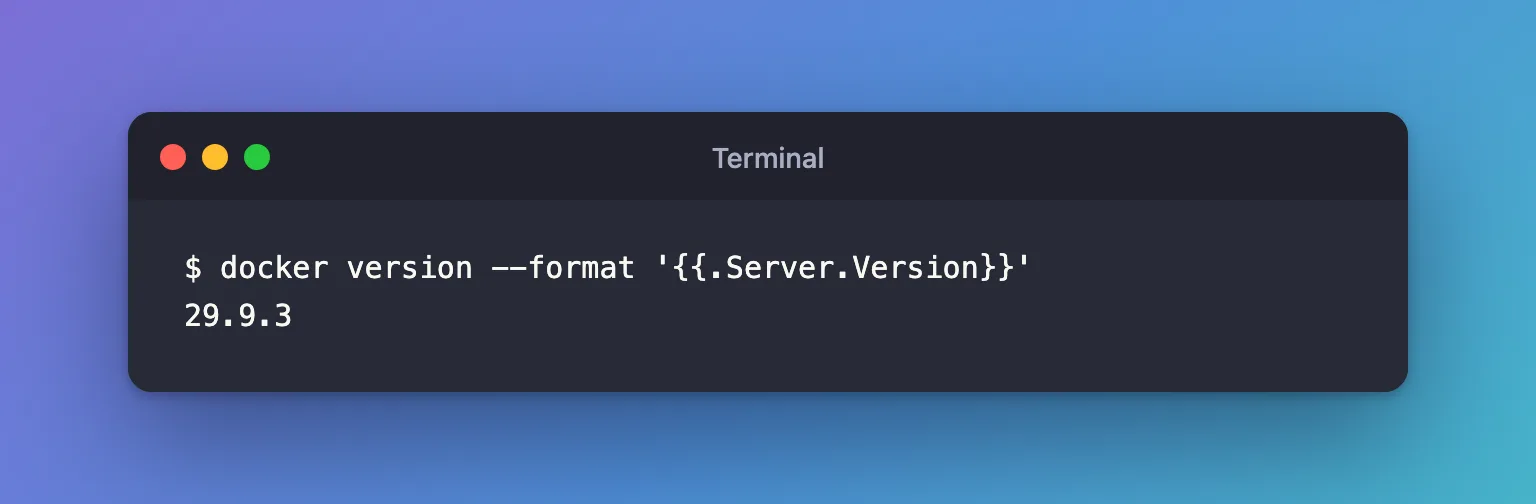
One line, handy in scripts that need the engine's version.
Common Mistakes
| Mistake | What happens | Do this instead |
|---|---|---|
Reading only the Client lines | The client can print its version while the engine is down | Look for the Server section, or ask for {{.Server.Version}} |
Using docker --version to check the engine | It prints only the client's version: Docker version 29.9.3, build 5457199 | Use docker version |
Troubleshooting
| Symptom | Likely cause | Fix |
|---|---|---|
Only the Client section, then an error about connecting to the Docker daemon or API | The engine isn't answering, usually because Docker Desktop isn't running | Start Docker Desktop: Fixed: Cannot connect to the Docker daemon |
FAQ
What about docker info?
docker info asks the engine for much more: the reference says it "displays system wide information regarding the Docker installation". docker info --format '{{.ServerVersion}} {{.OperatingSystem}}' printed 29.9.3 Docker Desktop.
Do the client and engine versions have to match?
No, but each side supports a range of API versions: here the engine accepts API versions from 1.40 up to 1.56.
Conclusion
docker version showed client and engine 29.9.3 on Docker Desktop 4.100.1; the Server section proves the engine is running. --format '{{.Server.Version}}' prints just its version.
Additional Resources
- docker version — the command and its format fields.
- docker system info — what
docker inforeports.
