How to Check if a String Is null or Empty in Java

A String your program needs can be missing in two ways: it can be null, no string at all, or empty, "". Java's usual check covers both in one condition, value == null || value.isEmpty(), and the order of the two parts is what keeps it from crashing.
Syntax
if (<value> == null || <value>.isEmpty()) {
    // <value> is null or ""
}
| Part | What it does |
|---|---|
<value> == null | true when there's no string at all. |
|| | Logical OR. It stops at the first true, so the right side only runs when <value> isn't null. |
<value>.isEmpty() | true when the string has no characters. |
The JDK 25 documentation for isEmpty: "Returns true if, and only if, length() is 0." Calling it on null isn't possible, because there's no string to ask; that's what the null check in front prevents.
The Example
The example runs three values through one check: a name, an empty string and null.
Prerequisites
- A JDK, the Java Development Kit.
java Main.javaruns a single file without compiling it first. This guide uses OpenJDK 25.0.5.1.
Step 1: Write the Check
Create a file named Main.java:
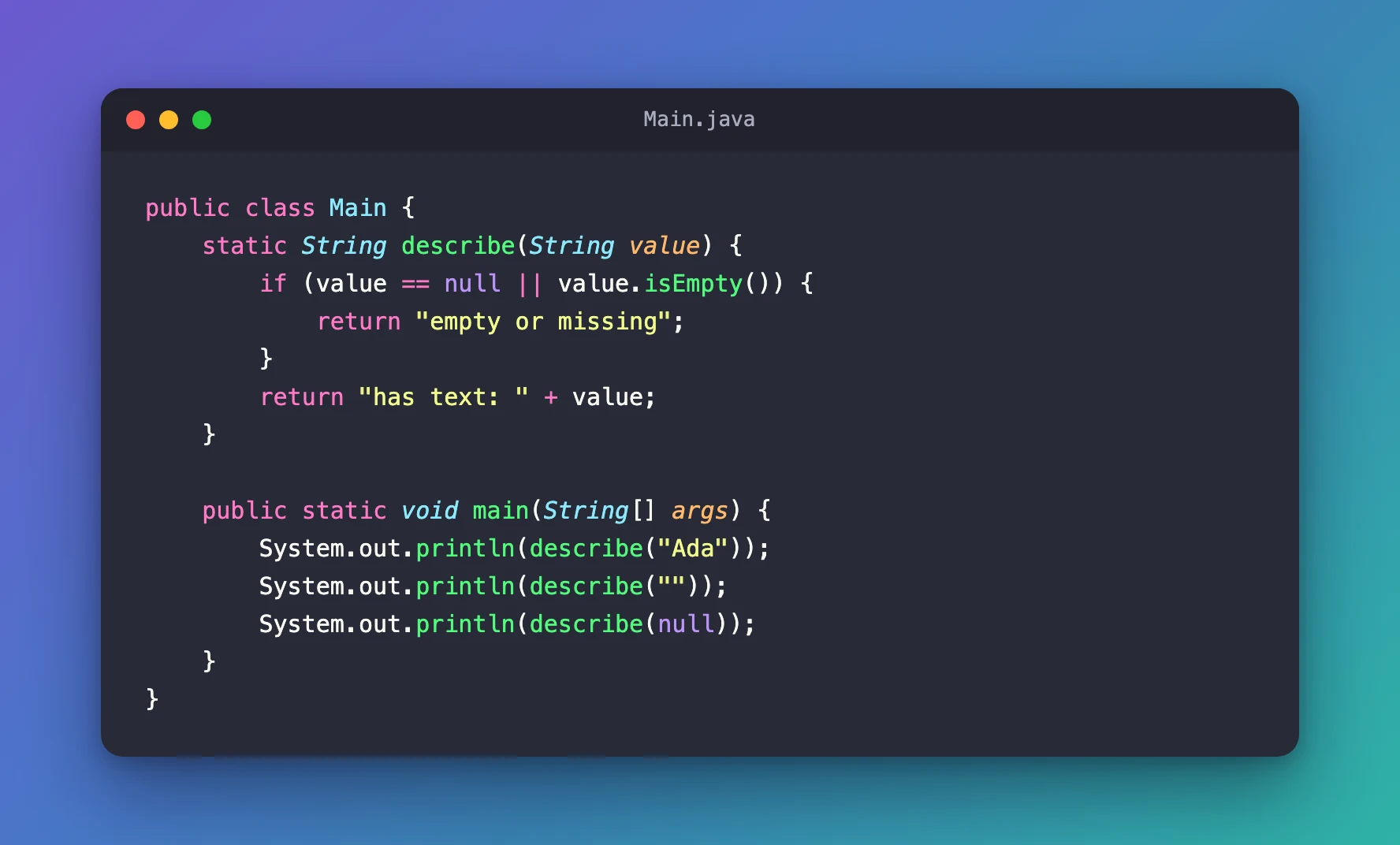
public class Main {
    static String describe(String value) {
        if (value == null || value.isEmpty()) {
            return "empty or missing";
        }
        return "has text: " + value;
    }

    public static void main(String[] args) {
        System.out.println(describe("Ada"));
        System.out.println(describe(""));
        System.out.println(describe(null));
    }
}
Step 2: Run It
java Main.java
has text: Ada
empty or missing
empty or missing
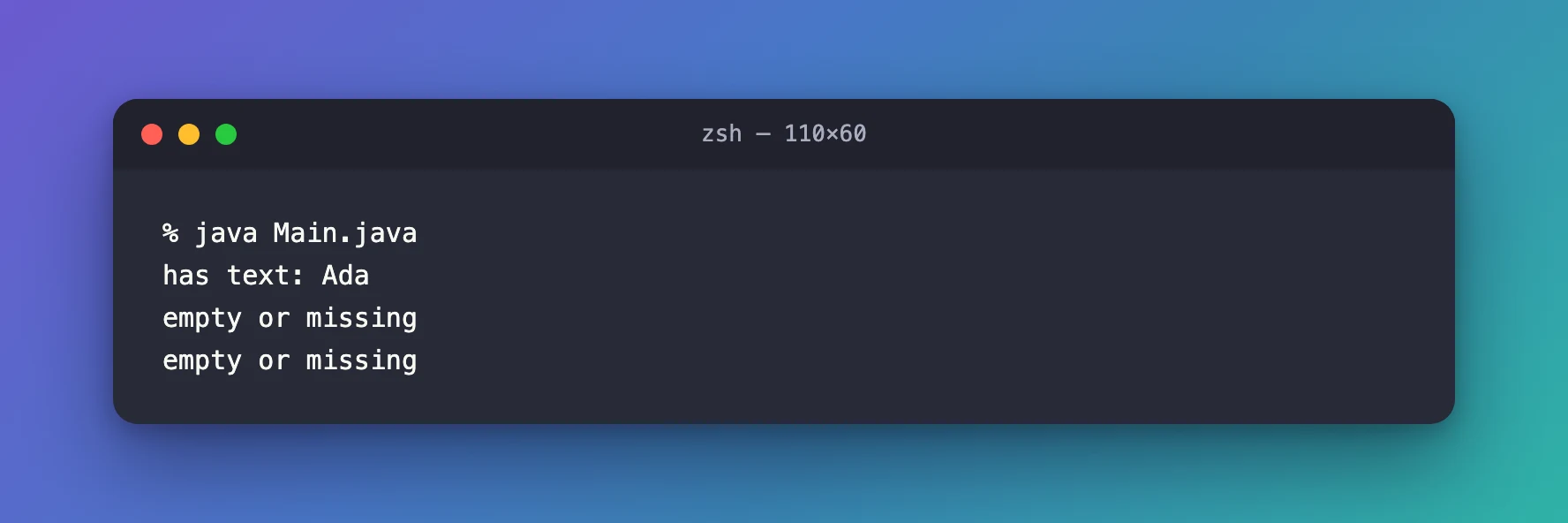
For null, value == null was already true, so || never called isEmpty(). The command is the same in zsh, bash and PowerShell.
Why the Order Matters
Swap the two checks, value.isEmpty() || value == null, and null crashes the program before the null check is reached:
Exception in thread "main" java.lang.NullPointerException: Cannot invoke "String.isEmpty()" because "<local1>" is null
The message names the variable <local1> here because java Main.java compiles without local variable names. Compiled with javac -g, the same code said because "value" is null.
Strings of Spaces
" ".isEmpty() is false: three spaces are three characters. isBlank(), available since Java 11, returns true for a string that is empty or only white space, so value == null || value.isBlank() treats spaces as missing too.
Common Mistakes
| Mistake | What happens | Do this instead |
|---|---|---|
Checking isEmpty() before null | NullPointerException: Cannot invoke "String.isEmpty()" because … is null | Test == null first |
Using | instead of || | Both sides always run, so null still crashes | Use || |
Comparing with value == "" | Compares objects, not text, so it can be false for an empty string | Use isEmpty() |
Troubleshooting
| Symptom | Likely cause | Fix |
|---|---|---|
NullPointerException on the check line | A method was called on null | Put value == null first |
| A field of spaces passes the check | isEmpty() counts spaces as characters | Use isBlank() |
FAQ
What does || do when the left side is true?
It skips the right side, because the answer is already true. That's called short-circuit evaluation.
Is there a built-in helper for both?
Not in String itself. Many projects write a small helper method like describe above.
Conclusion
value == null || value.isEmpty() checks for a missing or empty string safely, because || skips isEmpty() when value is null. Use isBlank() instead of isEmpty() when spaces should count as empty.
Additional Resources
- String.isEmpty(), in the JDK 25 API documentation.
- String.isBlank(), in the JDK 25 API documentation.
